How to add links to a folder
You can either create new links or add existing ones to a folder.
To add new links to a folder
-
Sign in to your Short.io account.
-
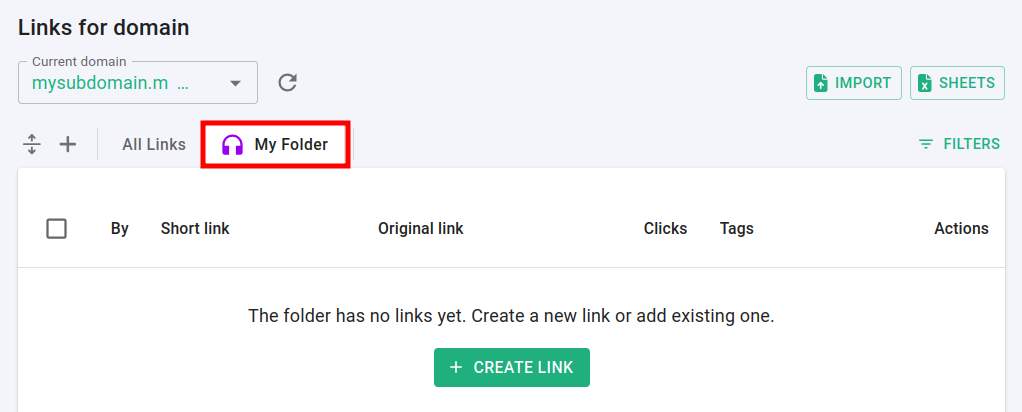
In the Dashboard navigate to the Branded links panel and click on a folder in which you want to add links:
-
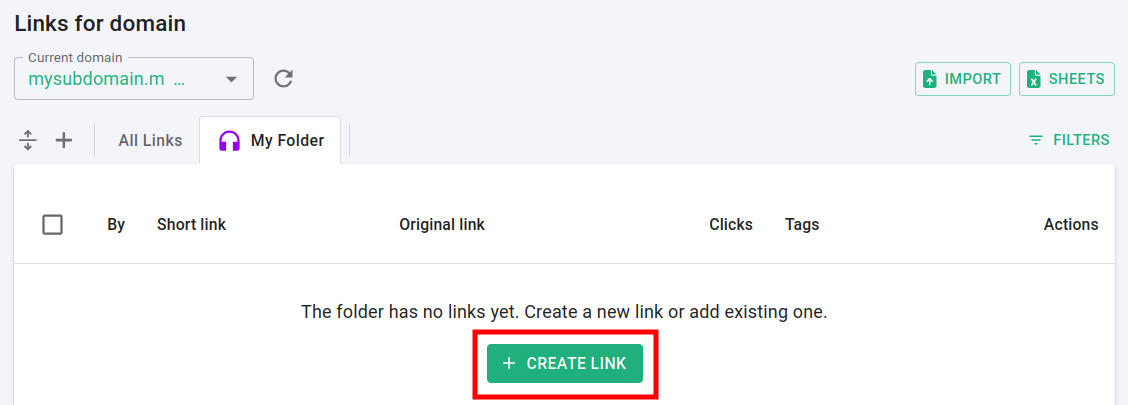
Click on Create link:
-
Proceed with the settings as usual.
Once the link is created successfully, it appears in the folder.
To add existing link to a folder
Adding a link from the edit menu
-
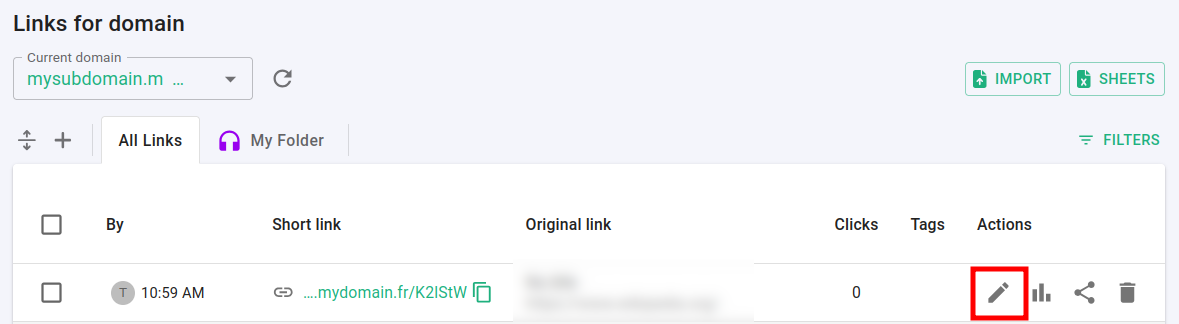
In the Branded links panel open a link for editing by clicking on
 :
:
-
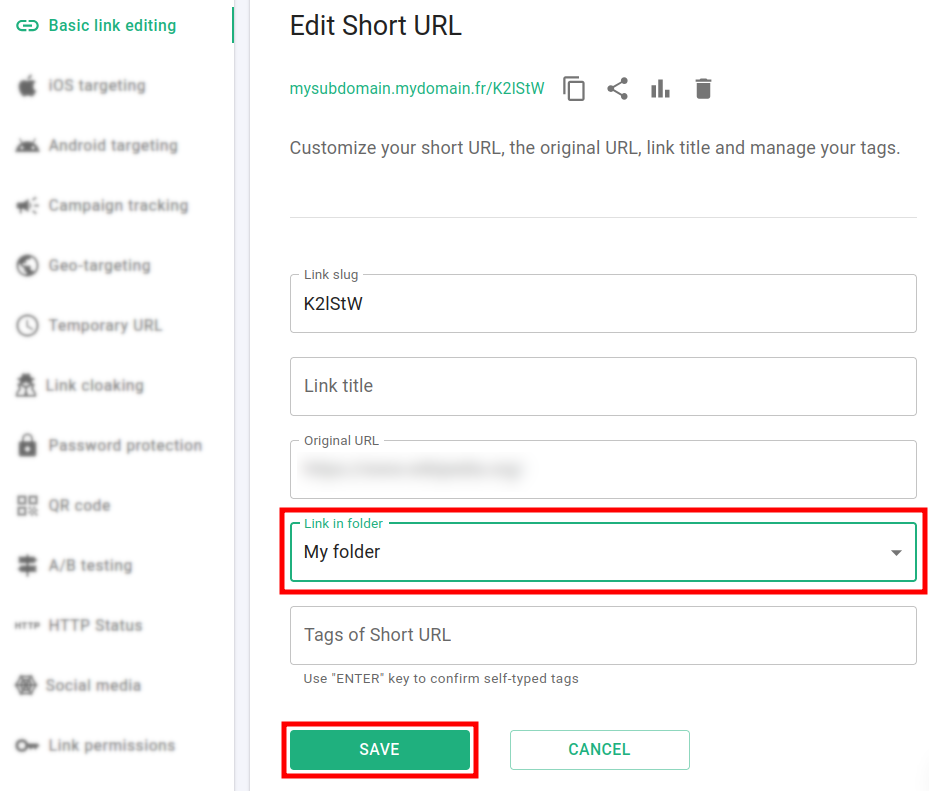
In the Basic link editing panel select the folder where you want to add the link:
-
Click on Save.
-
Go back to the Branded links panel and click on your folder:
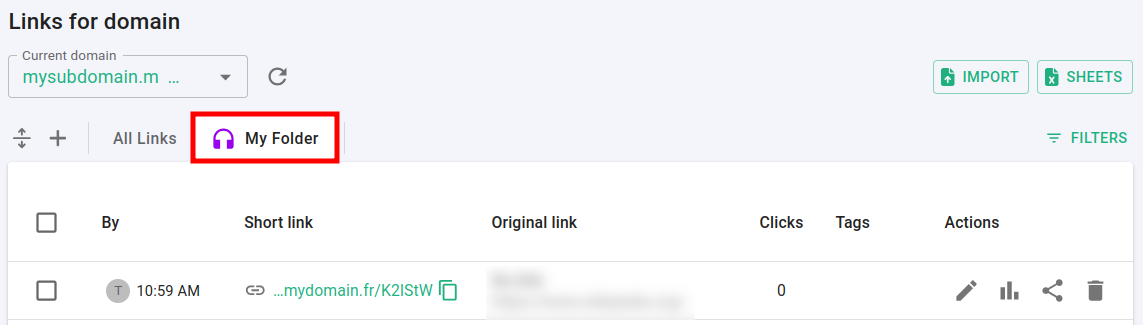
The link is added to the folder.
Adding links from the Branded links panel
-
In the Branded links panel select the links which you want to add to a folder:

-
Click on Move to folder.
-
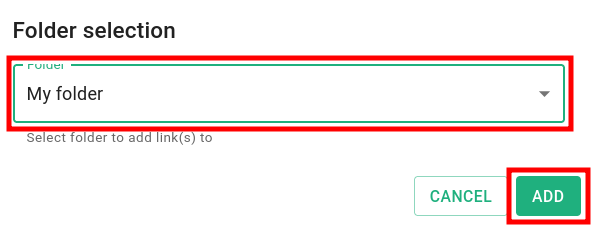
In the next screen select a folder and click on Add:
-
Click on the folder:
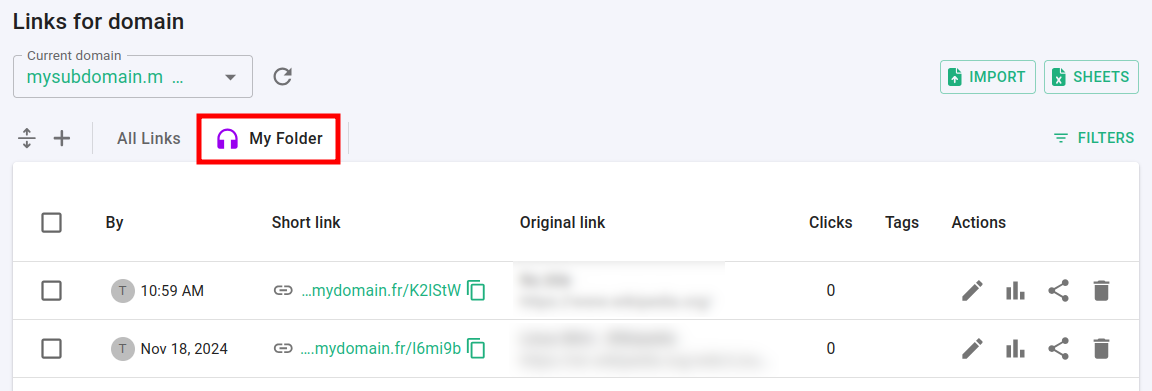
The links are added.
* * *