How to delete a folder
To delete a folder:
-
Sign in to your Short.io account.
-
In the Dashboard navigate to the Branded links panel and click on
 to expand the view: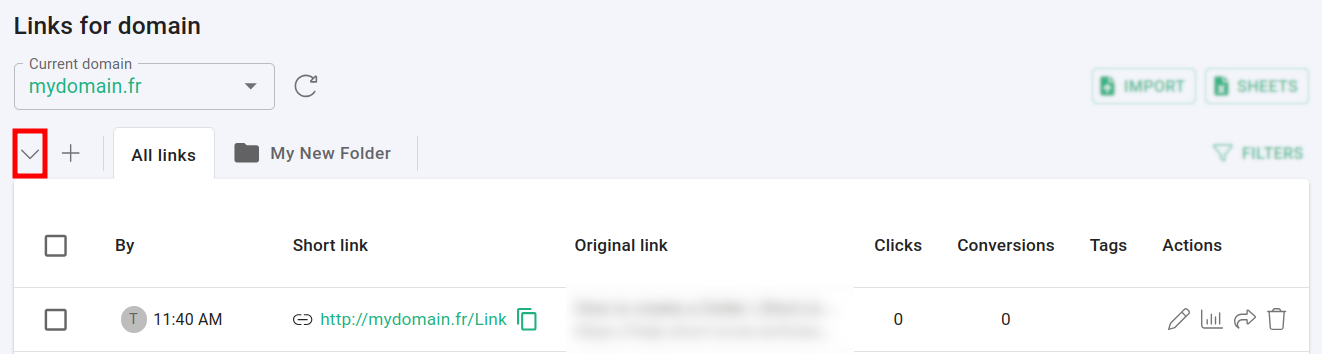
-
Click on
 next to the folder which you want to delete: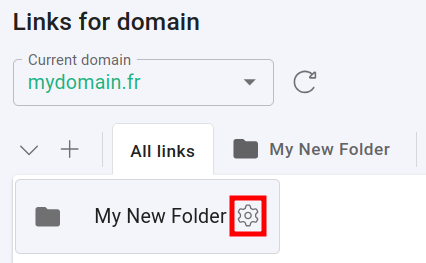
-
In the next screen click on Delete folder:

-
When prompted click on Confirm:
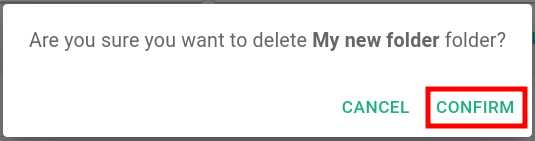
The folder is removed.
* * *