How to change the QR code settings of a folder
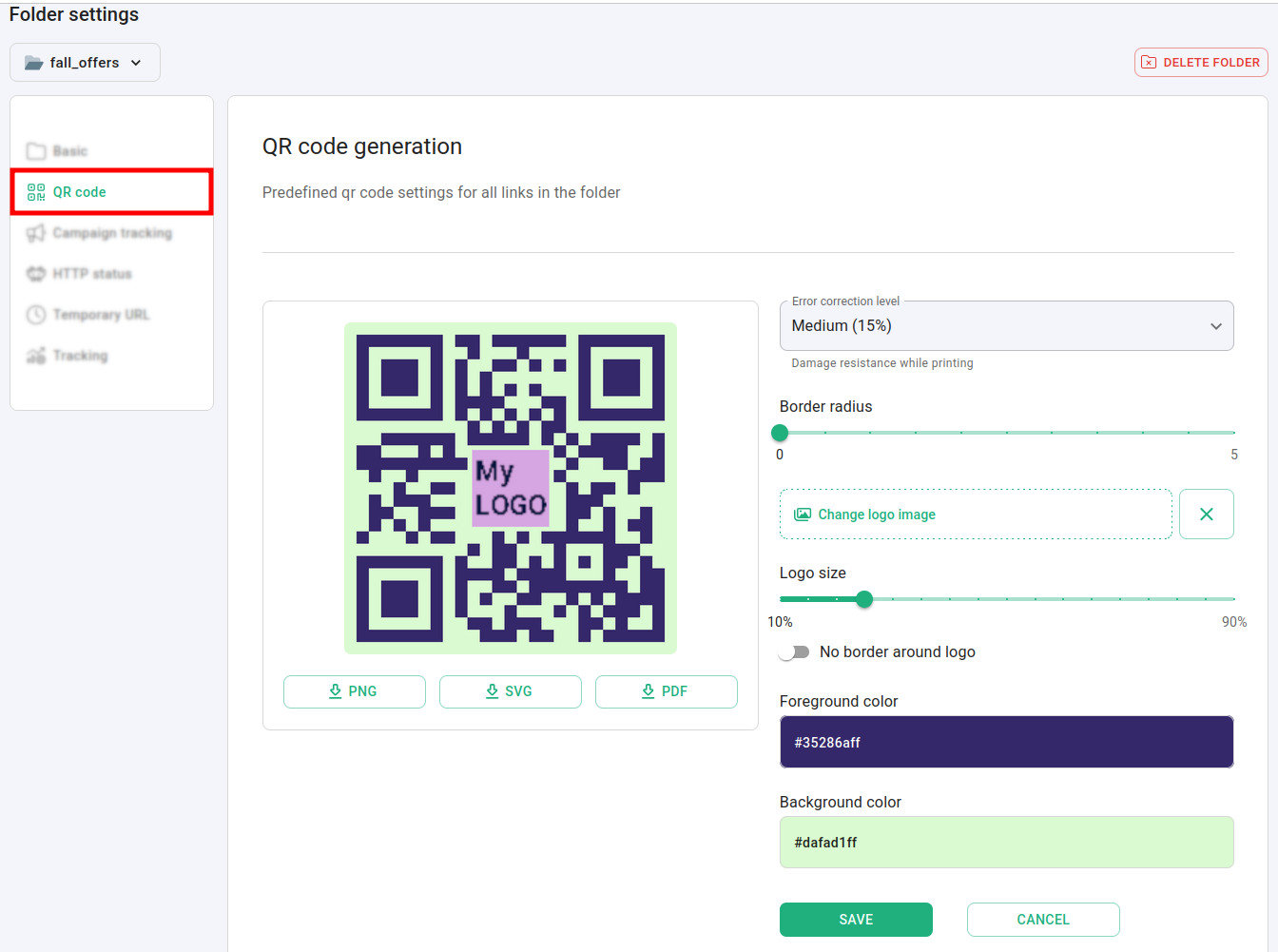
For all the links in a folder you can change the predefined QR code settings by selecting error correction level, code colors, border radius, and add your custom logo.
You can also download the QR code in 3 different file formats - PNG, SVG and PDF.
To change the QR code settings
-
Sign in to your Short.io account.
-
In the Dashboard navigate to the Branded links panel and click on
 to expand the view: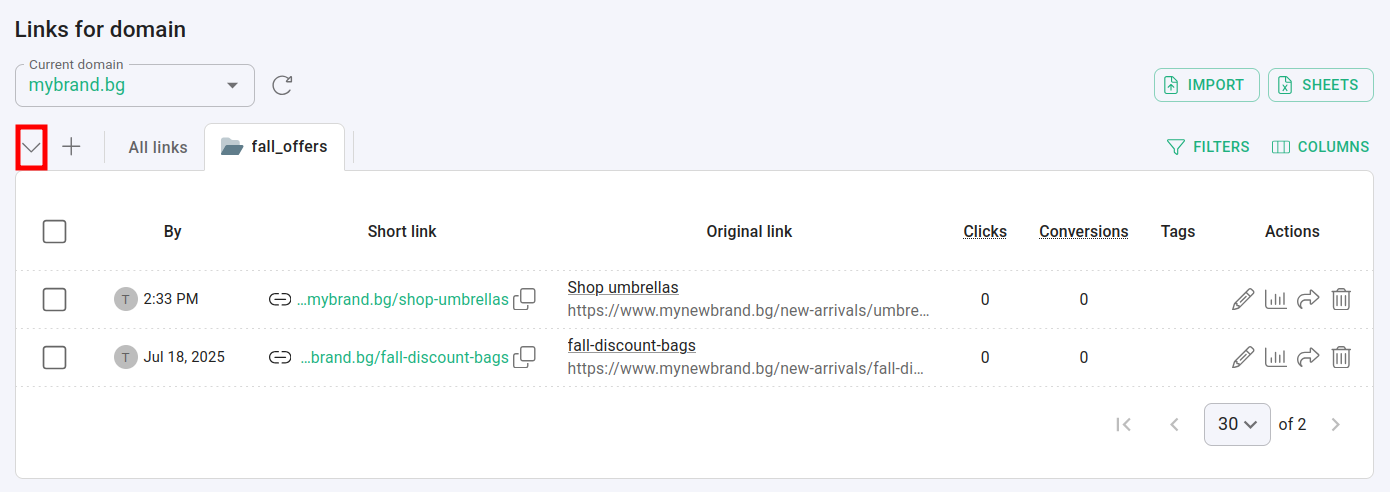
-
Click on
 next to the folder which you want to customize: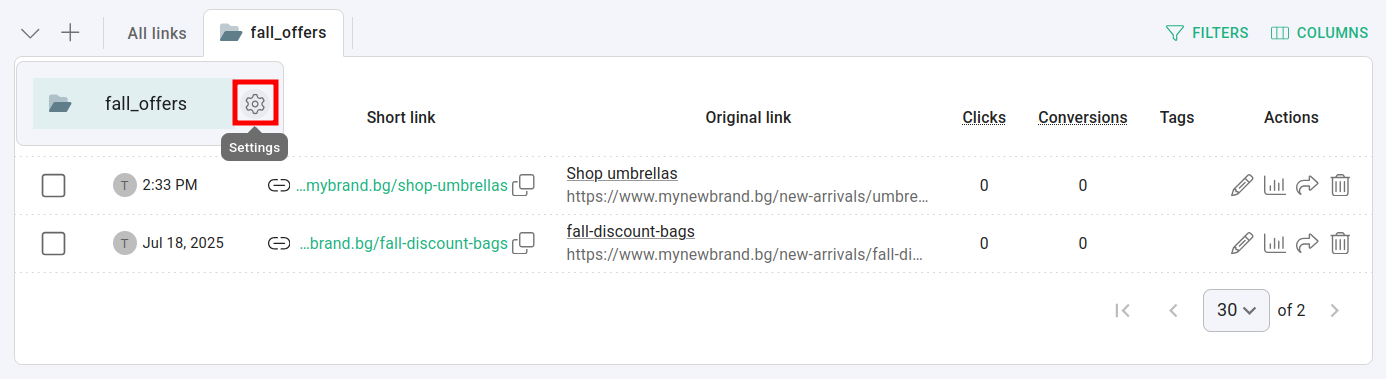
-
From the QR code settings panel you can:
-
change error correction level, code colors, and border radius
-
add your custom logo, set its size and include border
-
download the QR code in the following file formats: PNG, SVG and PDF
-
-
Click on Save to confirm the changes.
Hereafter, links created within this folder will have the specified settings applied automatically.
* * *