How to hide visitors IP addresses from the Click Stream list
In specific circumstances, you may prefer to hide the IP addresses of your visitors and prevent their recording.
Note: The option to hide IP addresses is included from the Pro Plan onward.
To hide the IP addresses
-
Sign in to your Short.io account.
-
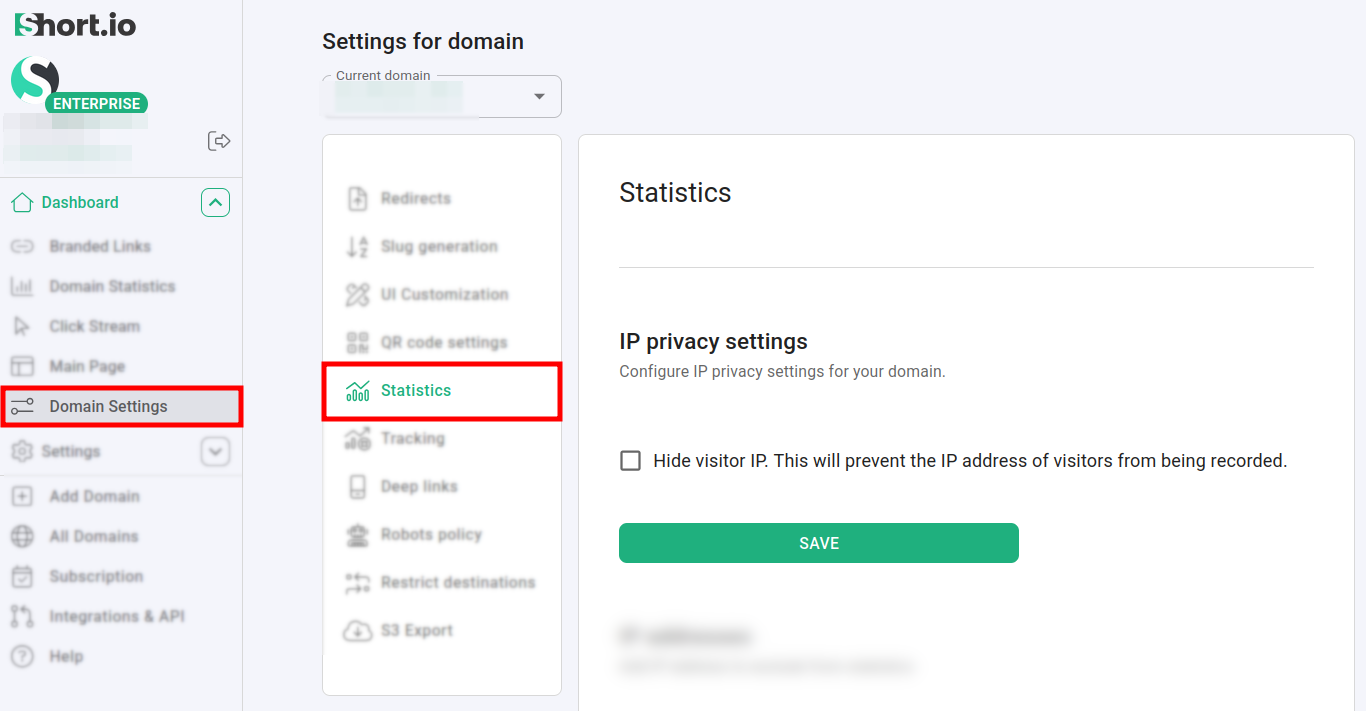
In the Dashboard navigate to Domain settings -> Statistics:
-
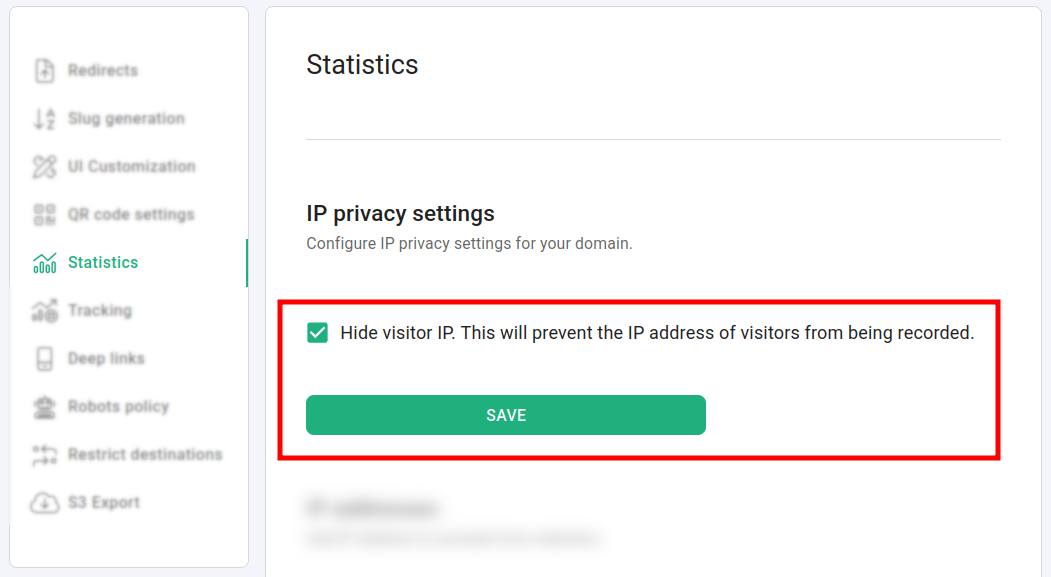
Click on Hide visitor IP. This will prevent the IP address of visitors from being recorded:
-
Save.
Before applying the setting, the IP addresses are visible from the Click Stream menu:
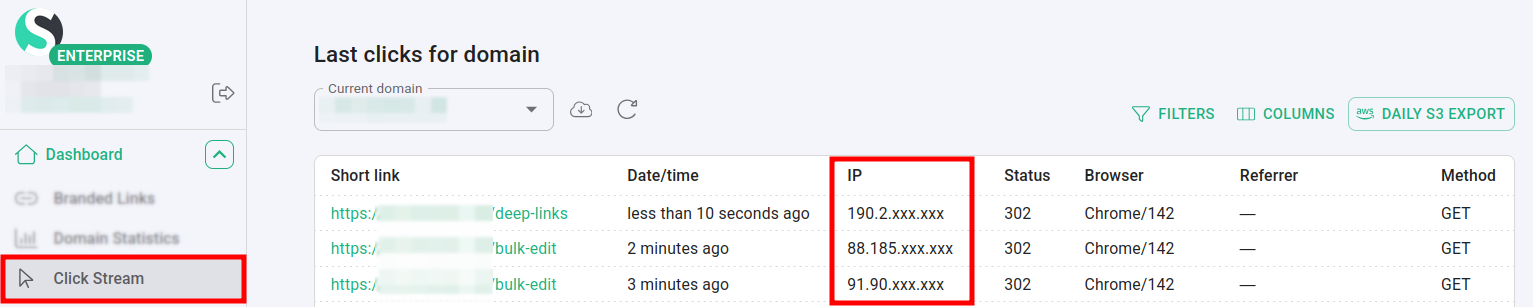
After that, the IPs are hidden:
