How to apply custom CSS for password protected links
You can customize the appearance of a password protected short link.
Follow the instructions below:
-
Sign in to your Short.io account.
-
You can access the CSS settings for a domain in one of the two ways:
-
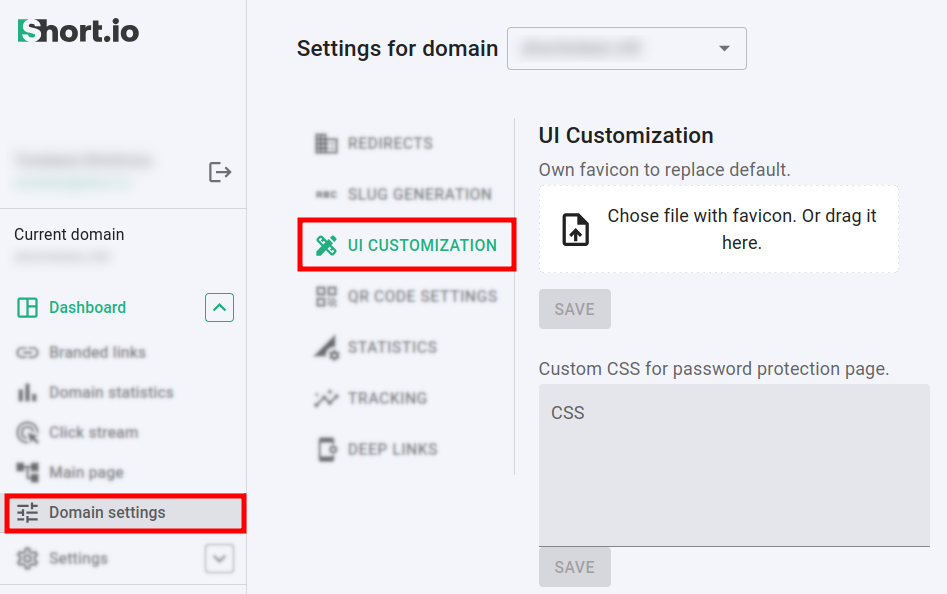
by directly navigating to the Domain settings -> UI Customization:
-
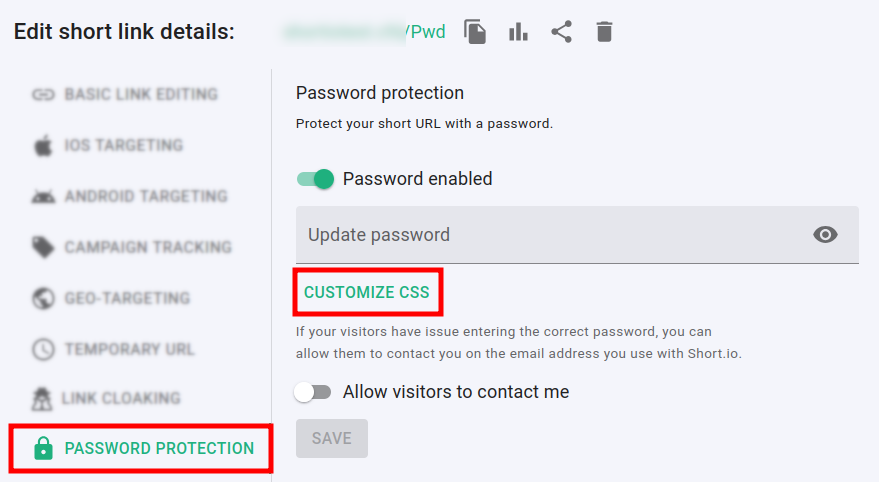
by clicking on the Customize CSS link in the Password protection section when editing a link:
-
-
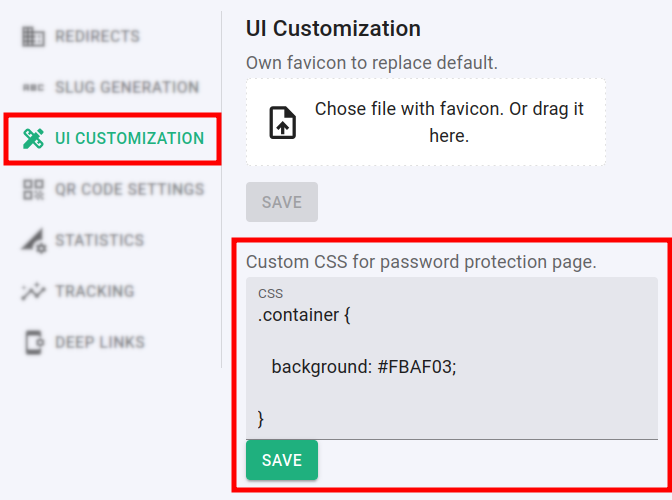
Enter your CSS code and click on Save.
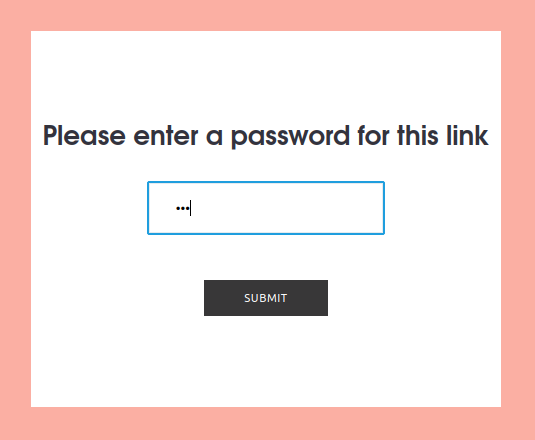
The next time you access your short link, you will be able to see the new appearance of the password page:
For more examples on CSS customization please review the following article: Custom CSS examples for password page