How to rename a team
You can change a team's name at any time. Follow the instructions below:
-
Sign in to your Short.io account.
-
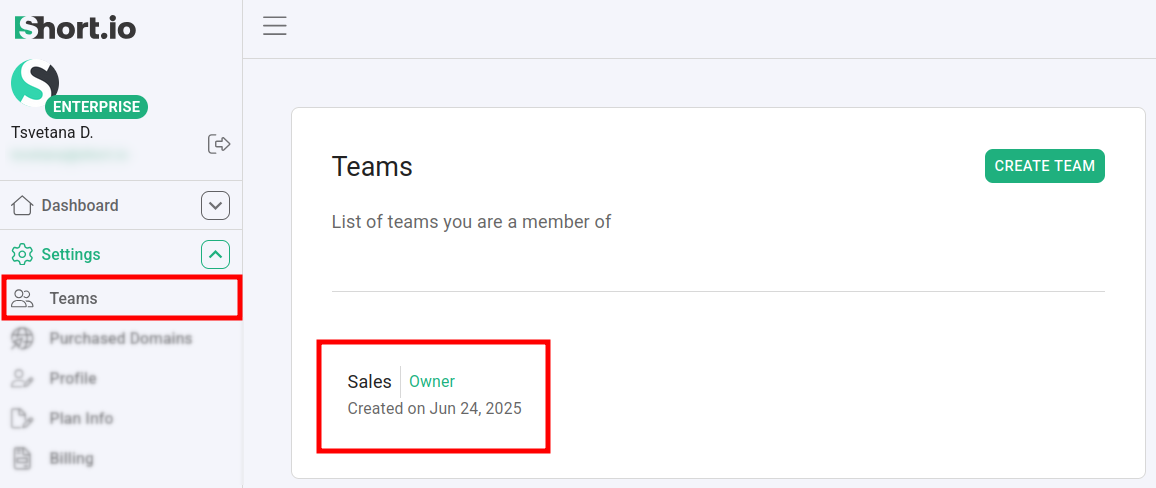
Navigate to the Settings -> Teams menu and select a team:

-
Click on Rename.
-
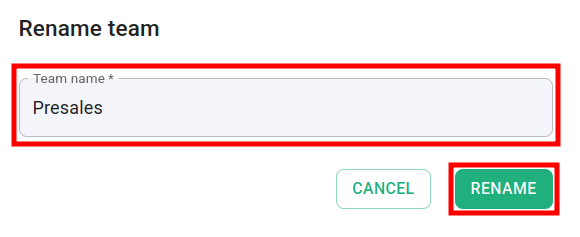
Enter a new name and click again on Rename:
The new name is applied.