How to delete team members
You can delete team members following the procedure below:
-
Sign in to your Short.io account.
-
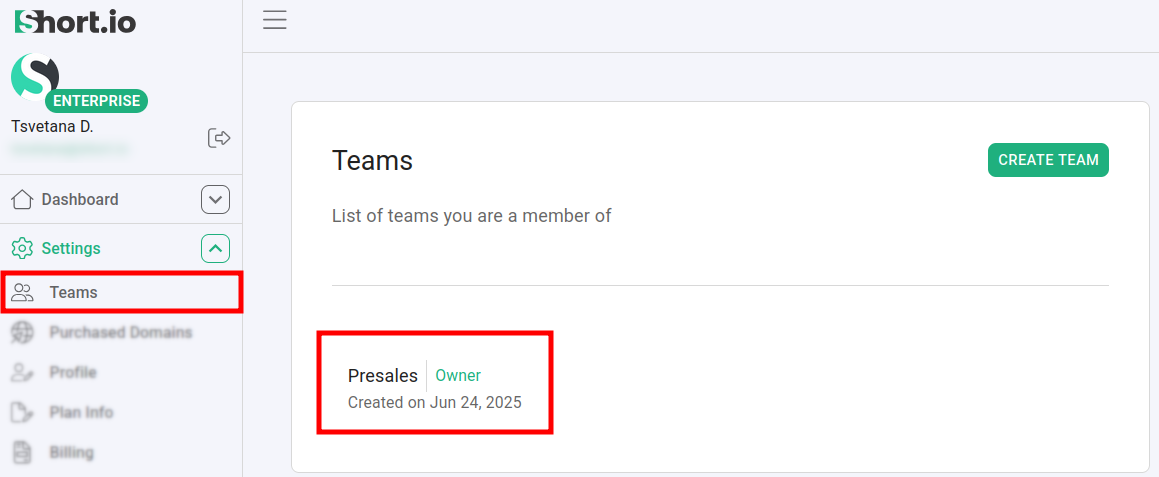
Navigate to the Settings -> Teams menu and select a team:
-
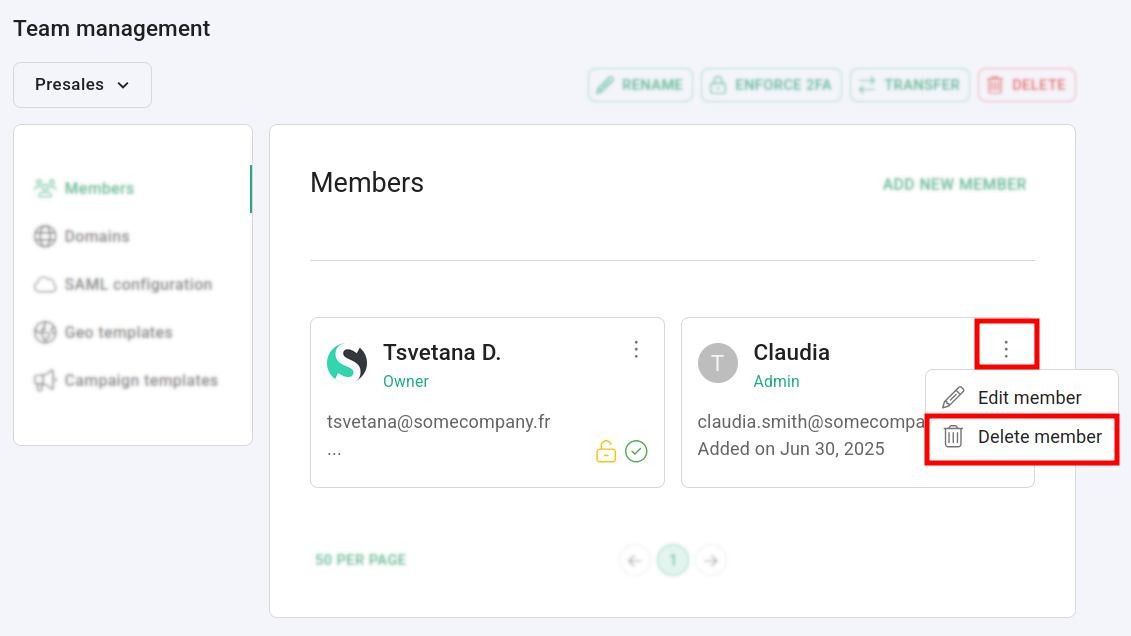
Click on
 next to the name of the user which you want to remove from the team and then click on Delete member.
 -
When prompted Are you sure you want to revoke access from user
<user-email>?, click on Confirm: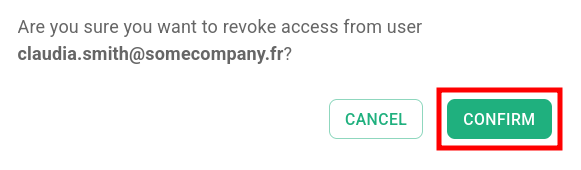
The user is permanently deleted from the team.
* * *