How to delete a team
You can delete a team as follows:
-
Sign in to your Short.io account.
-
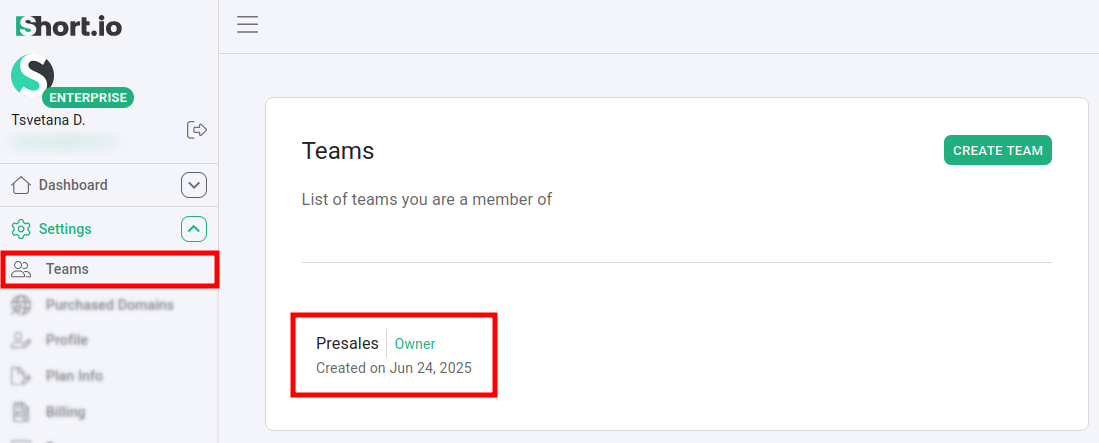
Navigate to the Settings -> Teams menu and select the team which you want to remove:
-
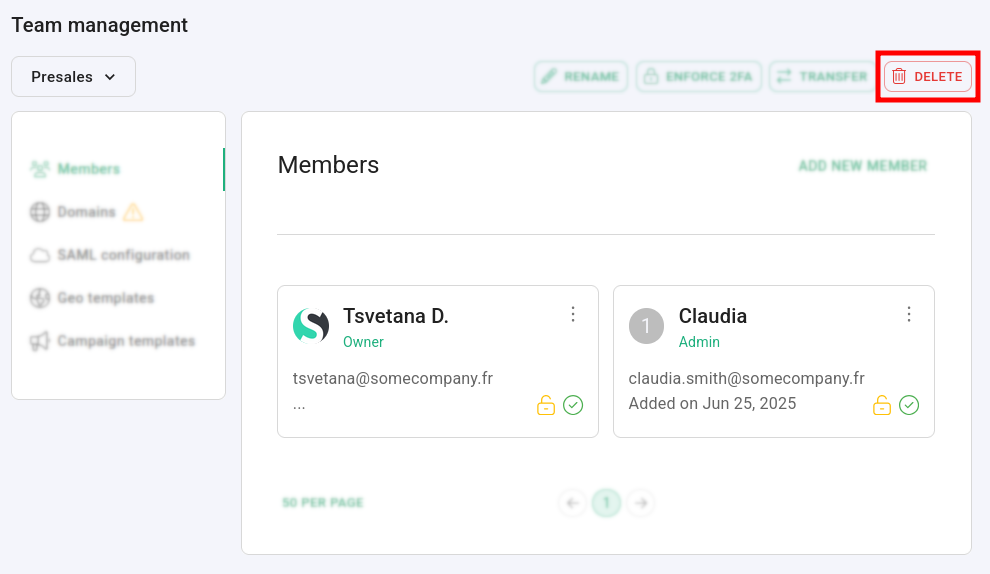
Click on Delete.
-
When prompted "Are you sure you want to remove
<team-name>team", click on Confirm:
The team is permanently removed.