Slack and Short.io direct integration
With Short.io you can create short links and posts, customize them, add tags and QR codes straight from a Slack channel using your branded domain.
Prerequisites
For the purposes of Slack integration, our service requires the creation of a secret API key.
Managing Slack integration
Connecting to Slack
-
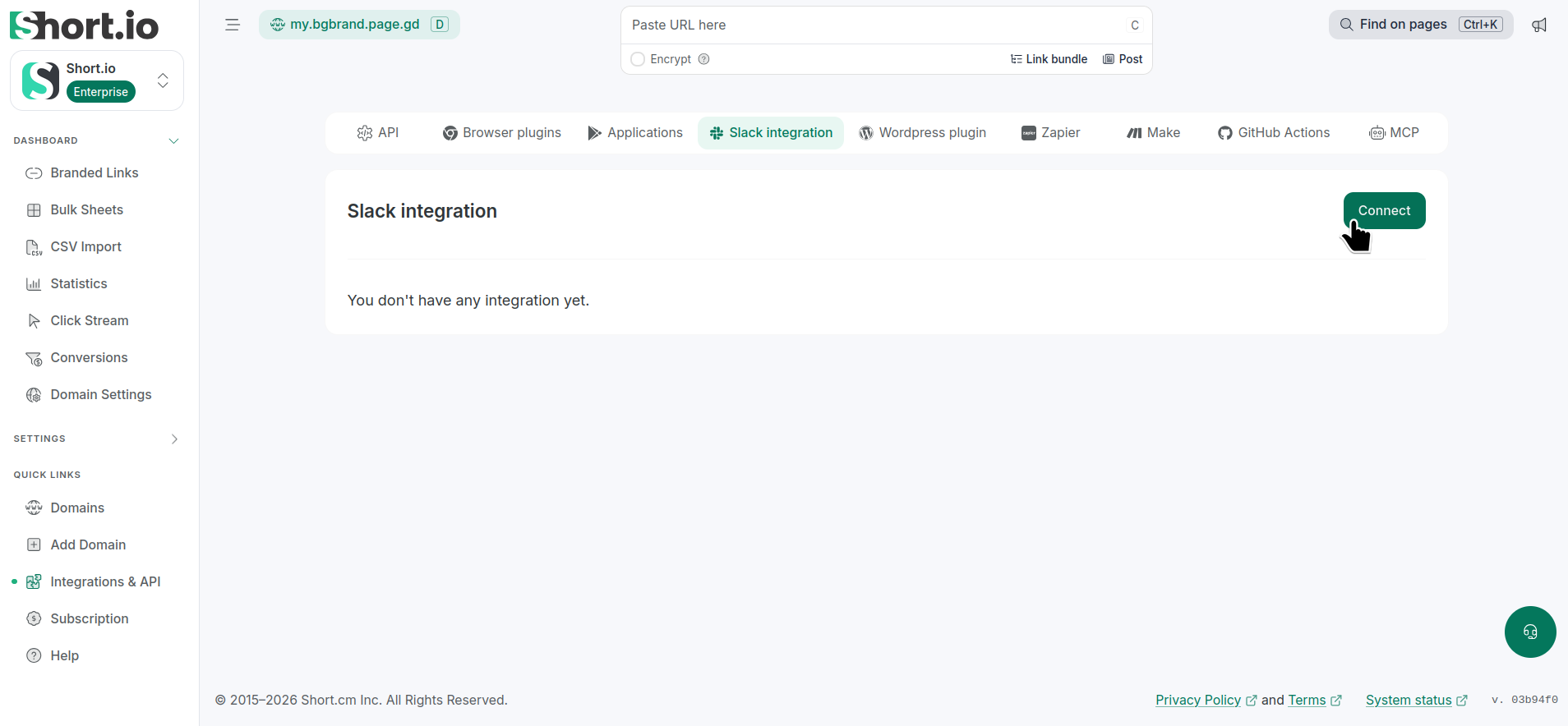
In the Short.io app, navigate to the Integrations & API menu -> Slack integration:
-
Click Connect.
-
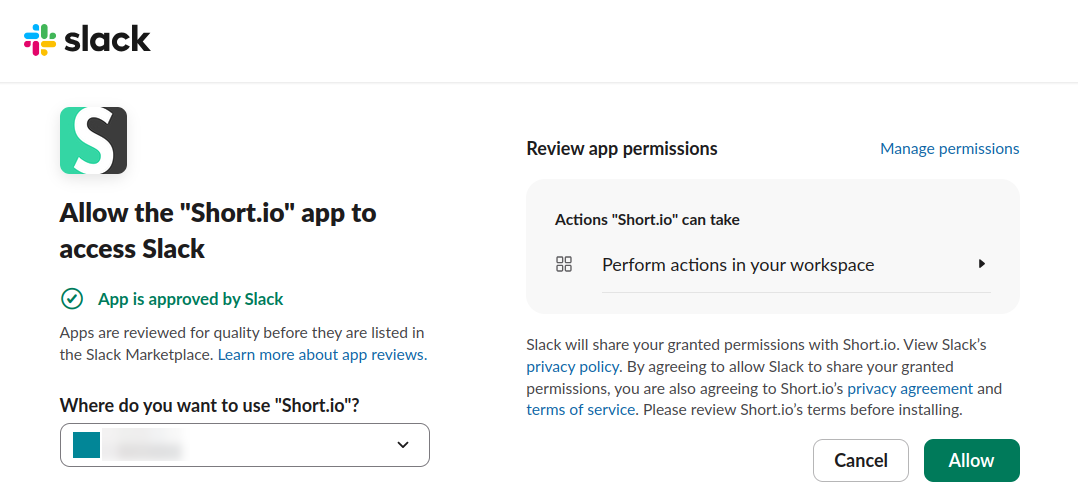
You will be redirected to a webpage where to select a Slack channel:
-
Make your choice and Allow.
-
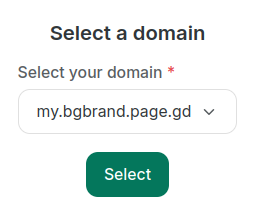
In the next screen, select your domain (with added API key):
-
Click Select.
The integration is created and visible from the Integrations & API menu -> Slack integration:
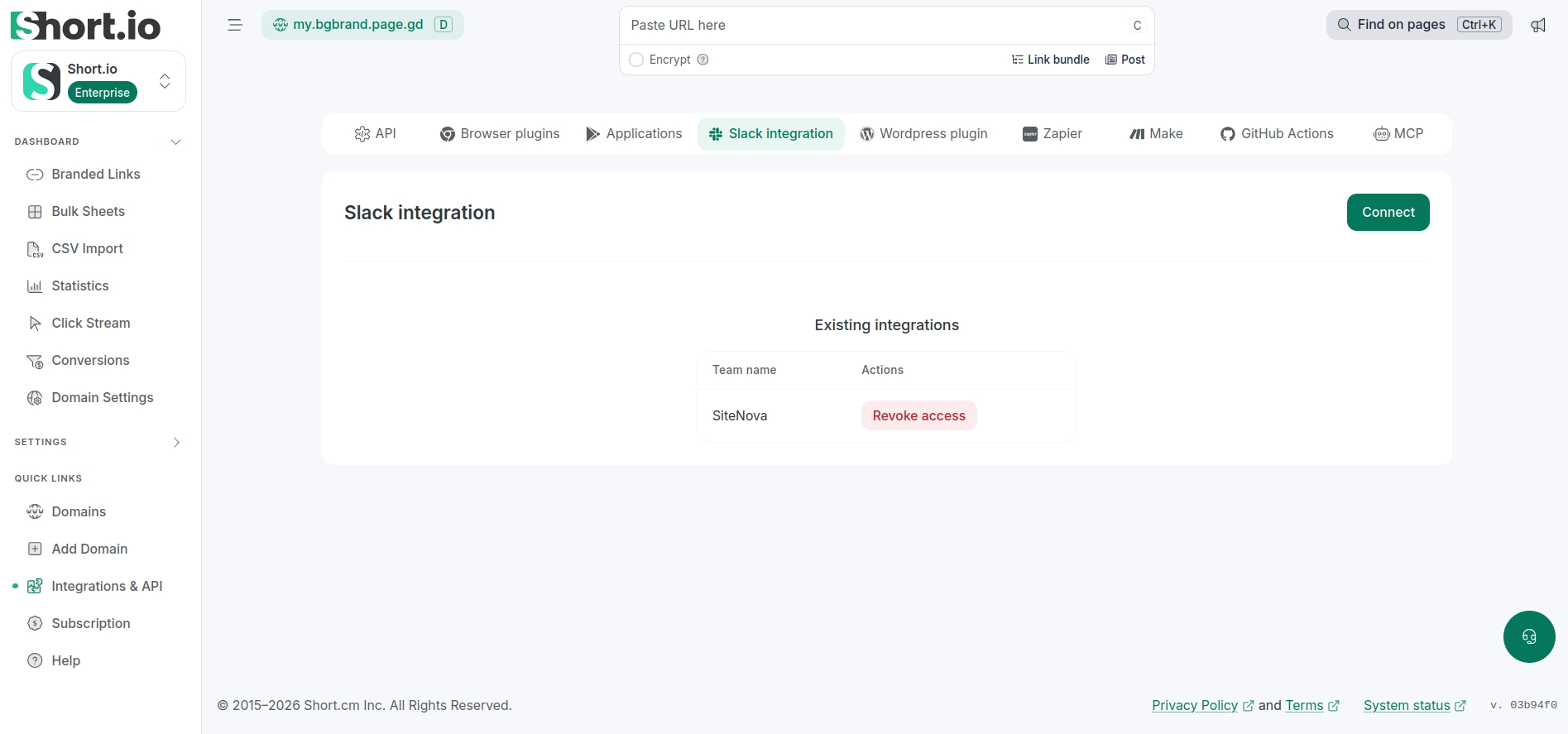
Revoking a connection
-
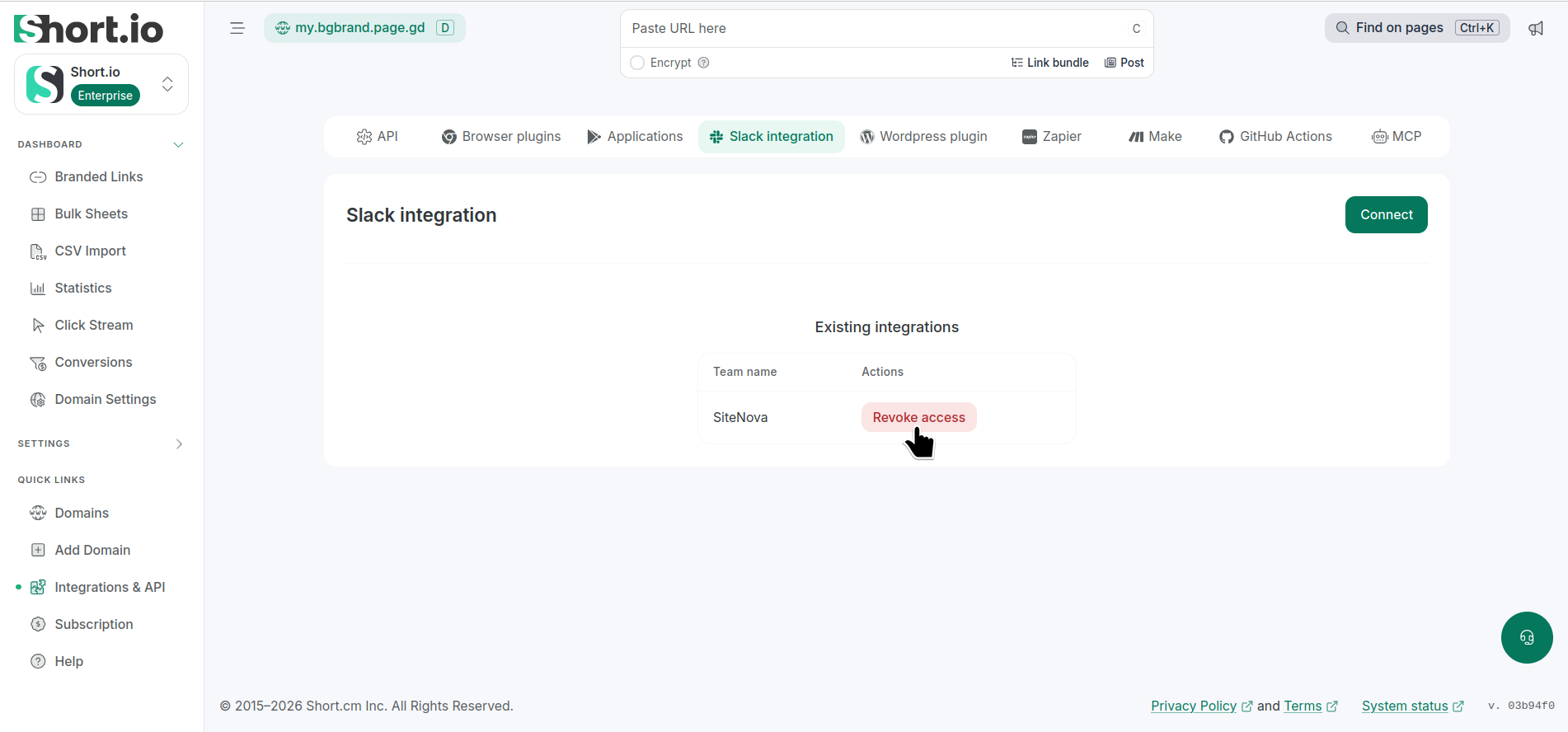
In the Short.io app, navigate to the Integrations & API menu -> Slack integration:
-
Click Revoke access.
-
In the next dialog, click Revoke:
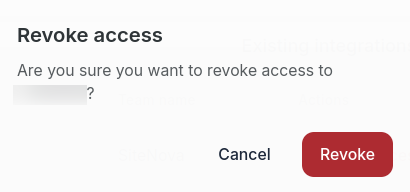
The integration will be removed.
Using the Short.io commands in Slack
-
Open Slack and type "/" followed by a Short.io action, for example,
/shorten <Original-long-URL> [slug] [tag1, tag2]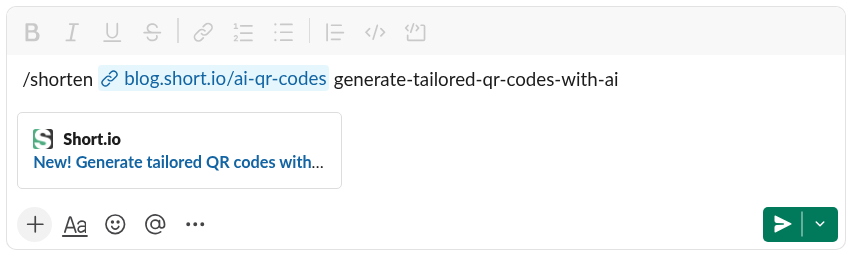
-
Send the message to see the result:
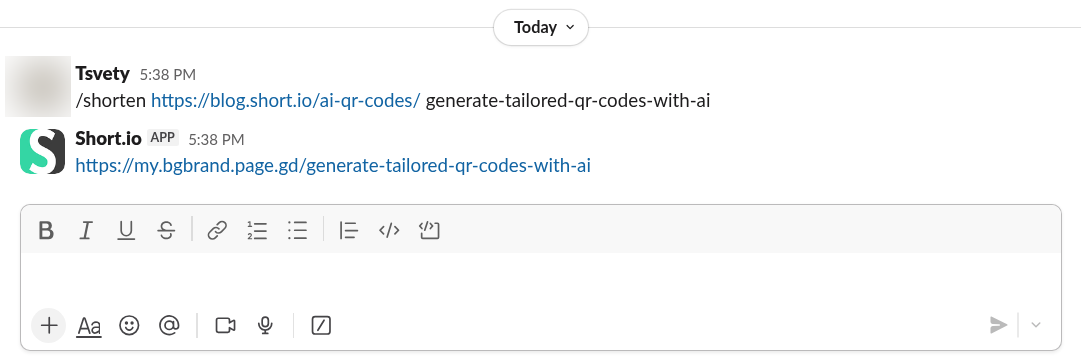
The newly created short link is also visible from the Branded links menu in Short.io:

Other examples
QR code generation
Type and send the message:
/qr <Original-long-URL> [slug] [tag1, tag2]Example:
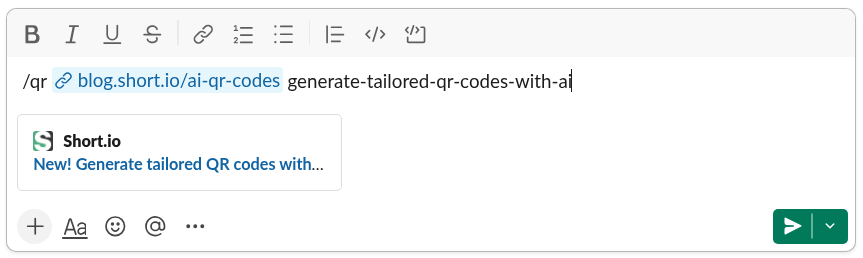
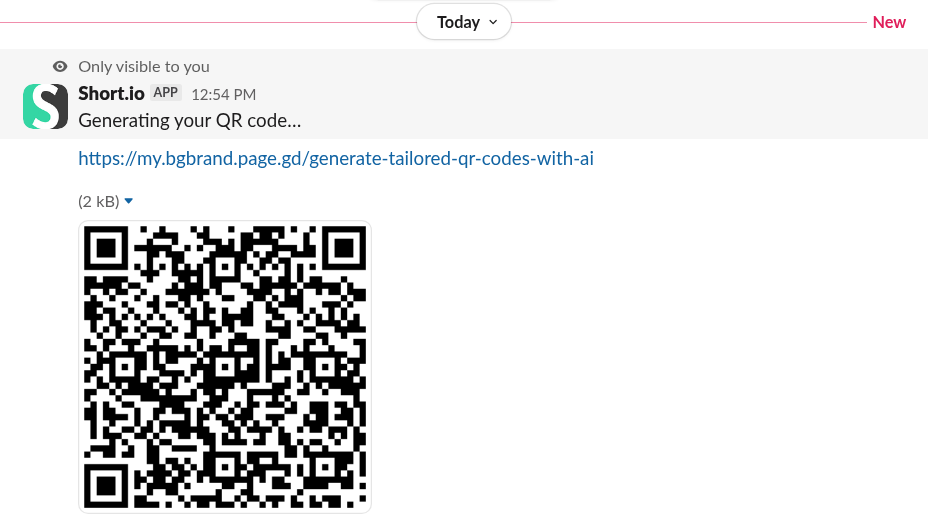
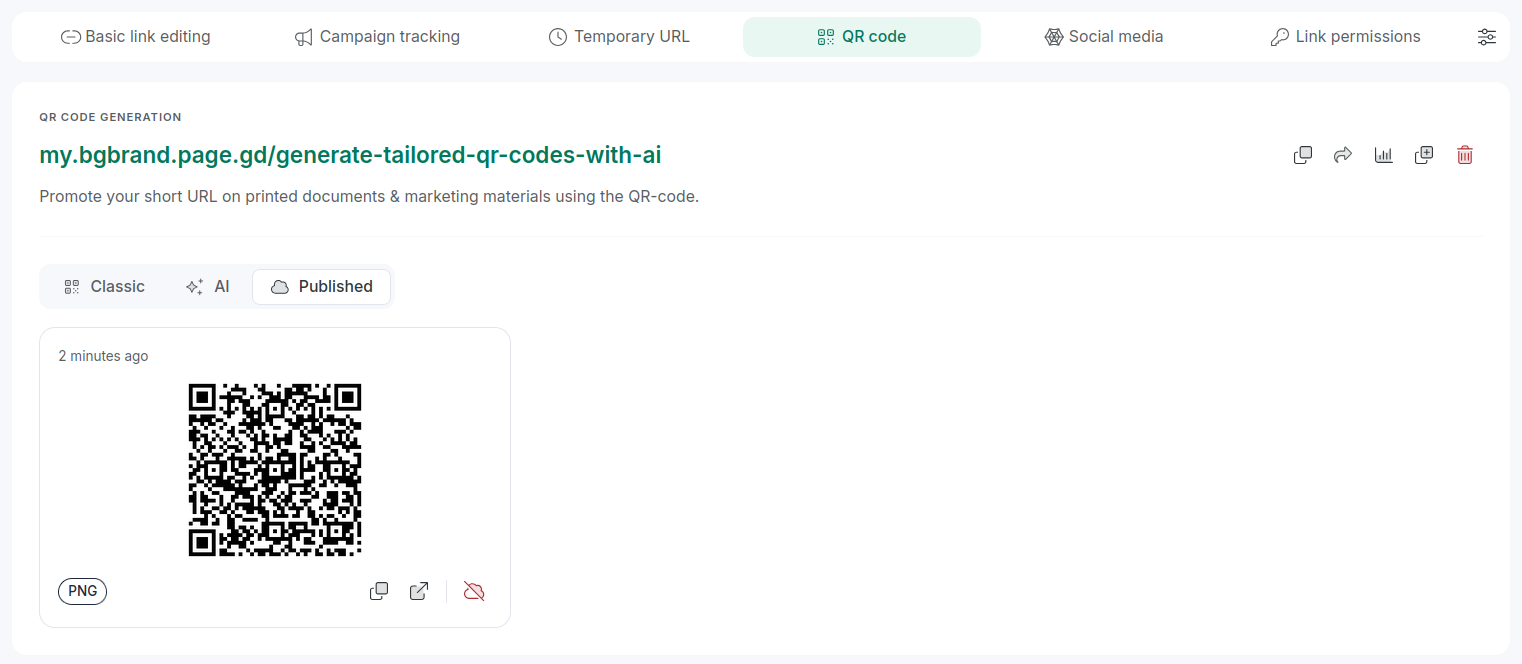
The short link has been created:

The QR code has been published:
Creation of a Short.io post
Type and send the message:
/short-post <Title then Shift+Enter and the Markdown body>Example:
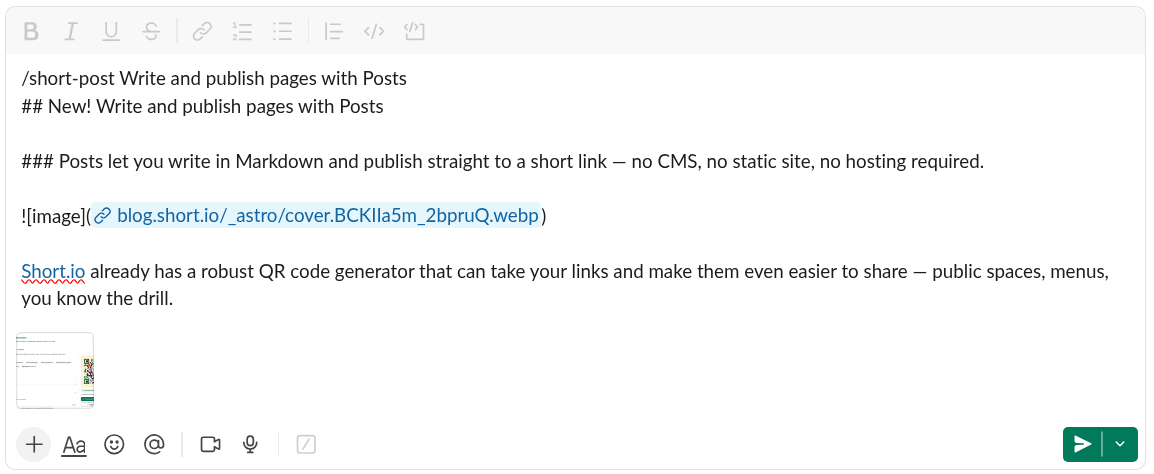
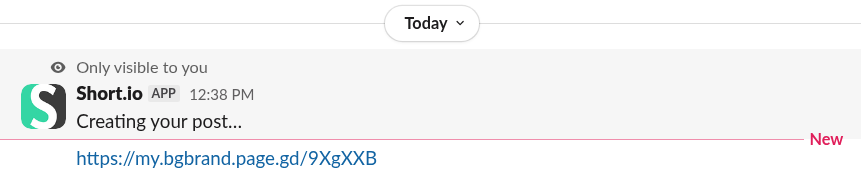
Post has been created:

Content has been written: