AdRoll and Short.io direct integration
AdRoll is a retargeting platform. It contains a piece of code, which you paste to your website to measure and customize the audience for the advertising campaign.
To connect AdRoll to Short.io, you don’t need to be a developer or know all about codes. The only thing you need to do is to input AdRoll Pixel IDs to Short.io settings.
AdRoll and Short.io integration requires the Pro Plan.
Short.io and AdRoll create the additional action to optimize audience for showing the advertising campaign. Integrating with Short.io, AdRoll shows ads to those visitors, who clicked your short branded link. As a result, users who were earlier interested in your brand are most likely to complete the action on your website.
You need both adroll-adv-id and adroll-pix-id.
Follow the instruction to customize Short.io and AdRoll integration.
-
Go to your AdRoll account.
-
If you have created account for the first time - choose the method "Connect manually".
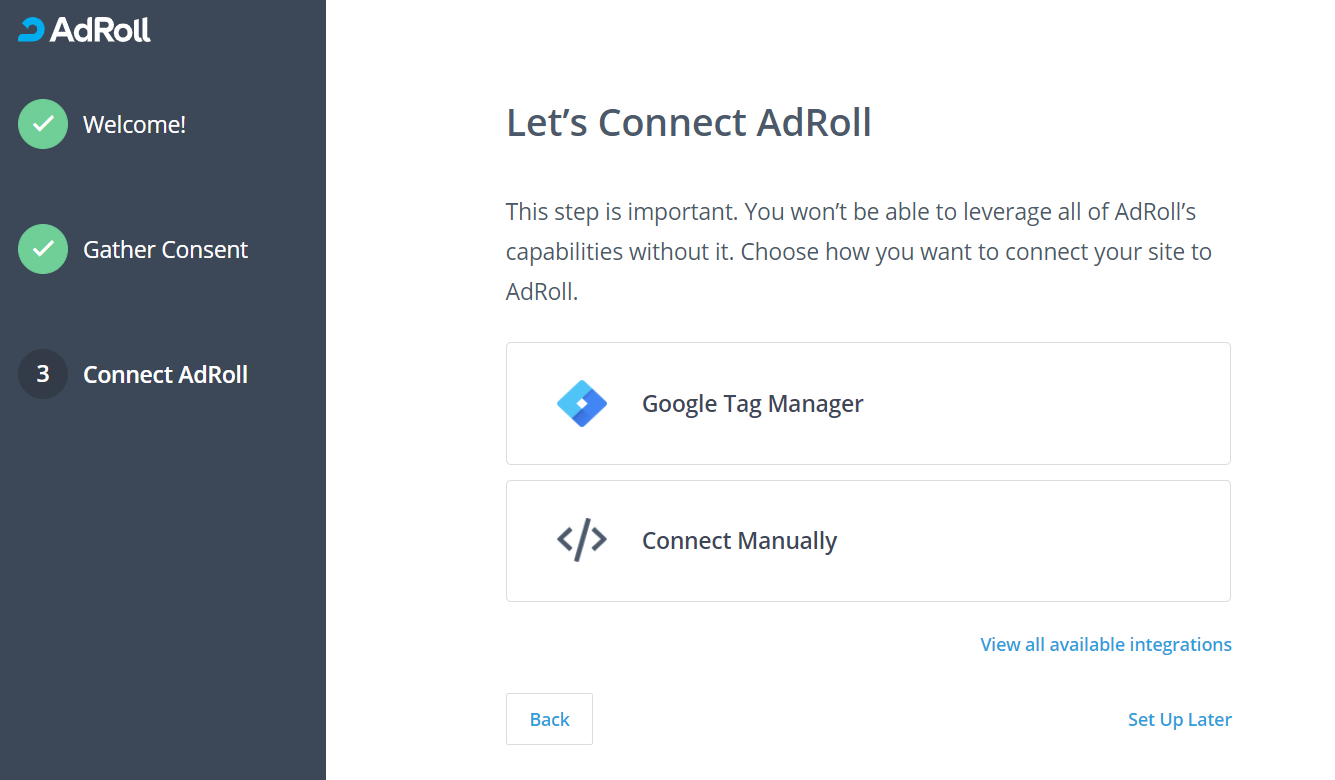
2.1 If you have already had an account - navigate to the Home and choose Connect Manually under Set Up Checklist.
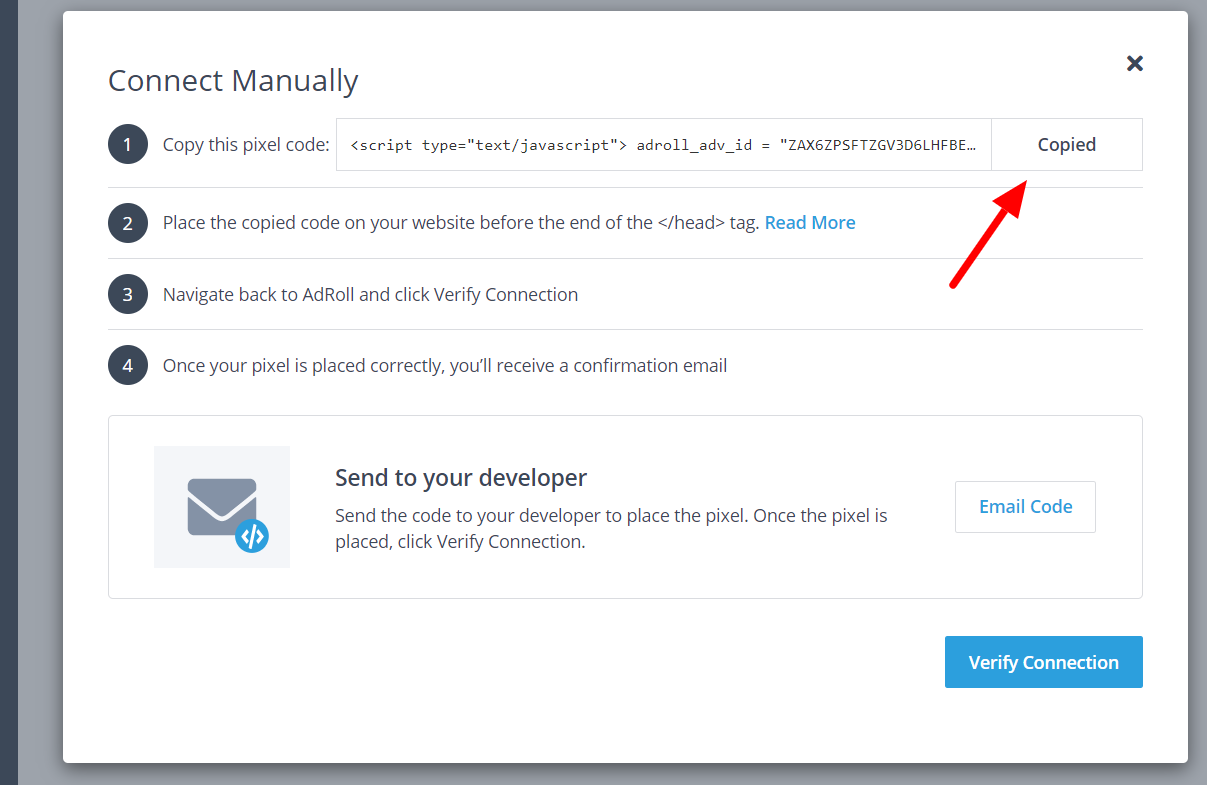
- Copy the code and extract adroll-adv-id & adroll-pix-id.
-
Go to your Short.io account.
-
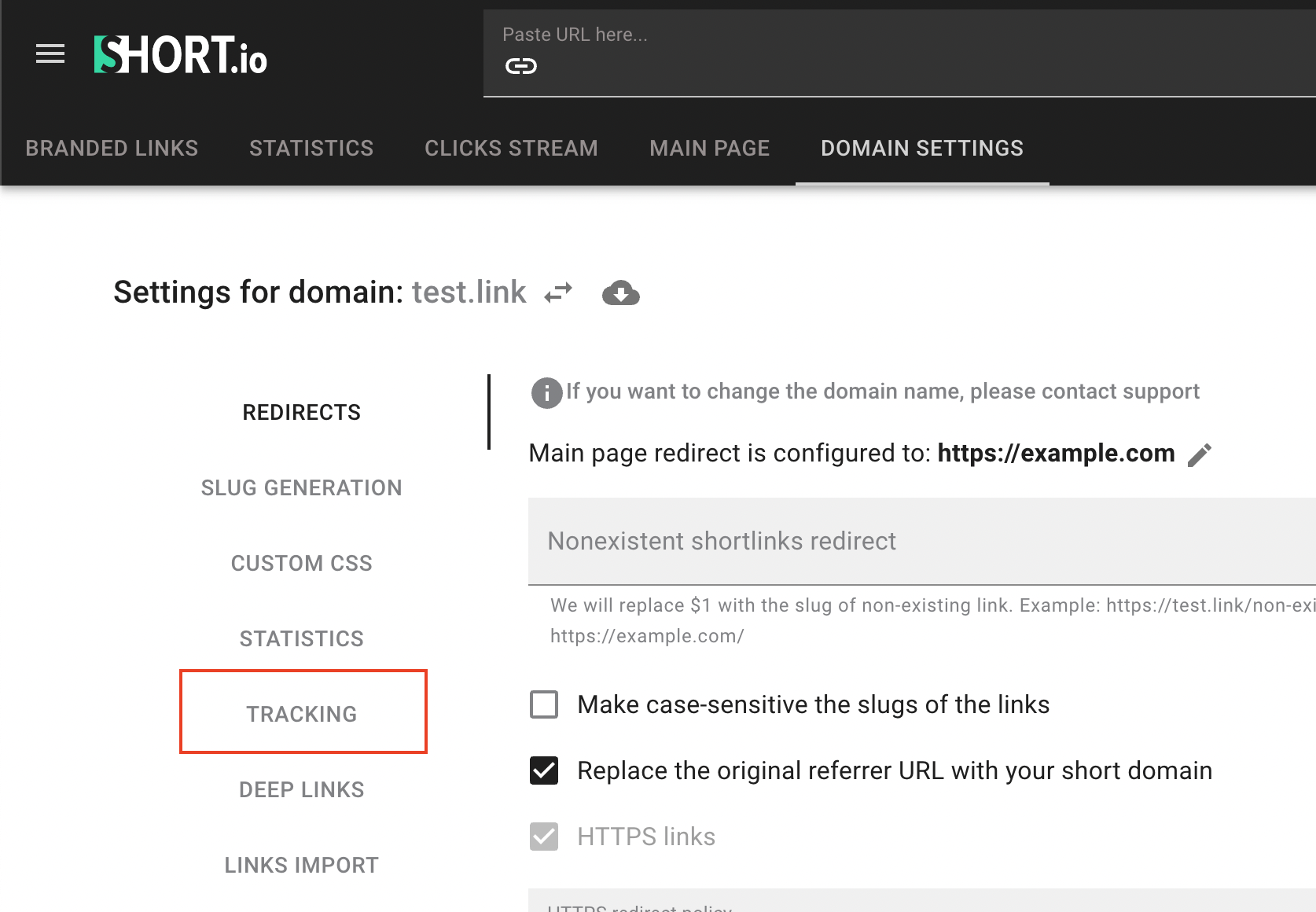
Open Domain Settings.
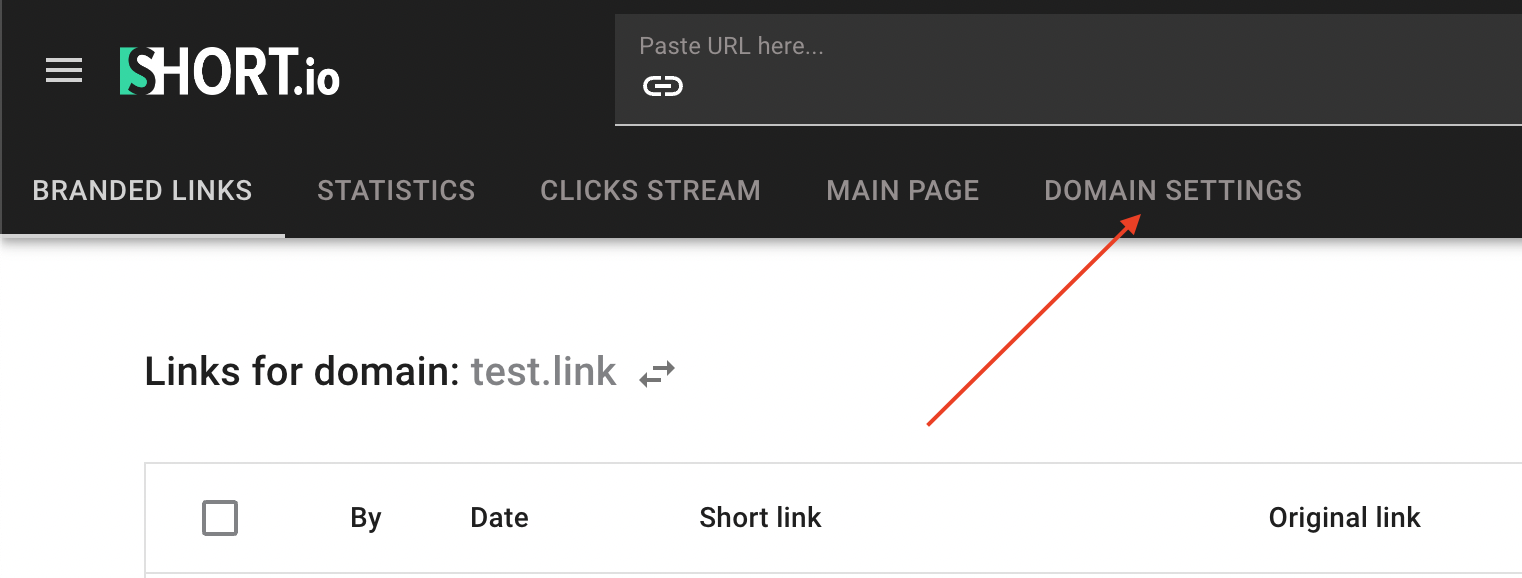
- Click on Tracking:
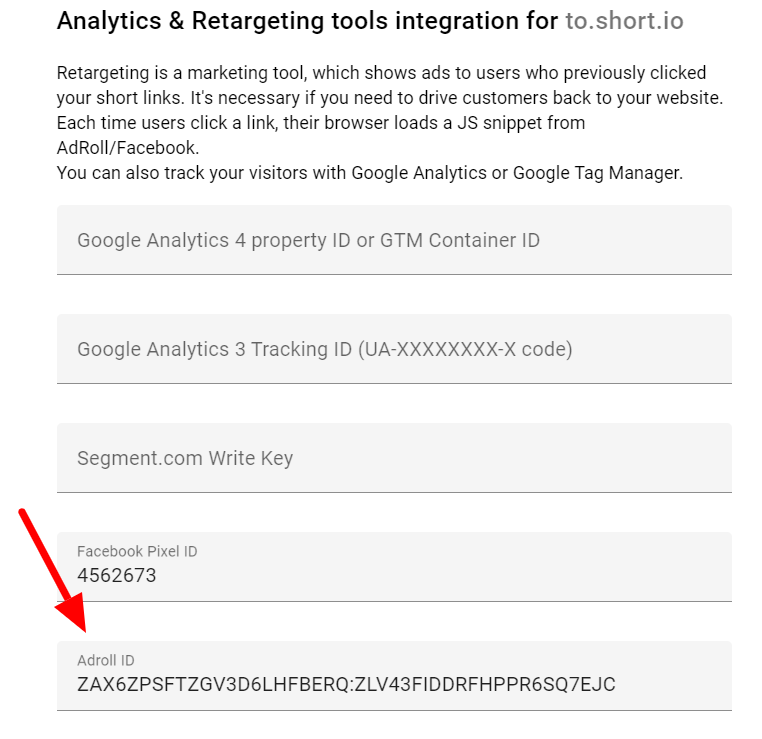
- Paste a code “adroll-adv-id:adroll-pix-id”.
The example of AdRoll Id: ASIR2WUKK5C2NMMQH2GUJ6:IBVIVHRPJRHV5DQ7JIW6TH
- Save.
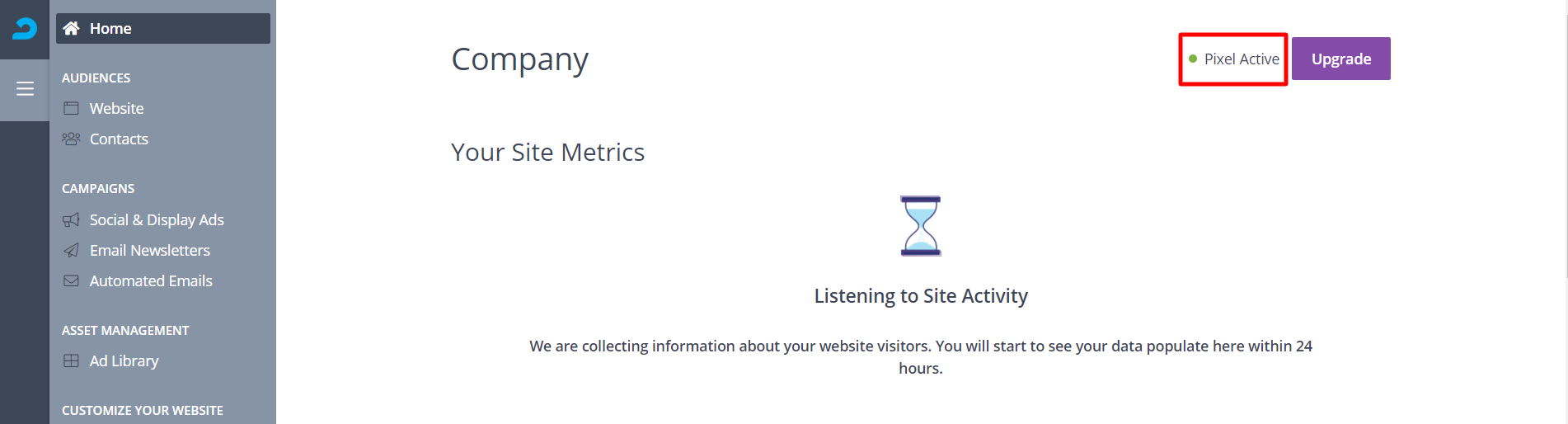
Now a pixel is active and you'll see statistics on AdRoll after someone clicks your short link.