How to use a link signature key
With the help of our link signature key feature, you can sign links using a domain-specific key and enforce an organization-wide login policy.
When this option is enabled, every redirect on a specific domain includes a signature generated using HMAC-SHA3-512. The signature is composed of the following parameters:
-
si_sig - the cryptographic signature itself. If an unauthorized user modifies the link parameters, the signature becomes invalid and user's access is blocked
-
si_exp - the expiration timestamp. This dictates the exact date and time when the link will automatically stop working. It prevents long-term exposure or reuse of the link. The validity period is 10 minutes
-
si_alg - the cryptographic algorithm used to generate the signature
Your destination server can verify the signature to confirm that the request came from Short.io and the destination URL has not been changed.
Adding a signature key
By default, link signing is disabled. To generate a signature key, follow these steps:
-
Select the domain where you want to add signature key.
-
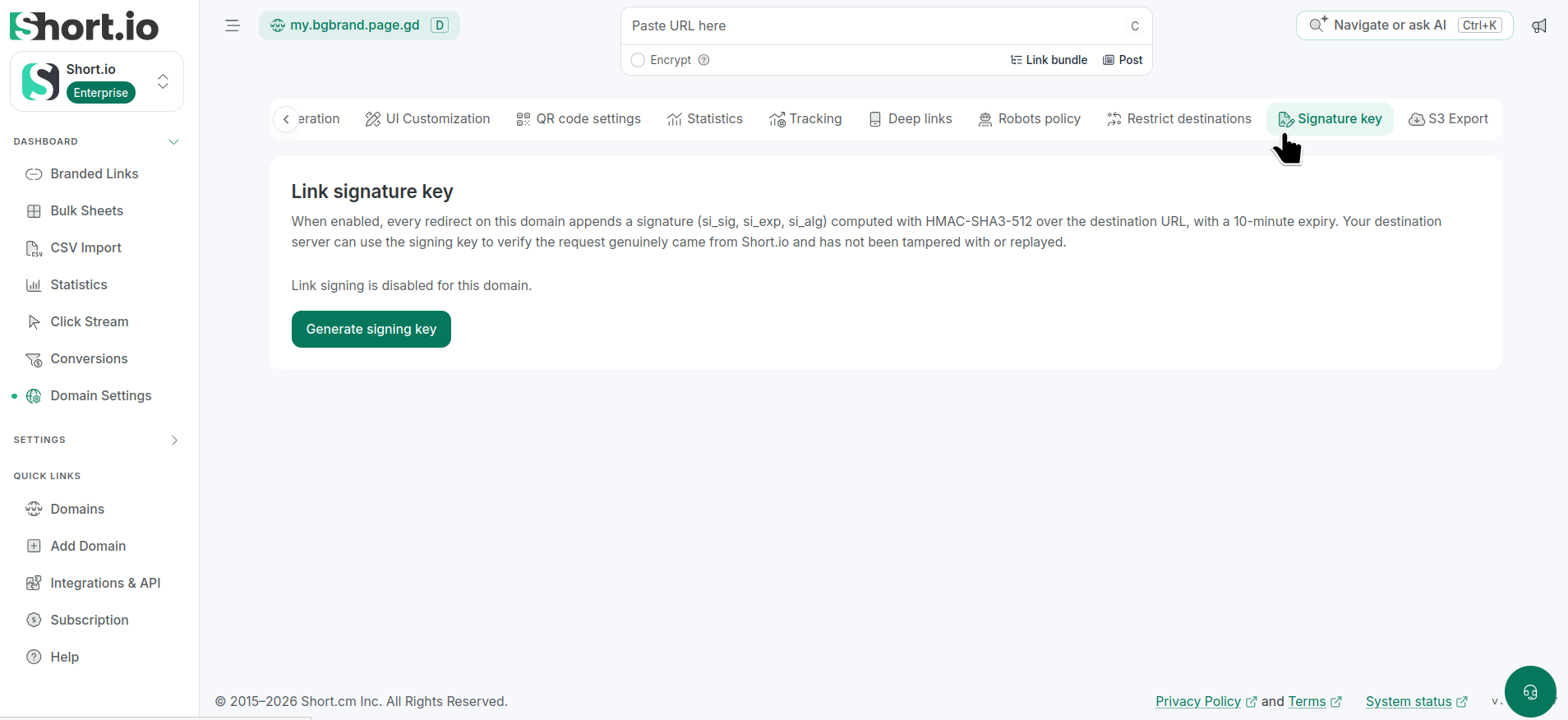
From the left side menu, navigate to Dashboard -> Domain settings and click Signature key:
-
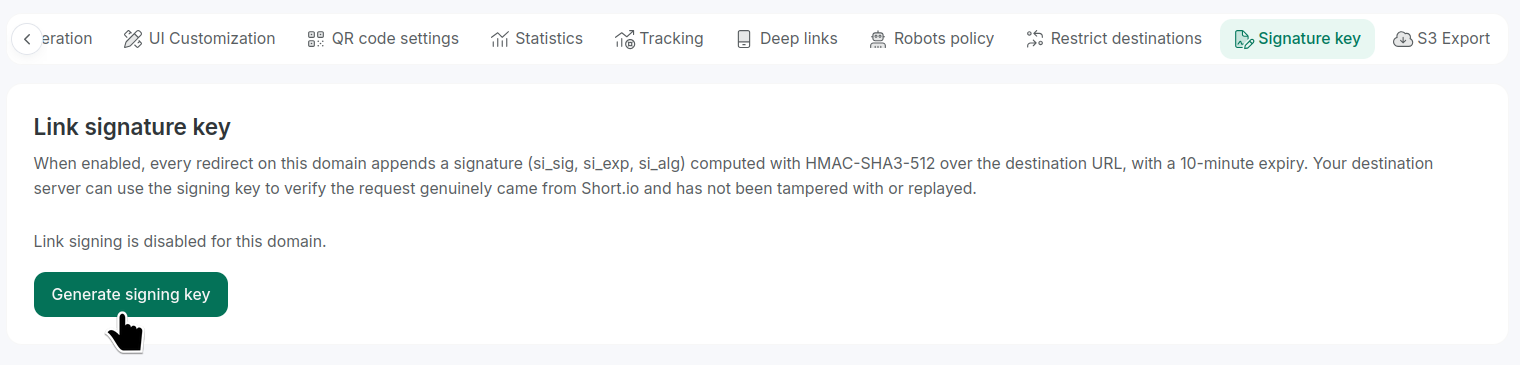
Click Generate signature key:
-
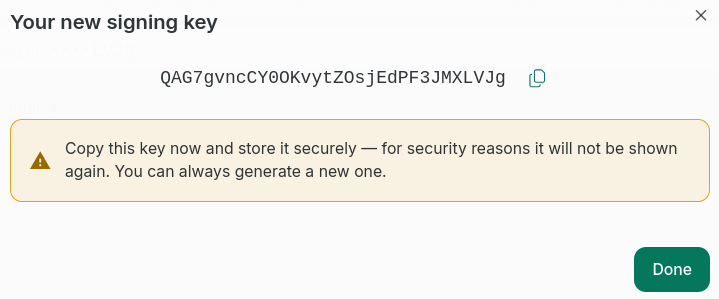
When the next dialog appears, copy the unique signature key:
 Important note
Copy and safely store this key. For security reasons, it will not be shown again. You can generate a new key at any time.
-
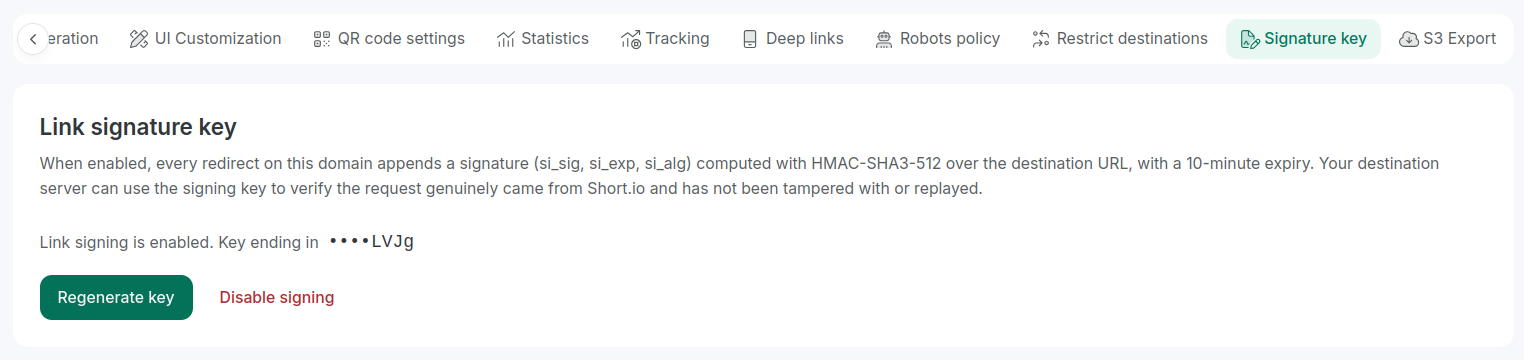
Click Done.
The key will be added to the domain.
Regenerating signature key
If you forget your signature key or need to replace it for security reasons, you can regenerate it as follows:
-
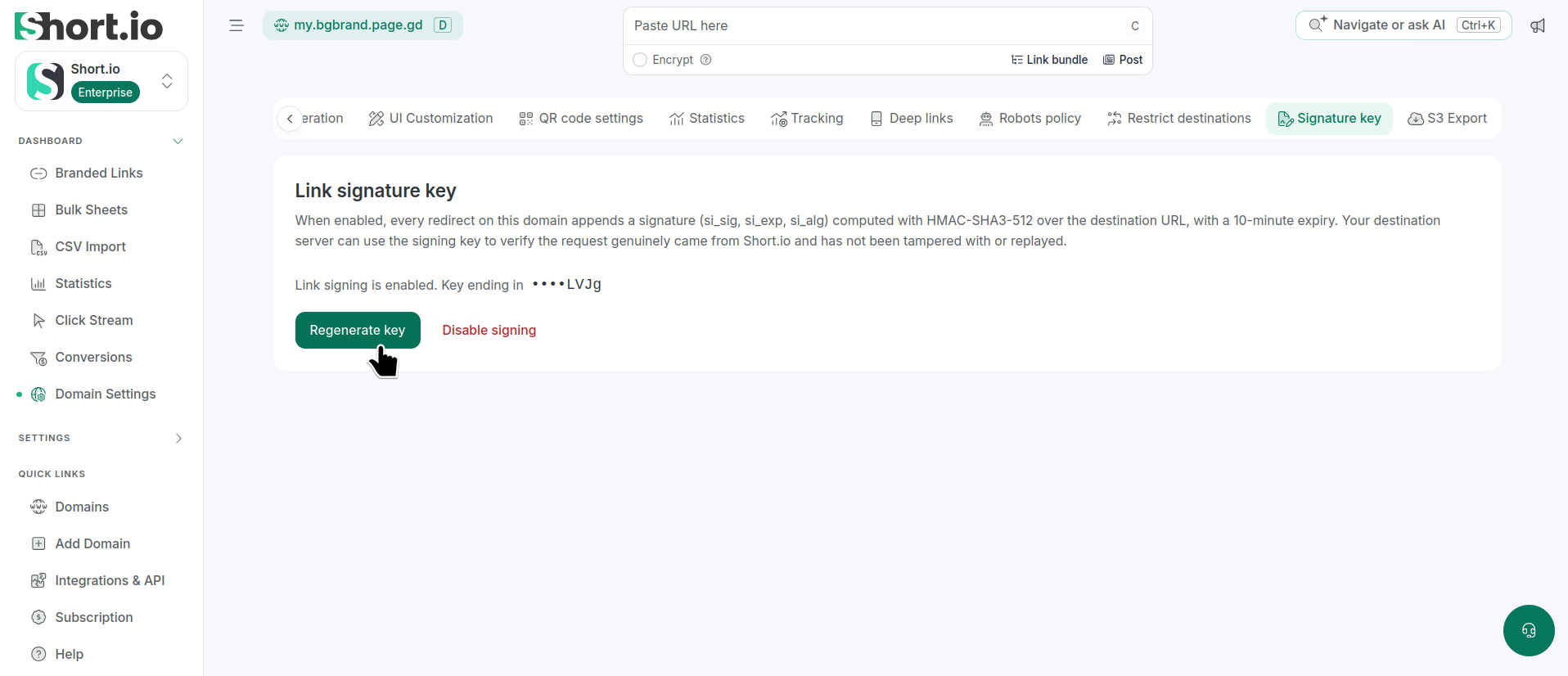
From Domain settings -> Signature key, click Regenerate key:
-
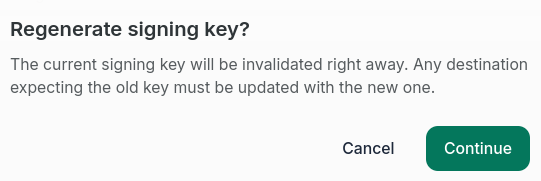
When the Regenerate signing key? dialog appears, click Continue:
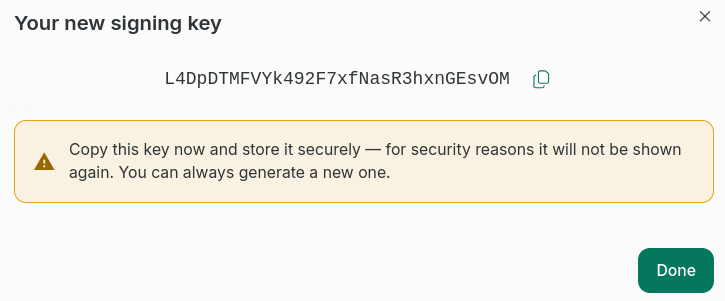
The new key will be displayed:
 Important note
Copy and safely store this key. For security reasons, it will not be shown again. You can generate a new key at any time.
-
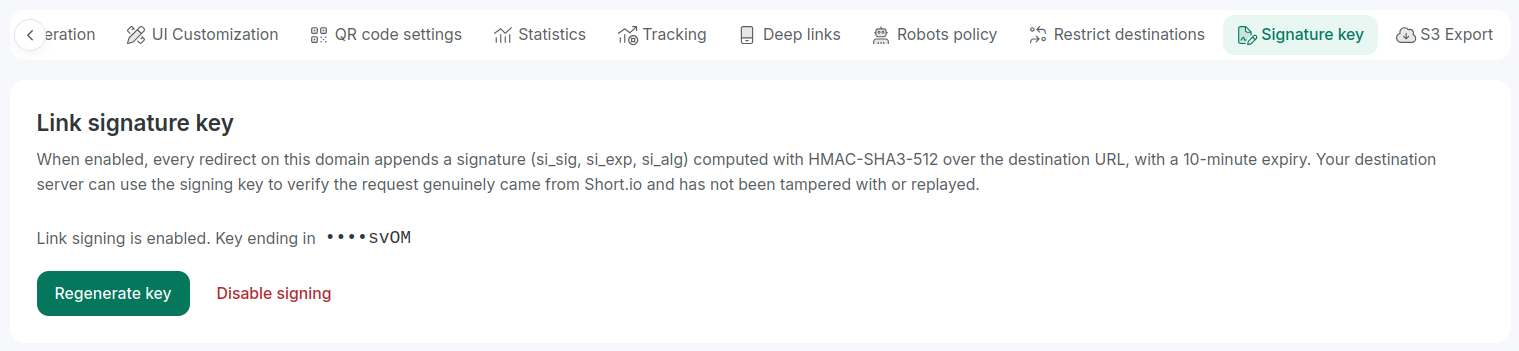
Click Done.
The new key will be added to the domain.
Disabling signature key
If you no longer want to apply signature key to a given domain, disable it as follows:
-
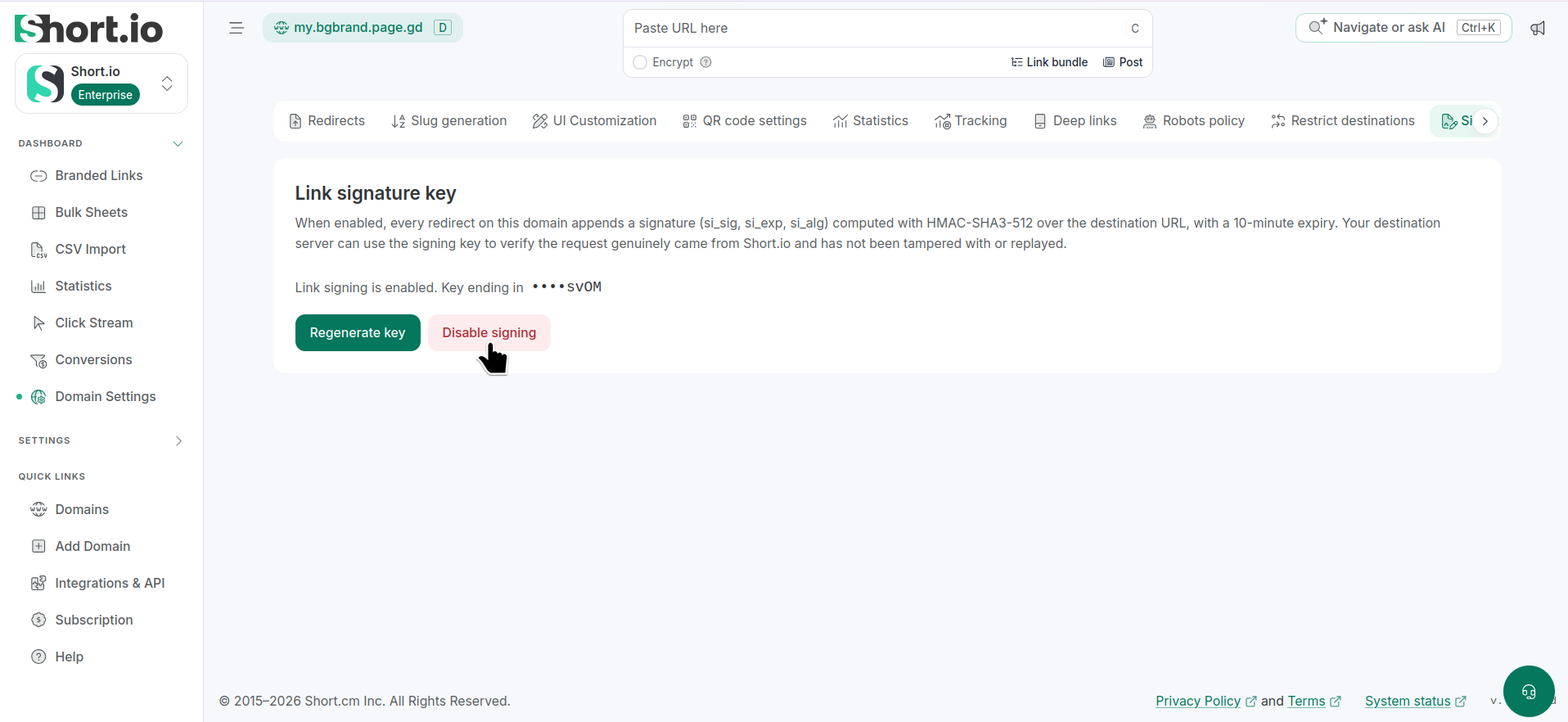
From Domain settings -> Signature key, click Disable signing:
-
When the Disable link signing? dialog appears, click Continue:
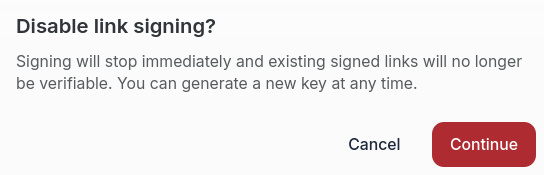
The key will be removed and no longer valid.