How to configure Short.io SSO via Okta
Short.io supports Single Sign-On (SSO) integration with Okta.
Note: SSO is available on the Enterprise Plan.
Before you begin
You need to create a Team in Short.io before setting up SSO. Follow the instructions in this article.
How to configure SSO with Okta
Okta settings
-
Sign in to your Okta account.
-
Open Admin:

-
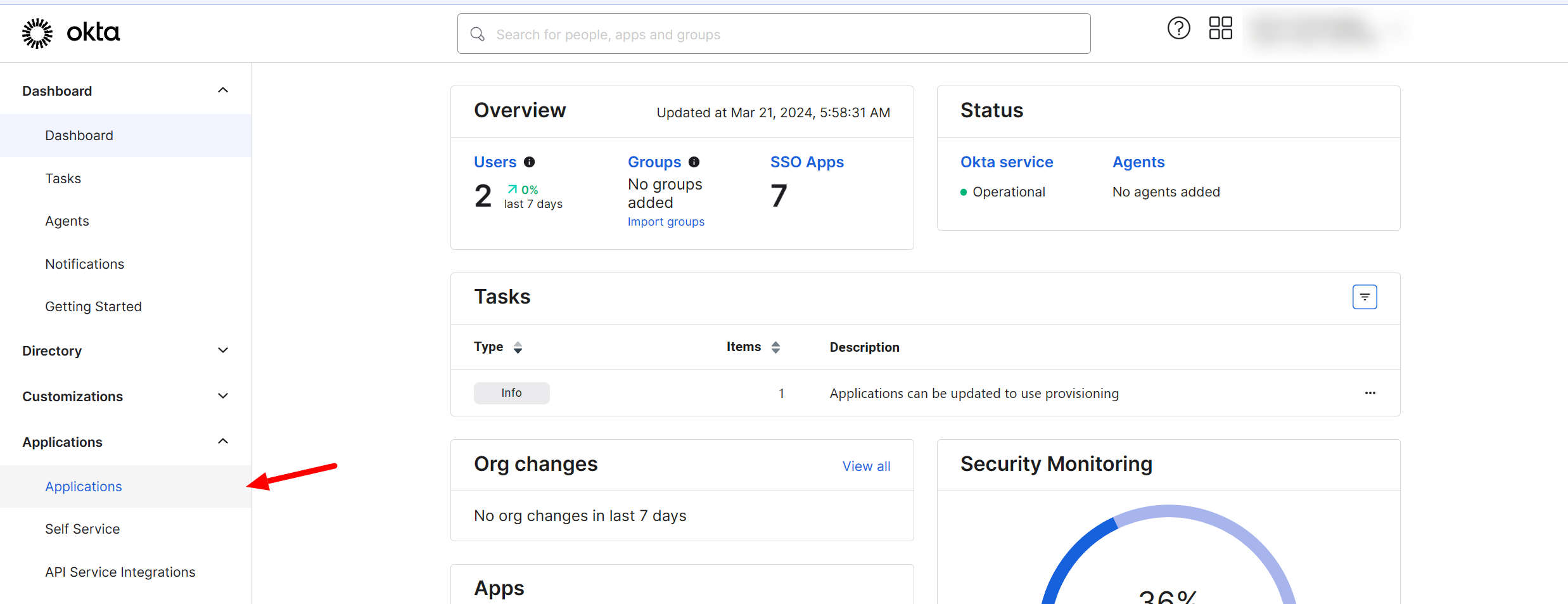
Choose Applications > Applications:
-
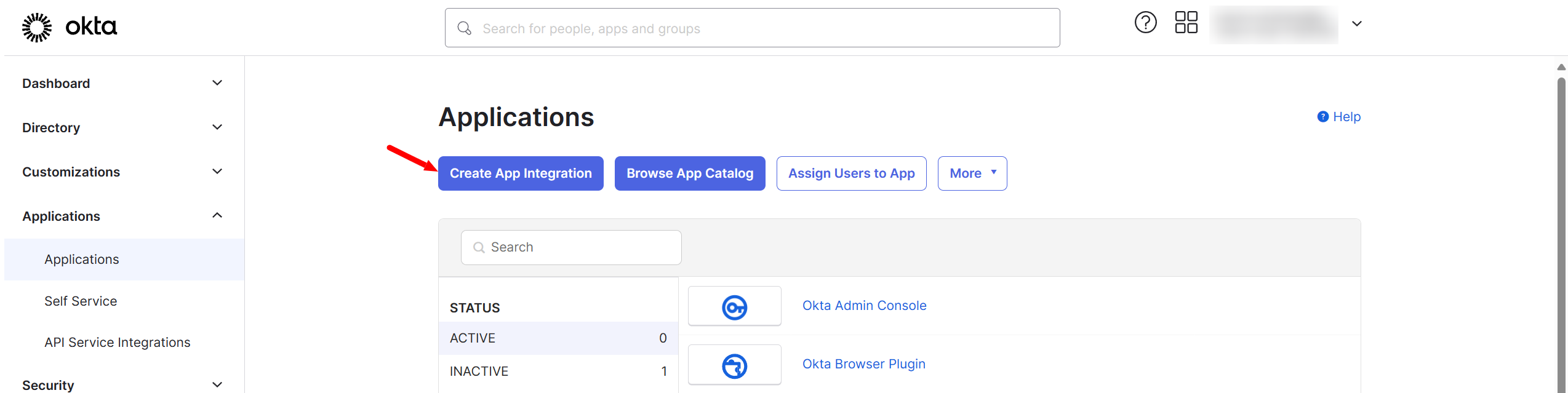
Click on Create App Integration:
-
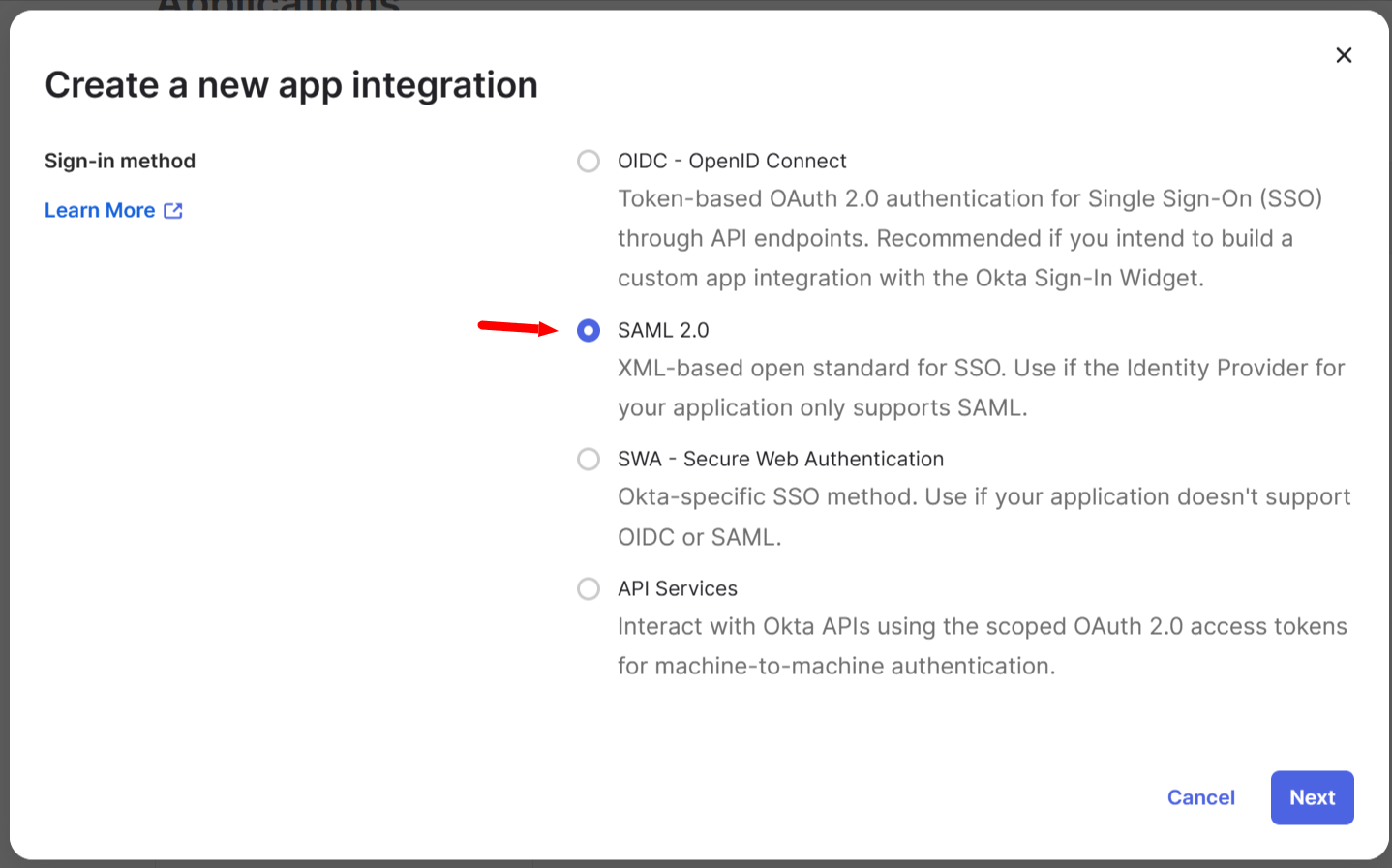
Select SAML 2.0 and click on Next:
-
Choose the application name and click on Next:

-
Paste the URL https://authorizer.short.io/auth/saml/
<yourcompanyname](https://authorizer.short.io/auth/saml/yourcompanyname)[\>into the Single sign-on URL field and your company name into the Service Provider Entity Id fields > Done: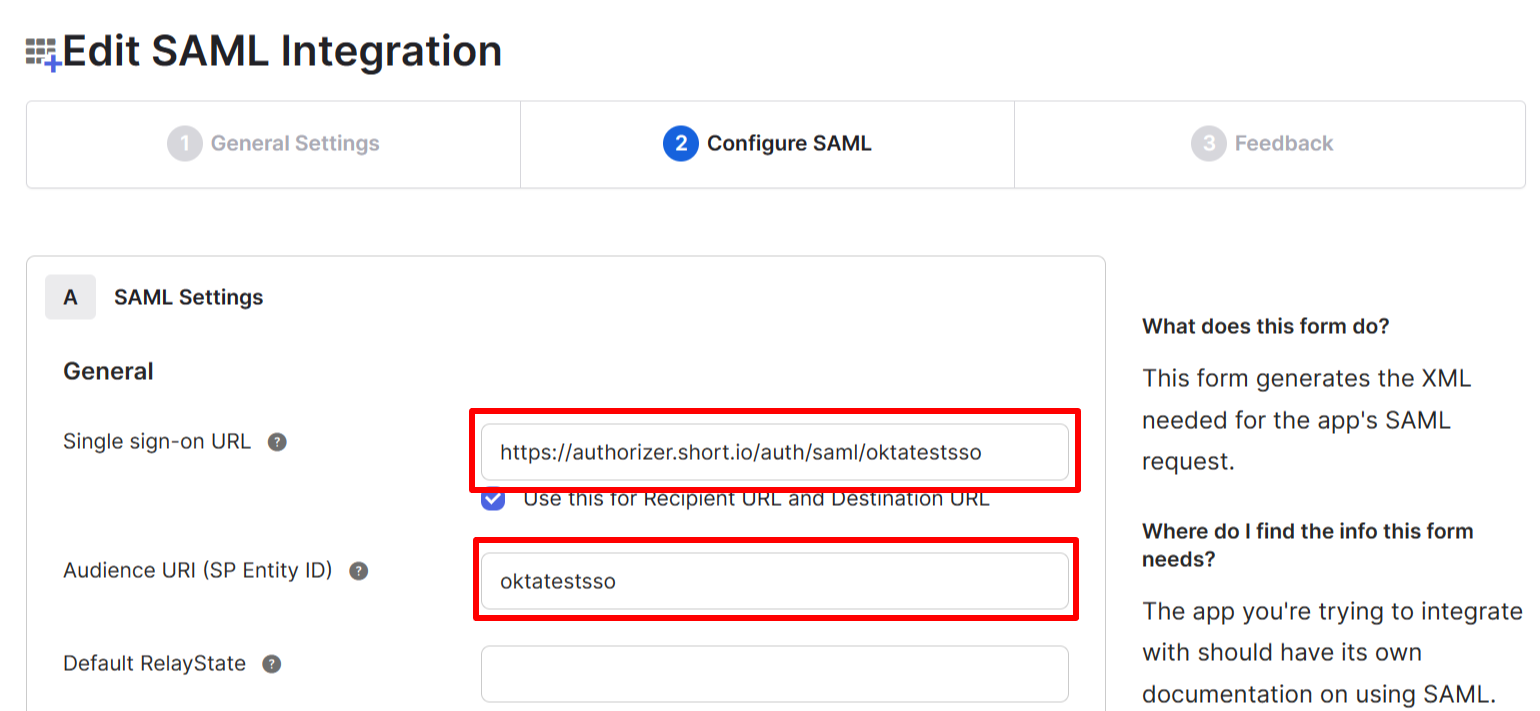
-
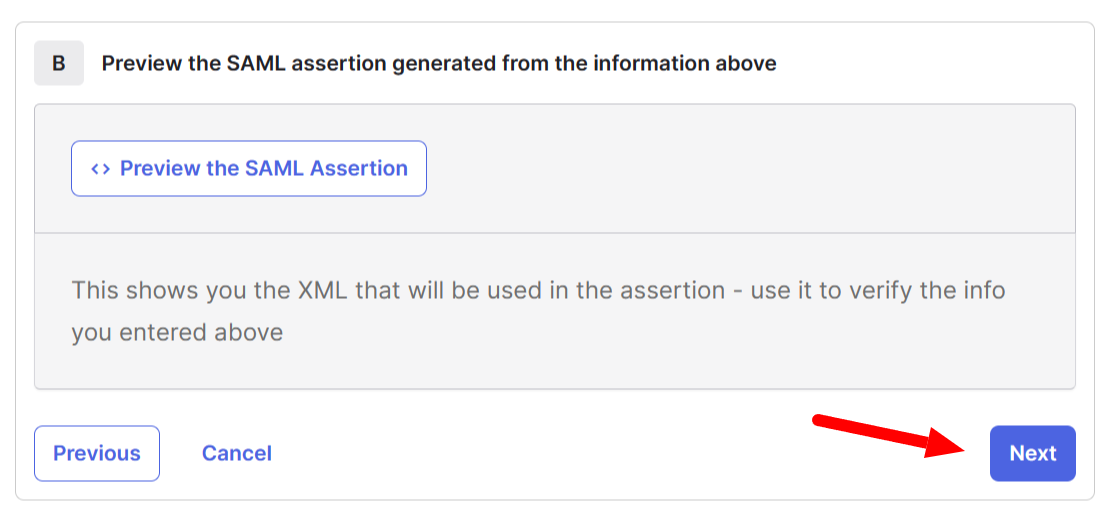
Scroll down and click on Next:
-
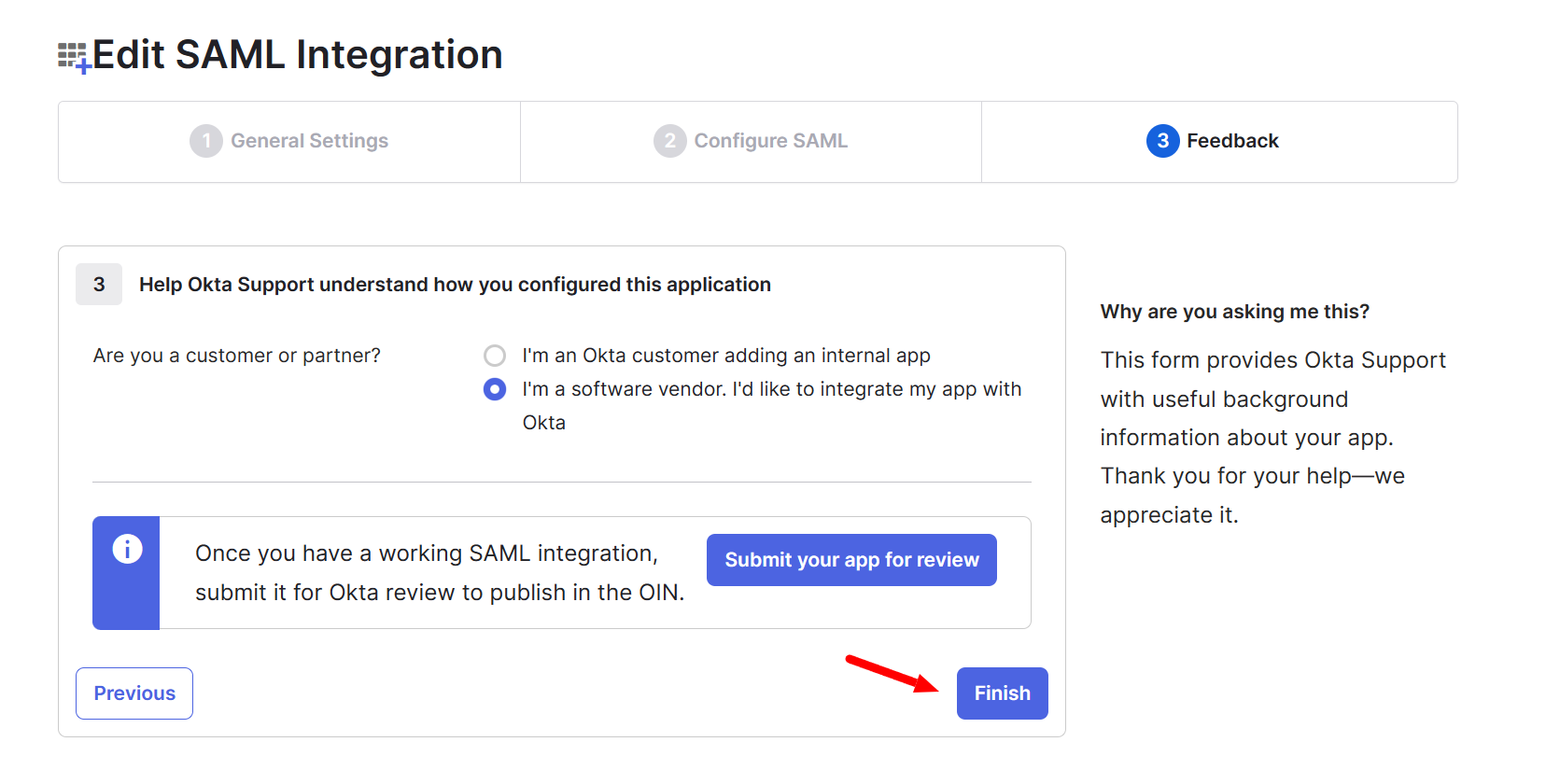
On the next screen click on Finish:
-
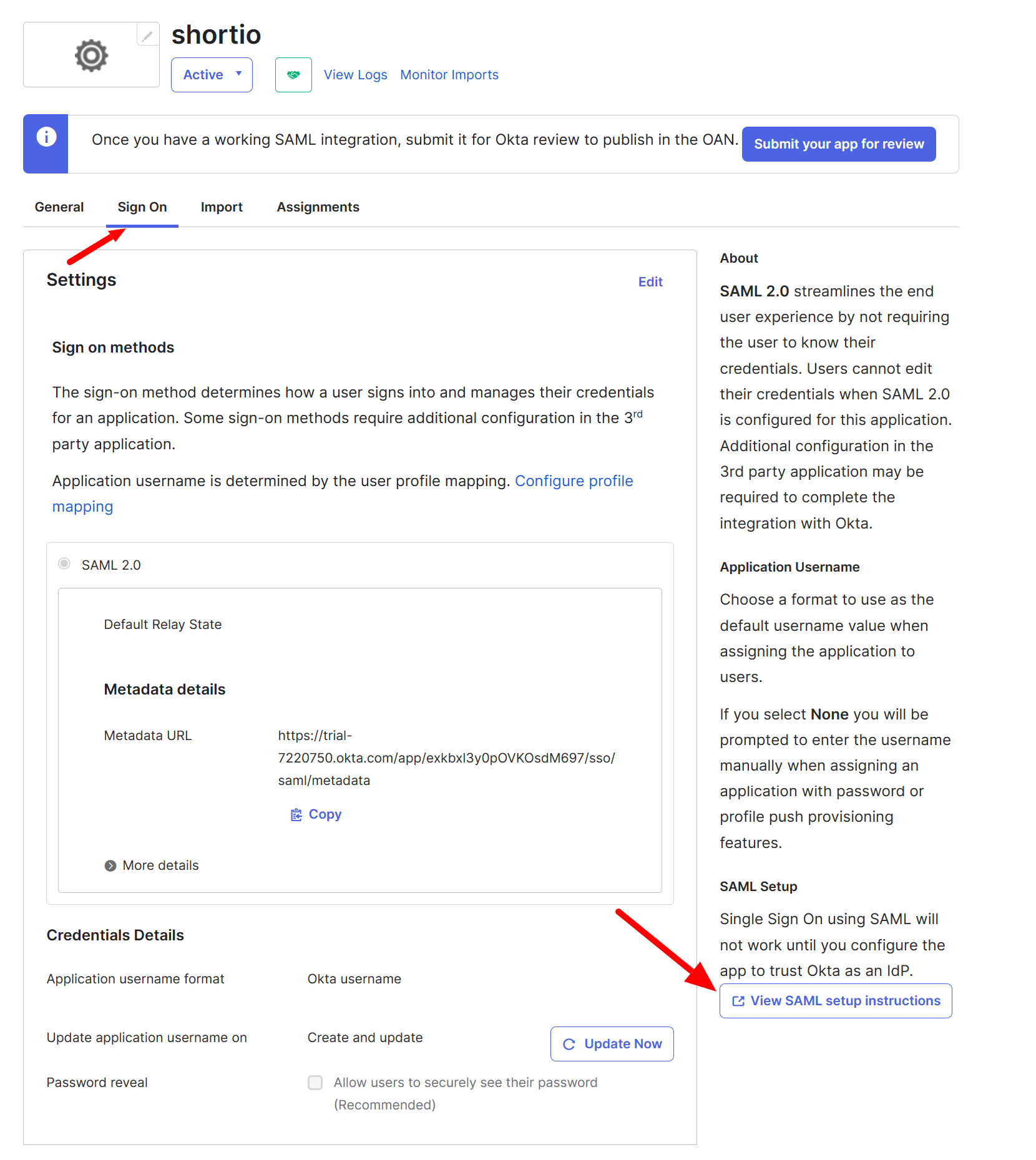
Select the Sign On tab and click on View Setup Instructions:
-
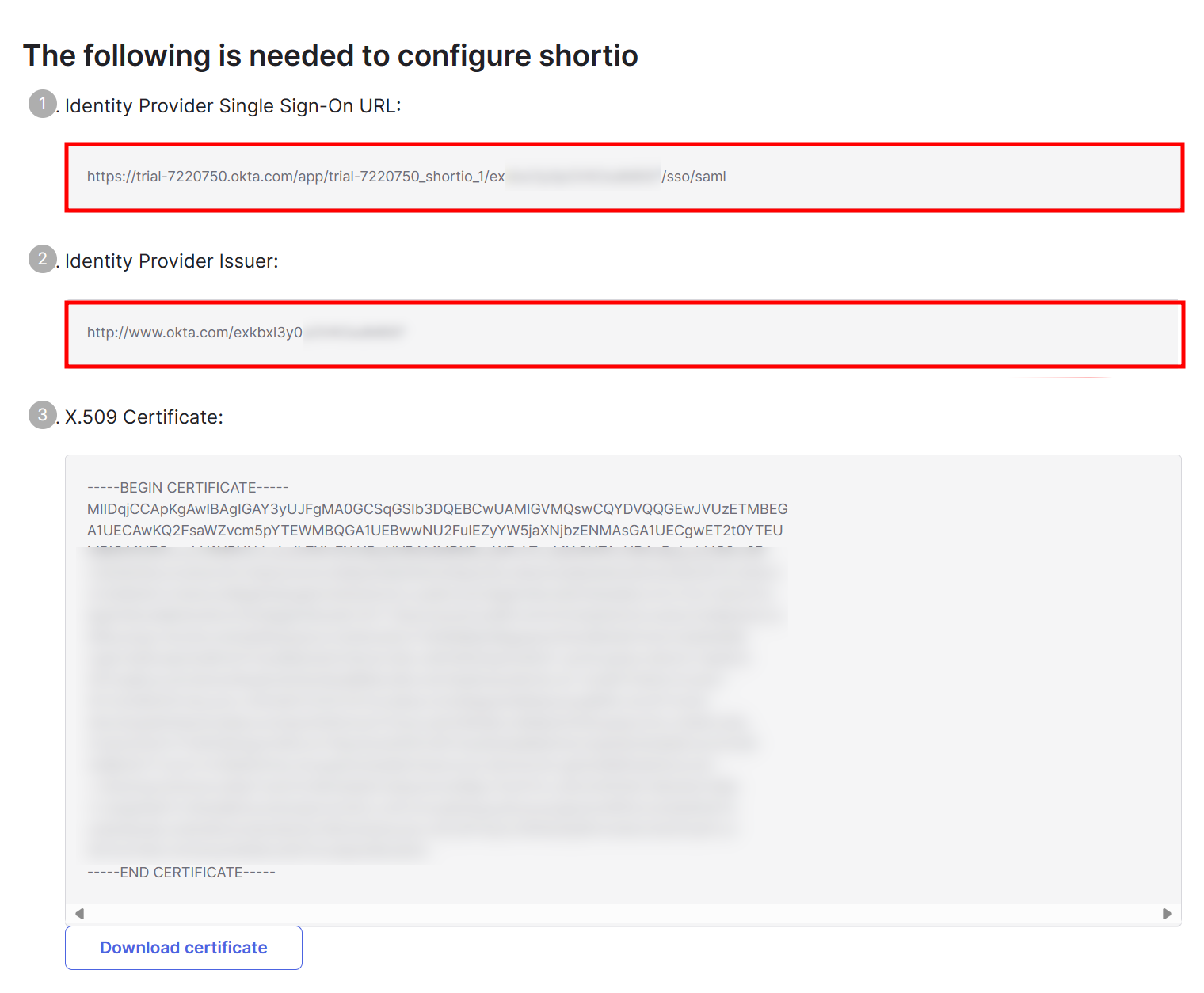
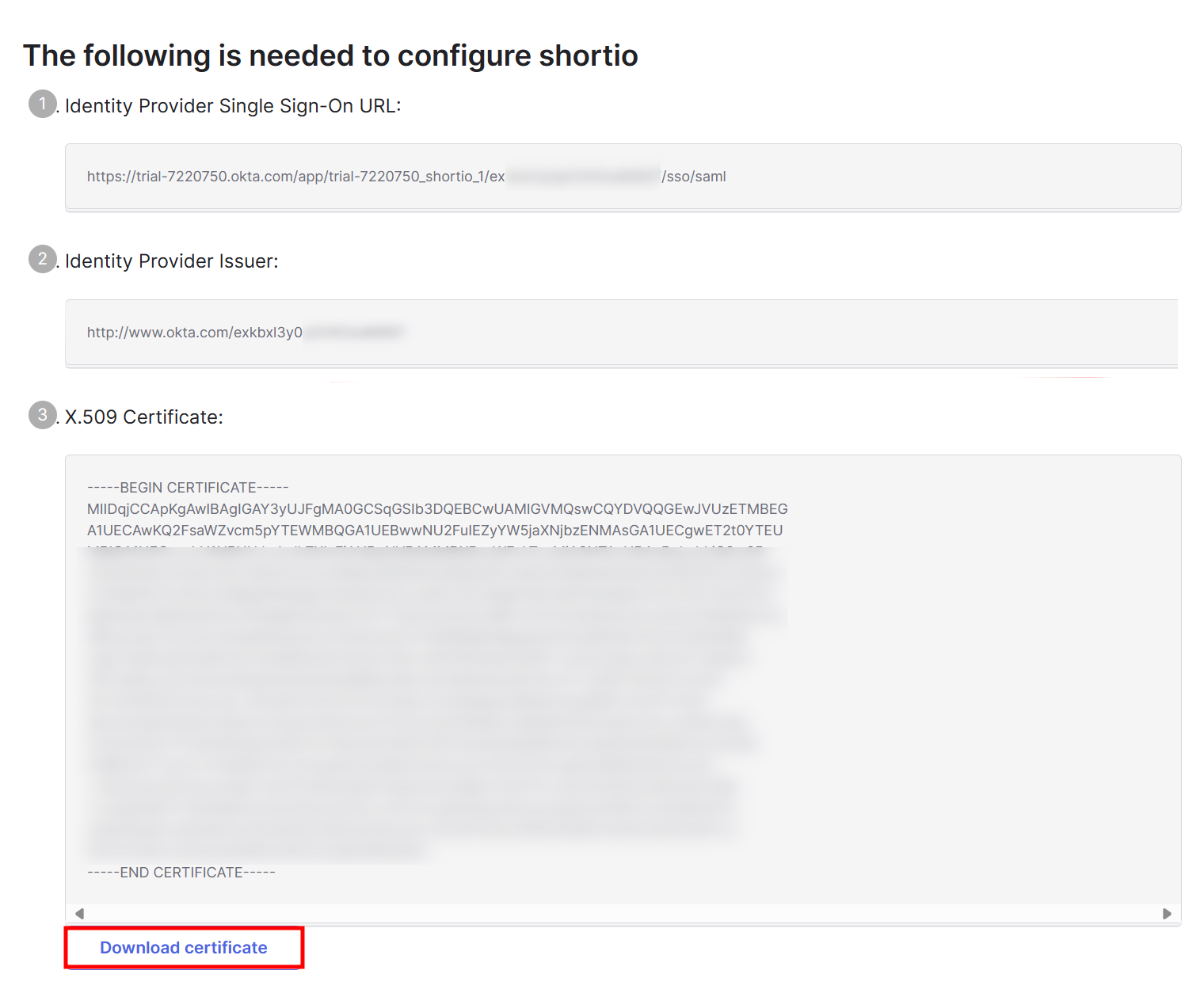
Copy and save in a text document the Identity Provider Single Sign-On URL and the Identity Provider Issuer:
-
Click on Download certificate and save it on your device:
Short.io settings
-
Sign in to your Short.io account.
-
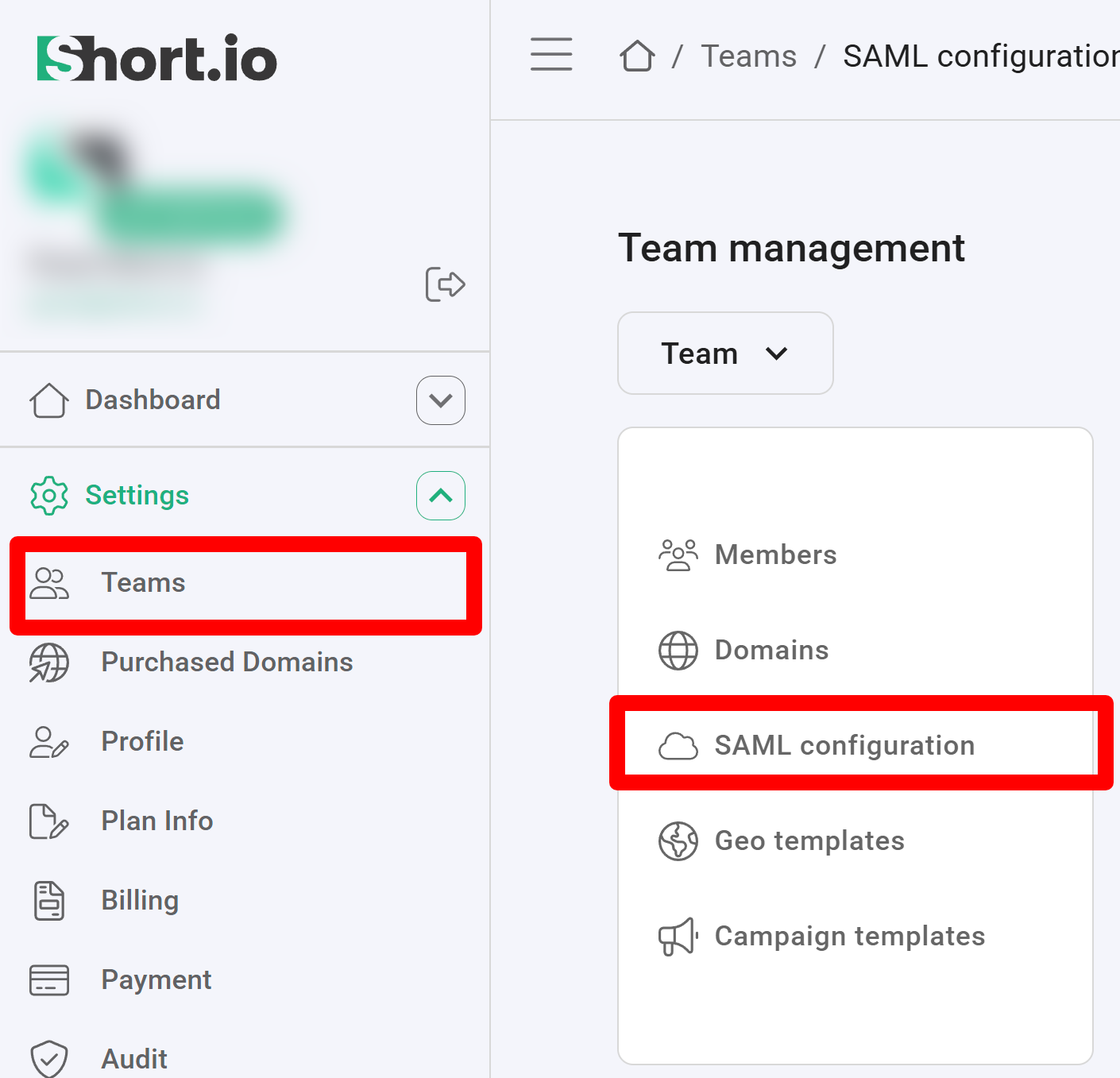
Navigate to the Settings and click on Teams:
-
Click on your team and then click SAML Configuration.
-
In the next screen:
-
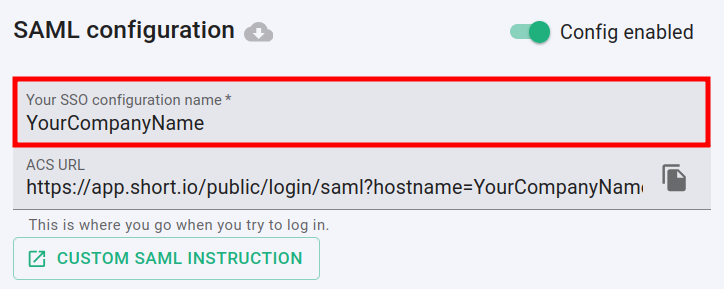
enable the SAML configuration:

-
enter the name of your company in the SSO configuration field:
-
paste the Identity Provider Single Sign-On URL which you copied from the Okta settings into the Entry point URL field:

-
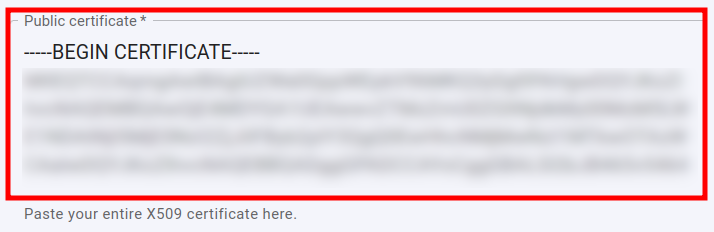
open the certificate which you downloaded in a text editor, copy and paste the content of the certificate into the Public certificate field:
-
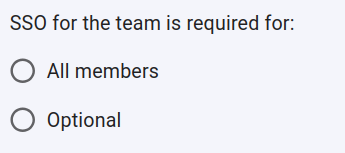
you can specify whether or not the SSO is required for All members of the team or is Optional:
-
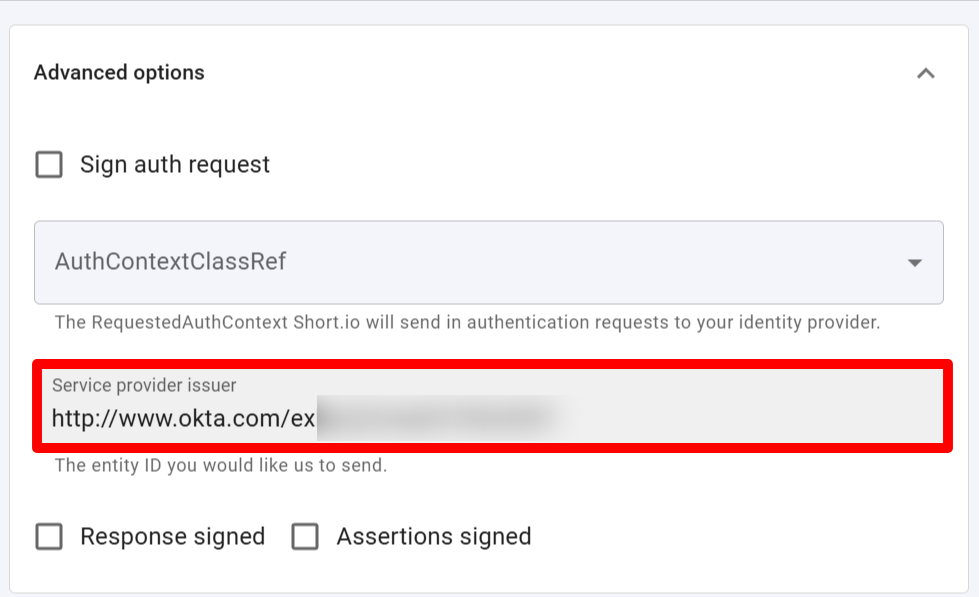
expand the Advanced options and paste the Identity Provider Issuer which you copied from the Okta settings into the Service provider issuer field:
-
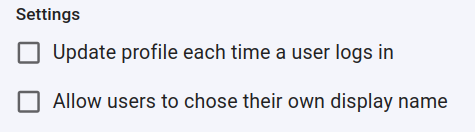
you can determine if a profile should be updated each time the user logs in,
and if the users are allowed to chose their own display name:
-
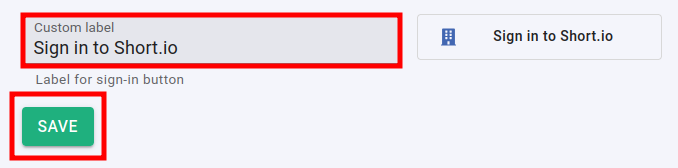
you can change the appearance of the Sign in button by adding a custom label:
-
-
Click on Save to confirm.
You can now use the Single Sign-On with Short.io.
Note: The Short.io team configures SSO within 24 hours.
In case you need further assistance, please contact the Short.io support team at support@short.io.