How to edit links in bulk
You can edit short links in bulk by changing the following options: cloaking, original URL, slugs, UTM tags, click limits, expiration date/link, TTL, tags, link title, iOS/Android links, and creation date.
Note: If you want to add more than one tag, separate them with commas.
To edit links in bulk
-
Sign in to your Short.io account.
-
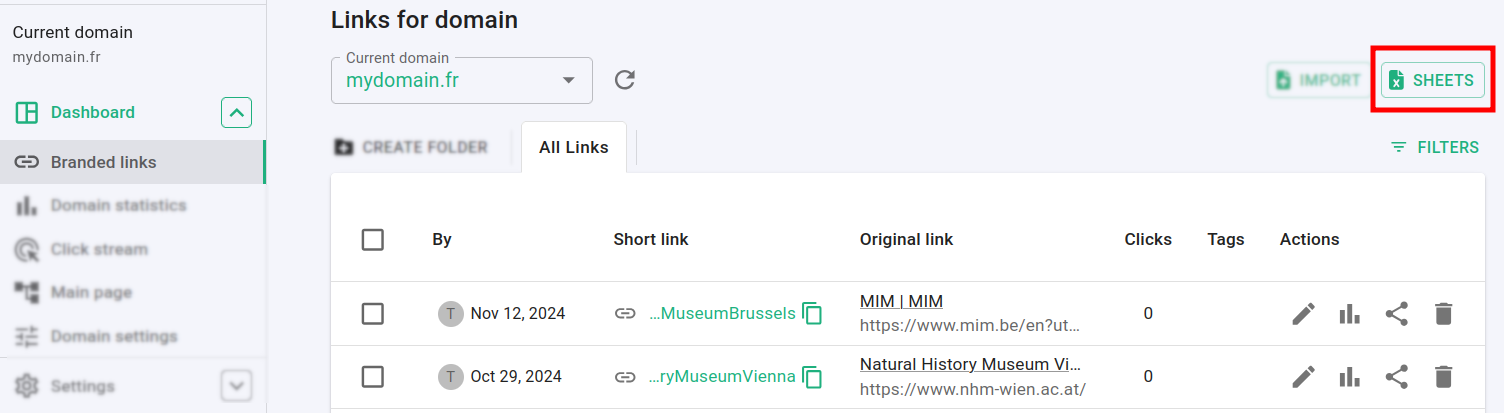
In the Dashboard navigate to the Branded links panel and click on Sheets:
-
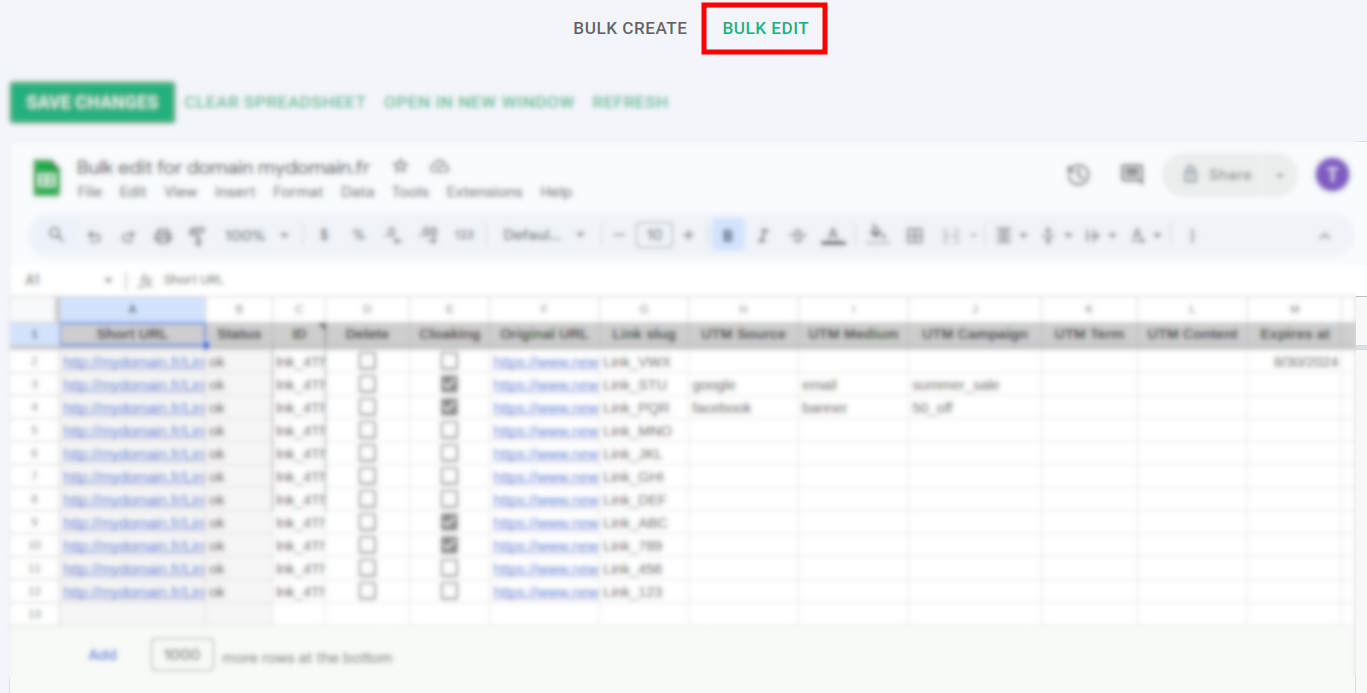
In the next screen click on Bulk edit:
-
Edit the necessary data in the Google Sheets screen:

Note: You cannot edit the following columns: Short URL, Status and ID.
-
Click on Save changes.
Note: The process can take 1-2 minutes. You may then review the updated link settings from the Dashboard.