How to add tags to short links in bulk from Dashboard
You can assign a tag to several links simultaneously from the Dashboard by using the following method:
-
Sign in to your Short.io account.
-
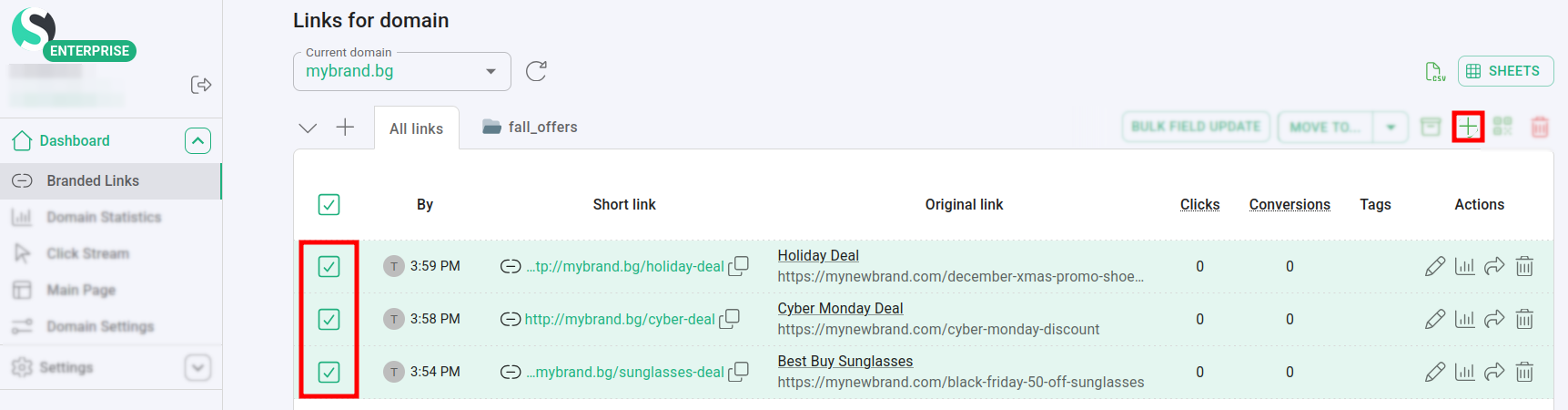
Navigate to the Branded links and select the links to which you want to add a tag:
-
Click on
 .
. -
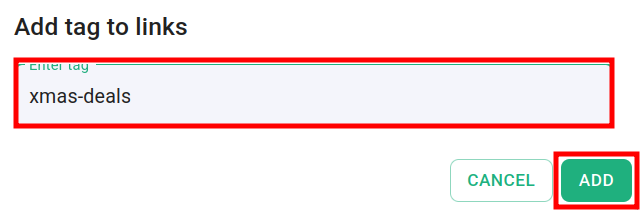
In the next screen add your tag:
-
Click on Add.
The tag is assigned to the selected links:

Note: You can add only one tag at a time.