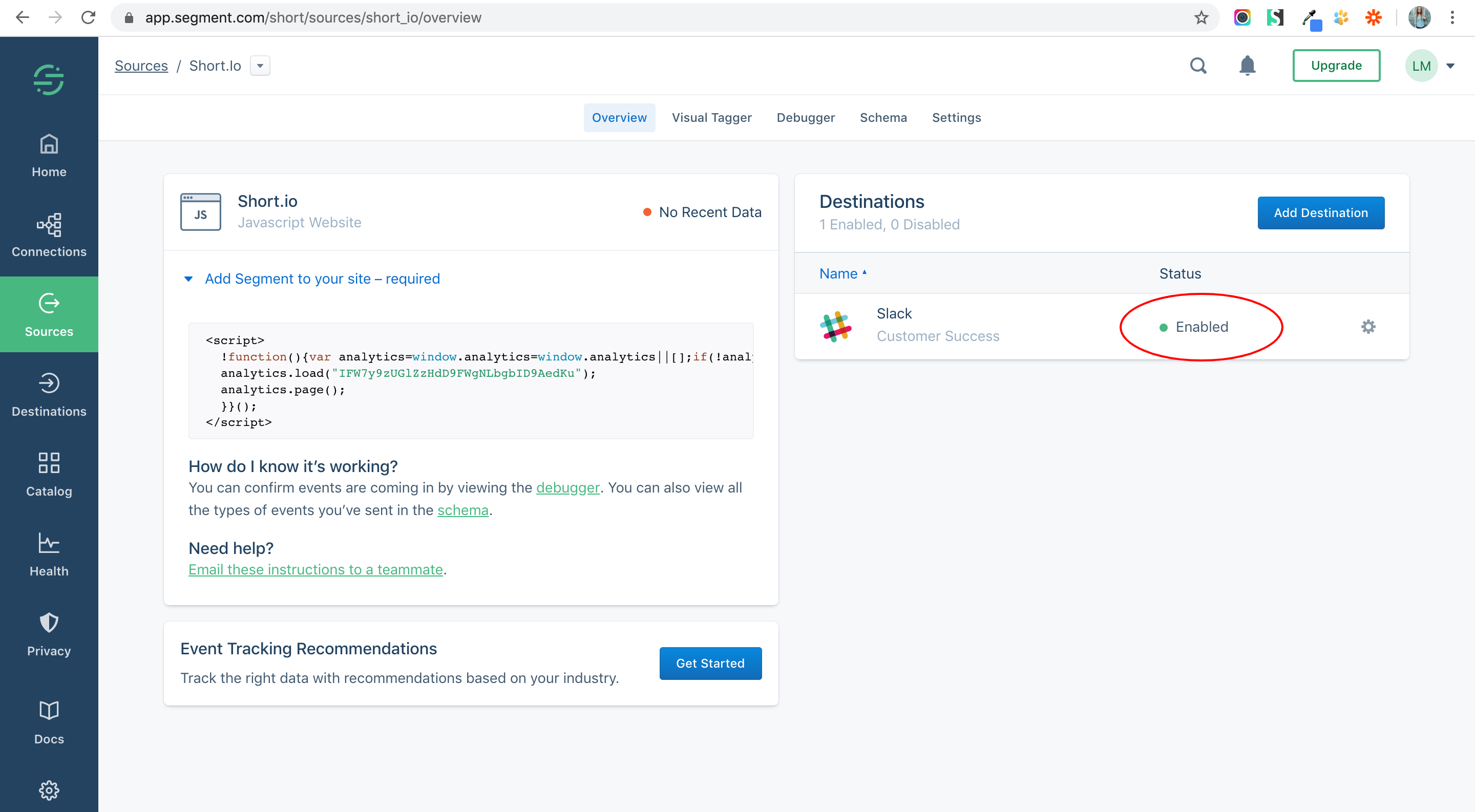
How to integrate Short.io with Slack via Segment
Now, you have an opportunity to stay informed about a click flow. Receive notifications when someone clicks a short link. Being notified is a useful way of getting information about recent clicks that will help you to understand your audience more precisely.
Integrations via Segment require the Pro Plan.
Create a Short.cm and Segment integration that is targeted to a Slack channel. When an event occurs, you receive a notification about the new click via Slack.
Follow the instructions below:
1. Go to your Segment workspace.
2. Add a source app.
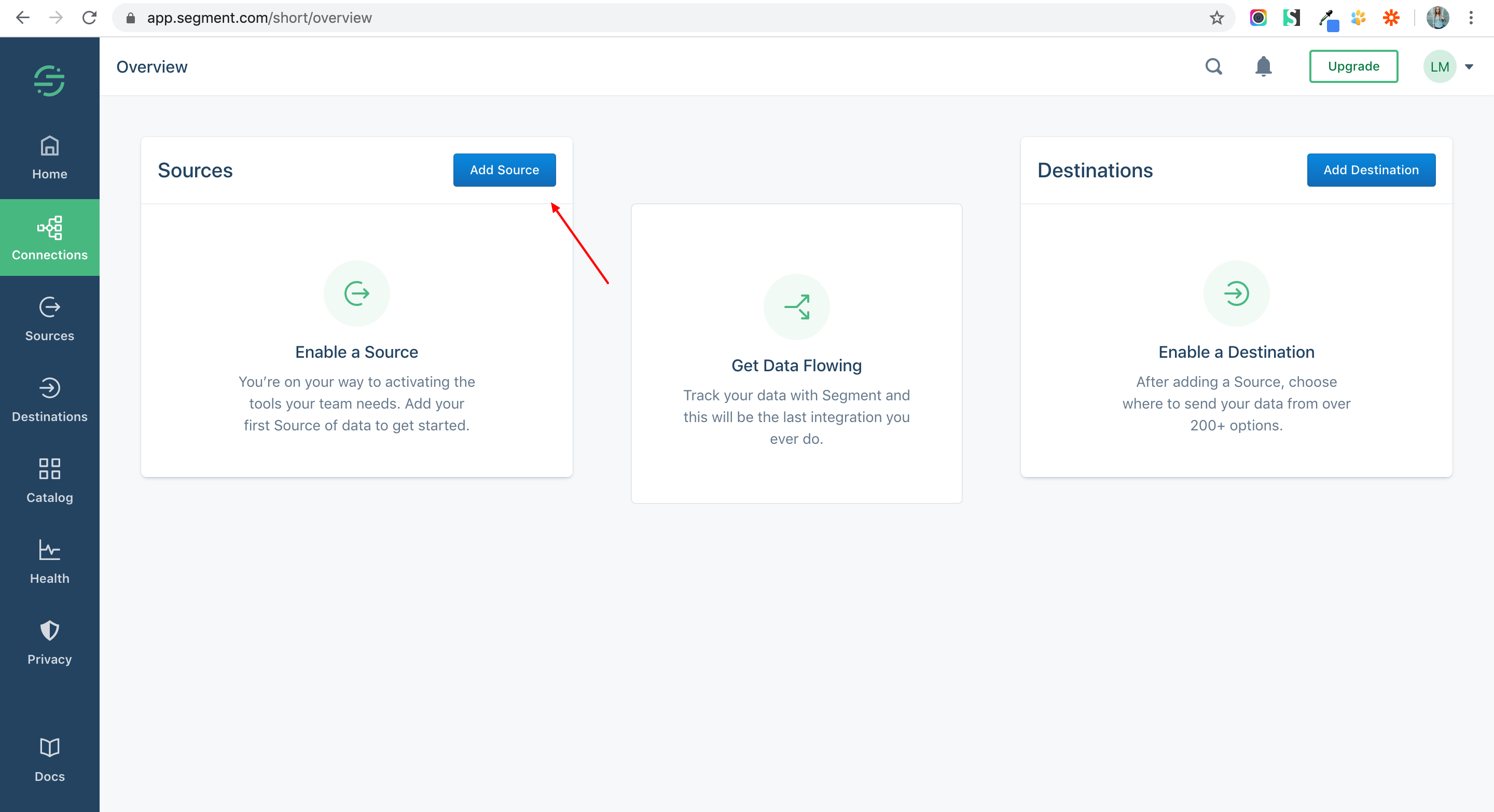
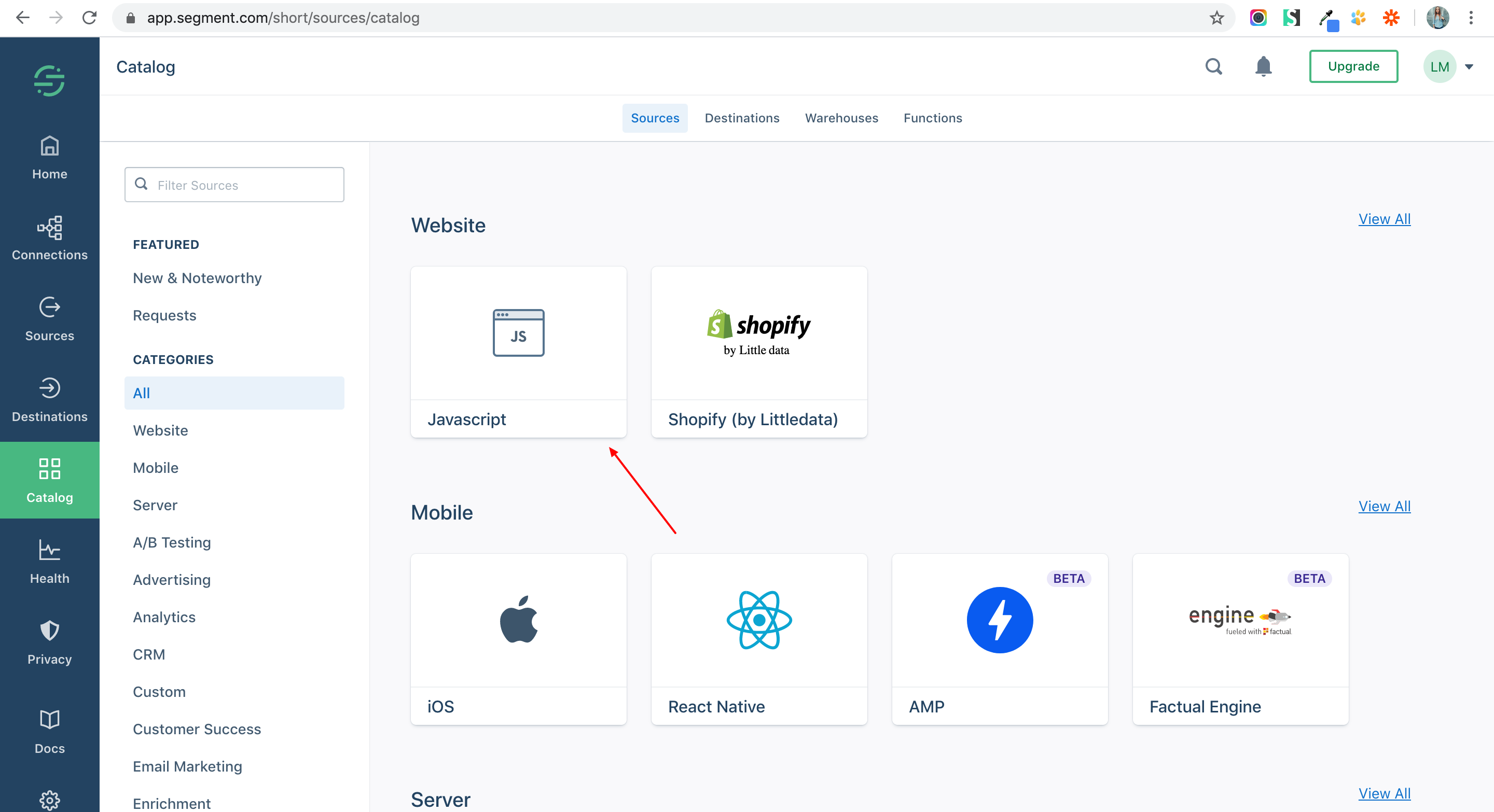
3. Connect the Website — JavaScript mode.
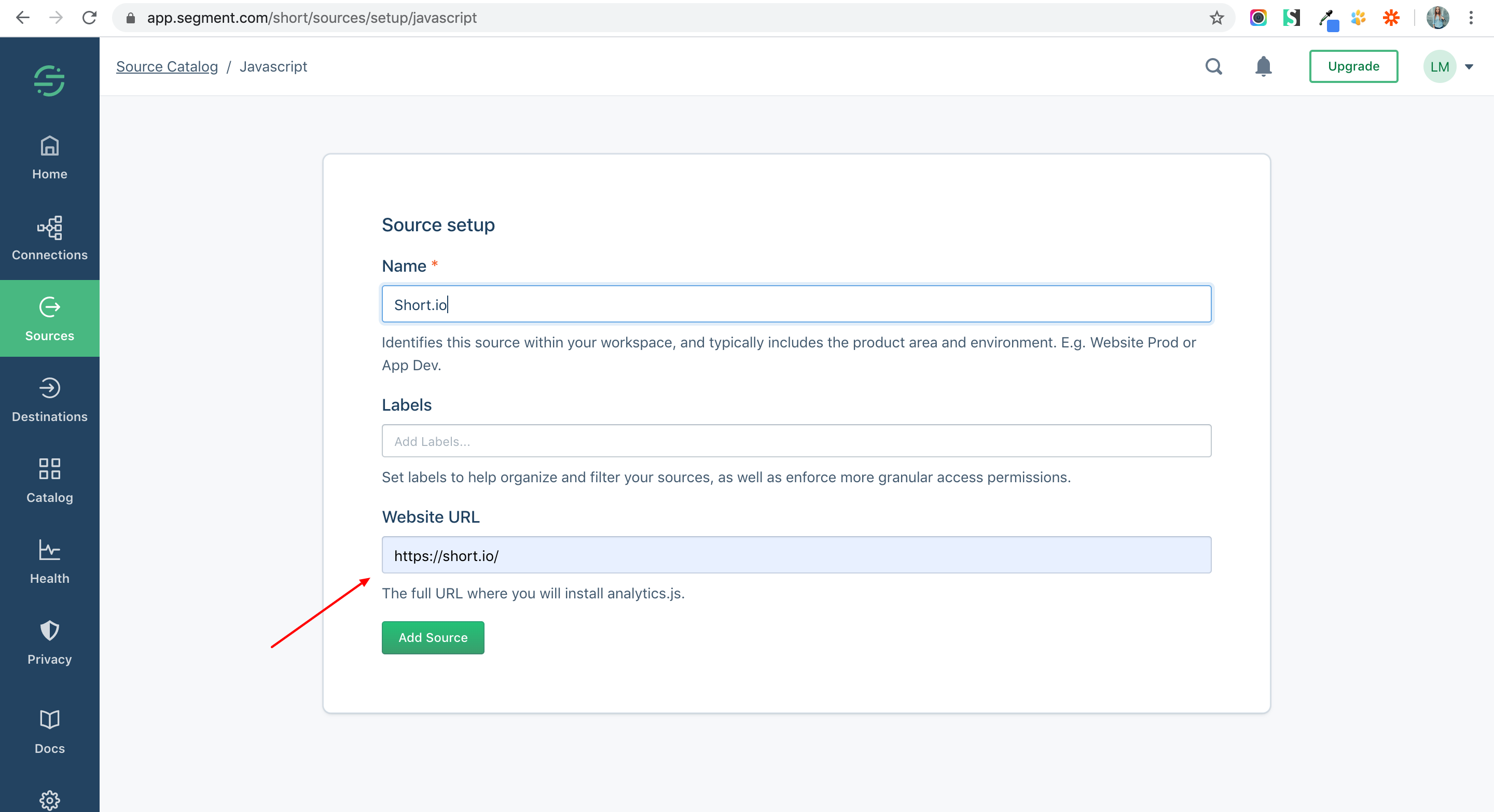
4. Add the Short.io website URL.
5. Choose Settings.
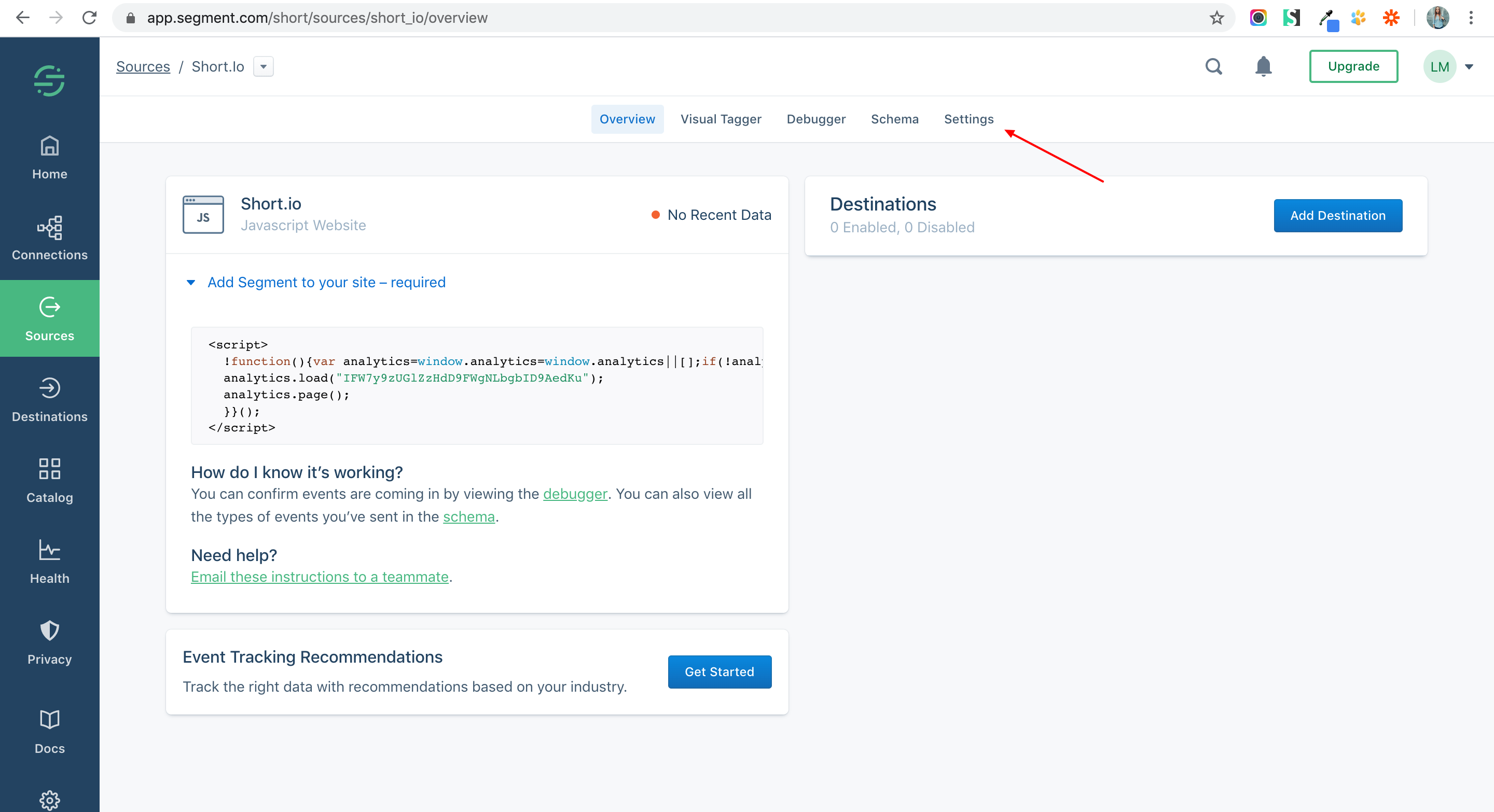
6. Click API Keys.
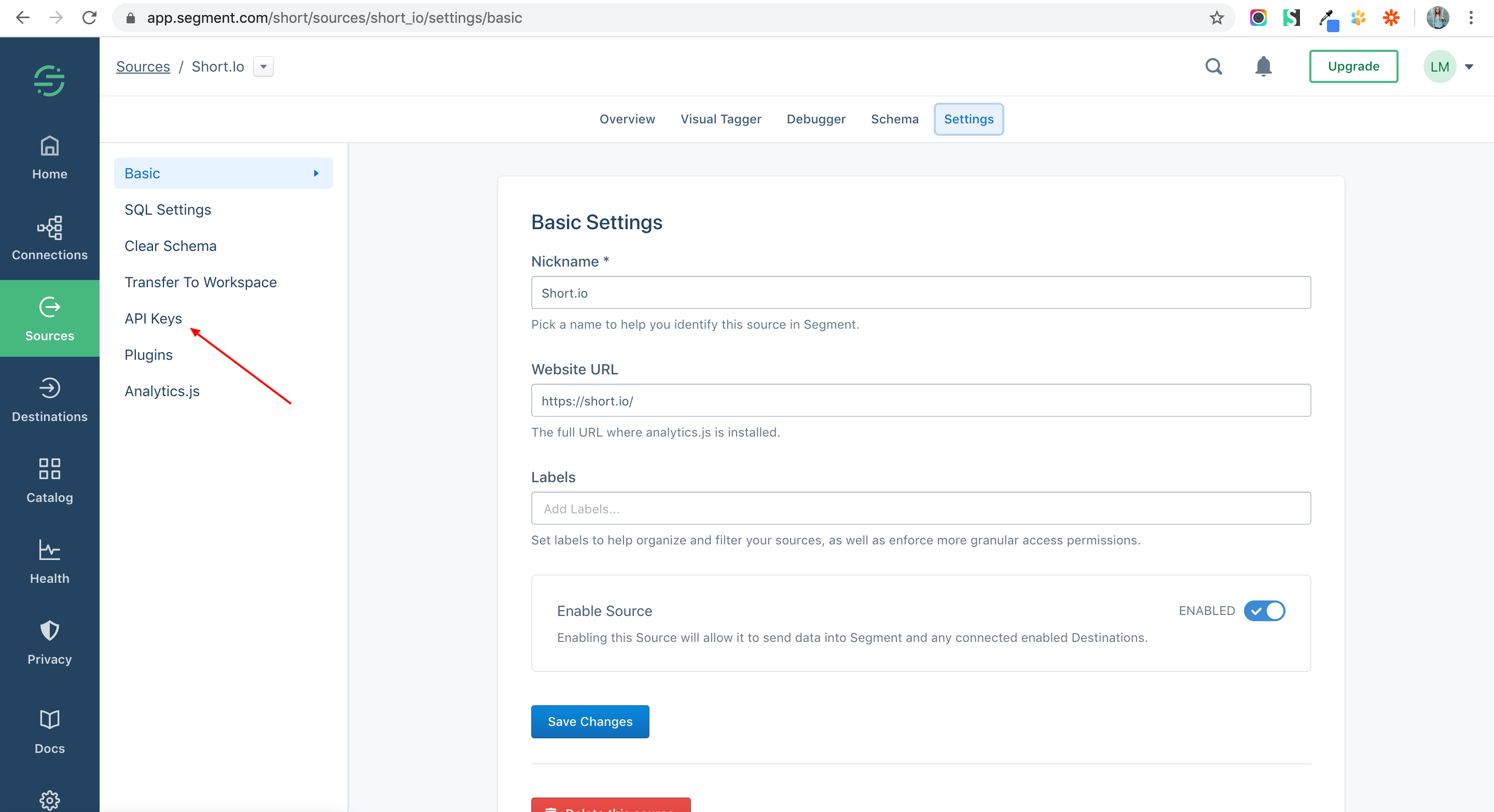
7. Copy an API Key.
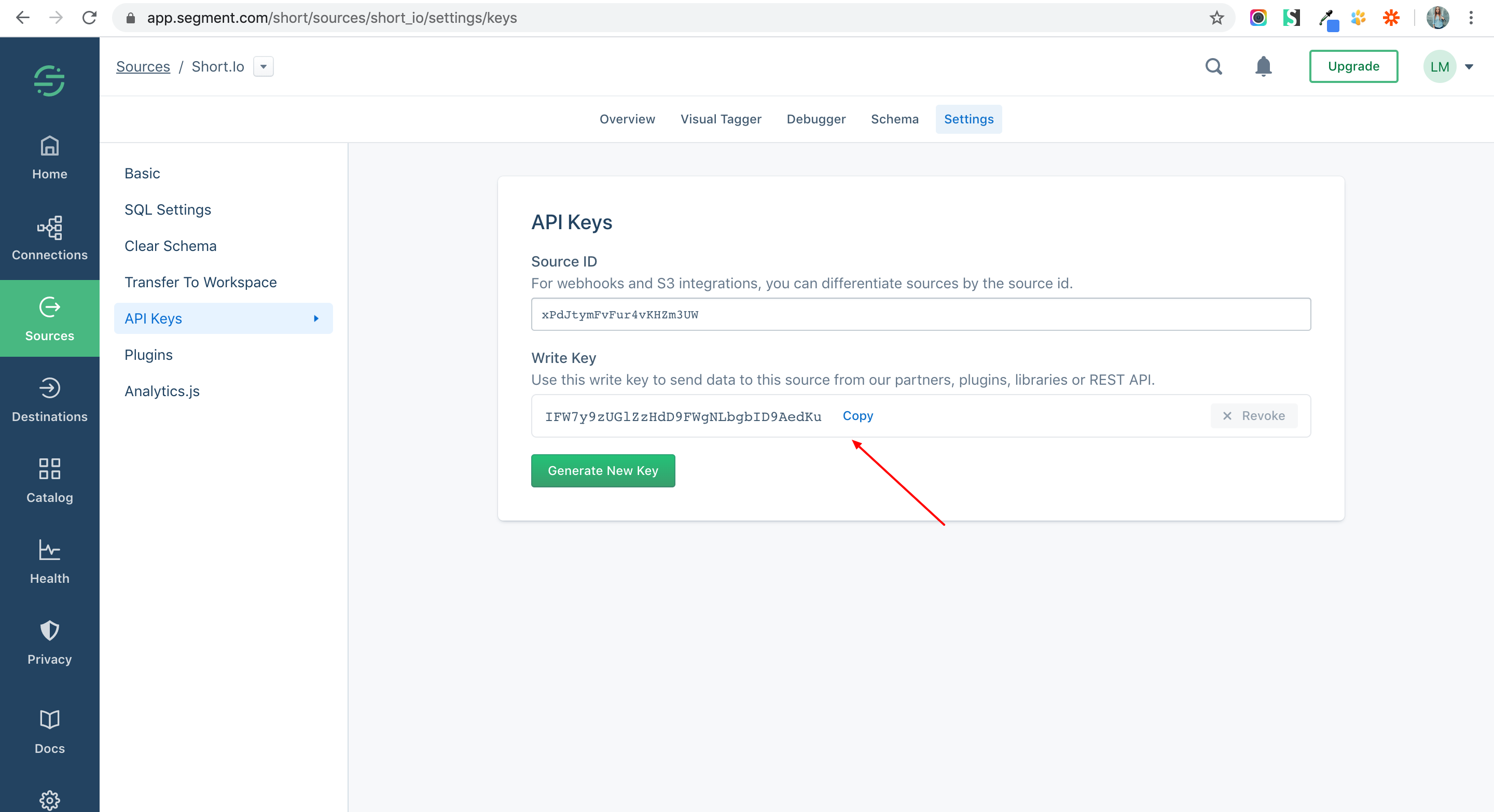
8. Go to your Short.io account.
9. Open Domain Settings.
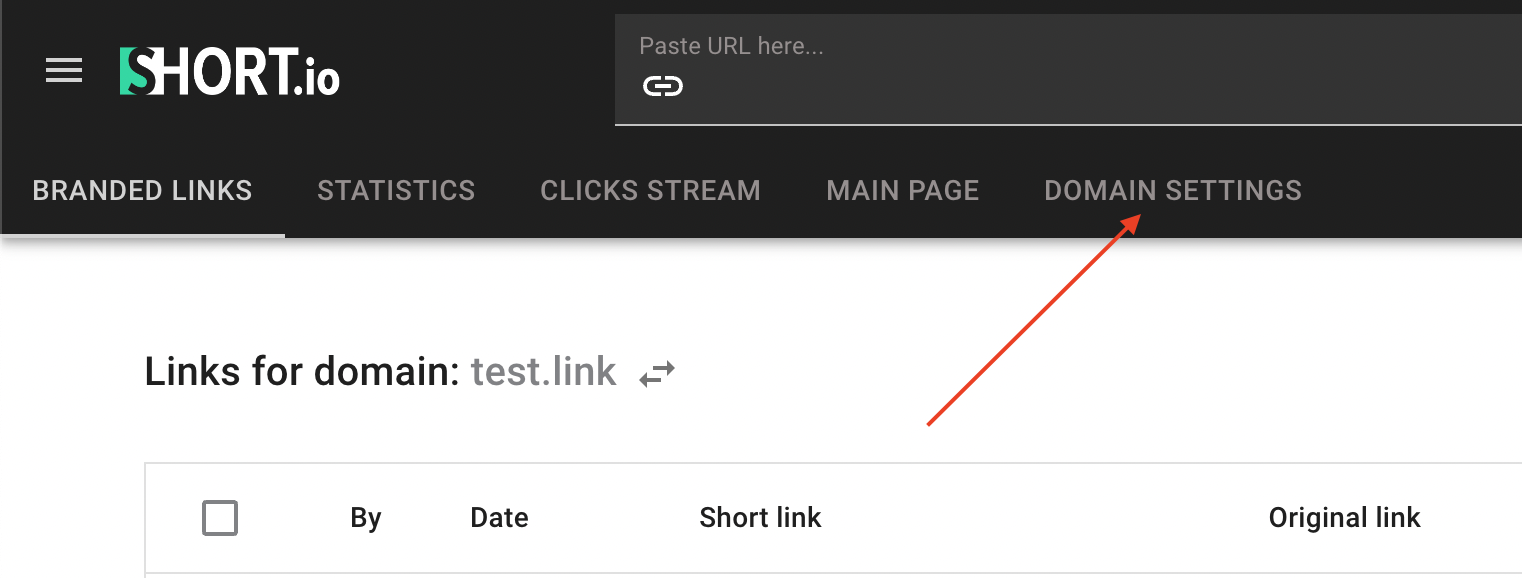
Click Tracking.
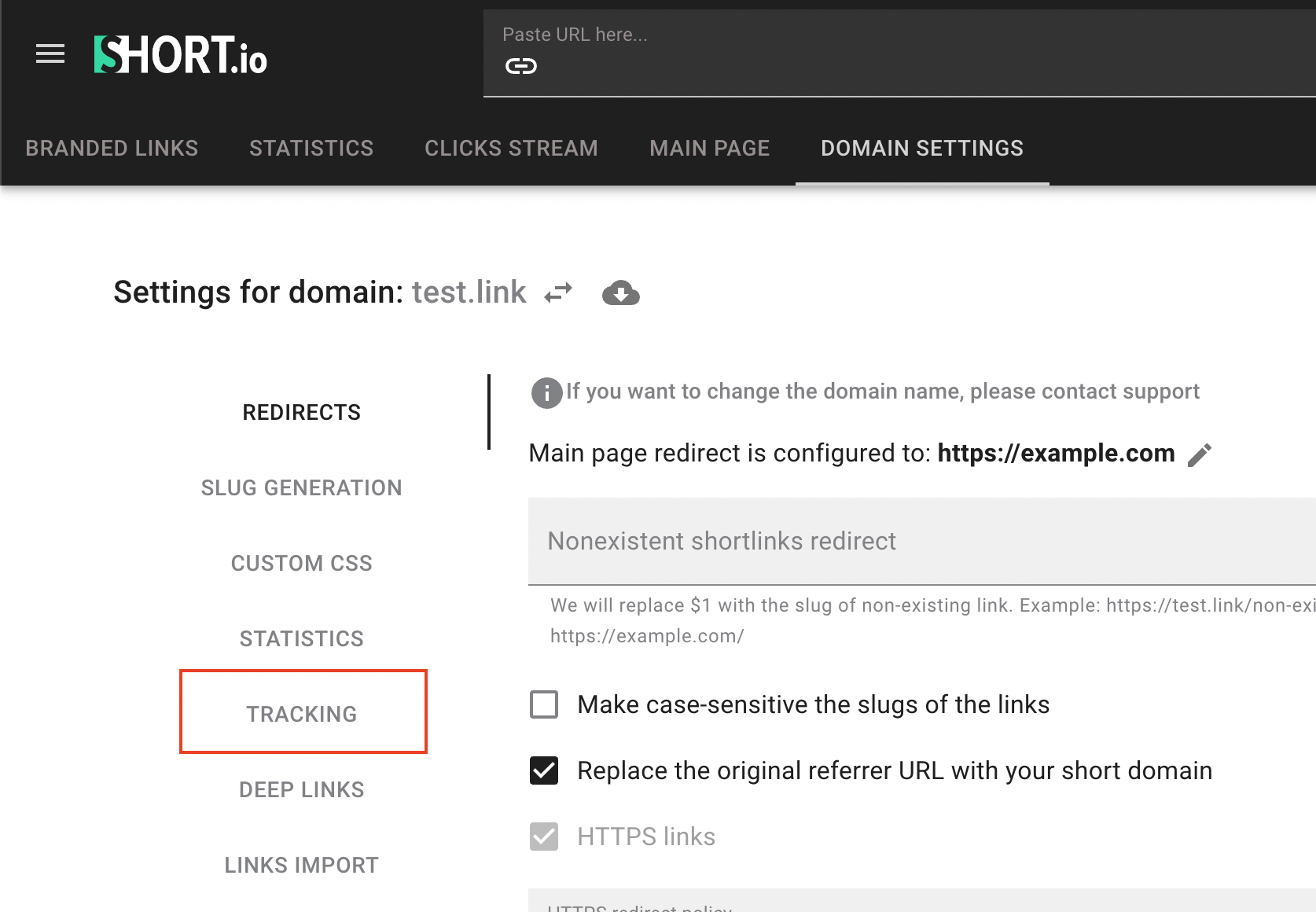
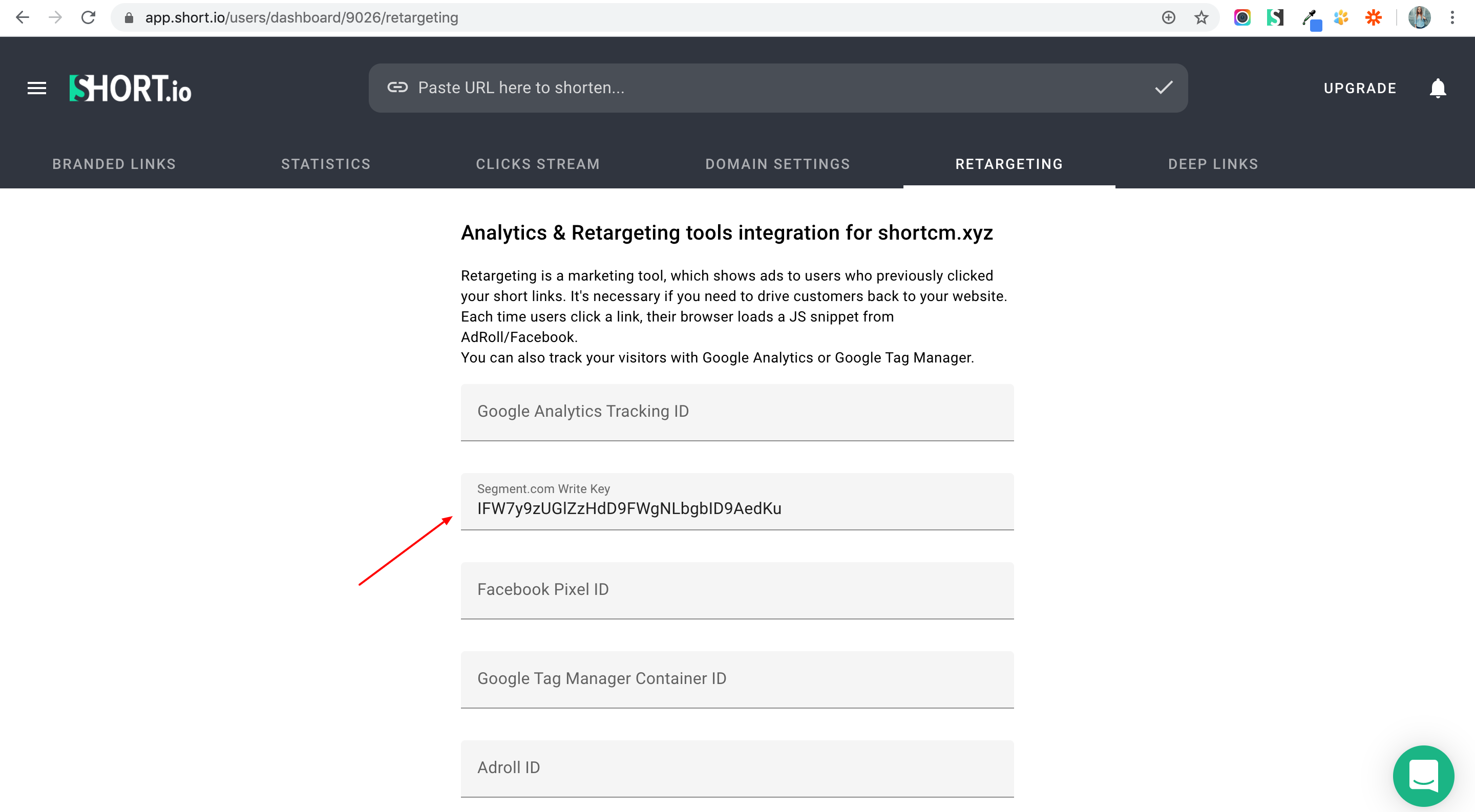
10. Paste the API Key to Segment field and save.
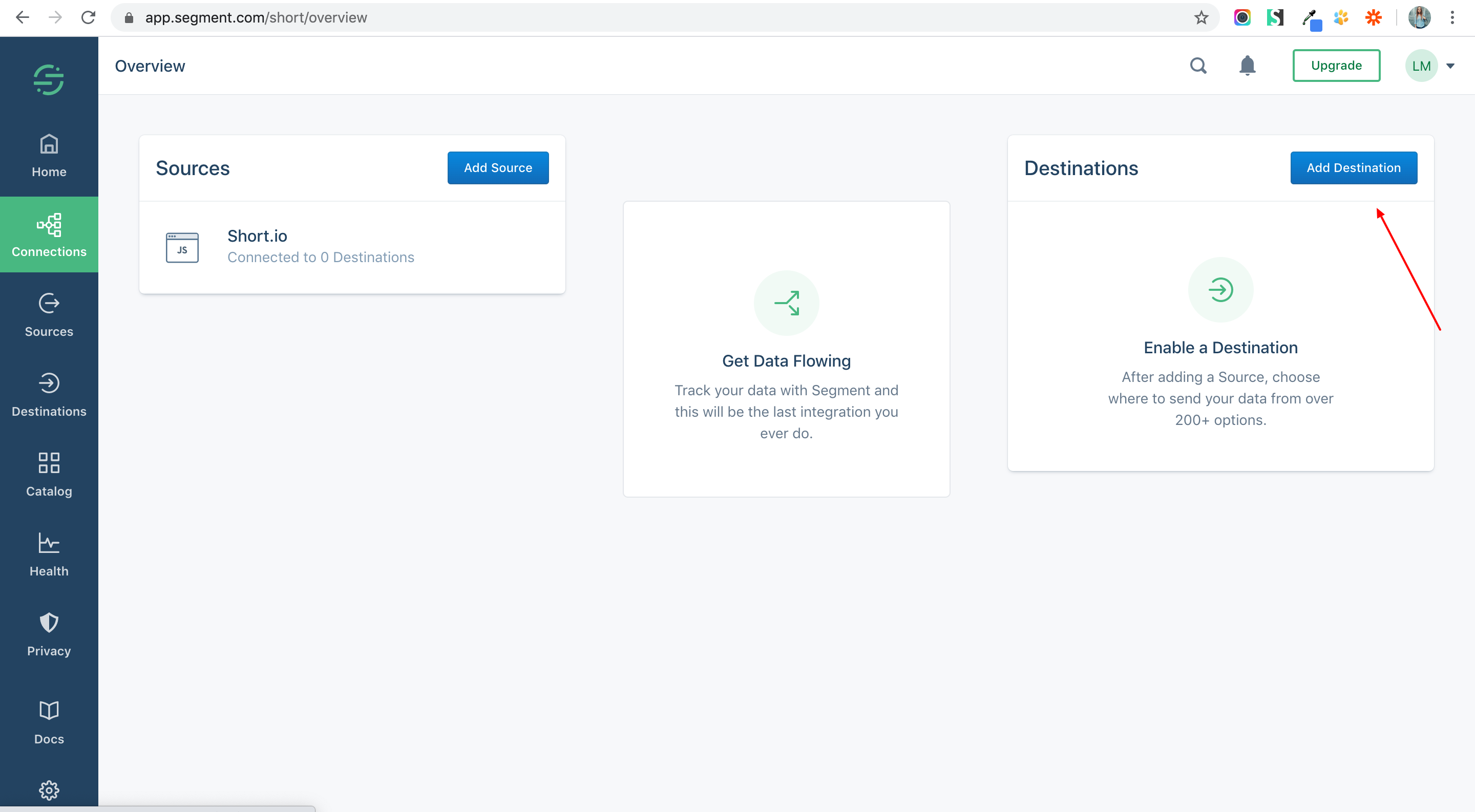
11. Add a Destination app.
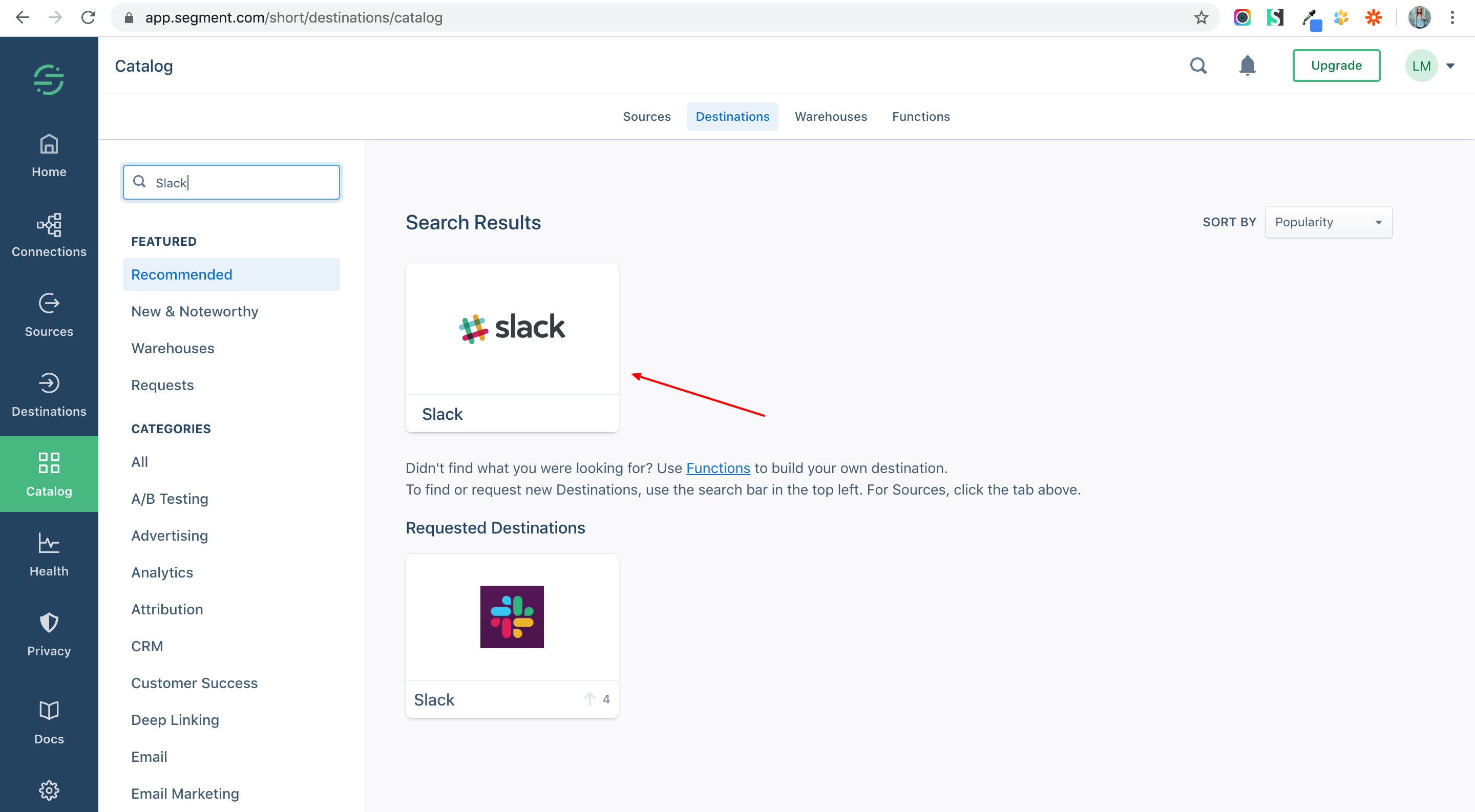
12. Choose Slack.
13. Configure Slack.
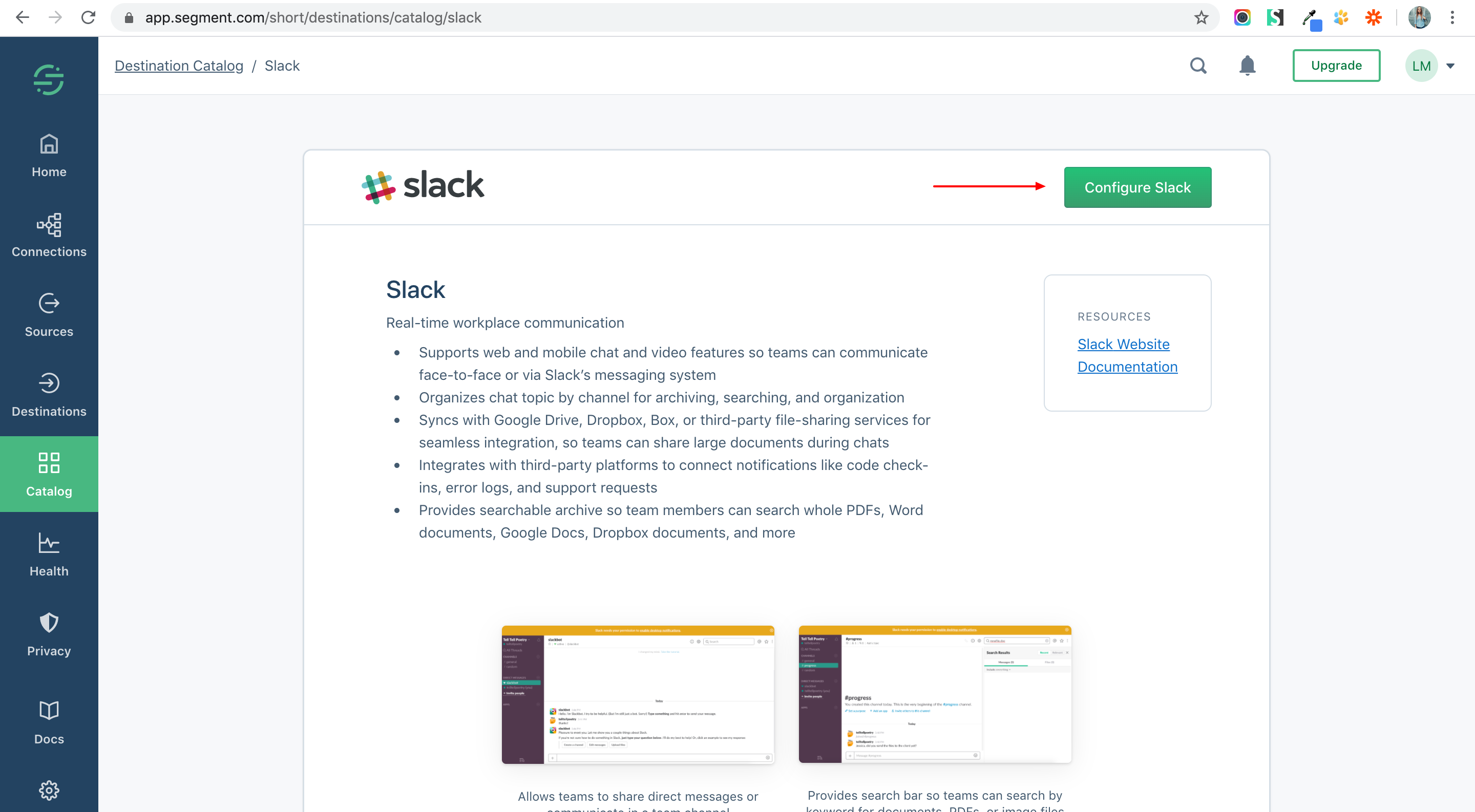
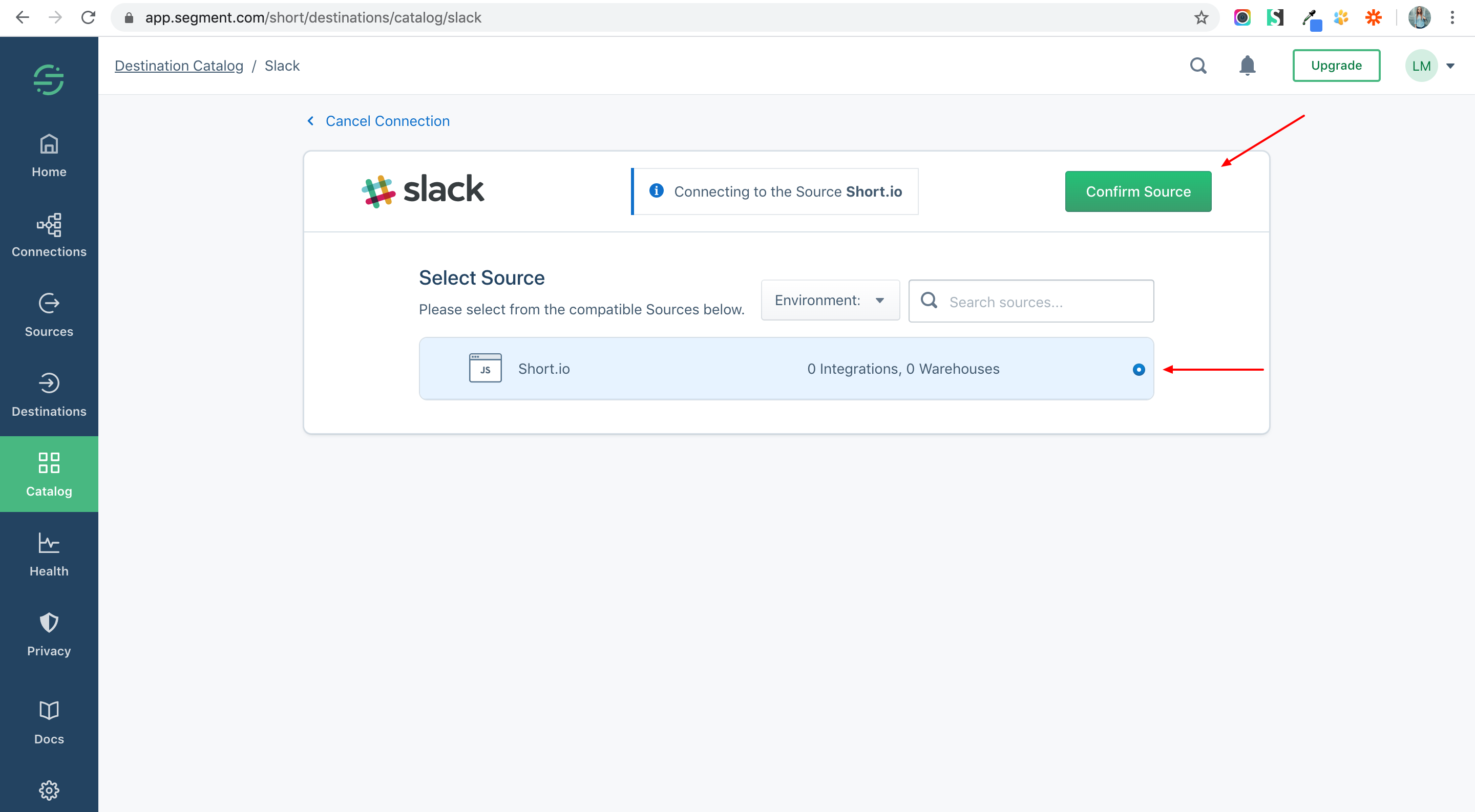
14. Choose a Source and Confirm.
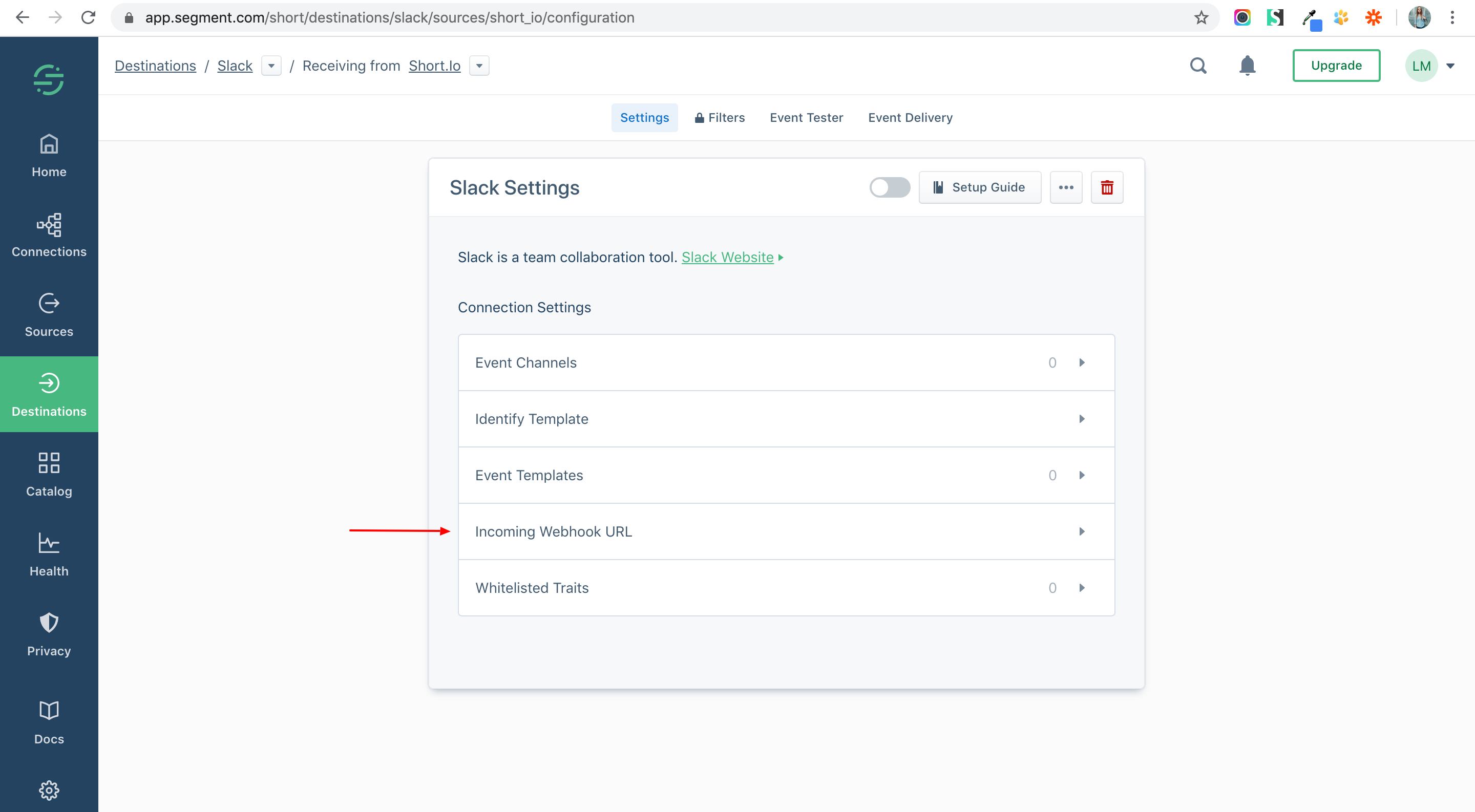
15. Select Incoming Webhook URL.
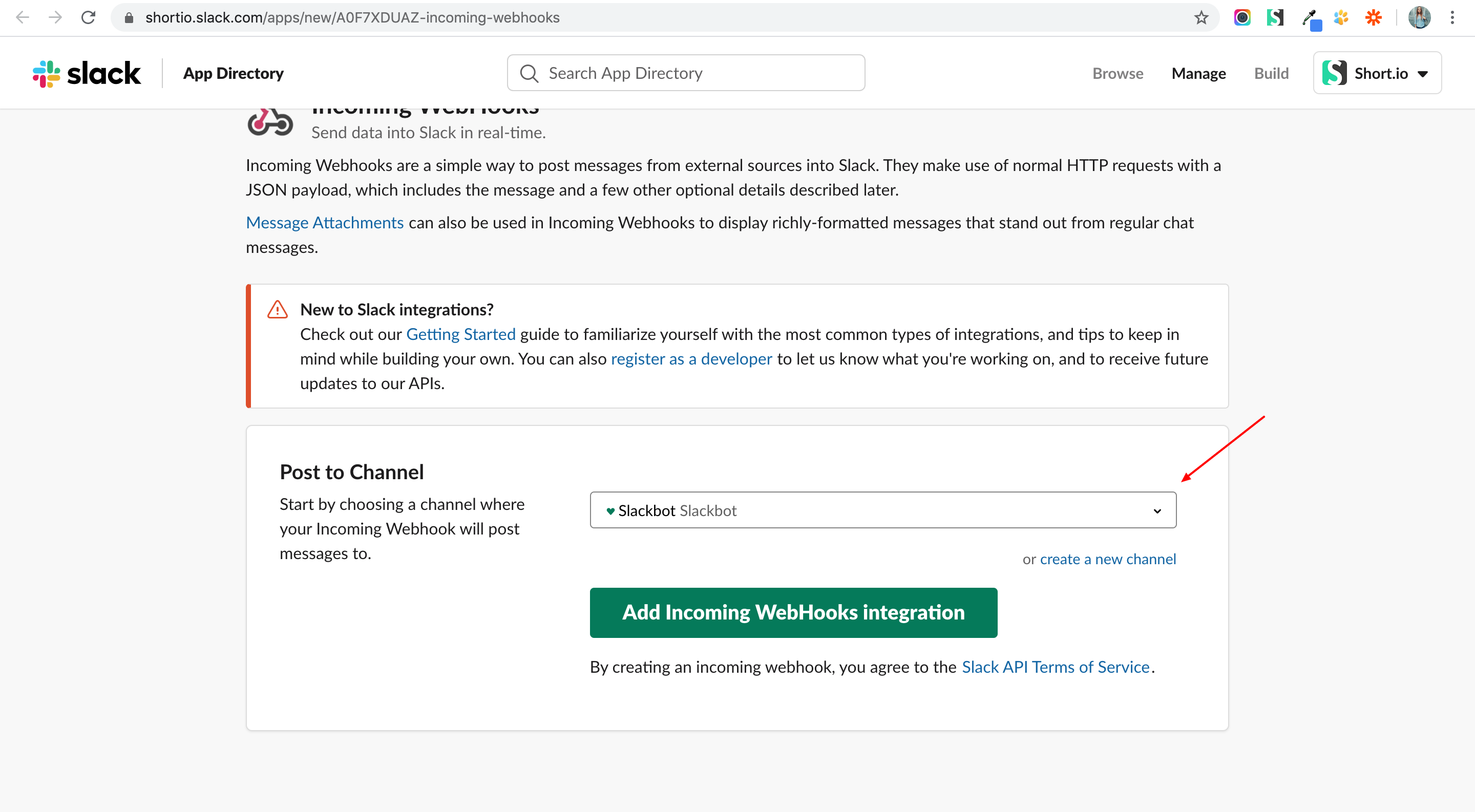
16. Go to incoming webhook URL.
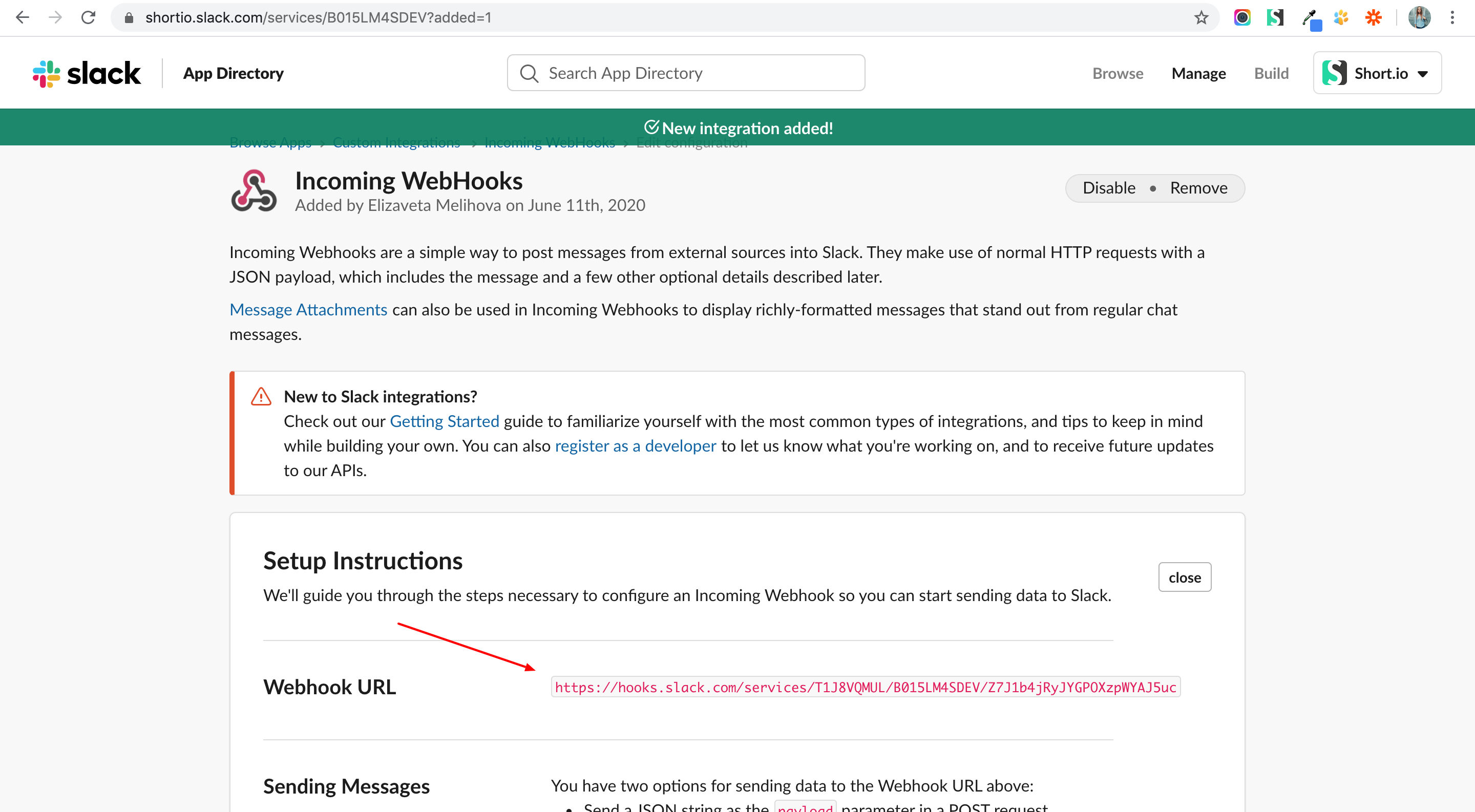
17. Choose a channel > Add.
18. Copy you Webhook URL.
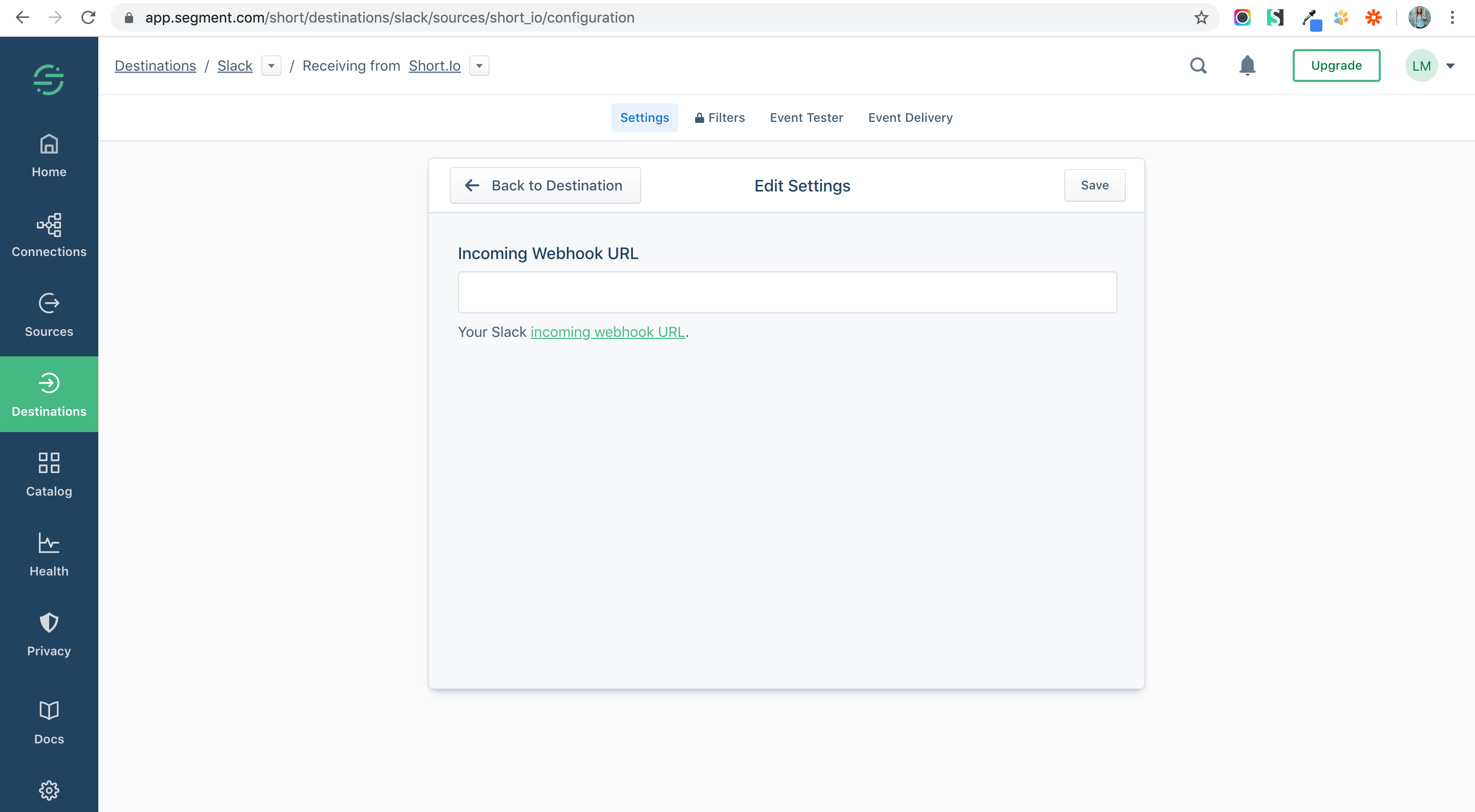
19. Paste the URL and Save.
20. Turn on the integration.
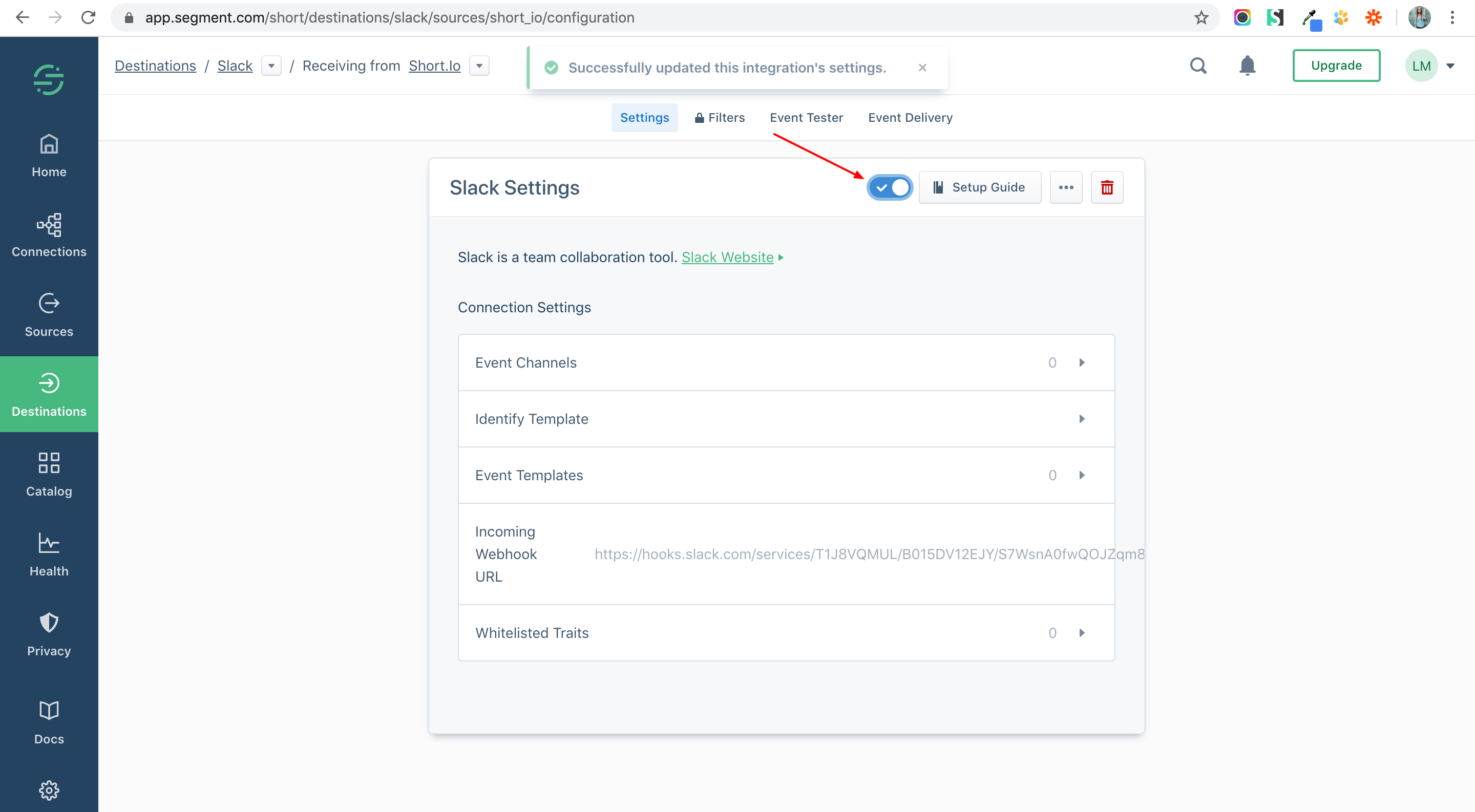
21. Check your connection.