How to configure Short.io with HubSpot analytics
HubSpot is a large-scale service that provides with Marketing, Service, Sales and CRM Hub. The Marketing Hub lets track the entire funnel in one place and conduct the success of the content.
Follow the instructions:
1. Go to your Segment workspace.
2. Add a source app.
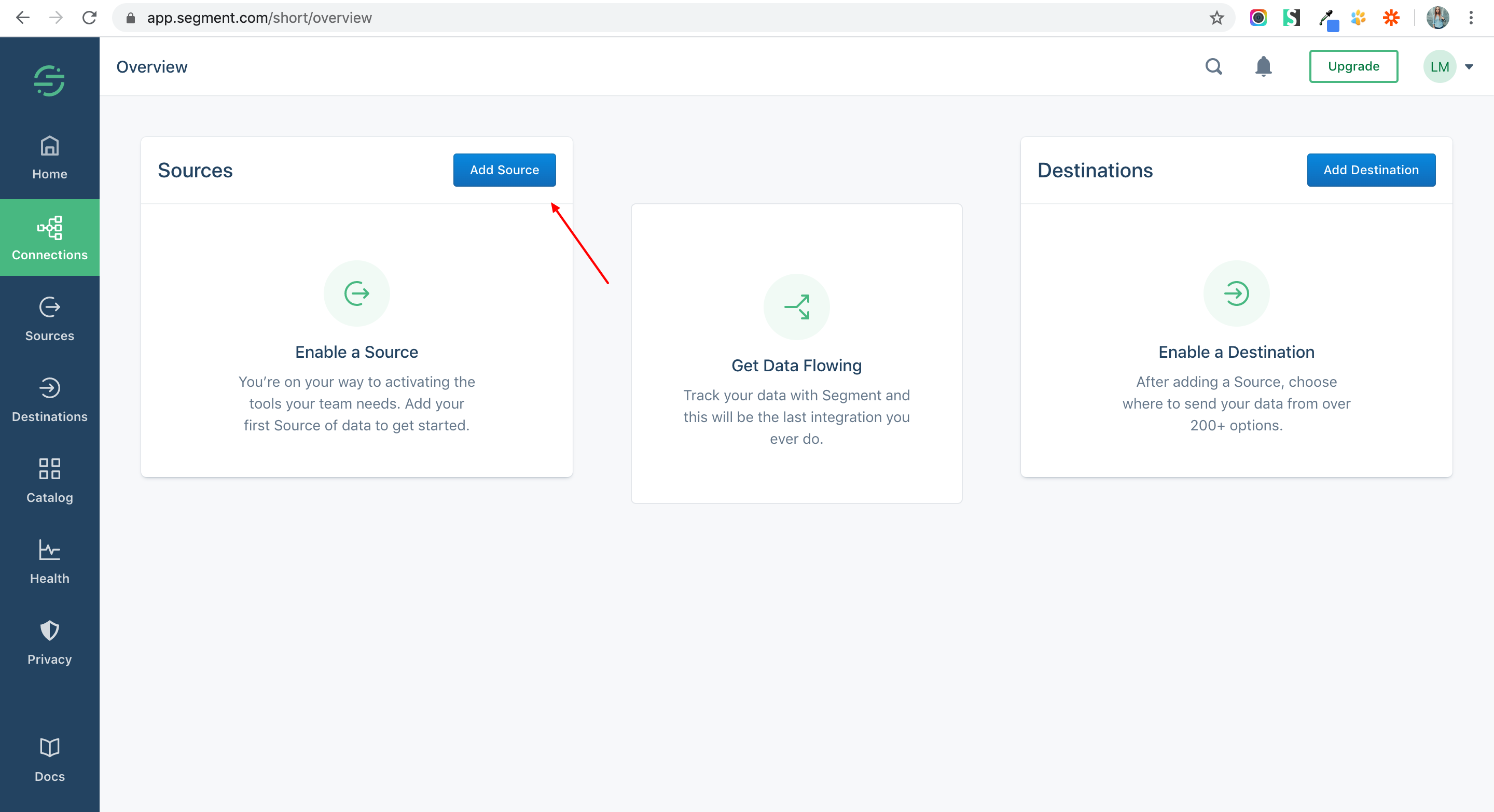
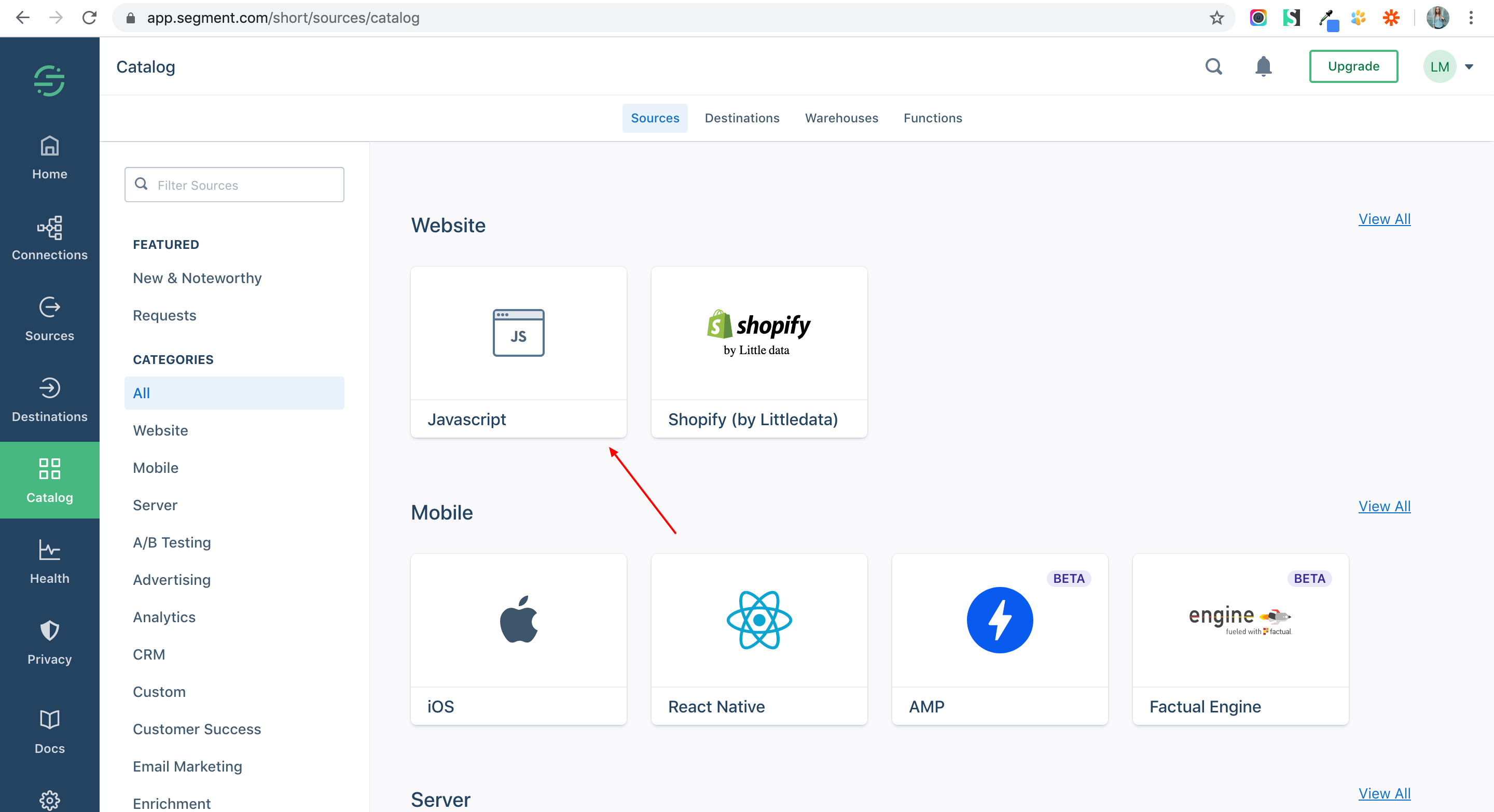
3. Connect the Website — JavaScript mode.
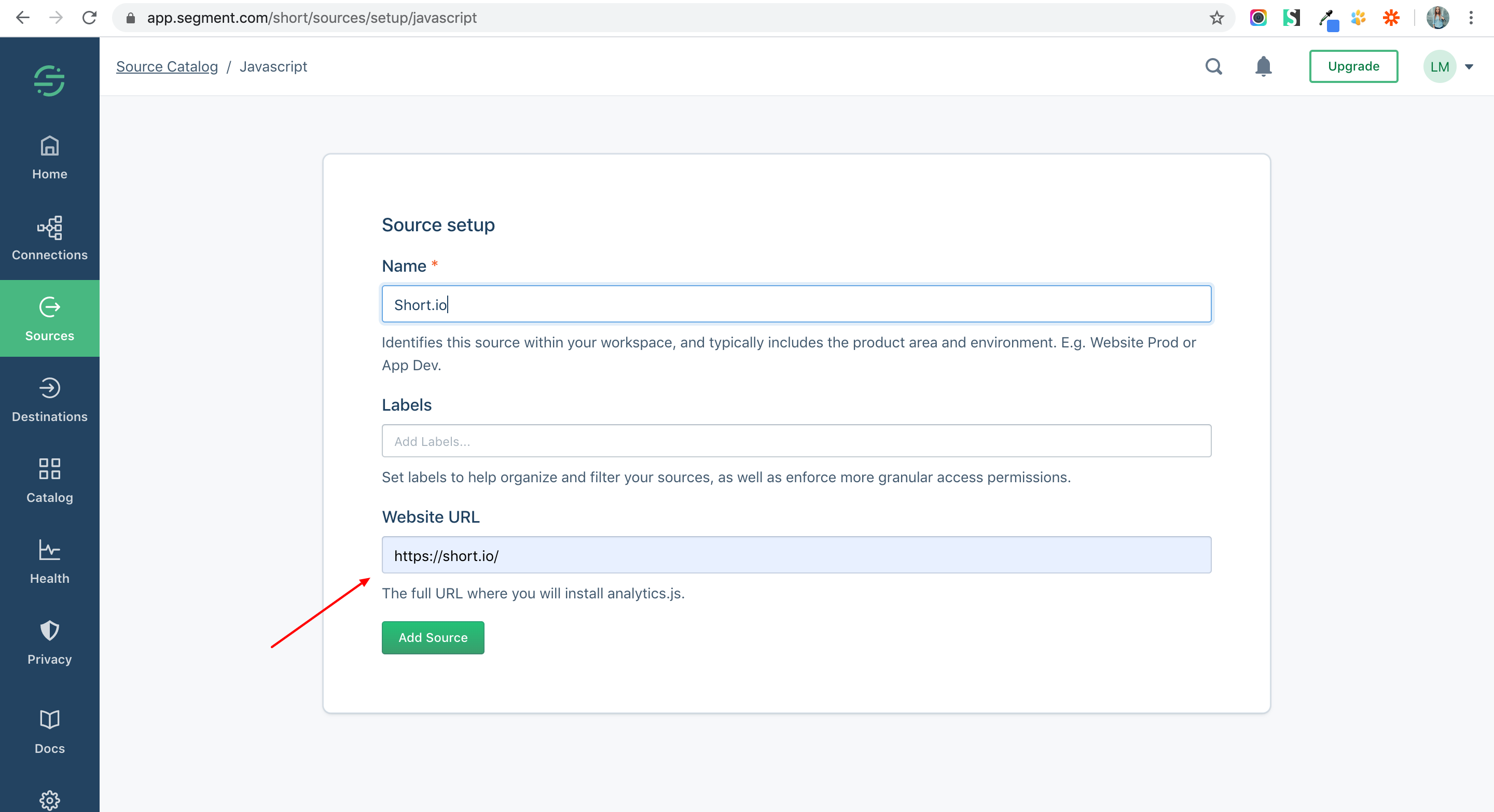
4. Add the Short.io website URL.
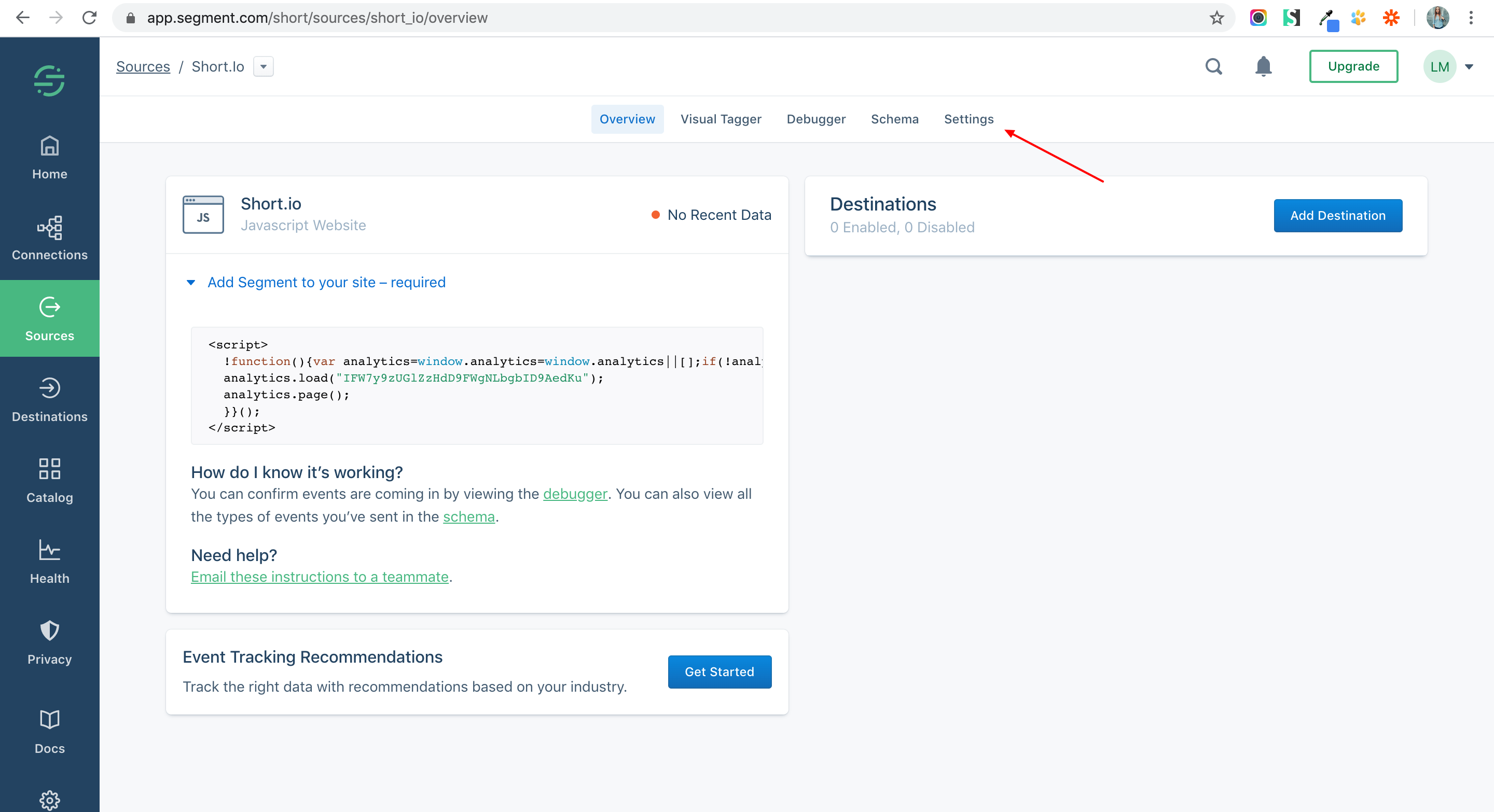
5. Choose Settings.
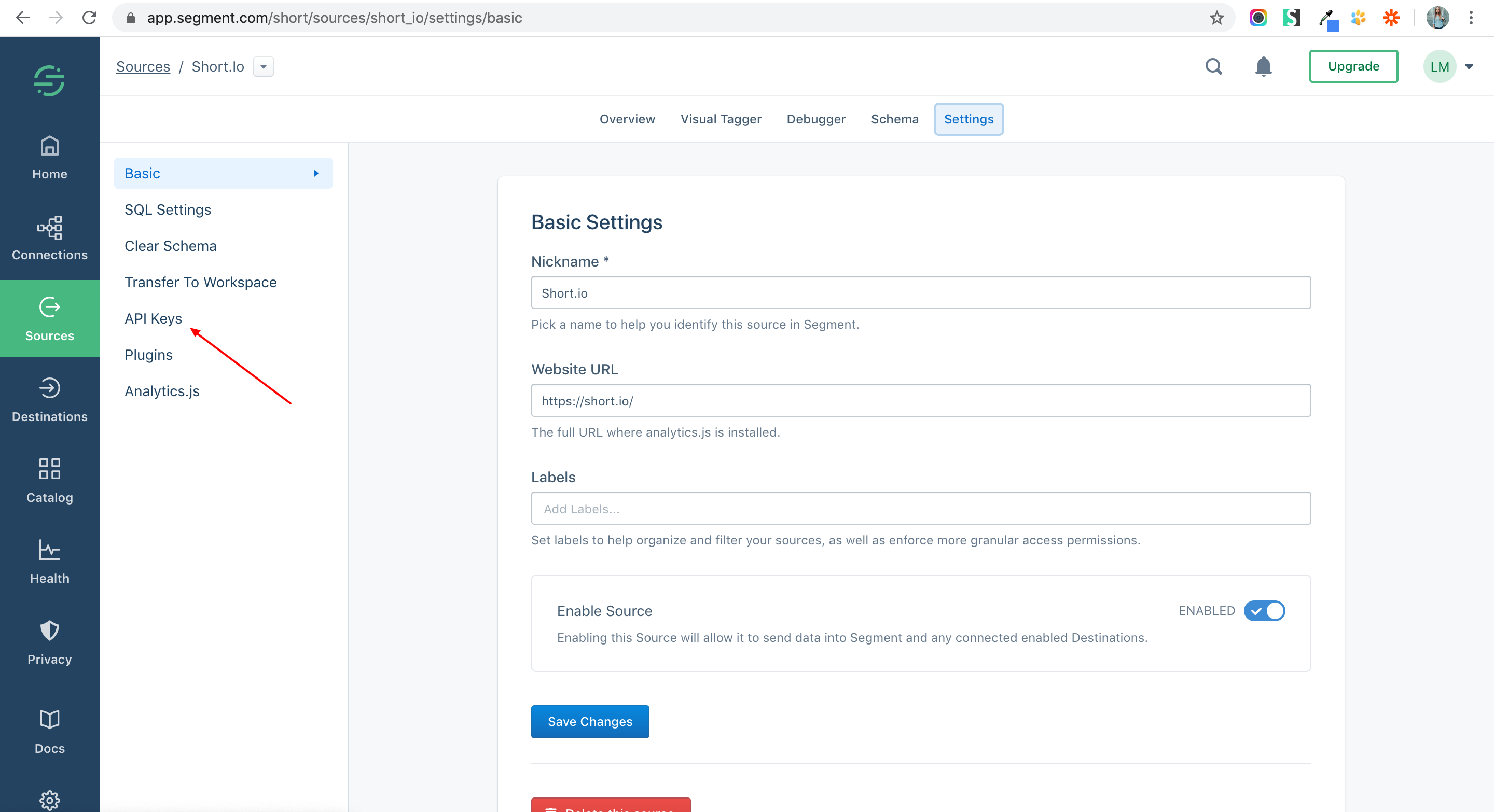
6. Click API Keys.
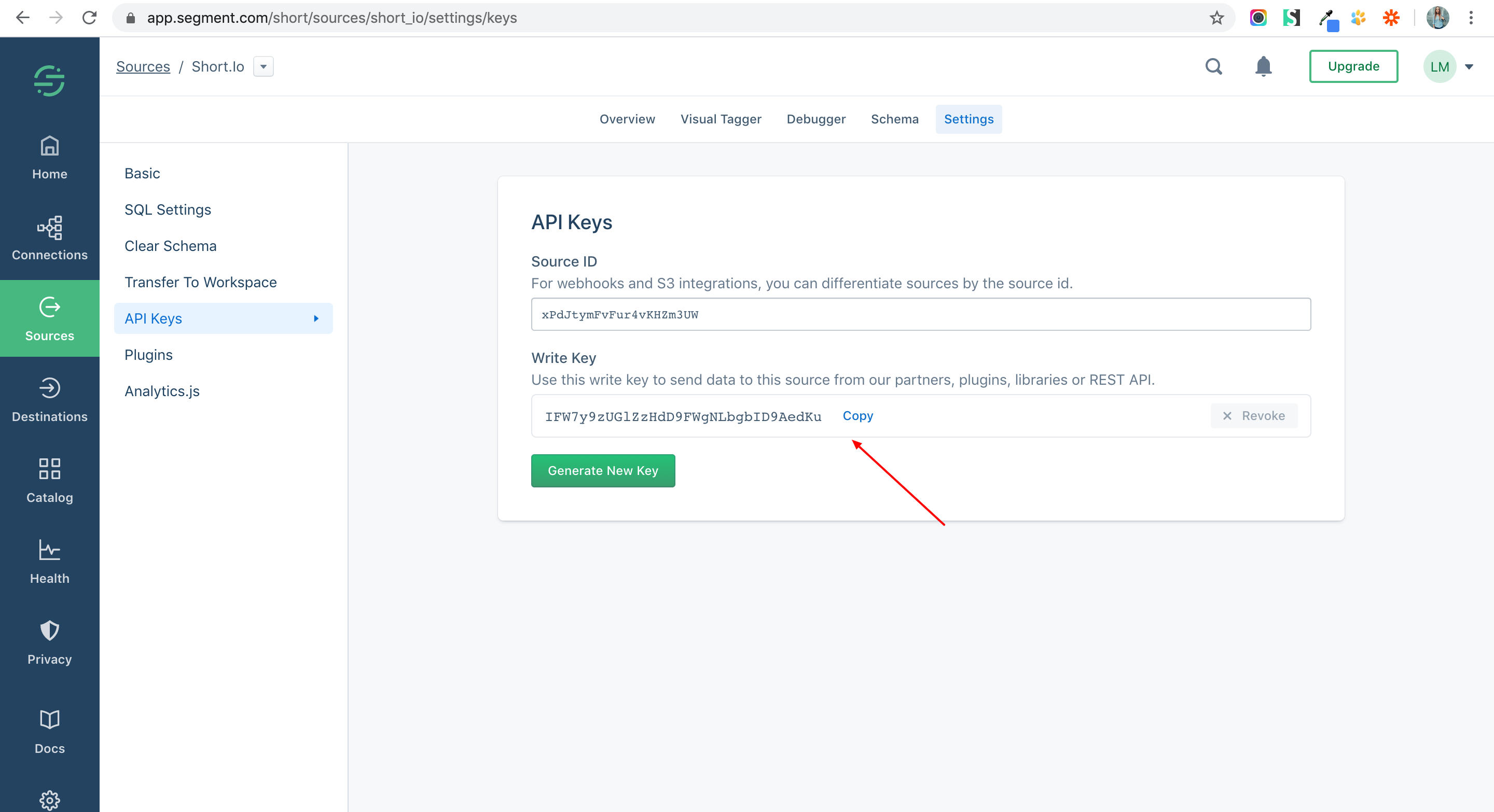
7. Copy an API Key.
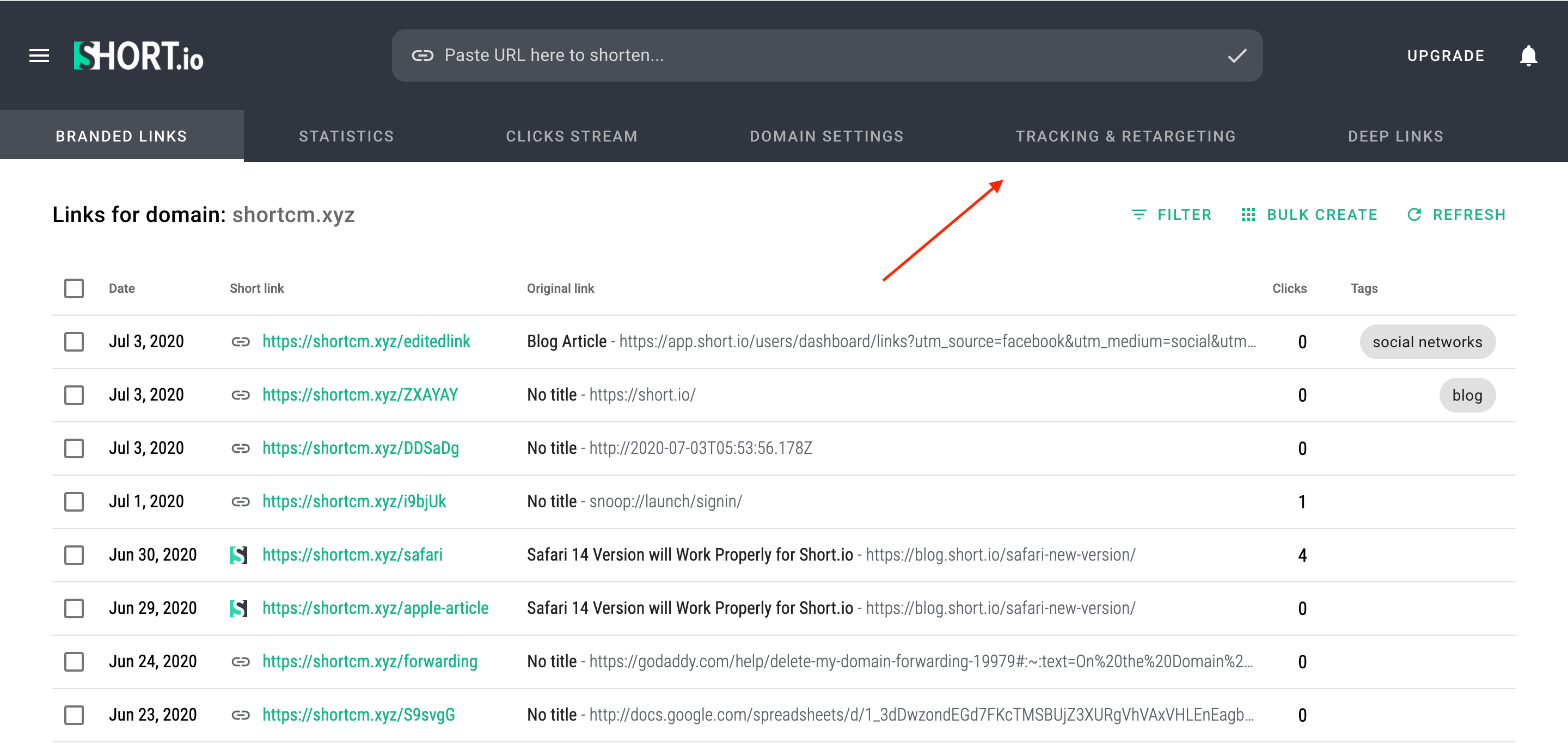
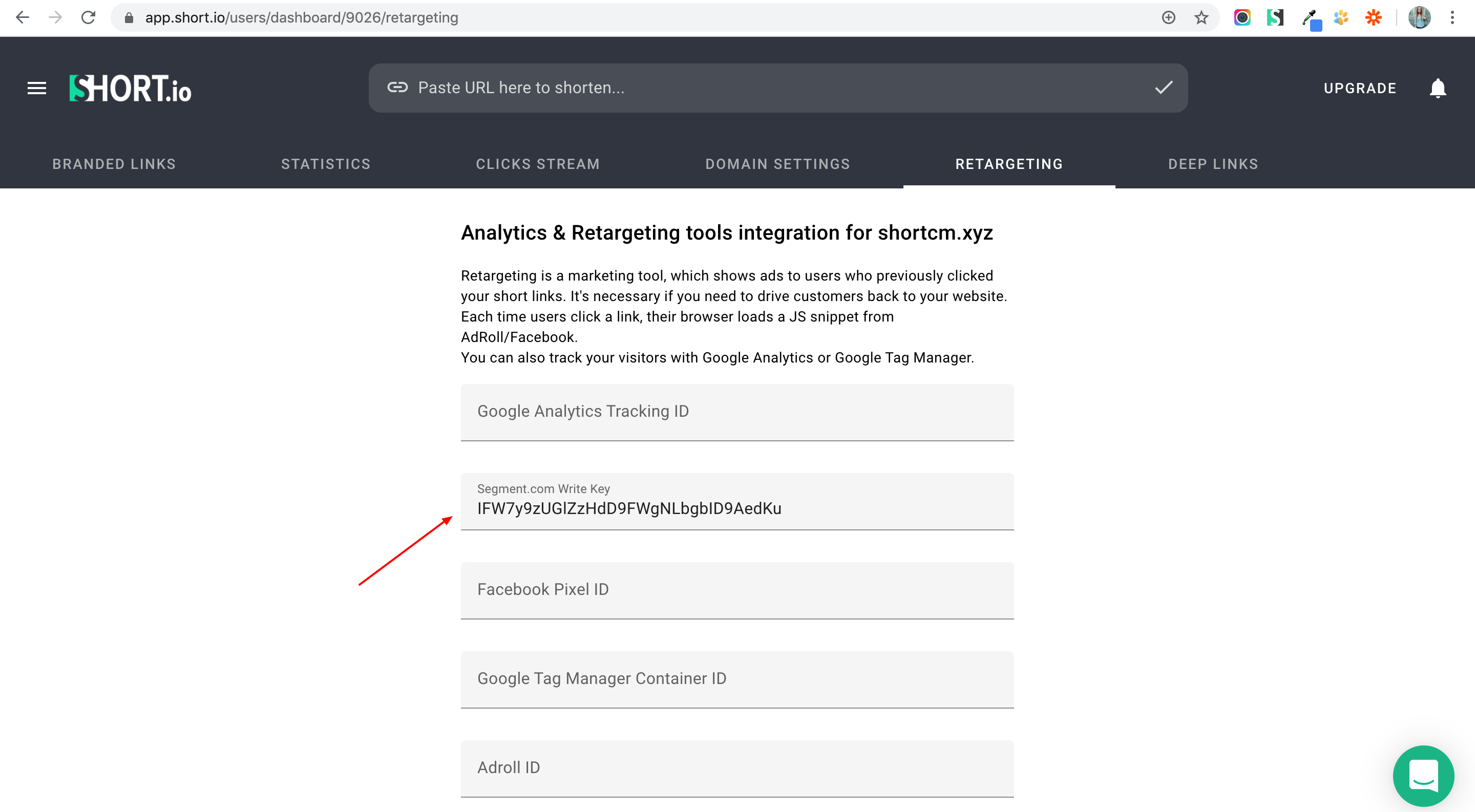
8. Go to your Short.io account.
9. Open the Tracking & Retargeting tab.
10. Paste the API Key to Segment field and save.
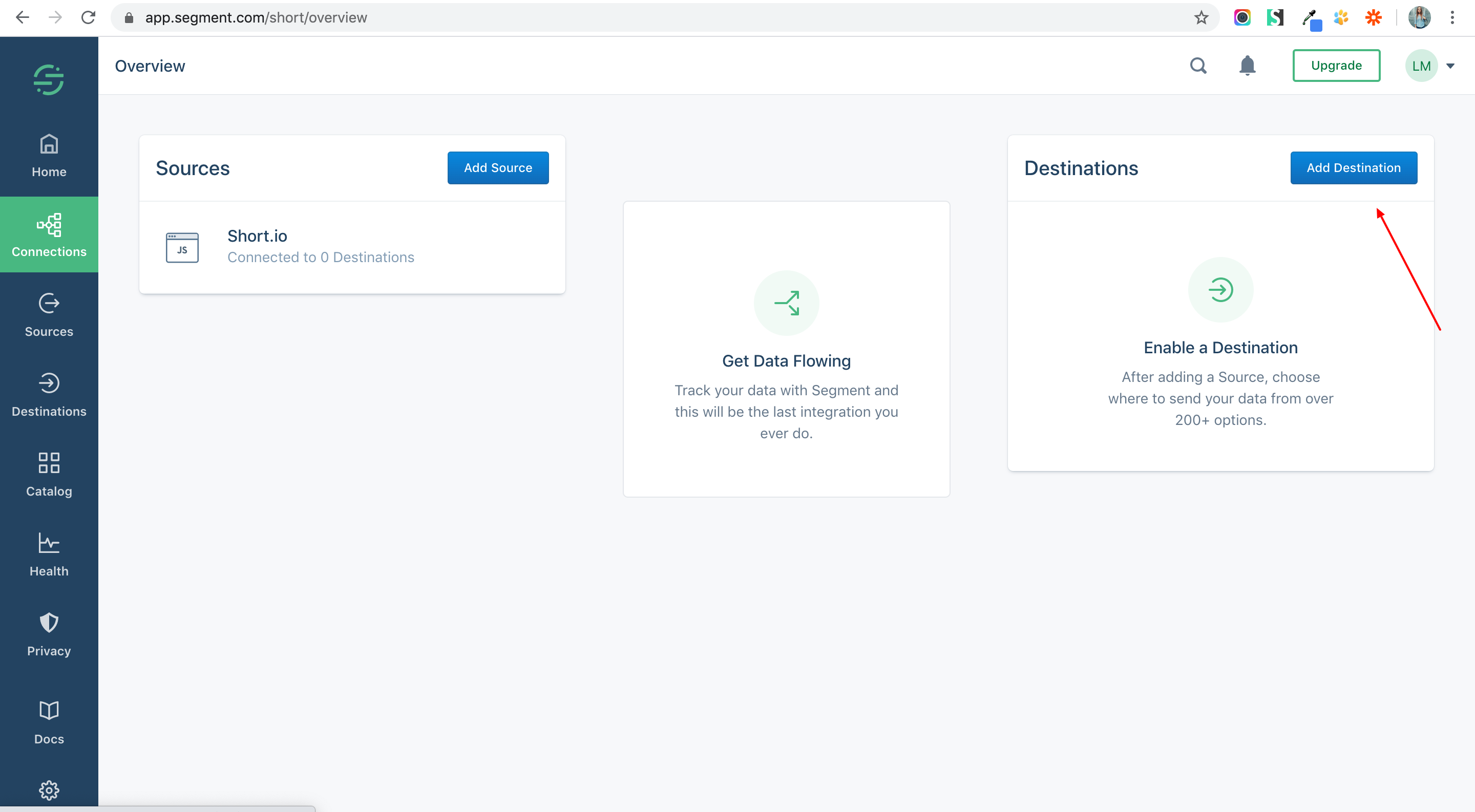
11. Add a Destination app.
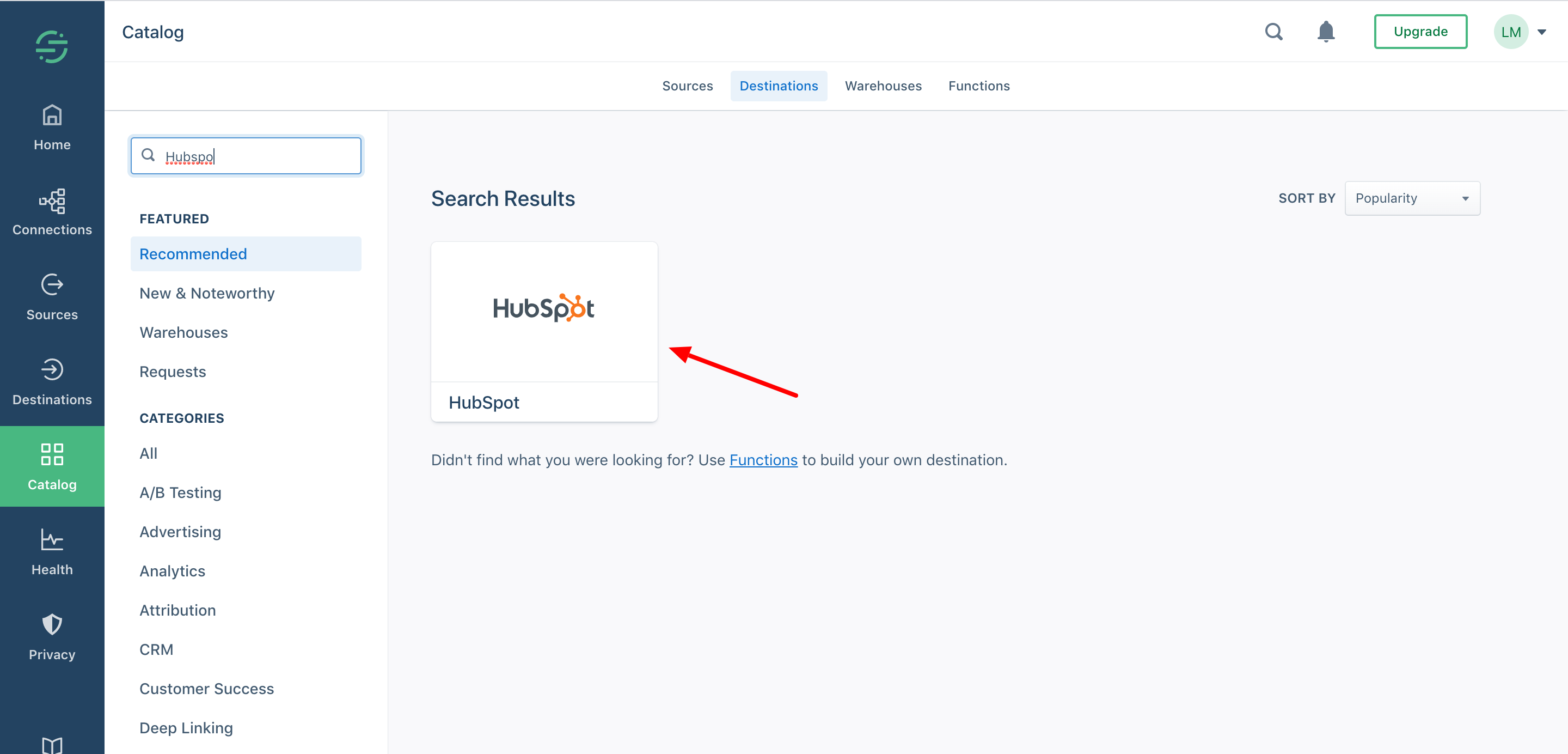
12. Look for HubSpot and choose it.
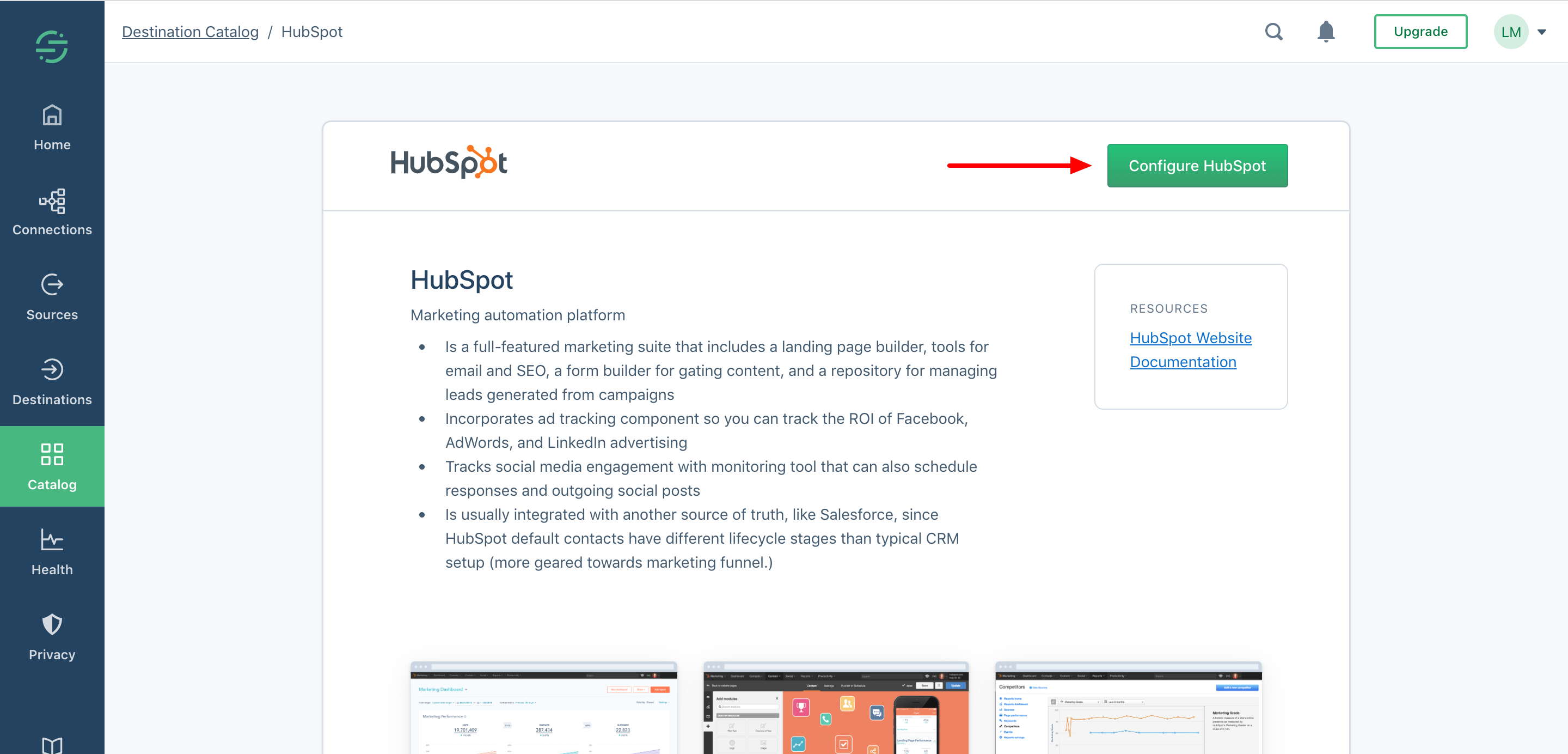
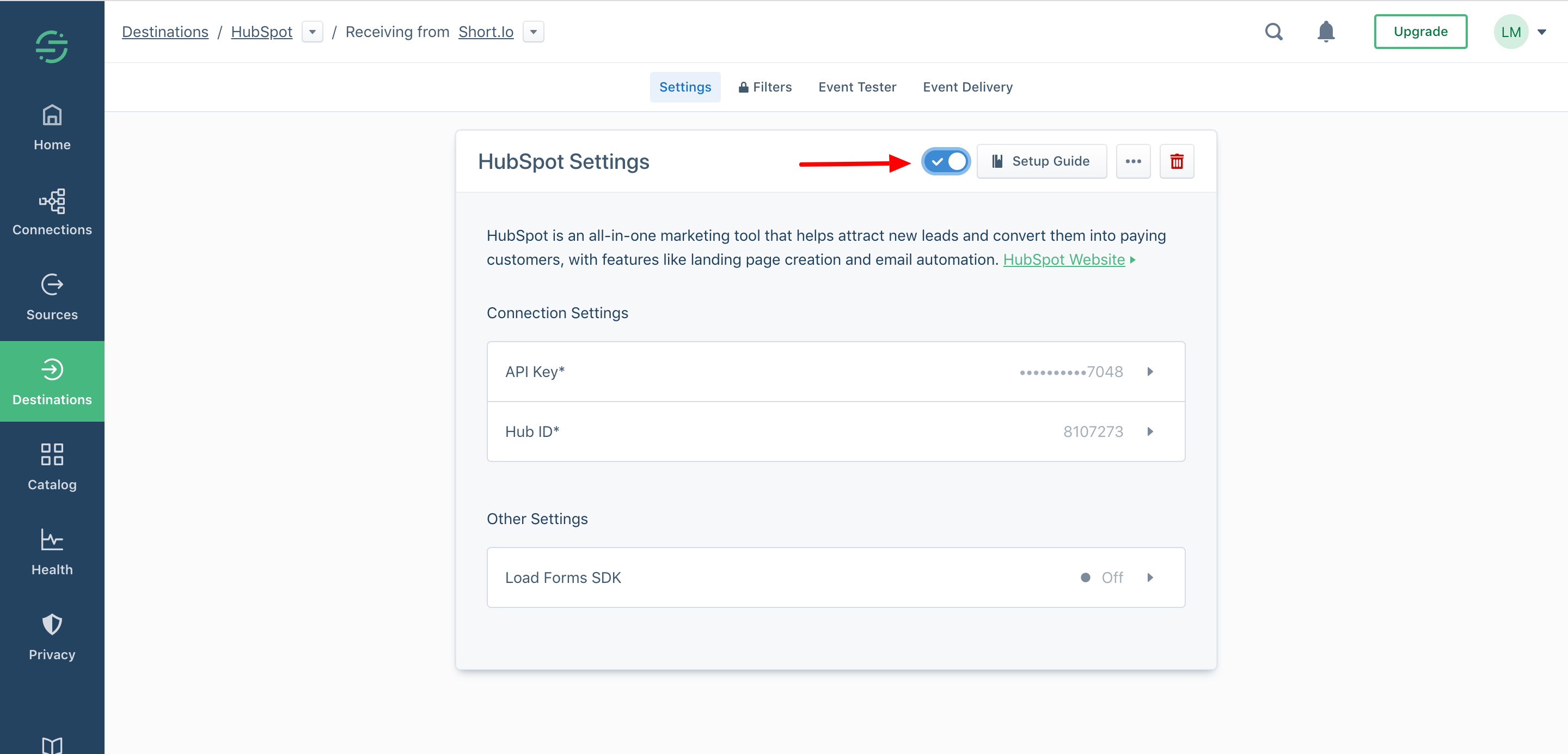
13. Configure HubSpot.
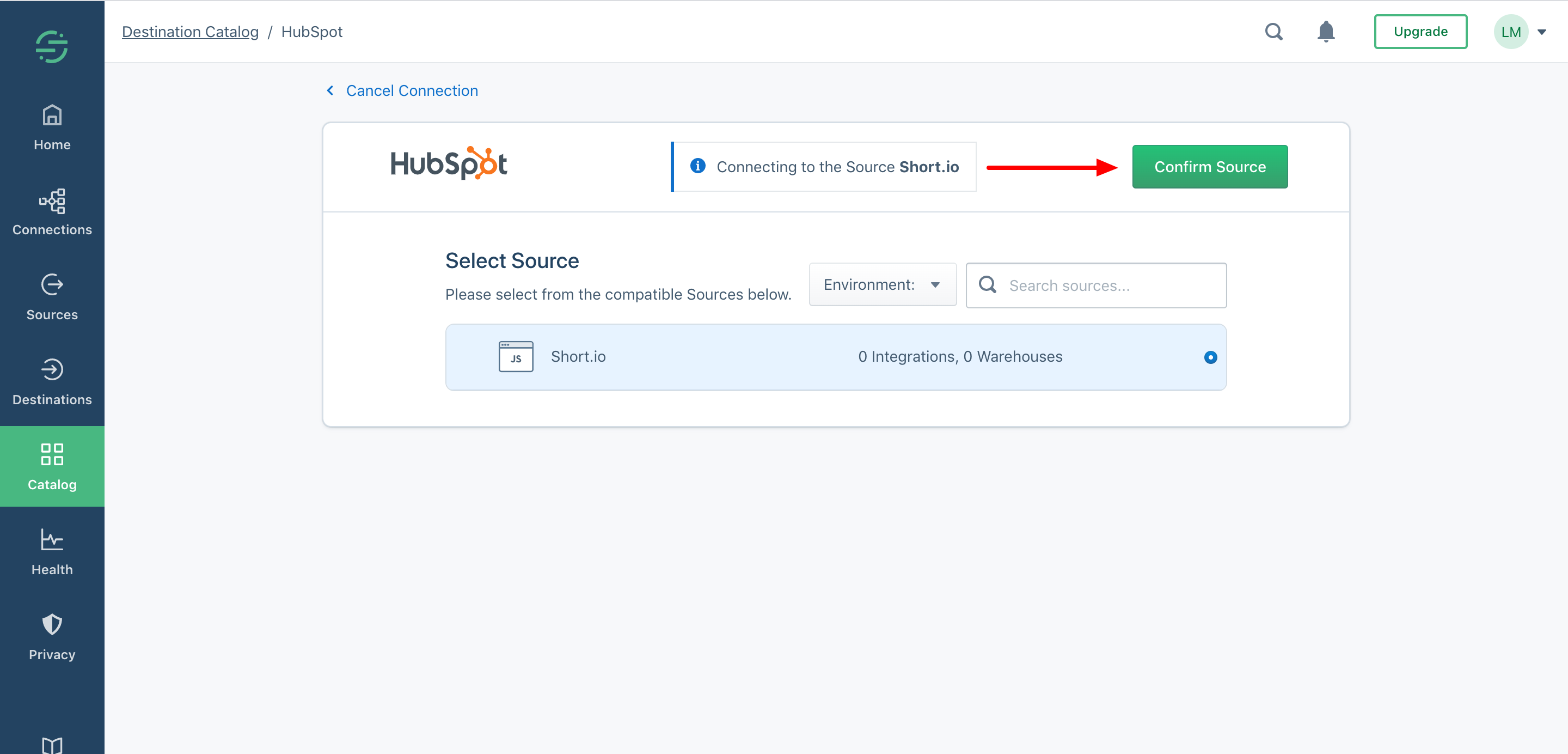
14. Choose the source and confirm.
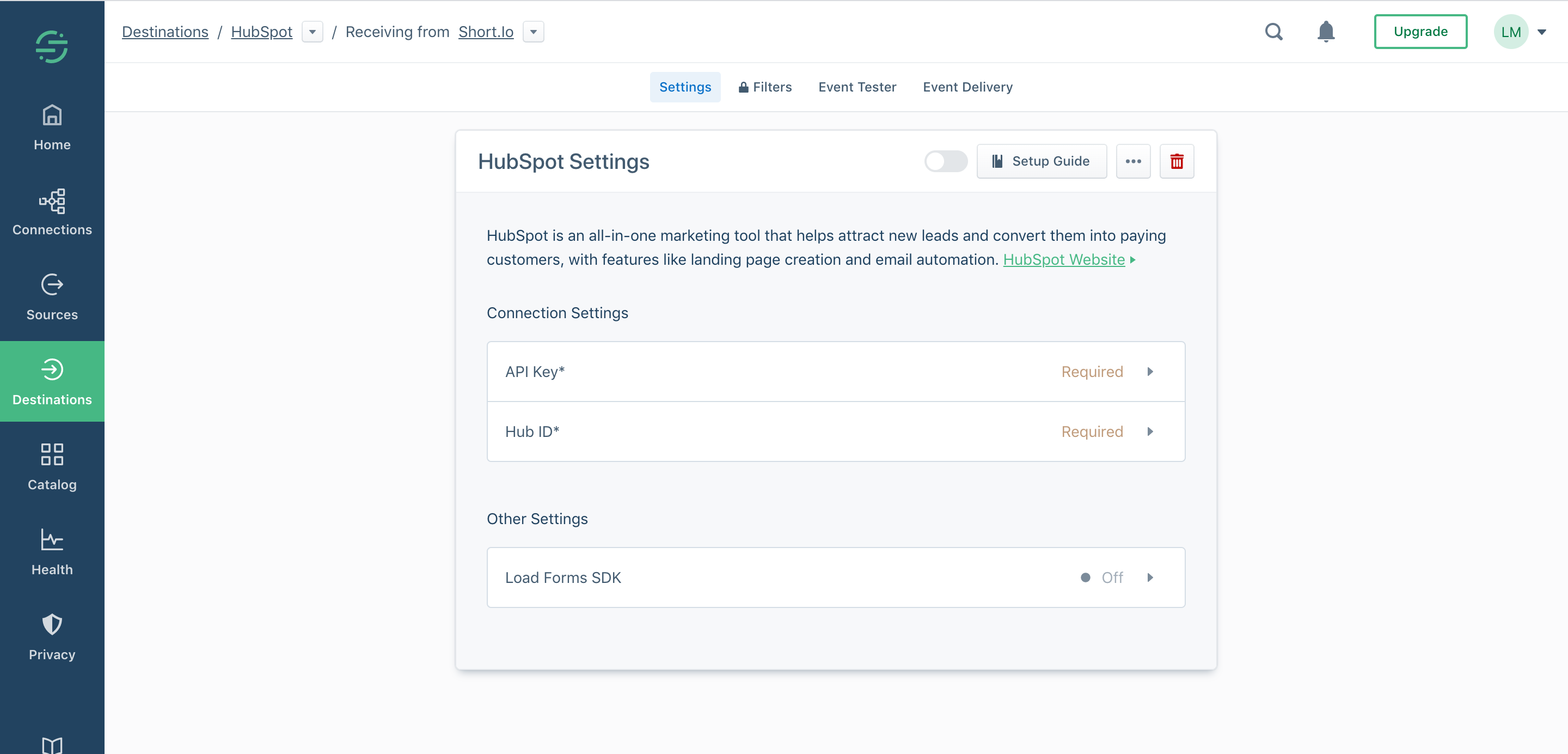
15. You need to provide two required options: API key and Hub ID.
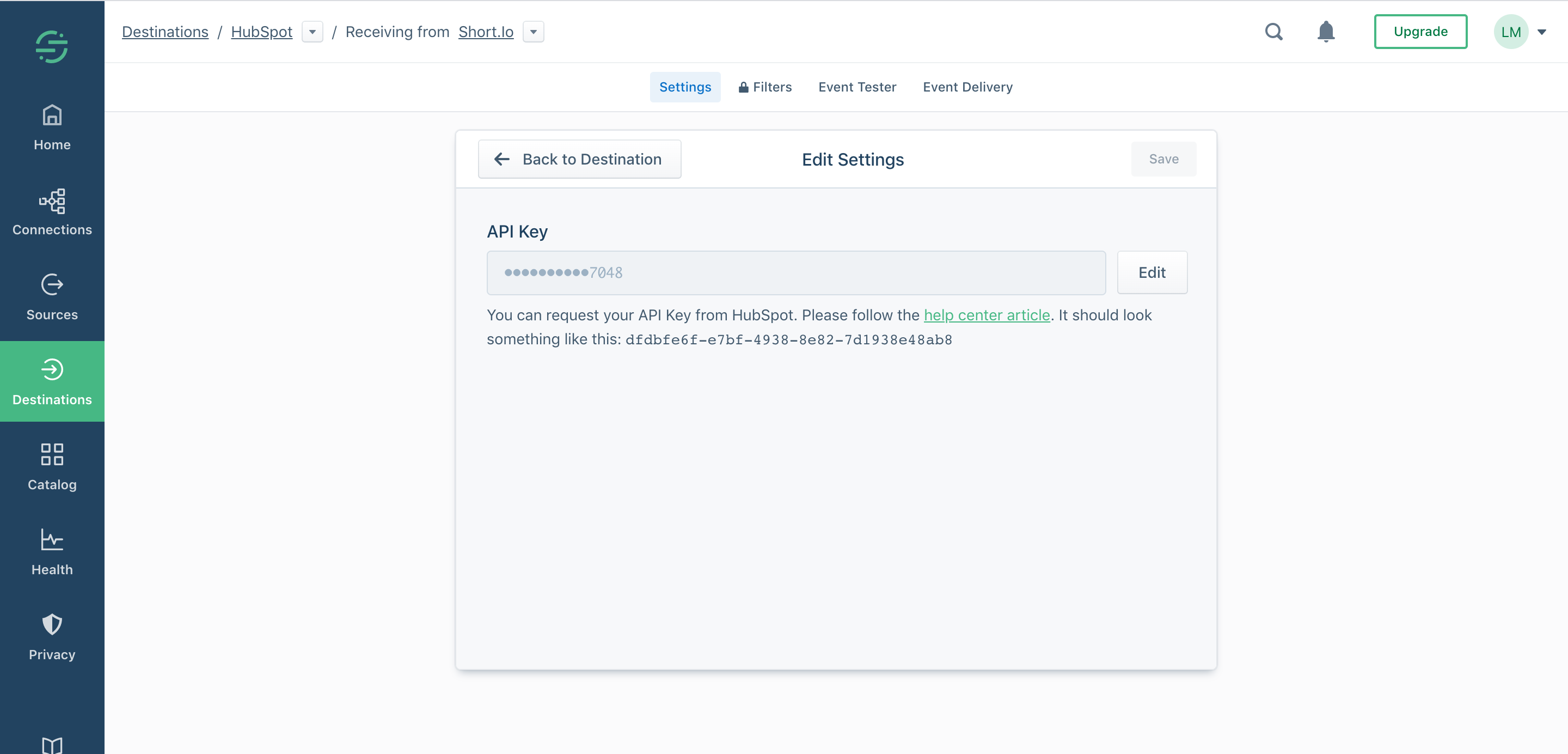
16. API key: You can request your API Key from HubSpot. Please follow the help center article. It should look something like this: dfdbfe6f-e7bf-4938-8e82-7d1938e48ab8
Paste the API key and Save.
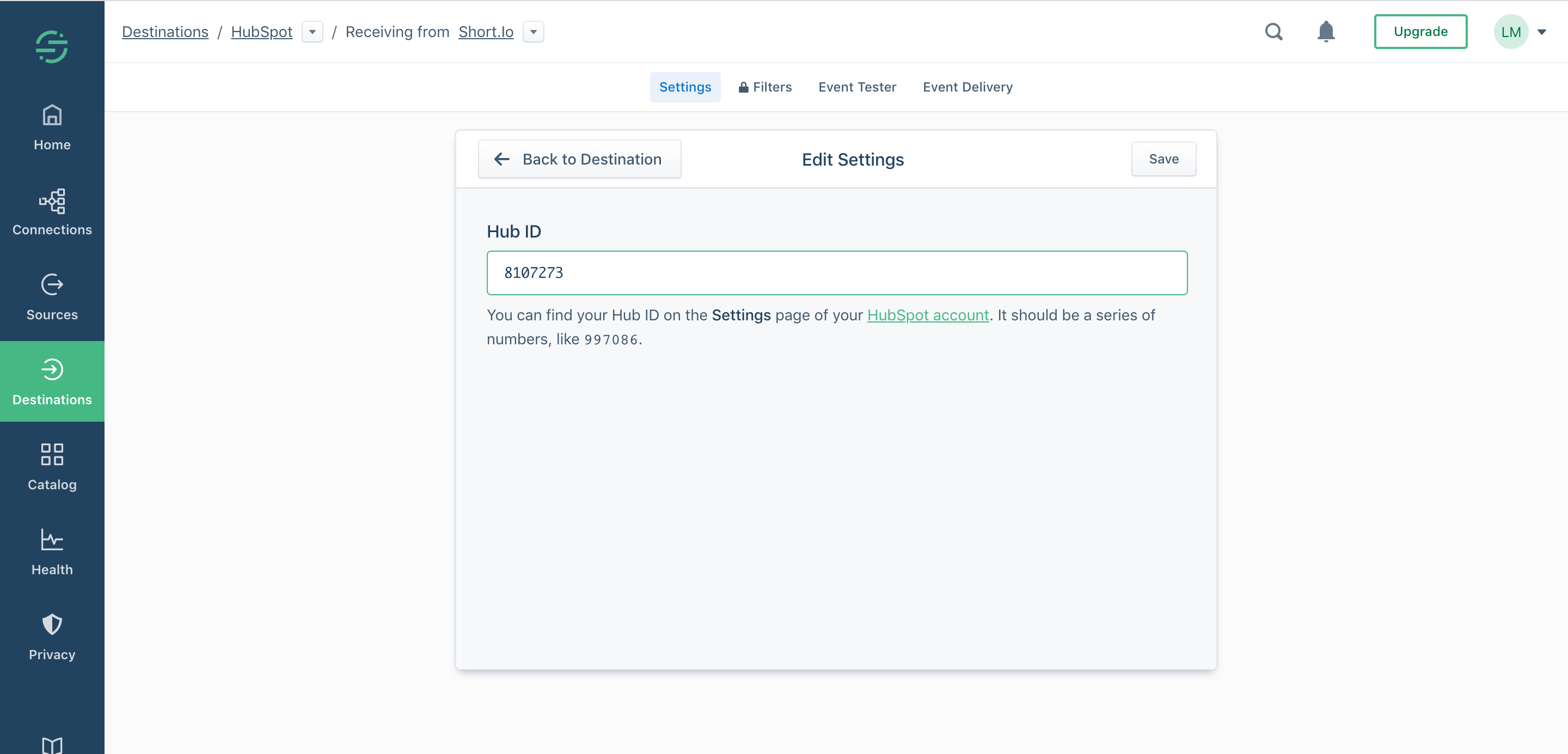
17. Hub ID: You can find your Hub ID on the Settings page of your HubSpot account. It should be a series of numbers, like 997086.
Specify the Hub ID > Save.
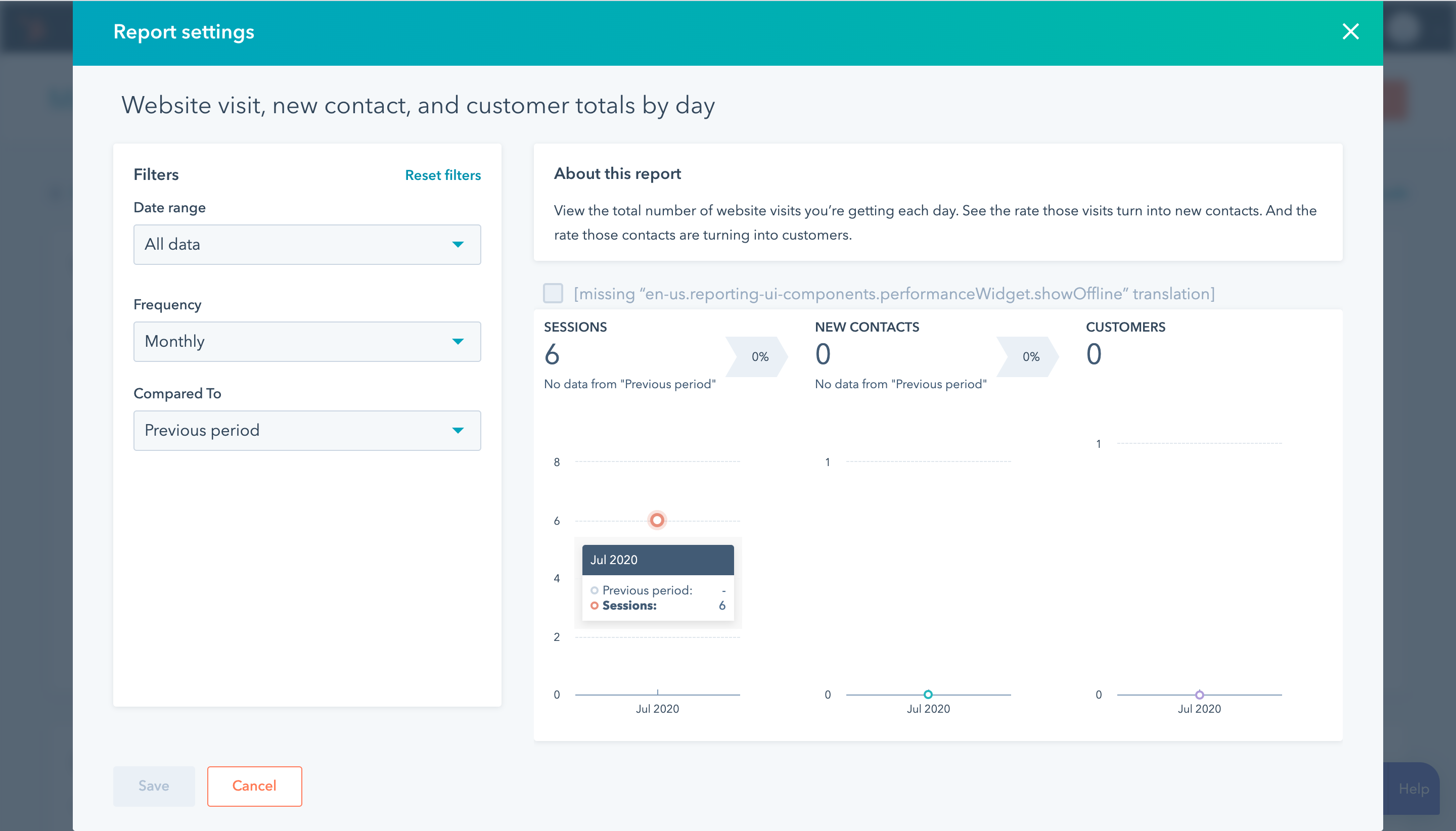
18. Turn on the integration.
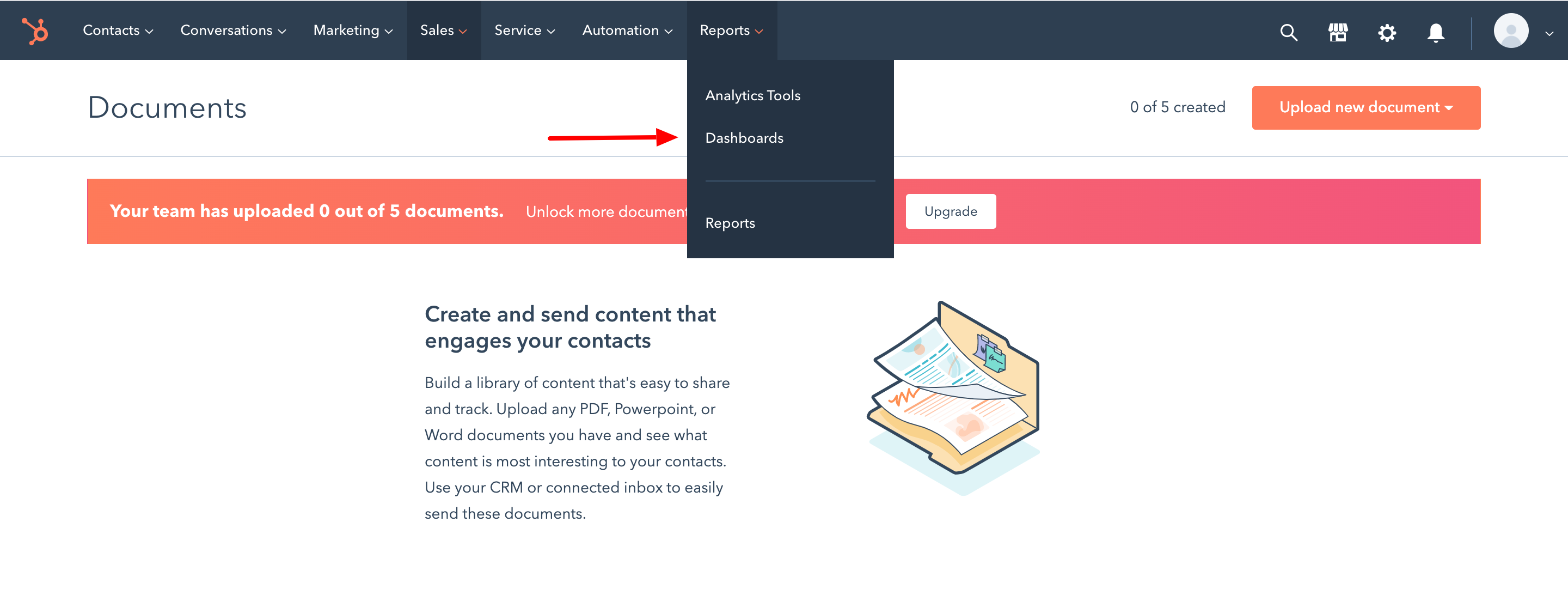
19. Go to your Marketing Hub on HubSpot.
20. Open Reports > Dashboard.
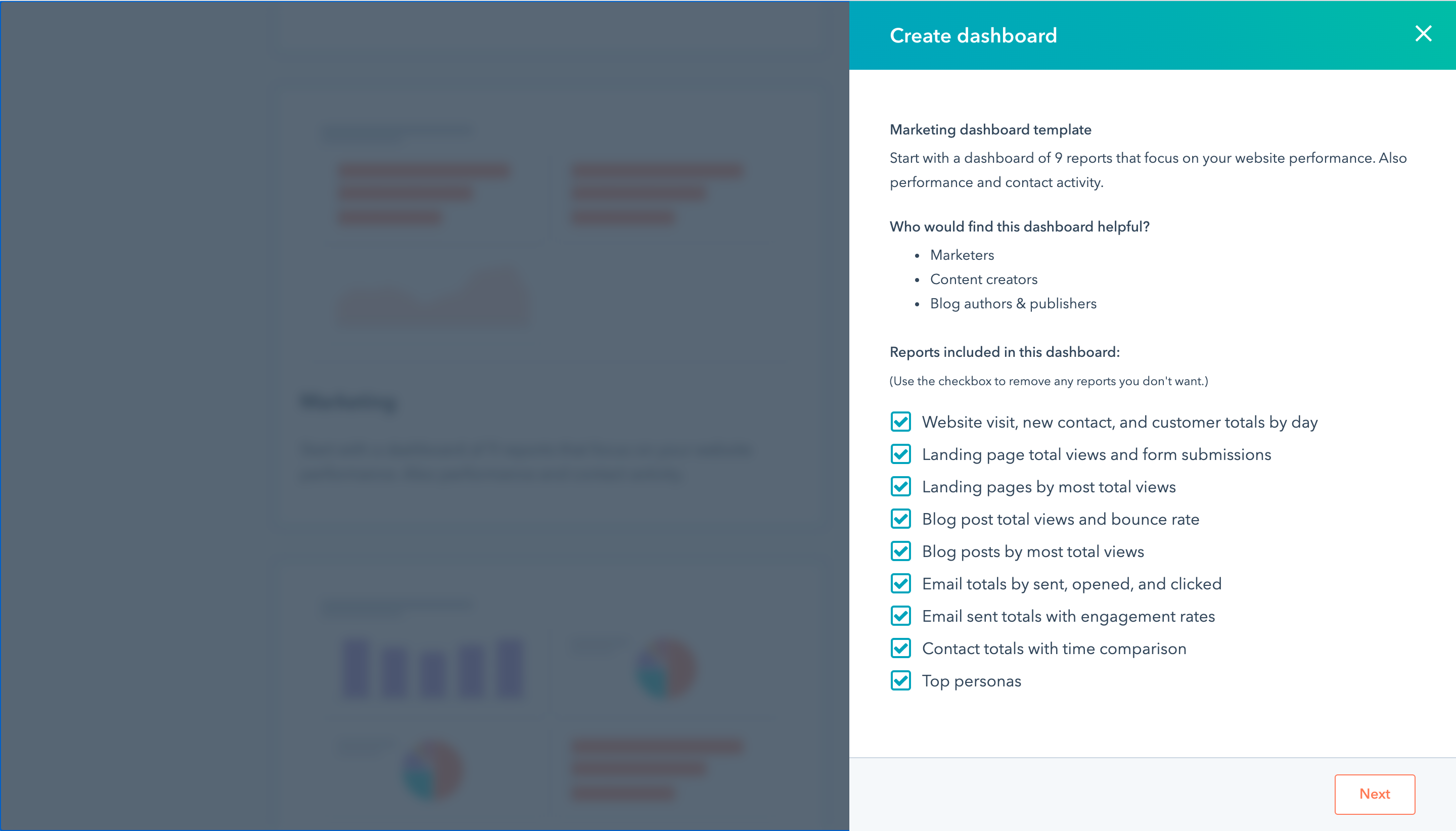
21. Add any dashboard. As for the example, let's choose the Marketing dashboard.
22. The example of tracked success is the number of sessions (redirects) to your short links.