Add link expiration automatically to new short links via Make
Create short links with automatic link expiration. As an example: Every time a new item is posted to a watched RSS feed, Make will automatically shorten a link on Short.io and apply link expiration date.
Follow the instruction below.
-
Go to Make.
-
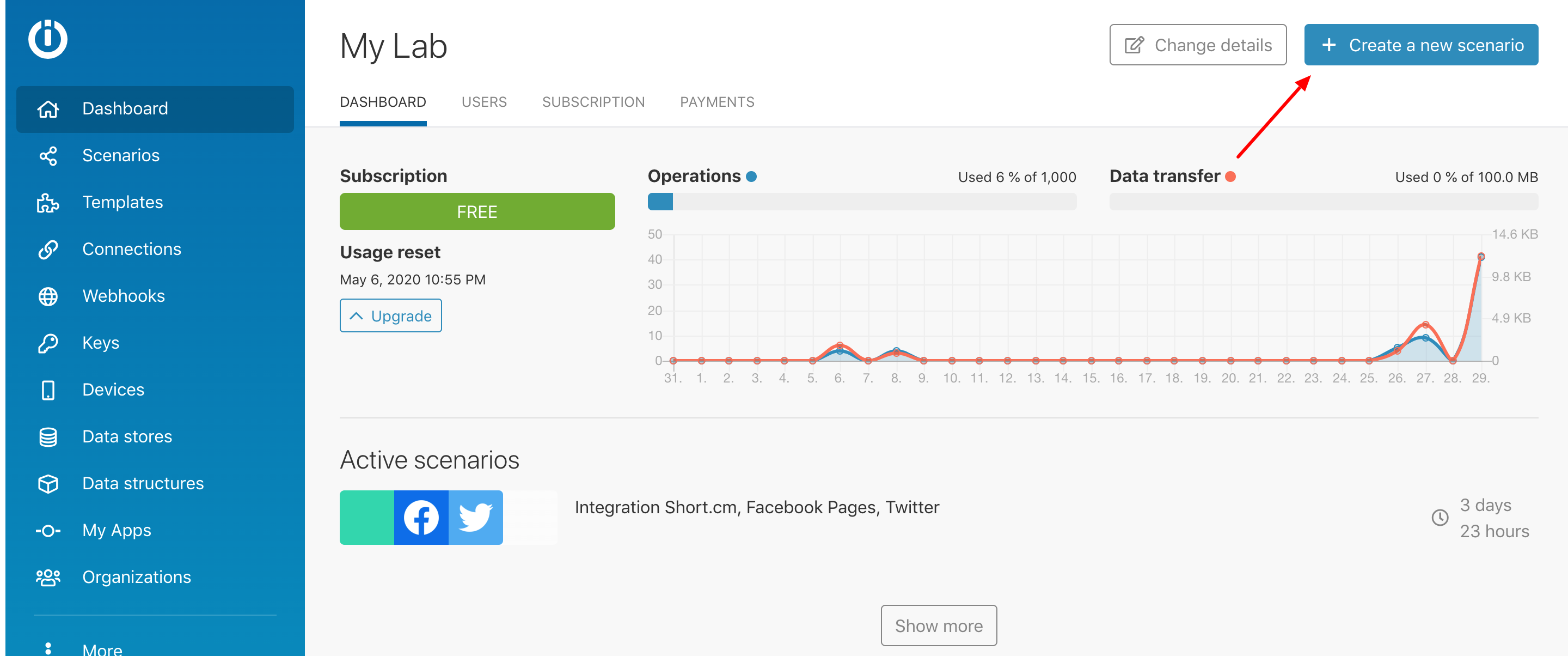
Click "Create a new Scenario."
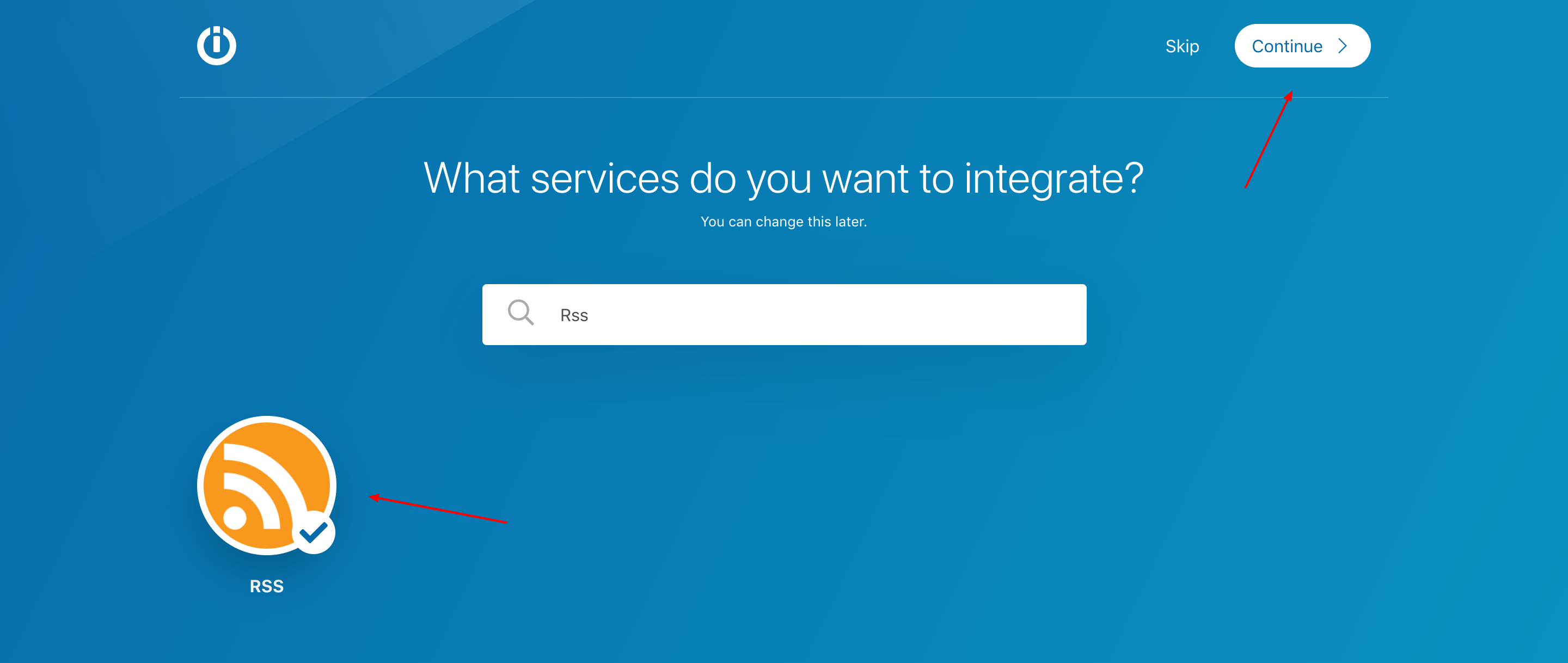
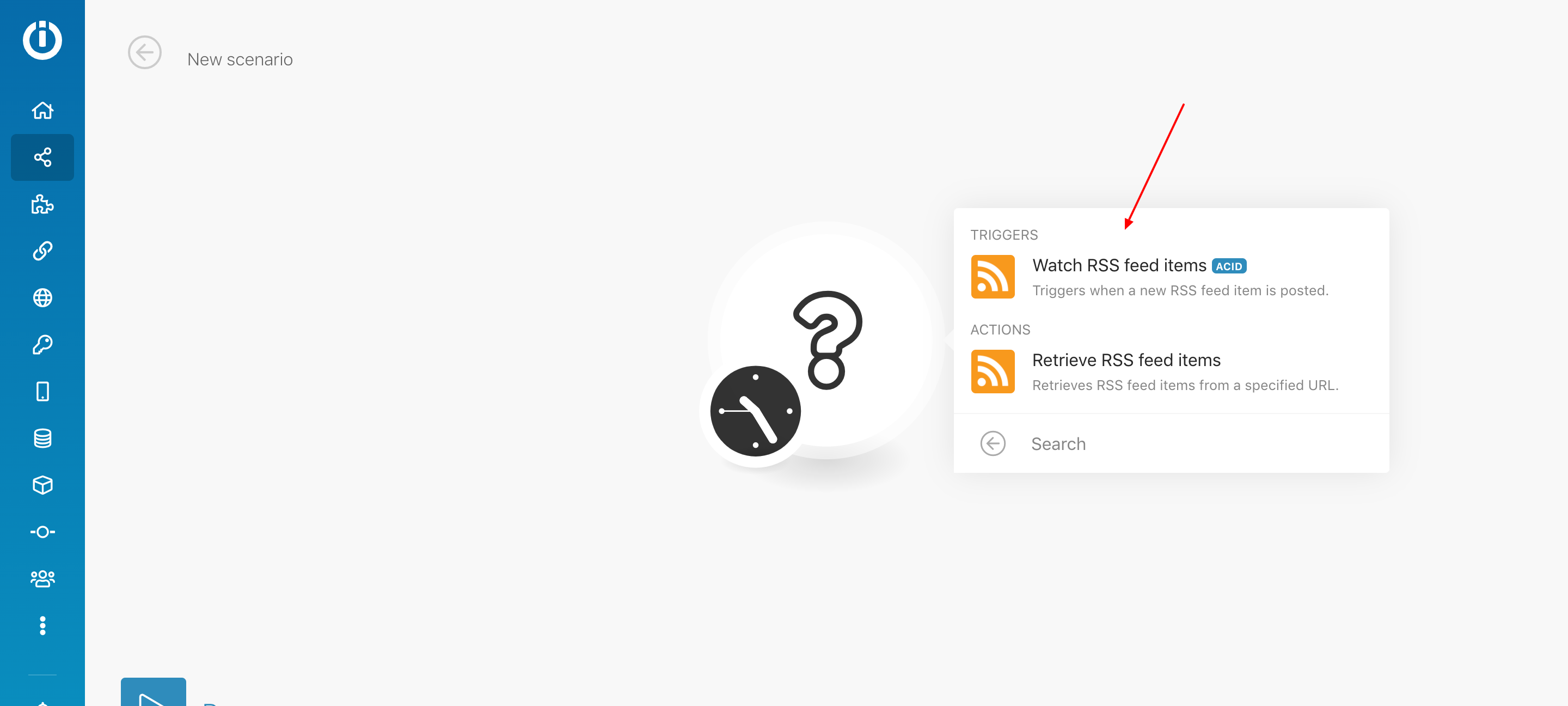
- Look for RSS > Choose it > Continue
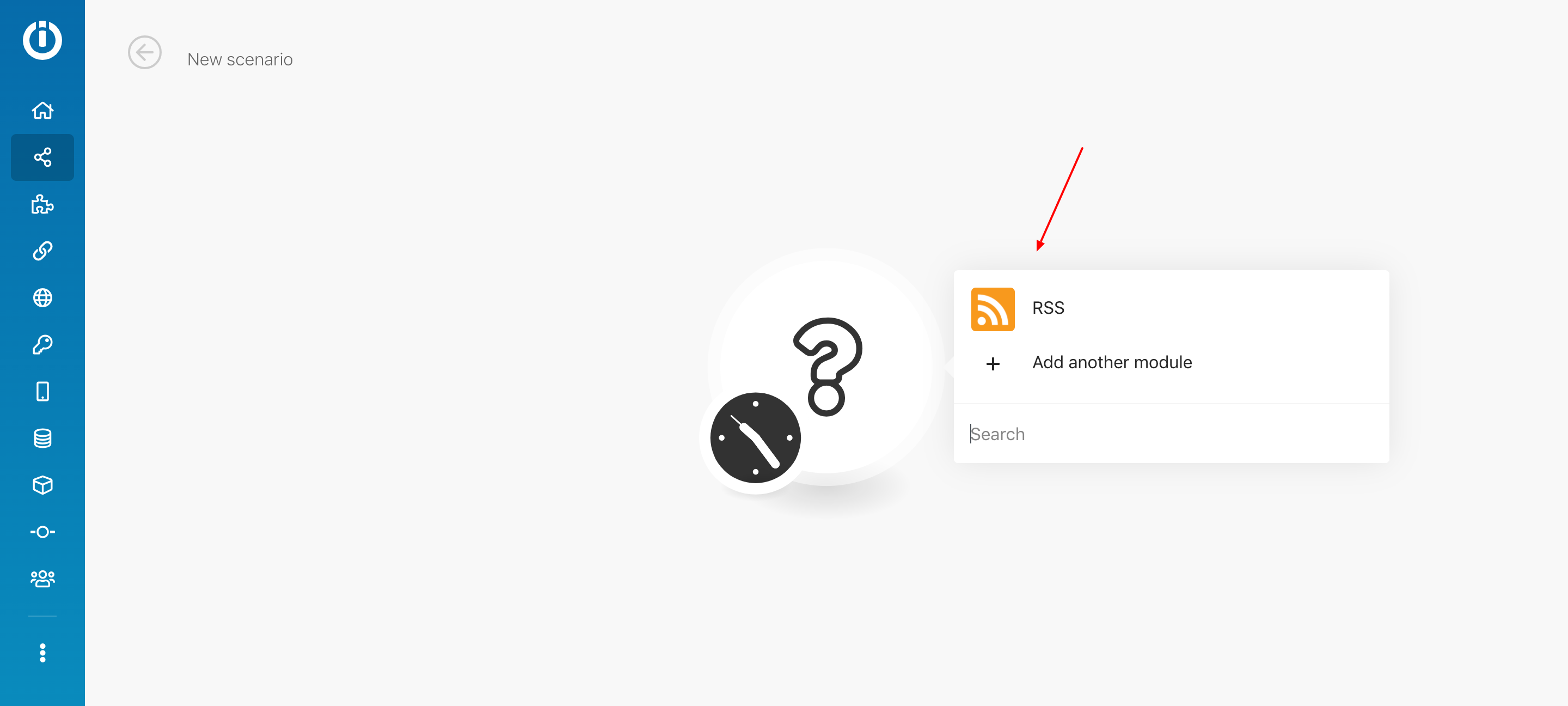
- Click on the circle and choose RSS for the first scenario's module.
- Select "Watch RSS feeds Items."
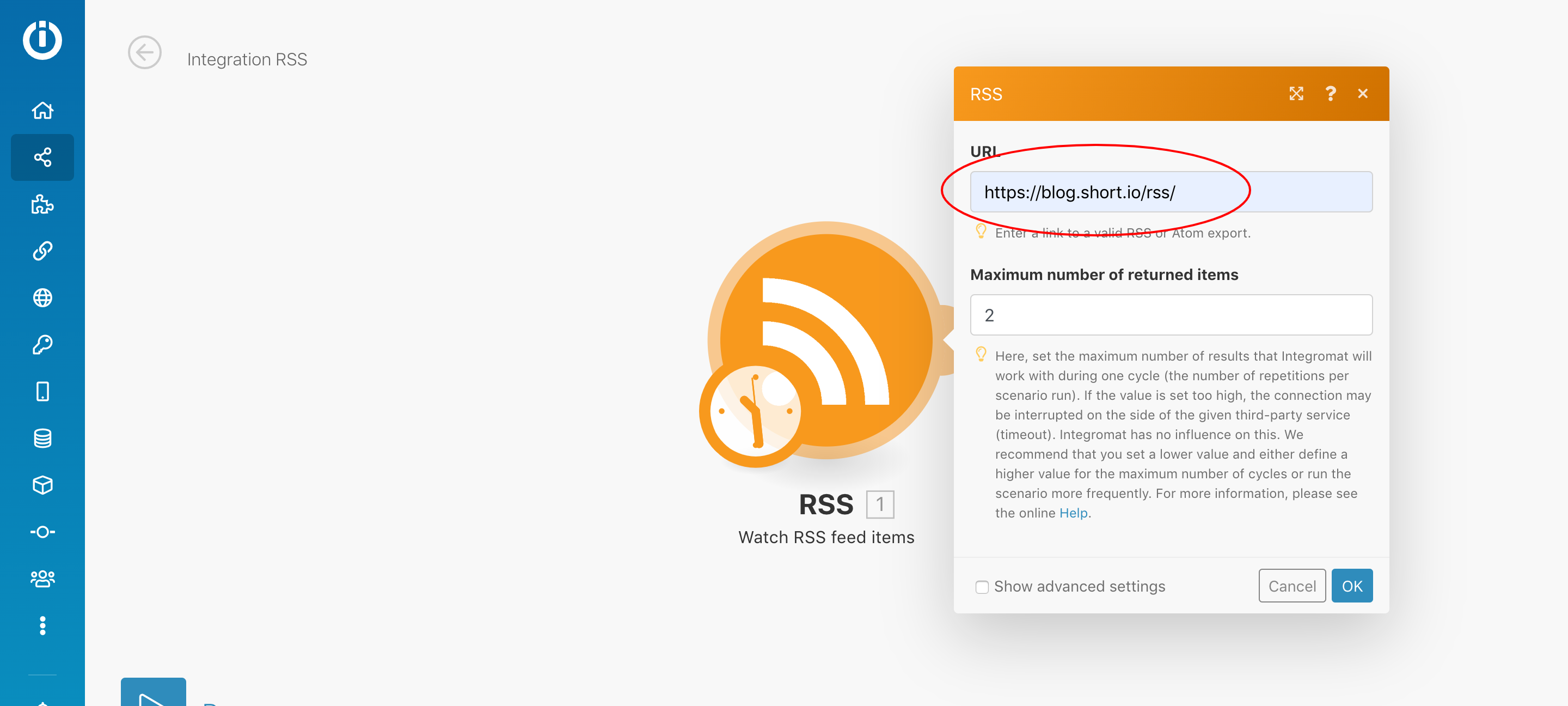
- Now you need to configure RSS feed. For this, go to the source of which you want to receive updates. Click on the screen and choose "View page source." Ctrl + F to find RSS. Copy the link and paste it to the URL field on Make.
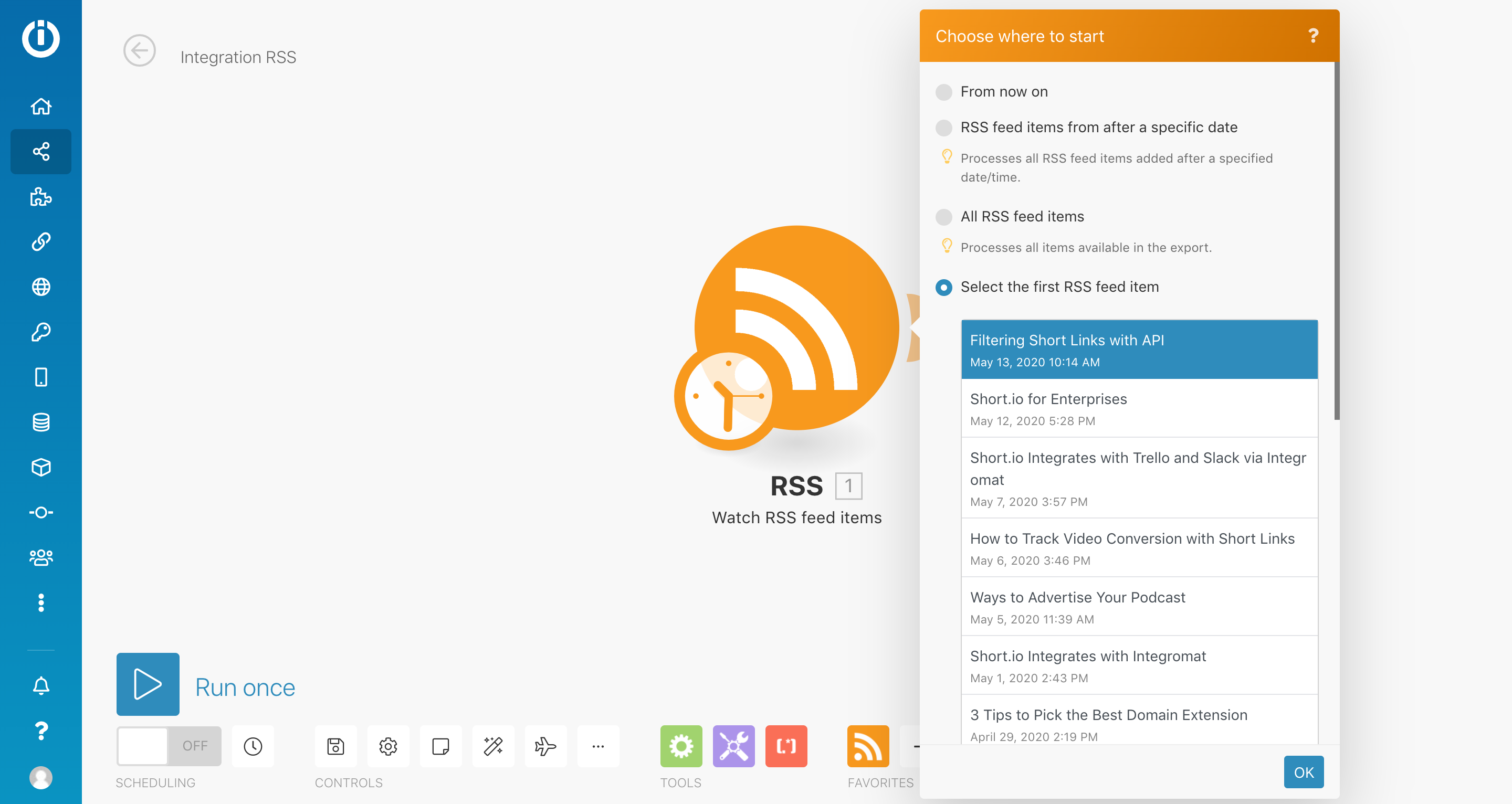
- Choose where to start. As for example to test the integration, we choose select the first RSS item > Choose the item > OK.
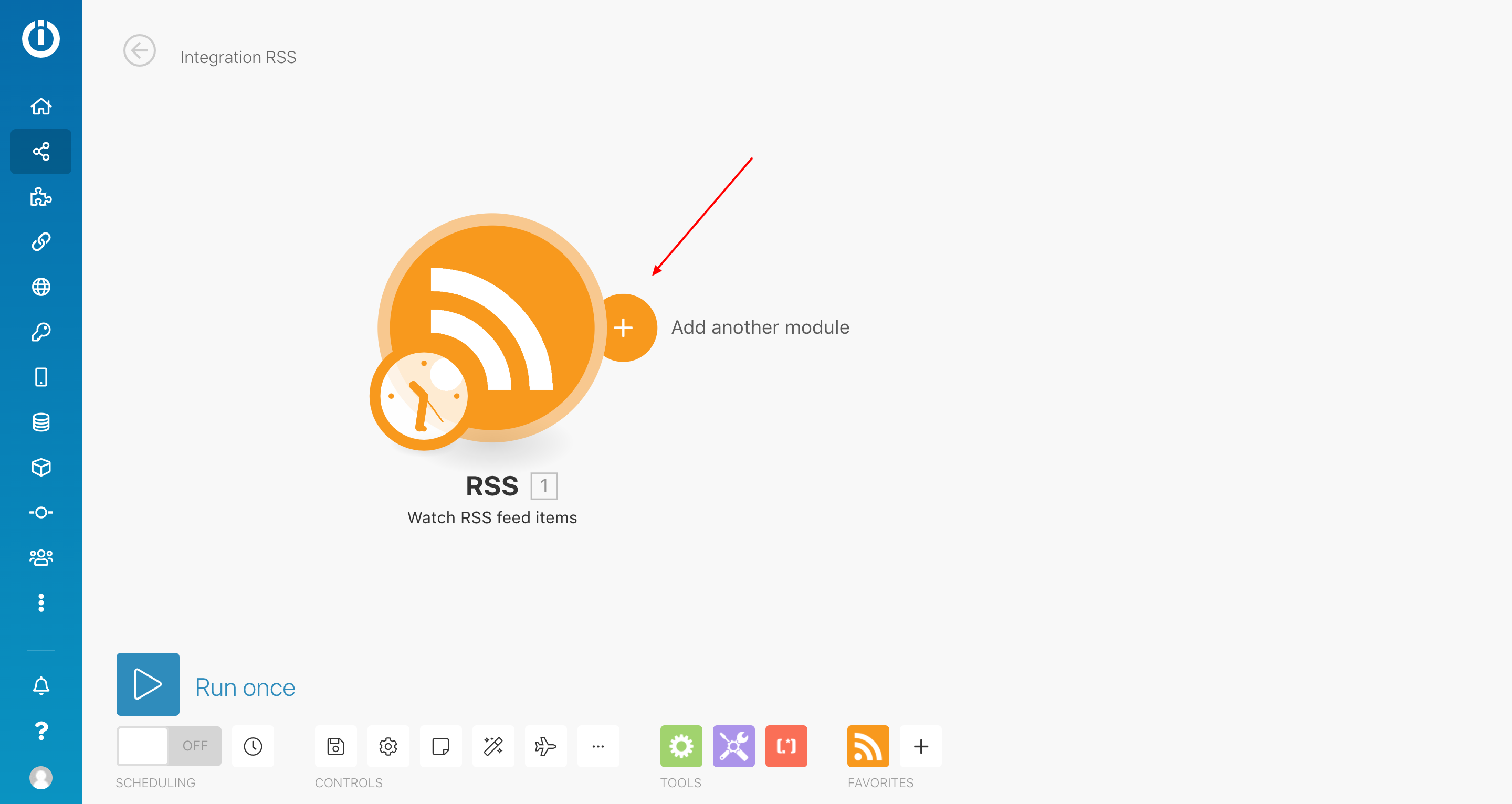
- Add the second module.
- Look for Short.cm > Choose it.
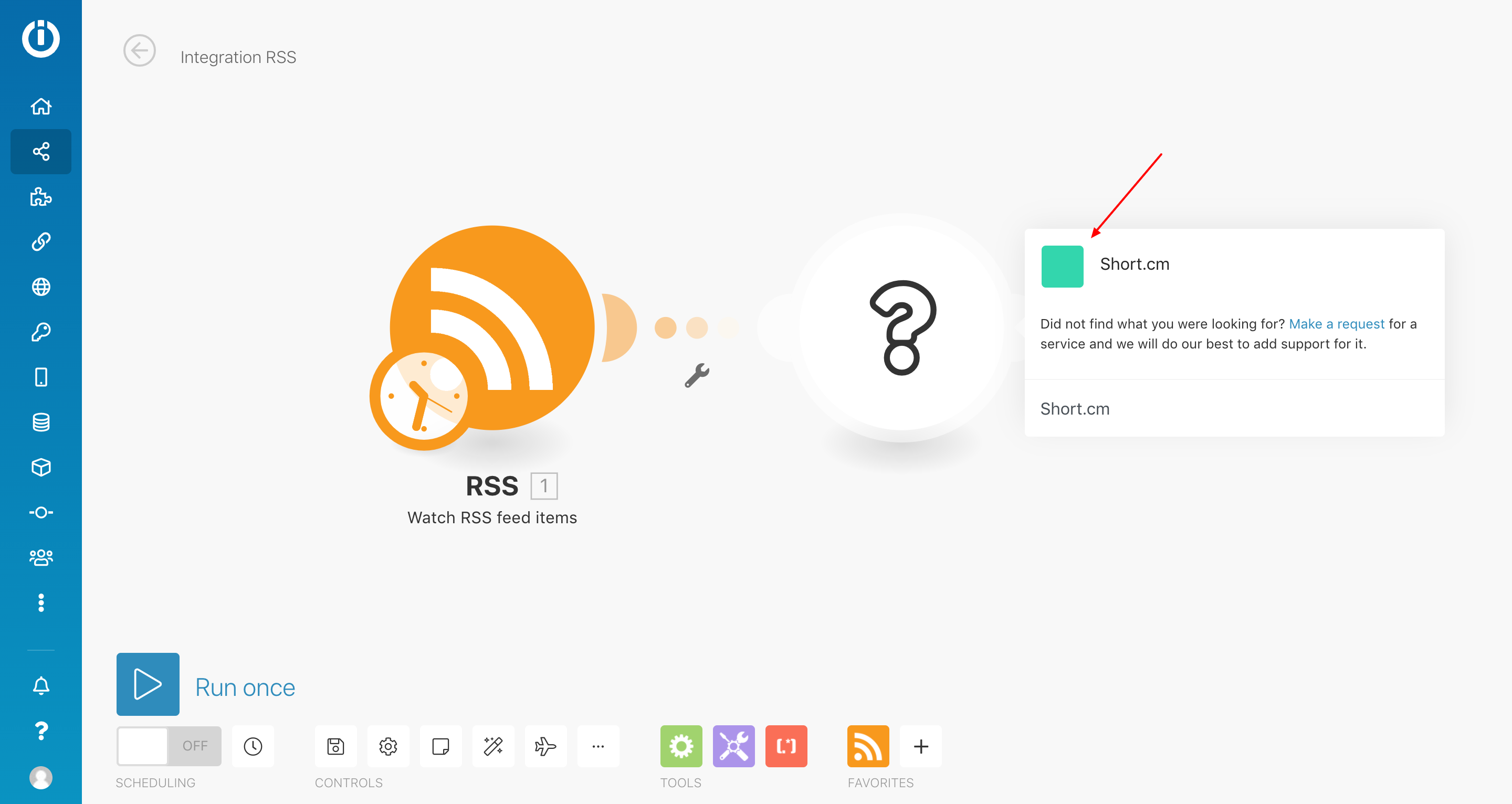
- Select the "Create Link" Action.
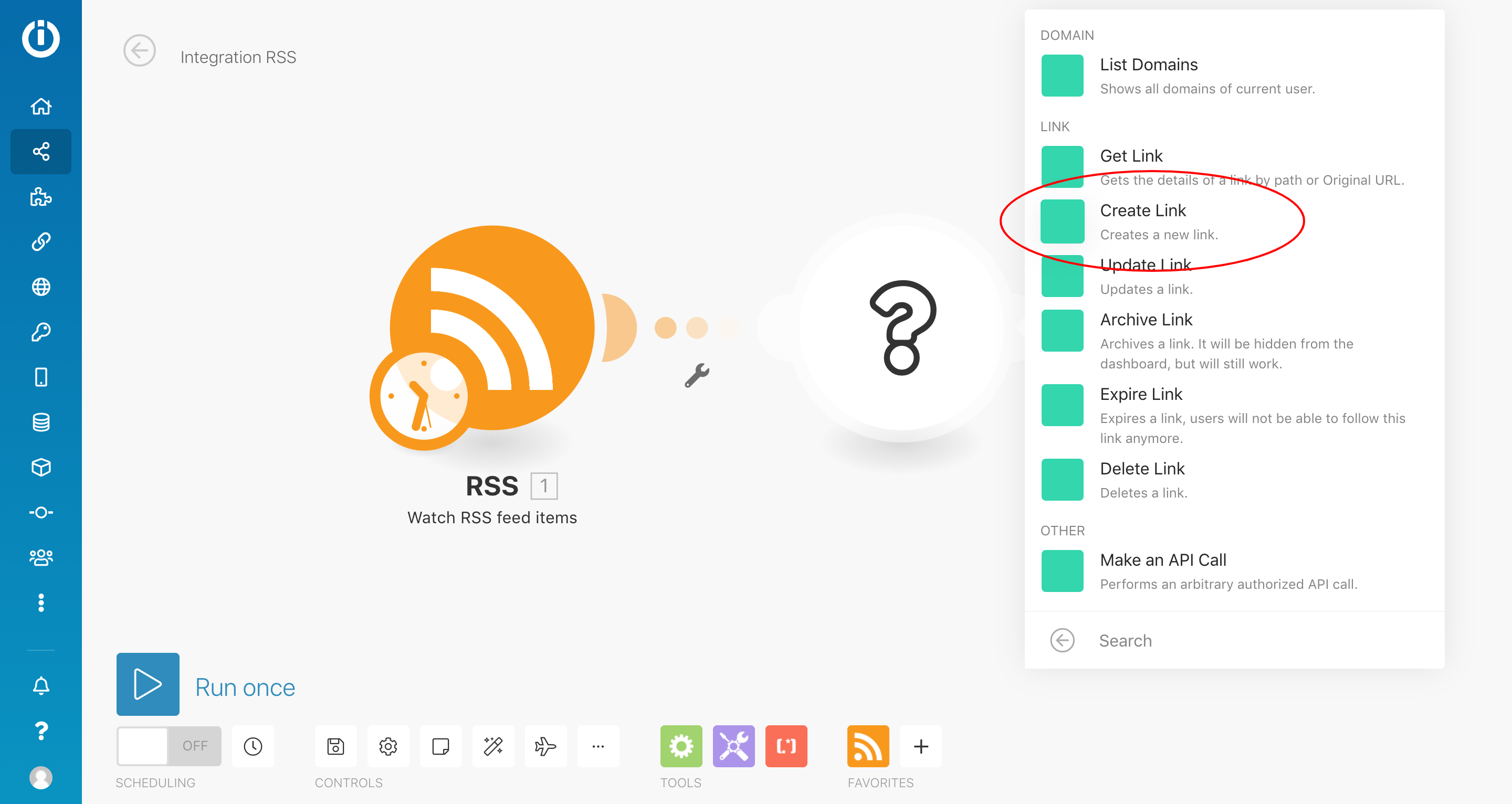
-
Click "Add" to configure access to your Short.io account.
-
Connect your Short.cm account by specifying the API key. You'll find your key here: https://app.short.io/settings/integrations/api-key
-
Fill in the necessary fields > OK.
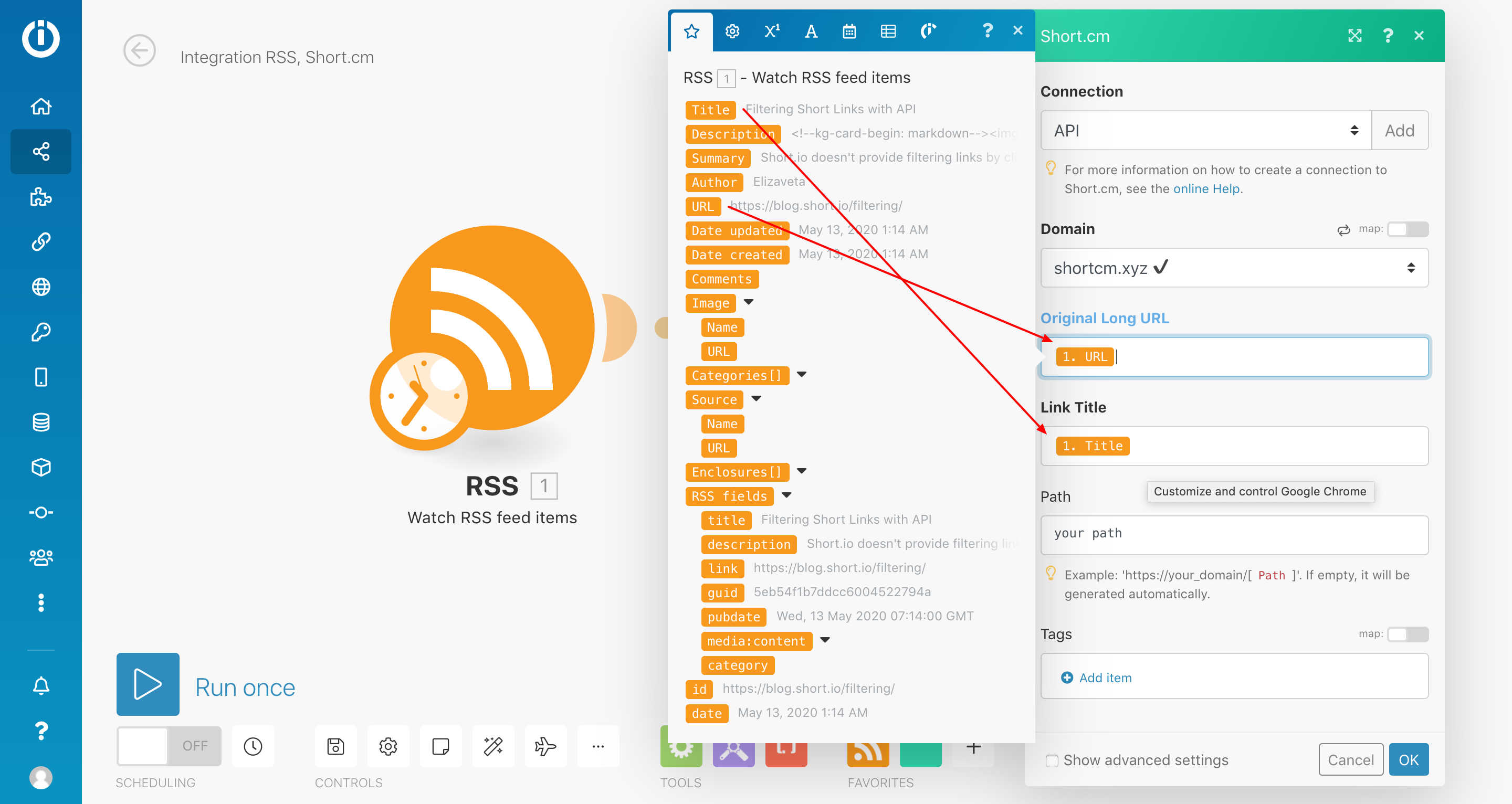
-
Add the third module.
-
Choose Short.cm.
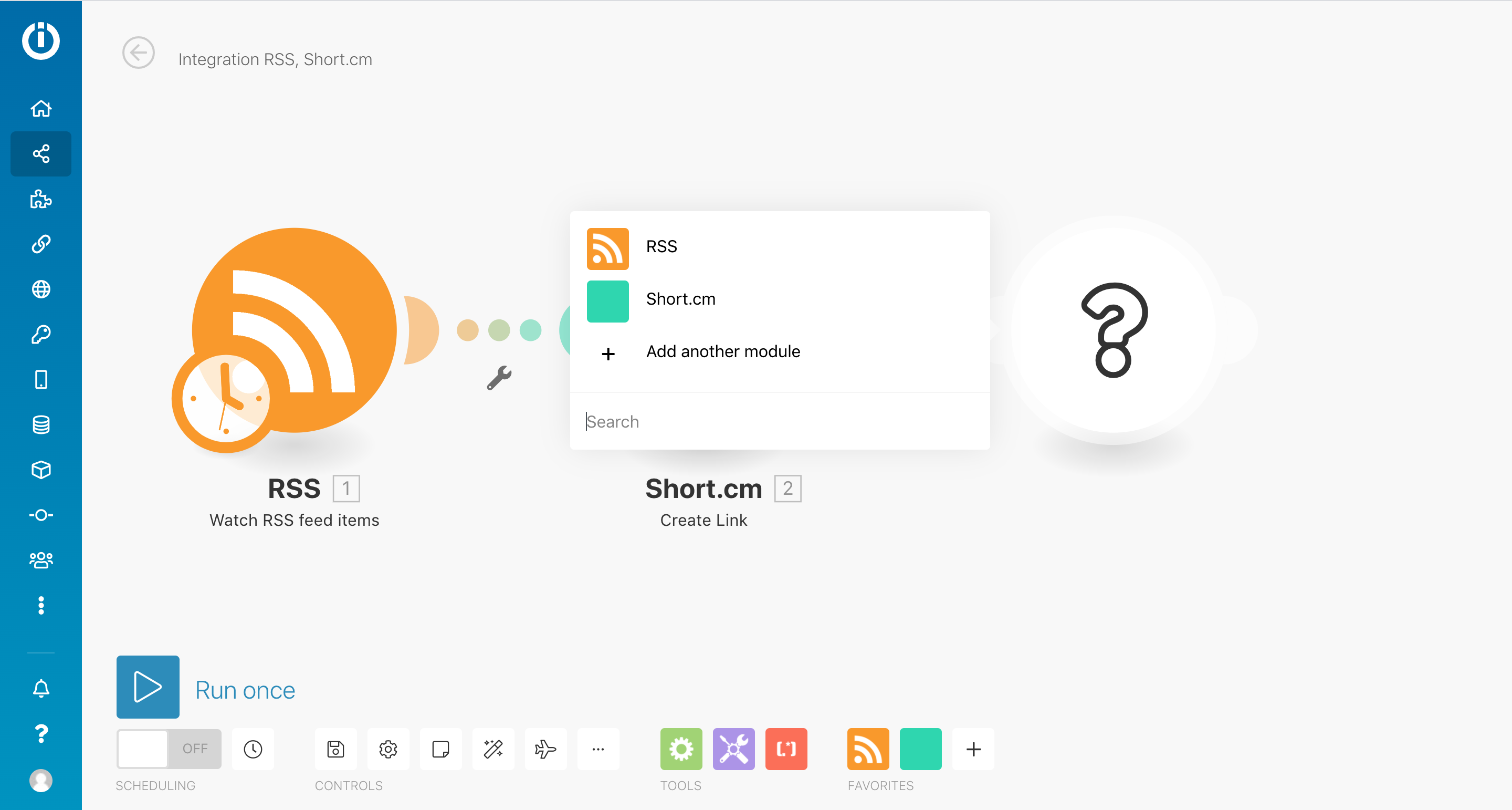
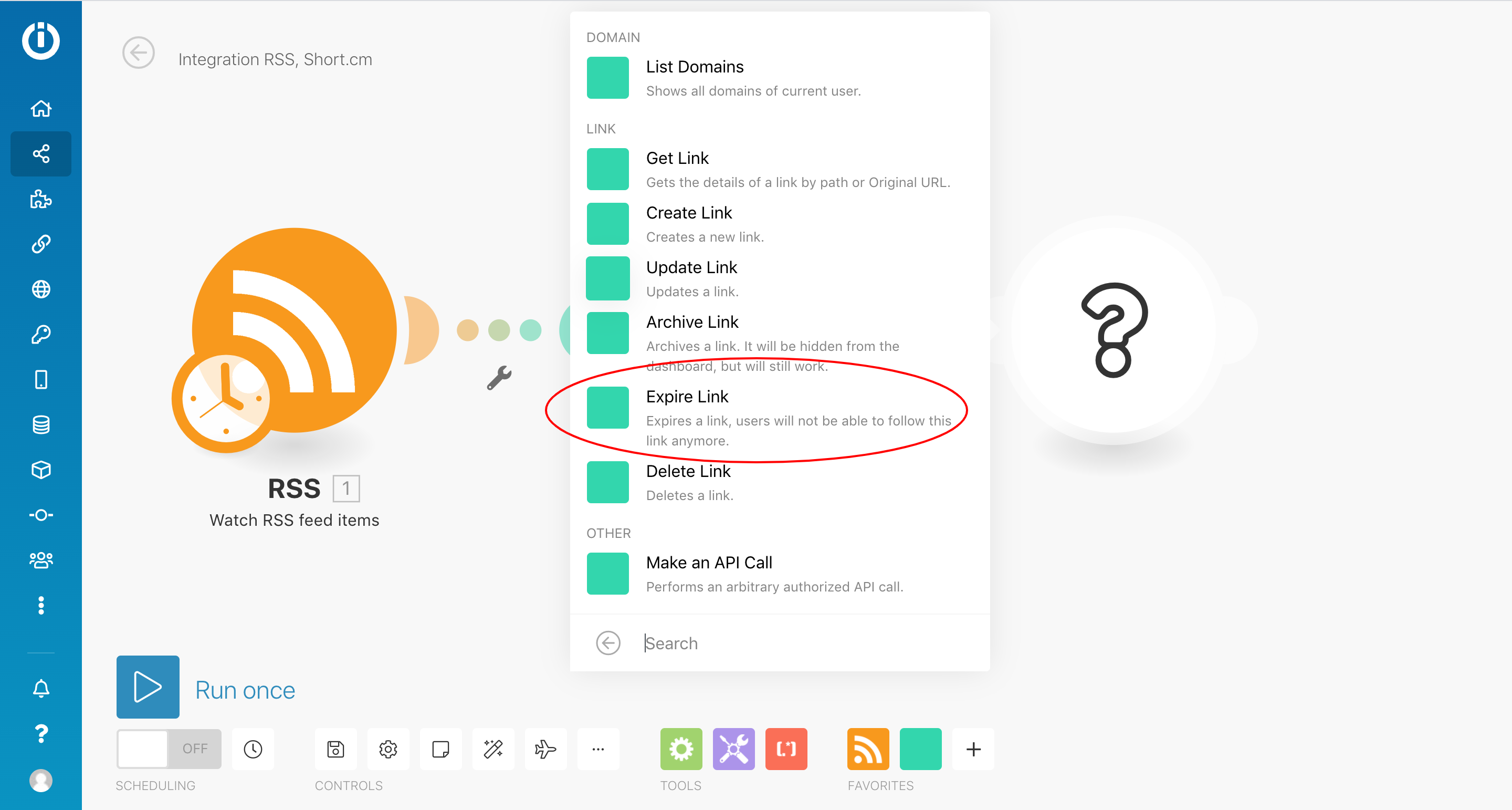
- Choose the "Expire Link" action.
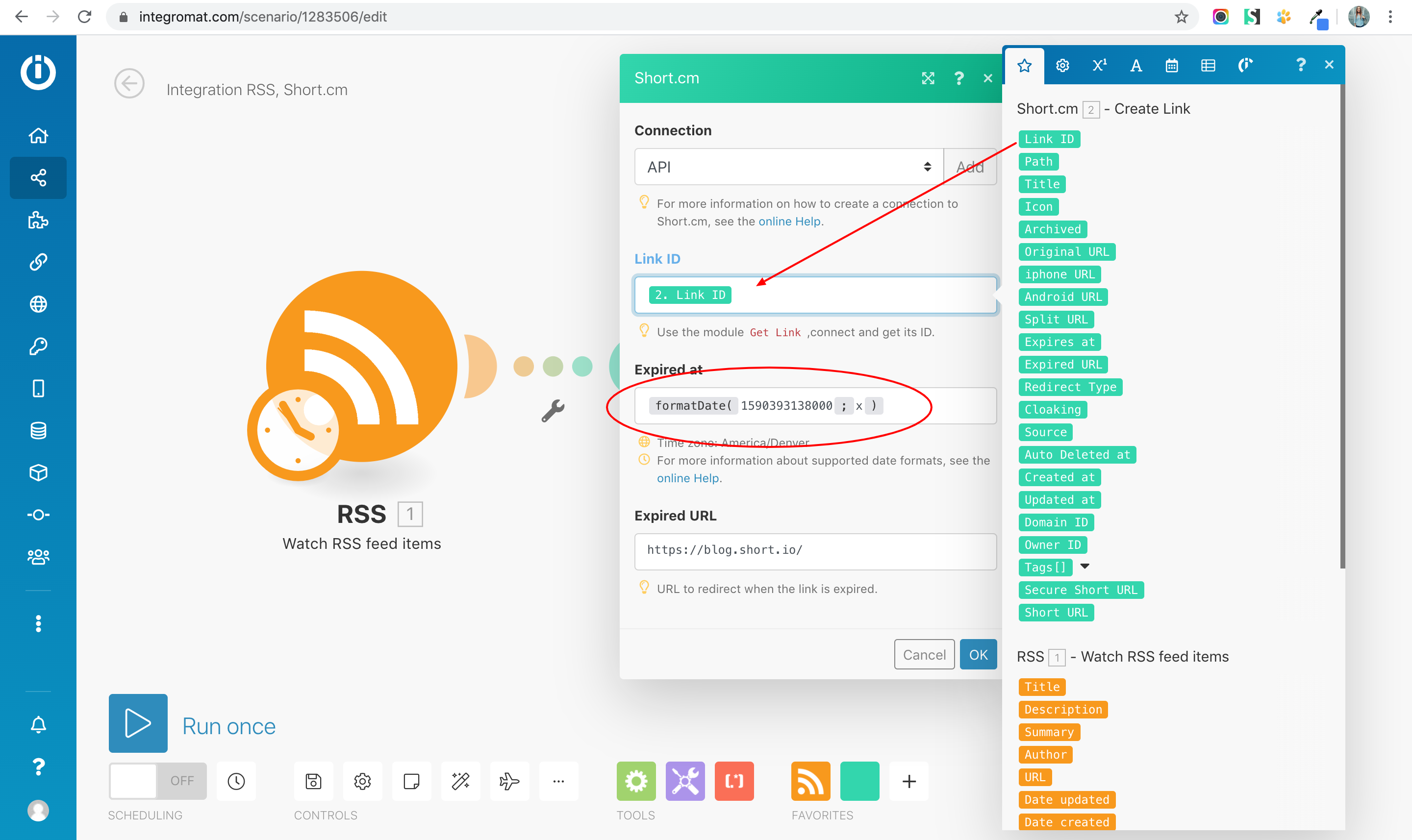
- Fill in the fields. Pay attention on the Expires At field. Use formatDate(milliseconds since epoch; x). You can convert a date to milliseconds here: https://www.epochconverter.com/
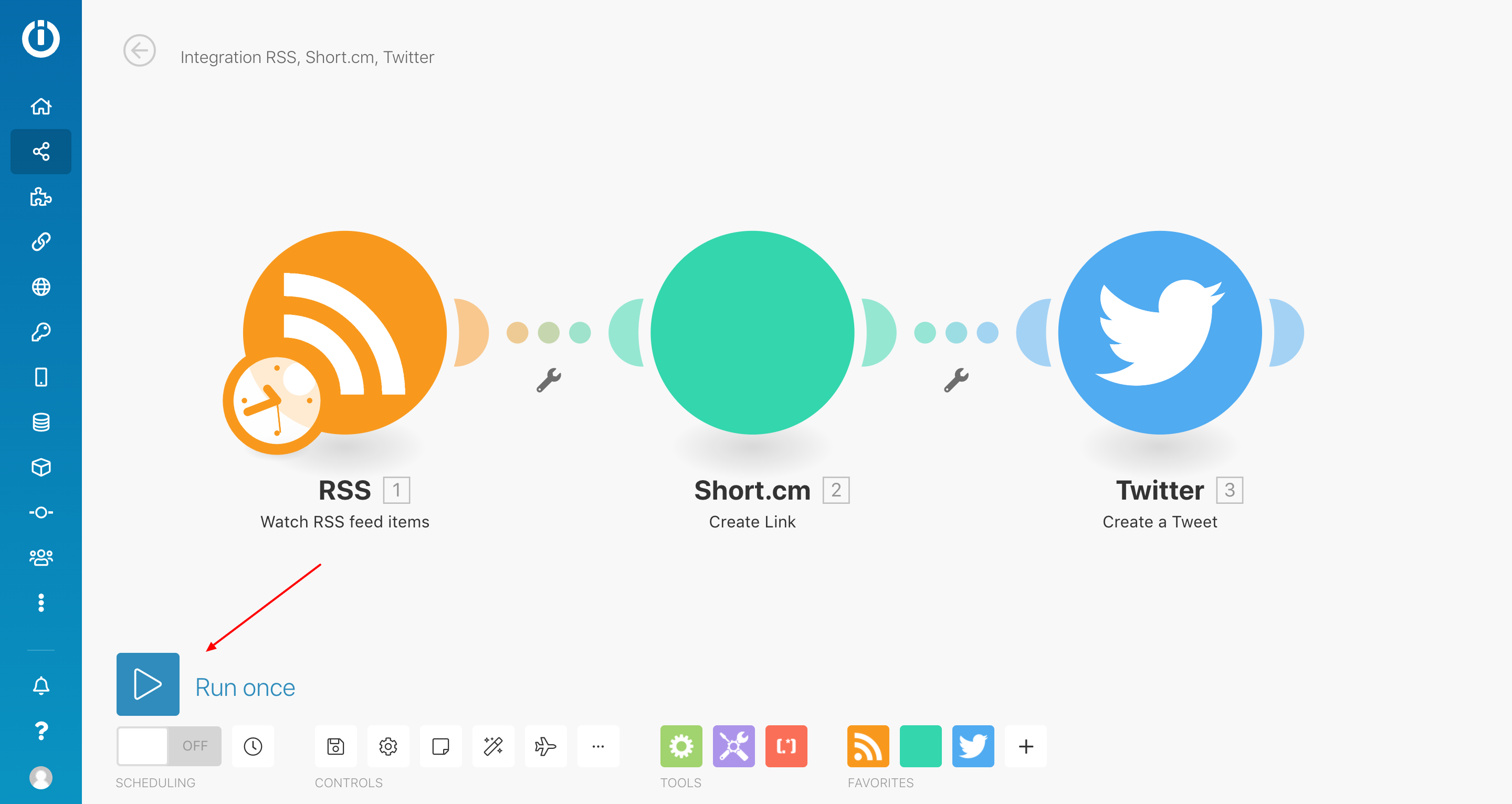
- Launch scenario.