How to review and download Organization invoices
To review/download your invoice documents in PDF format, following these steps:
-
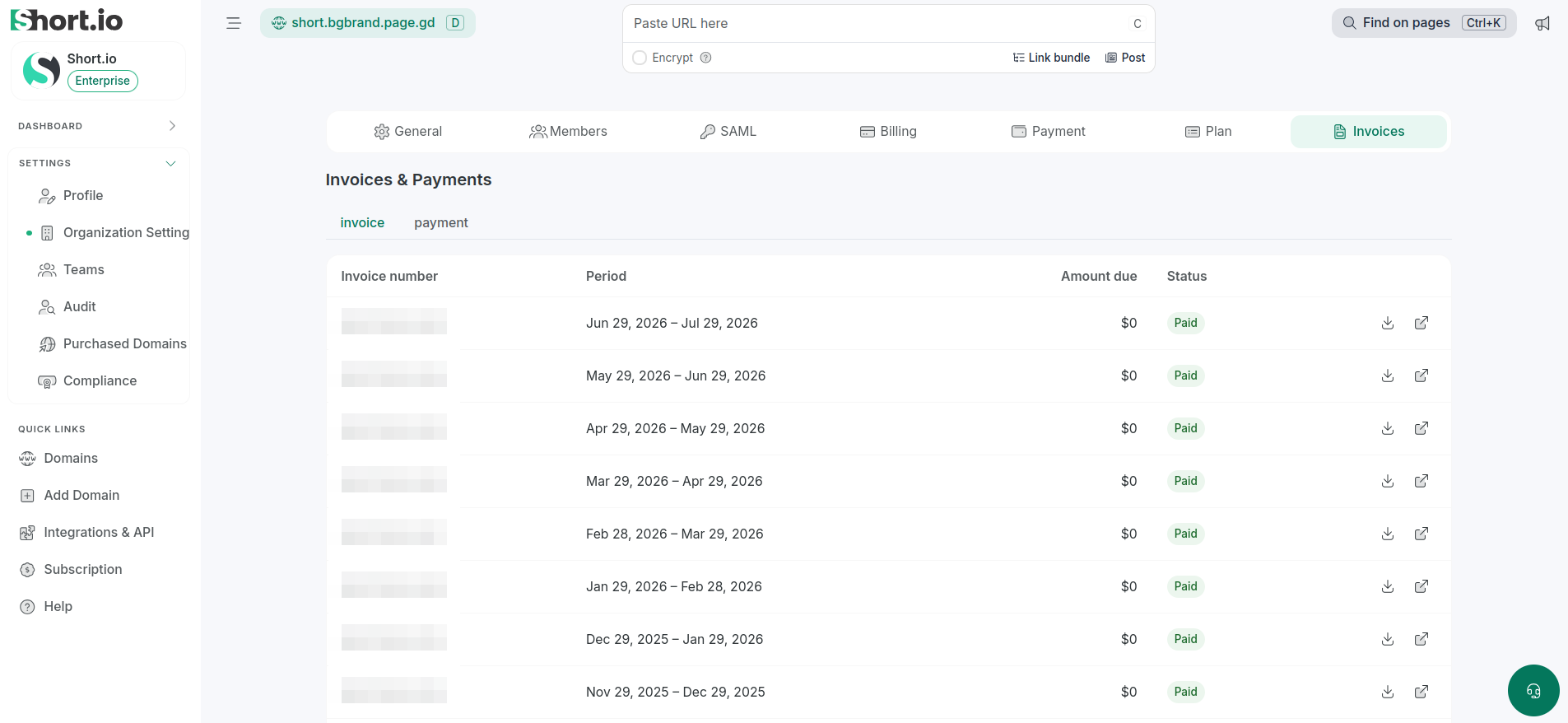
In Short.io, from the left side menu, navigate to Settings -> Organization settings.
-
Select the Invoices tab.
-
Under Invoices, you can find the following details:
-
Invoice number
-
Period
-
Amount due
-
Status (for example, Paid)
-
-
To download the invoice in PDF format, click :
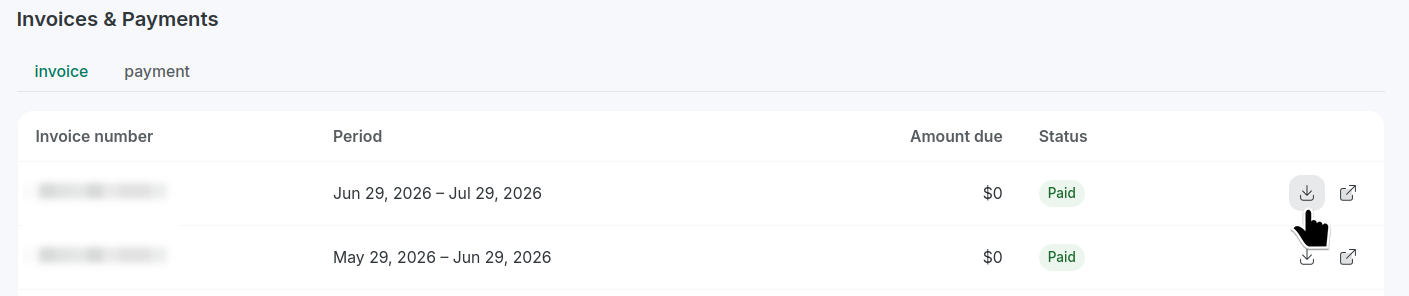
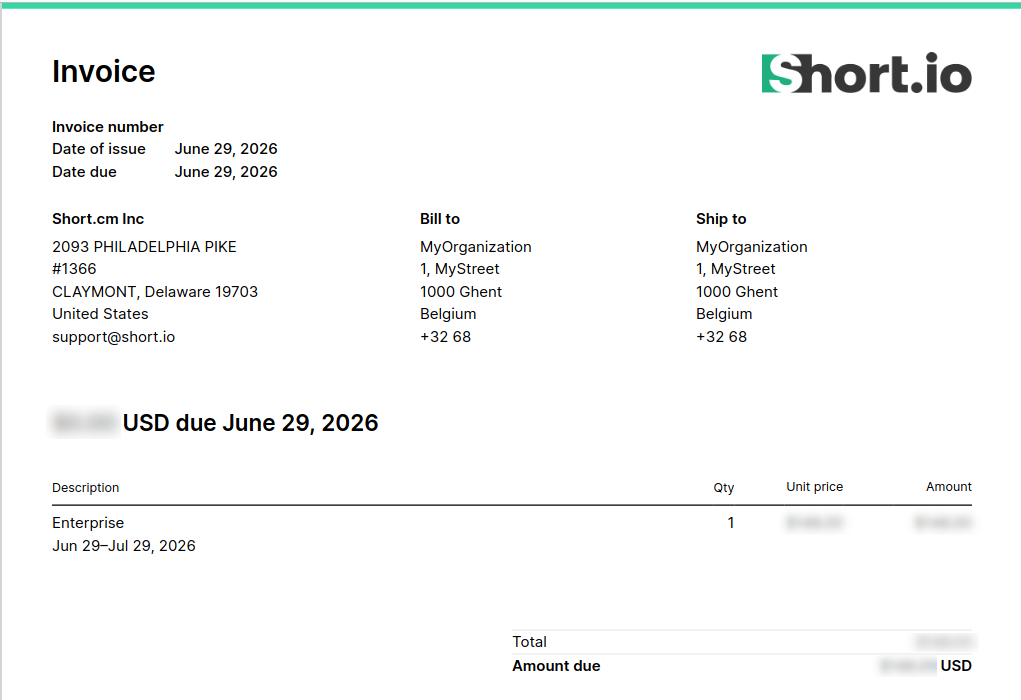
The invoice has been downloaded:
-
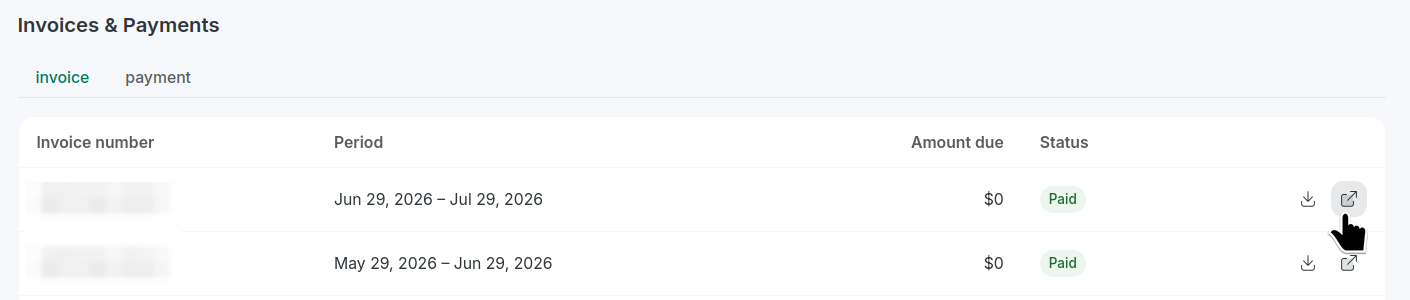
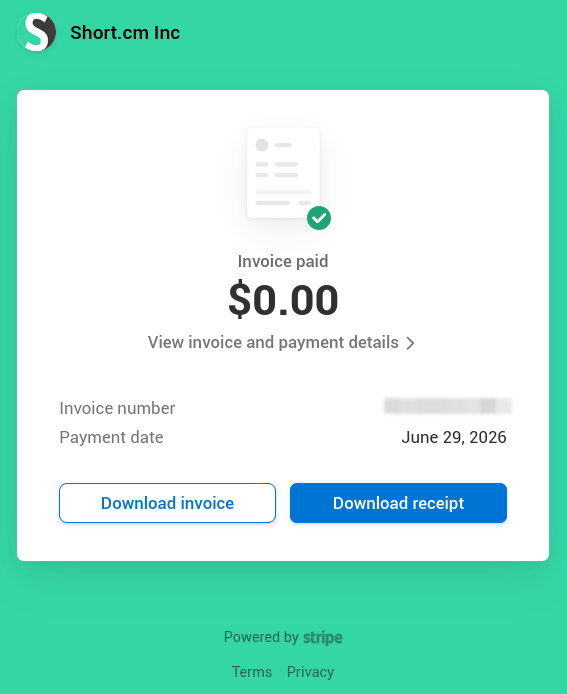
To review the information on Stripe, click :