How to create short links with prefixes
Short.io allows you to create via the API functionalities short links with prefixes (or static values) in the following format:
<Your-domain> / <Static-value> / <Slug>
For example, mydomain.io/XmasCampaign/SomeShortLink.
To effectively accomplish the task, follow the detailed instructions below.
Before you begin, make sure you have created an API key.
To create folder and prefix
-
Open the following Short.io API page.
-
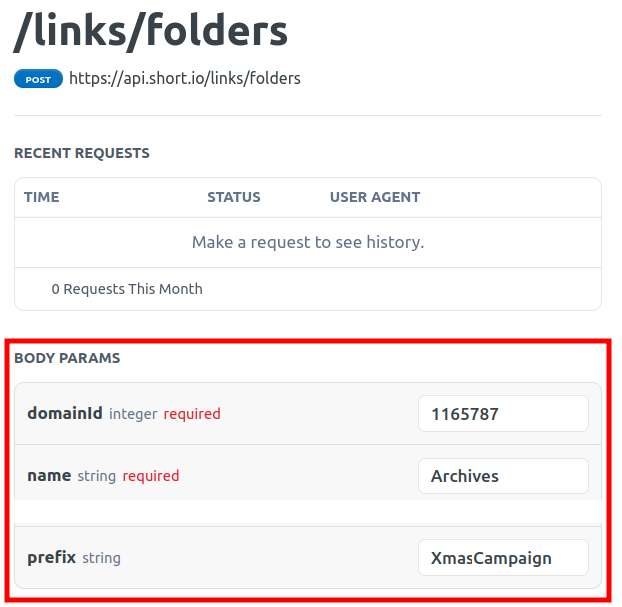
In the Body params panel provide the information:
-
domainId - the unique identifier of your domain (you can retrieve it as described here )
-
name - a folder name
-
prefix - a static value
-
-
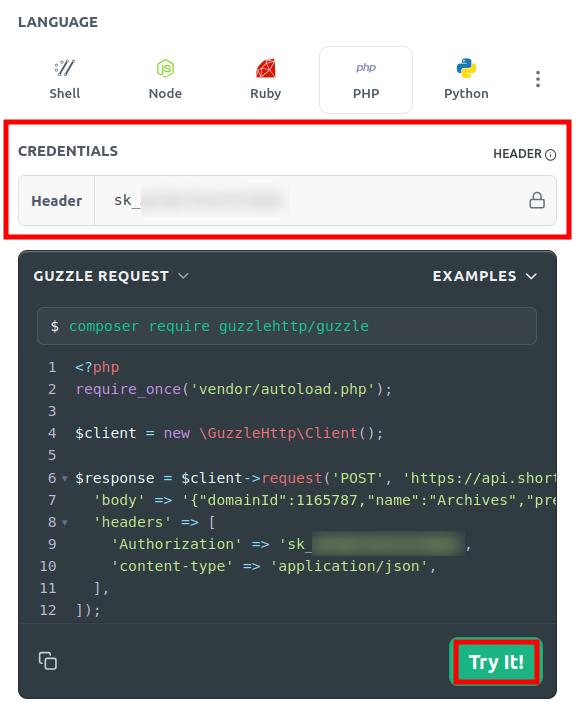
Navigate to the Credentials section and enter your authorization key:
-
Click on Try it!.
-
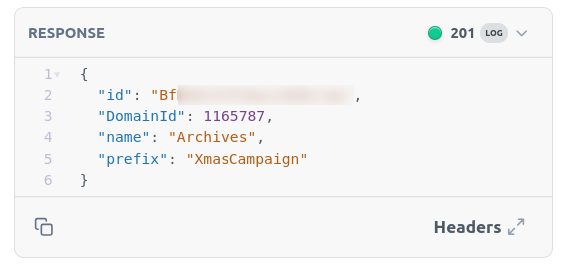
In the Response panel you can review the result:
-
Copy the folder id from the response.
To create a new short link within the folder
-
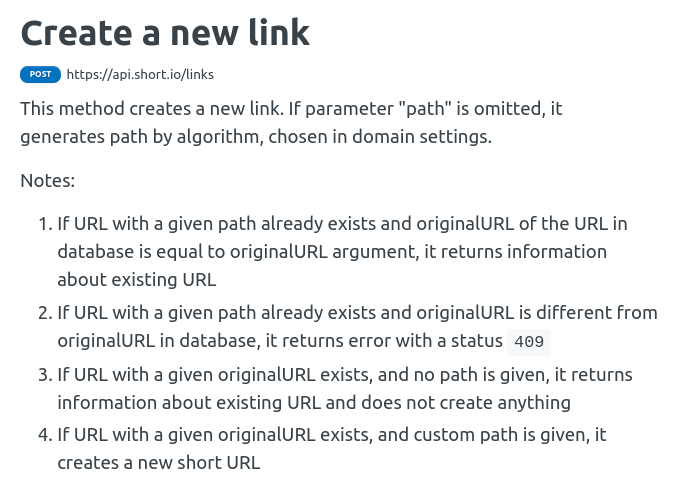
Open the following Short.io API page.
-
In the Body params panel provide the information:
-
originalURL - the long link to be shortened
-
domain - the name of your domain
-
folderId - the folder identifier which you copied from the previous response


-
-
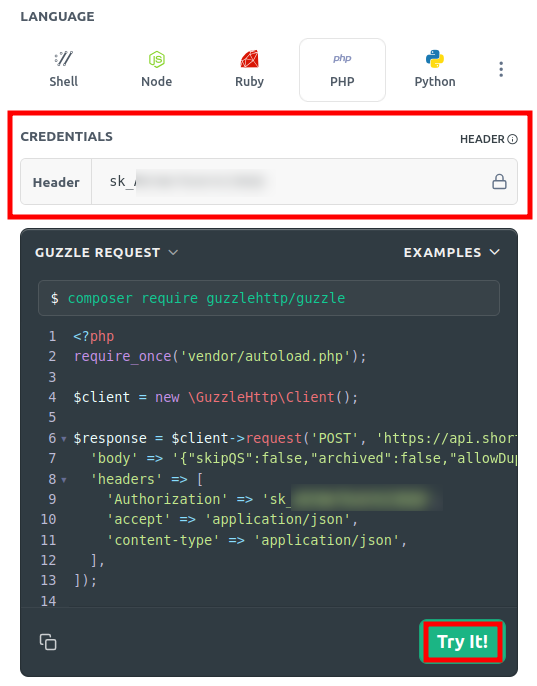
Navigate to the Credentials section and enter your authorization key:
-
Click on Try it!.
-
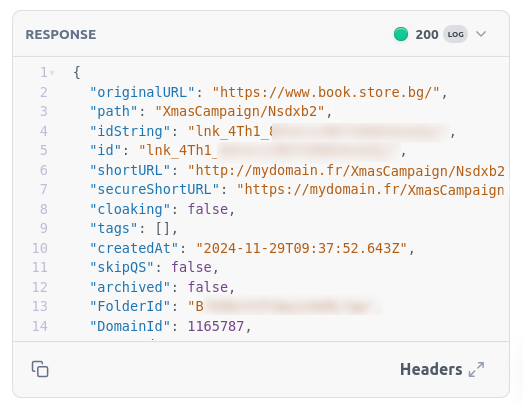
In the Response panel you can review the result:
-
Sign in to your Short.io account.
-
From the Branded links menu you can review the newly created link with the prefix within the folder:
