How to view statistics for a short link
You can track the statistics for a short link after you get at least one click.
For more information on Short.io statistics please visit the following article.
To review the statistics
-
Sign in to your Short.io account.
-
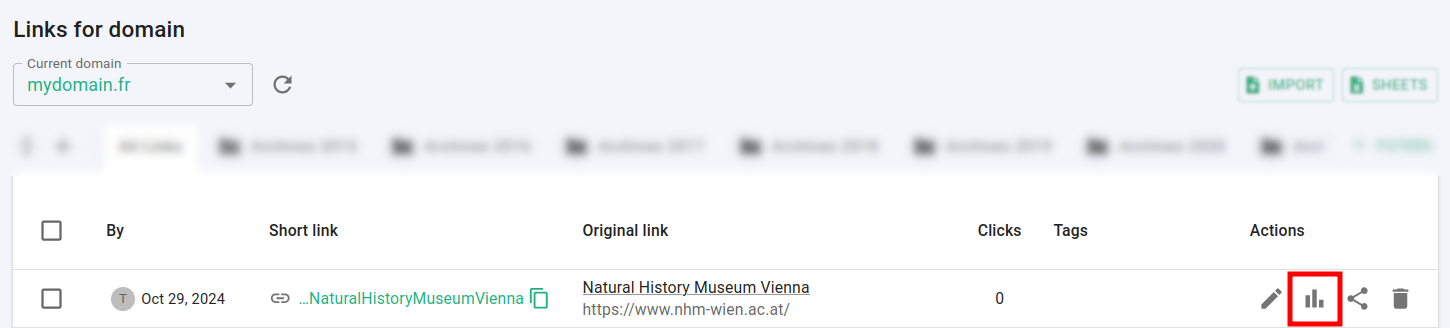
Navigate to the Branded links and click on next to the link for which you want to review the statistics:
-
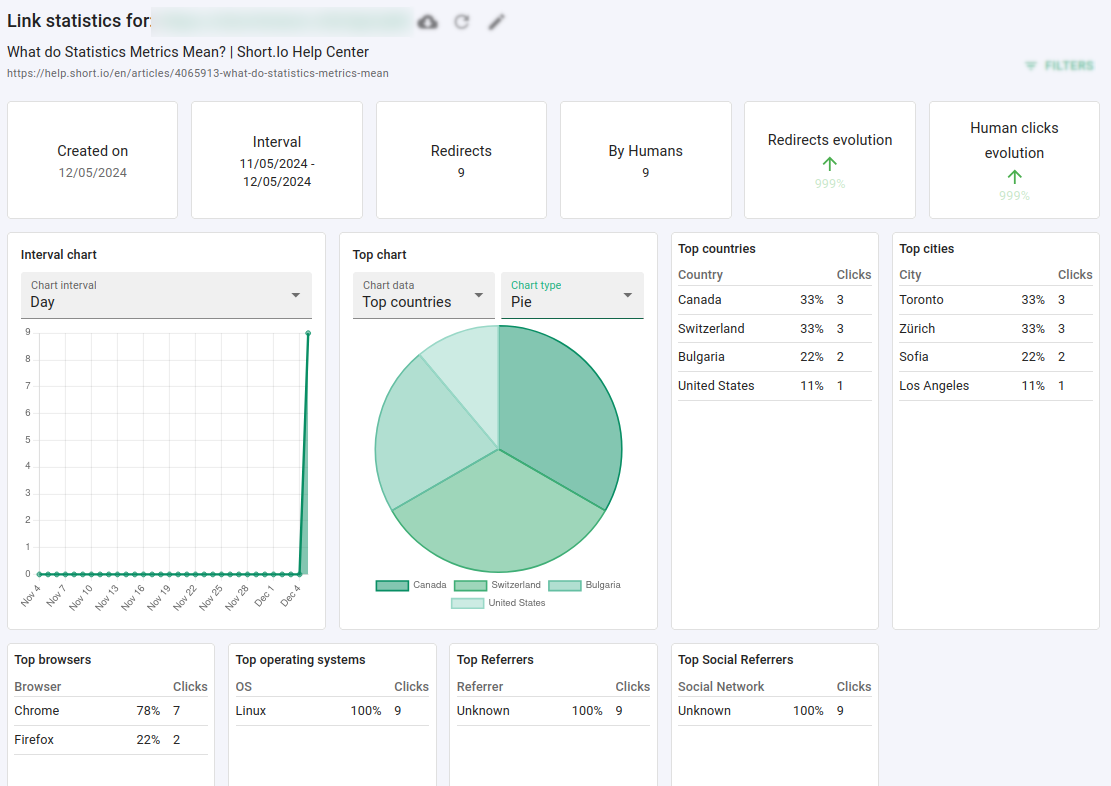
In the next screen you can review the detailed click's data organized in different charts: