How to exclude EU/UK IPs from Statistics
Excluding IPs from Statistics
You can exclude European and British IP addresses from the domain statistics as follows:
-
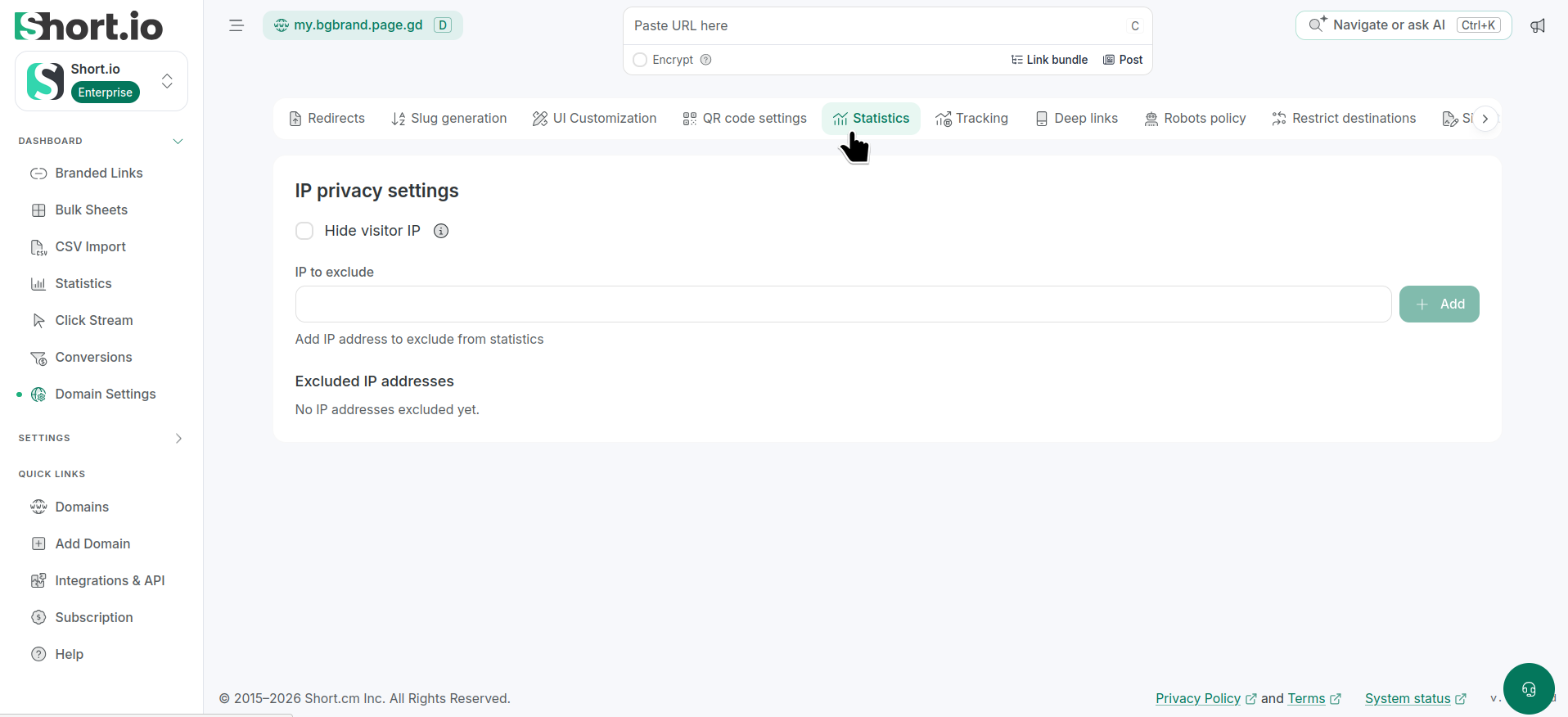
From Short.io's left side Dashboard menu, navigate to Domain settings and select Statistics:
-
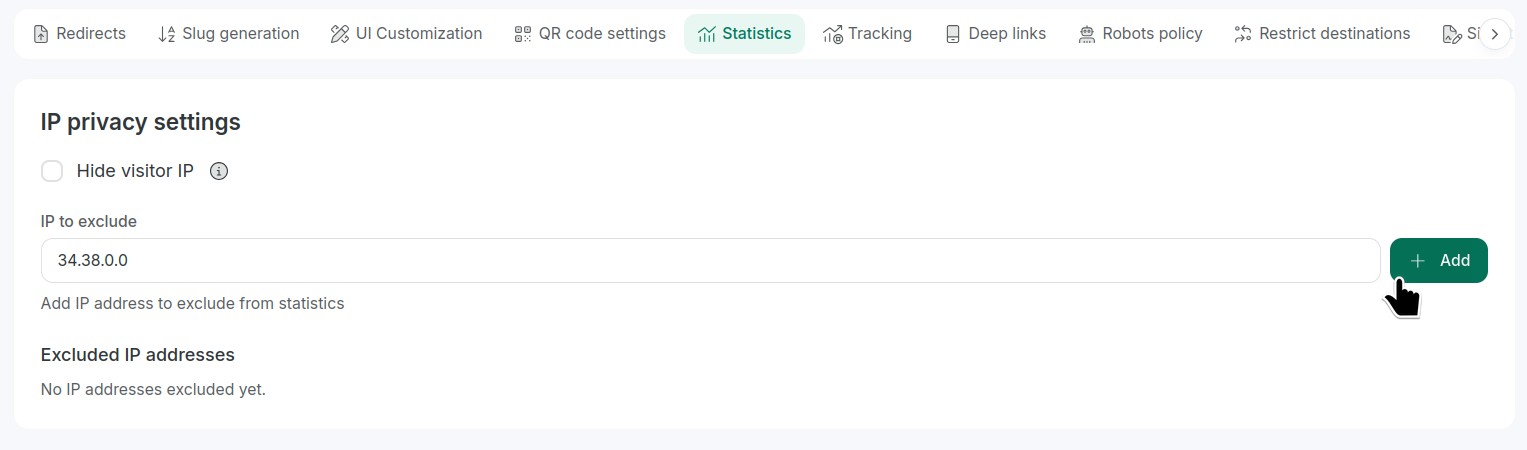
In the IP to exclude field enter the address you want to exclude, for example, 34.38.0.0.
-
Click Add:
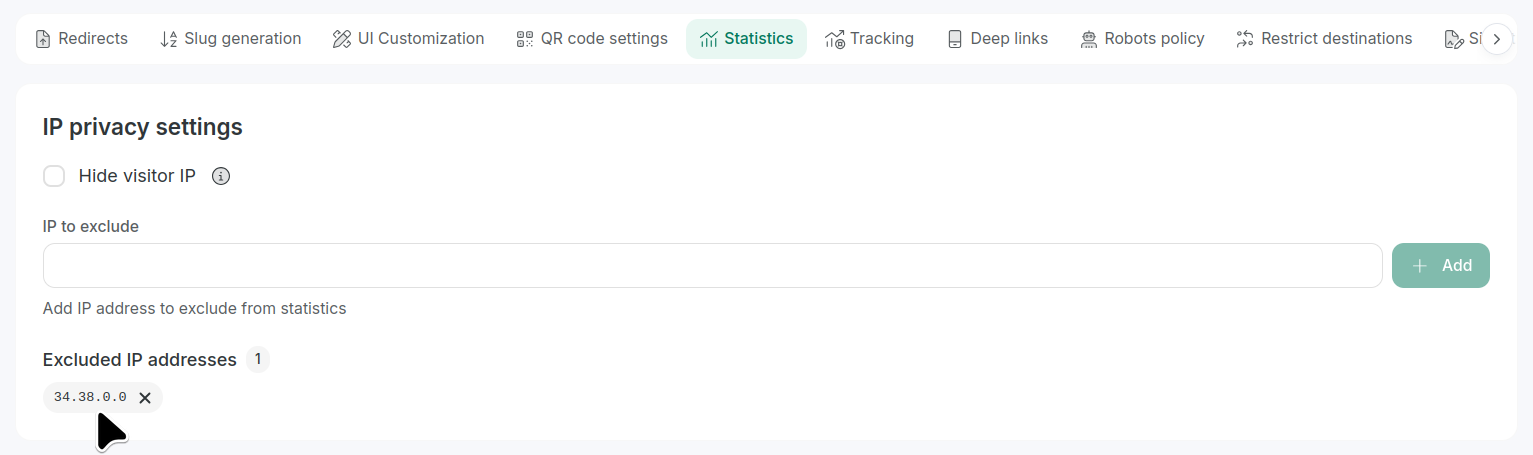
The IP address will appear below:
Note
Note: You can add as many IPs as you need.
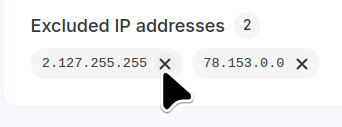
Deleting an IP from the list
To delete a previously added IP address, click X located beside it: