How to downgrade a pricing plan?
You can downgrade your current pricing plan following the steps below:
-
Sign in to your Short.io account.
-
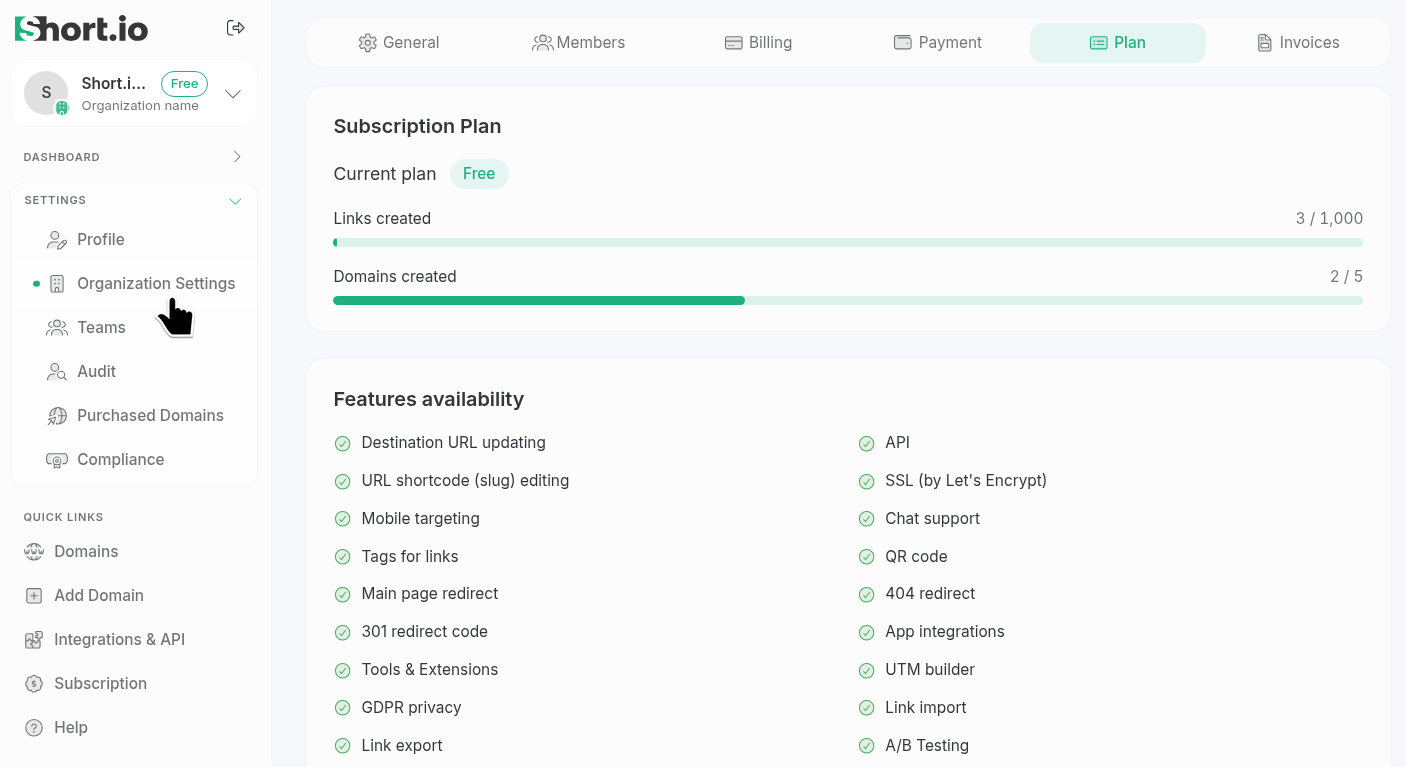
Select the Organization Settings and then open the Plan tab:
-
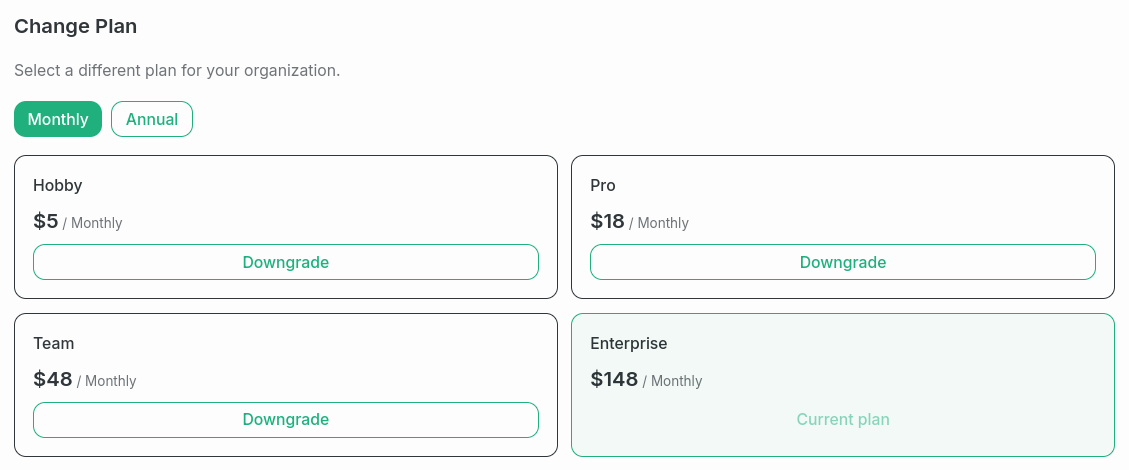
Navigate to the Change Plan section:
-
Choose a plan and click Downgrade.
-
When prompted "Change from <current-plan> to <new-plan> at <new-price>", click Confirm change:
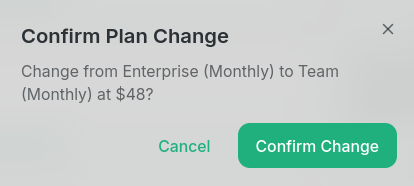
Your new pricing plan will be applied.