How to use mobile targeting to escape redirecting links to in-app browser
When users tap links in a bio or in a post/story, apps like Instagram do not launch the device’s default browser. Instead, the content is displayed within the app's integrated browser. And some users prefer to bypass this behavior. The instructions below offer a solution for this situation.
Short.io settings
-
Sign in to your Short.io account.
-
Shorten a link.
-
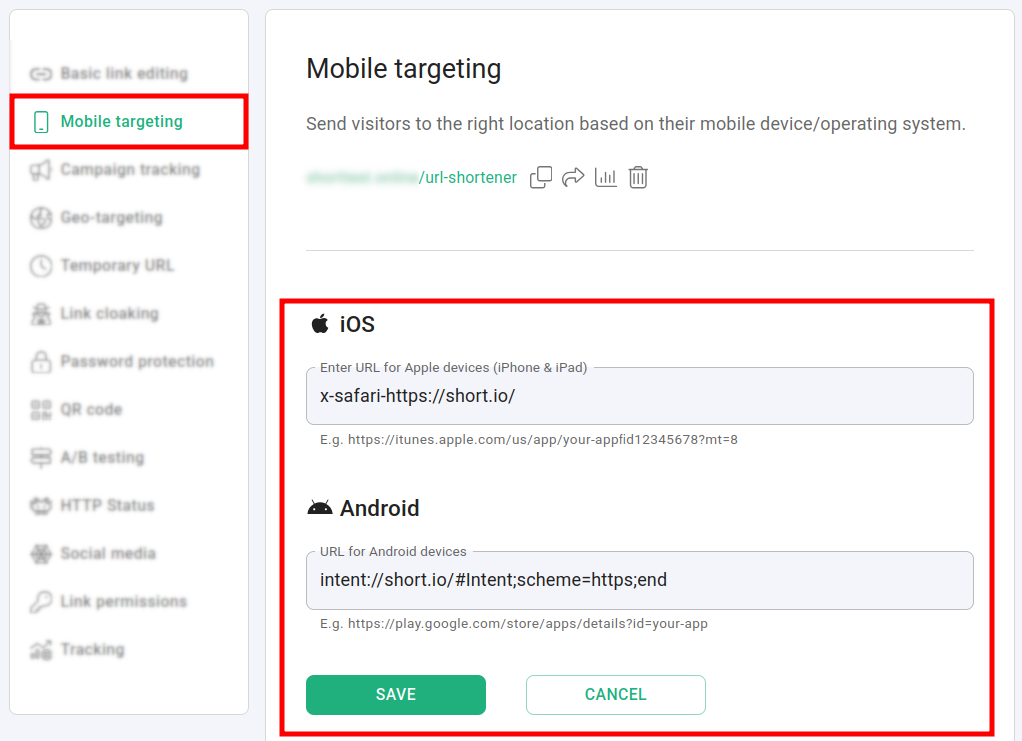
Open the link for editing and navigate to the Mobile targeting section:
-
Depending on your goals, enter the following information for iOS and/or Android devices, replacing https://short.io with your original URL:
-
iOS
`x-safari-https://short.io` -
Android
`intent://short.io#Intent;scheme=https;end`
-
-
Click on Save to confirm.
Testing the redirect
-
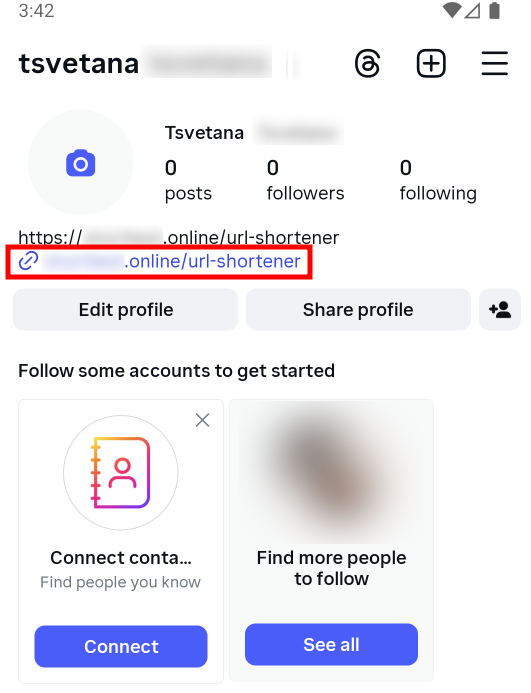
Create a post including the shortened link or add the link into your bio:
-
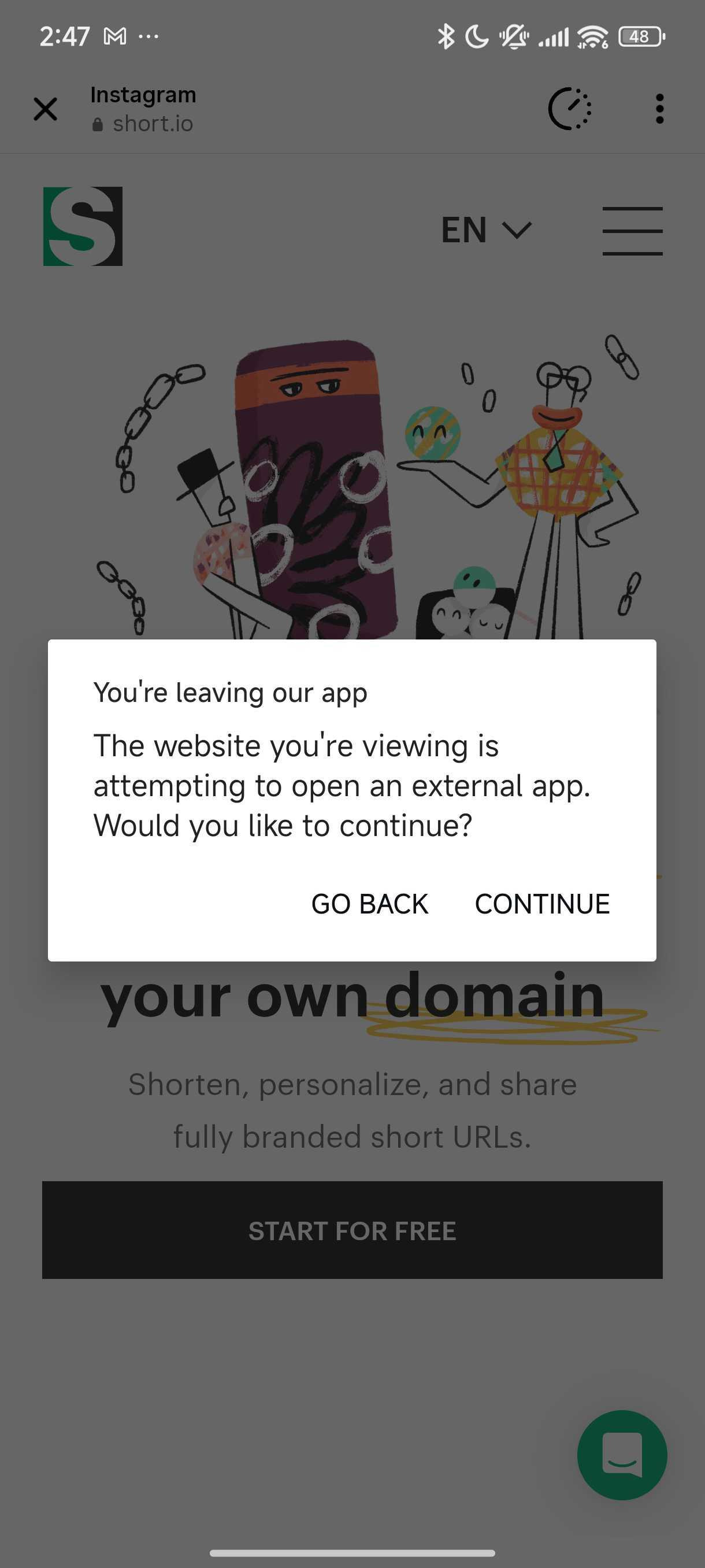
When other users tap on the link they will be warned about the redirection to their external browser: