In this article, we will cover how you can configure OneLogin for use with Auth0 as a SAML Identity Provider on Short.io.
Step 1: Configure app on the OneLogin dashboard
1. Log in to the OneLogin Dashboard, and click Apps > Add Apps.

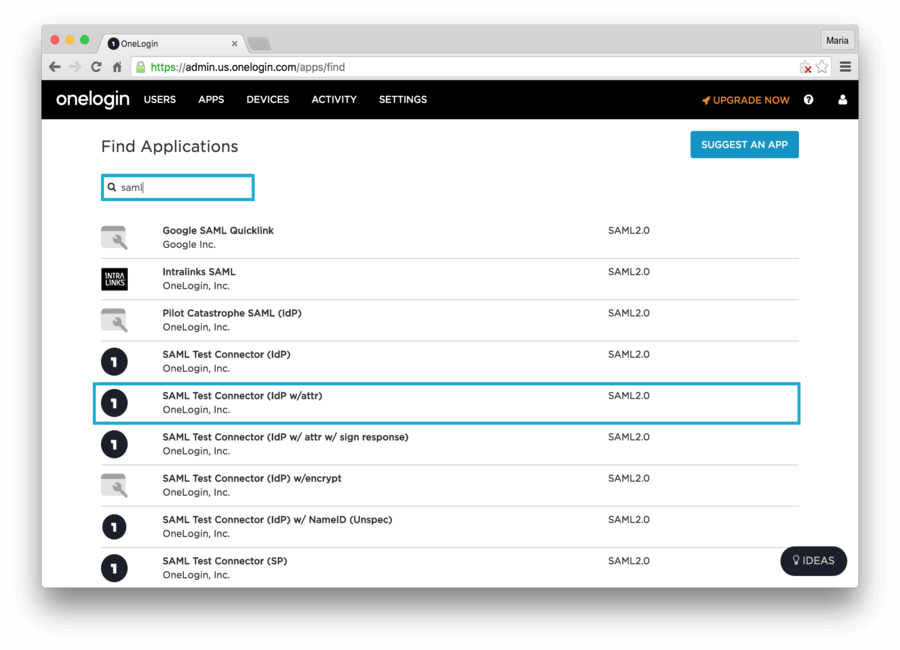
2. Search for saml, and select SAML Test Connector (IdP w/attr).
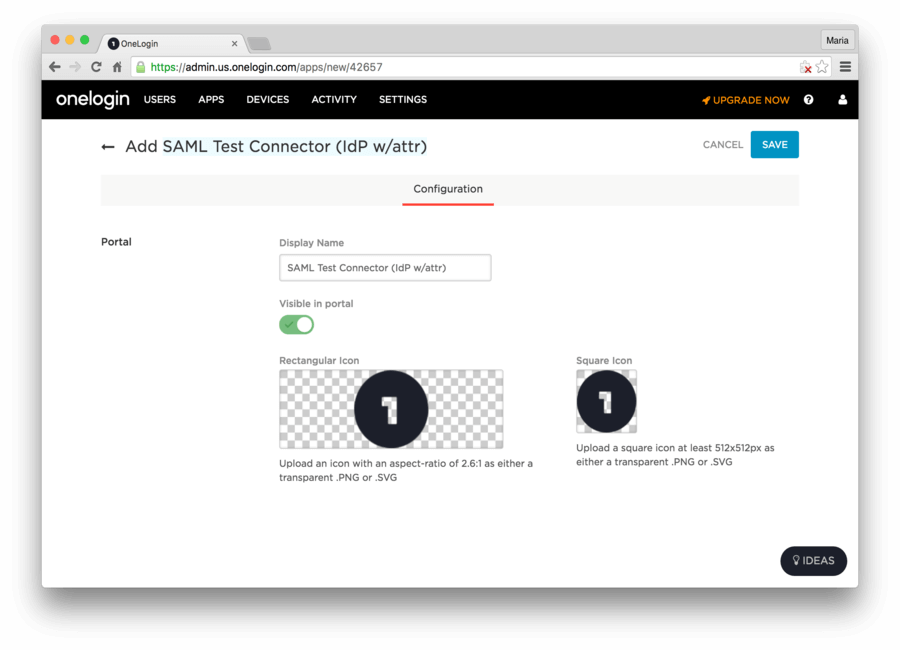
3. Change the Display Name of your app. Click SAVE.
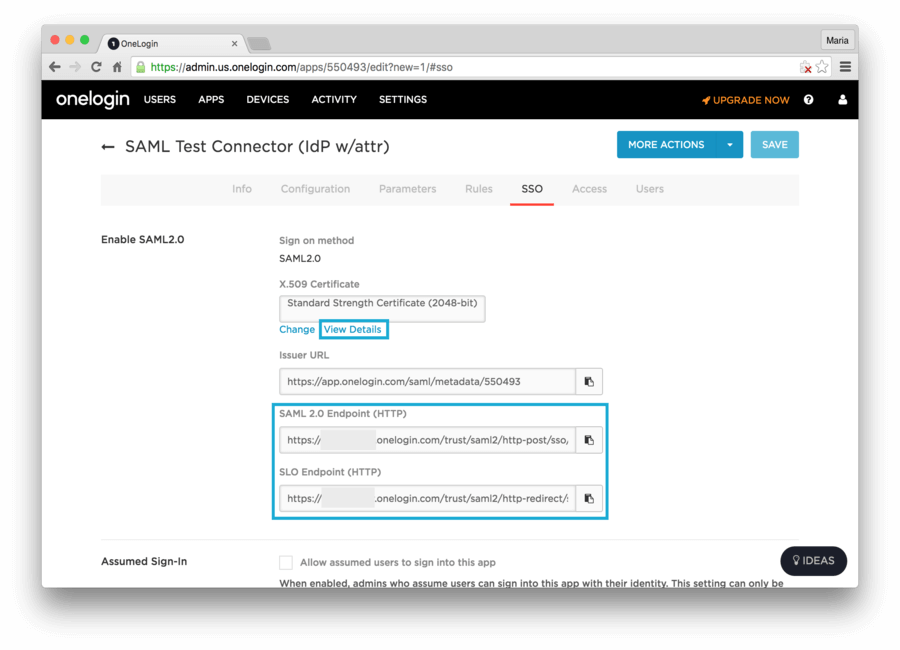
4. Go to the SSO tab, and copy the values for SAML 2.0 Endpoint (HTTP) and SLO Endpoint (HTTP). Click on the View Details link at the X.509 Certificate field.
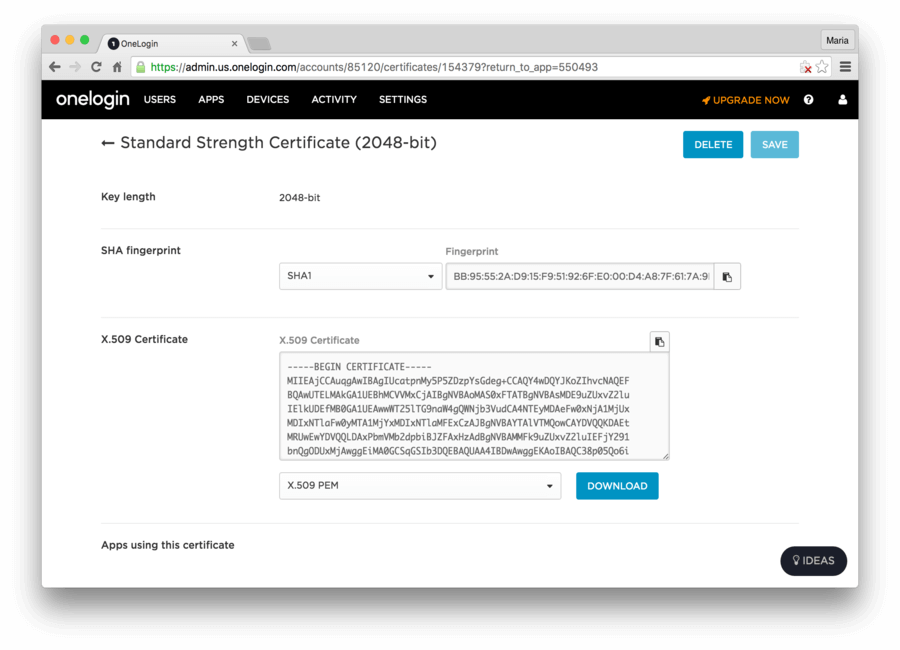
5. Download the X.509 certificate onelogin.pem.
6. To let us customize SSO, send Short.io the following data:
-
SAML 2.0 Endpoint (HTTP)
-
SLO Endpoint (HTTP)
-
X.509 certificate onelogin.pem
IdP Initiated SignOn
OneLogin offers an Application Portal/Launcher to their users. If you want to take advantage of this functionality, you will have to change the SAML Consumer URL in OneLogin dashboard to include the connection parameter (e.g., https://YOUR_DOMAIN/login/callback?connection=onelogin-customer). Be sure to replace onelogin-customer with the name of your Auth0 connection.
Finally, be sure to pick the application to which your user is redirected after the SAML assertion is consumed. You can find more information in the IdP-Initiated SSO page.