How do I Select a Custom Date Range?
Custom date range lets viewing statistics by specific timeframes. You can select:
-
Custom — any needed timeframe.
-
Today.
-
Yesterday.
-
Last week.
-
Last 7 days.
-
This month.
-
Previous month.
-
Last 30 days.
-
From beginning.
How to select a date range:
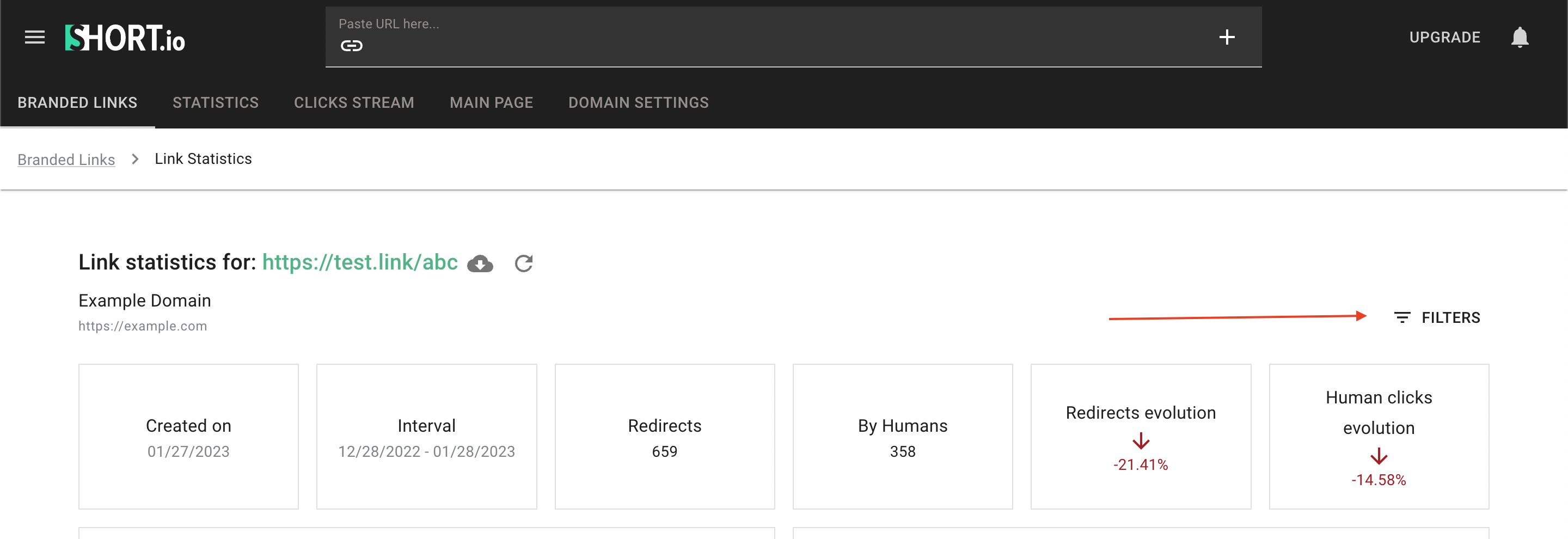
1. Open the link statistics.

2. Click Filters
3. Select the necessary date range from the drop-down menu.
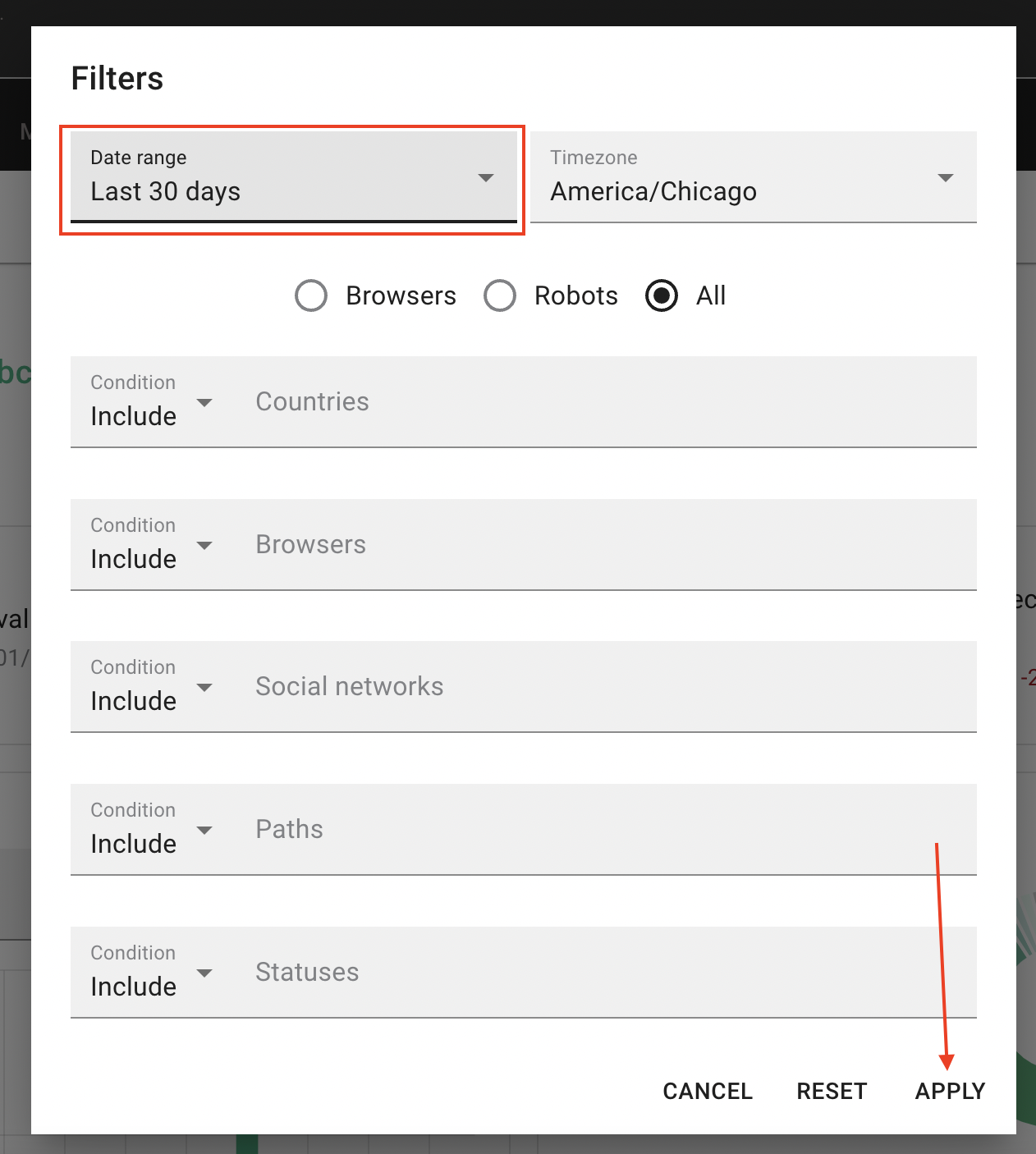
4. Click Apply.