How to use the Short.io API
The Short.io API features can only be accessed with an API key.
The API functionality is available on every price plan. The only prerequisite is that you are a registered Short.io user.
Main API features
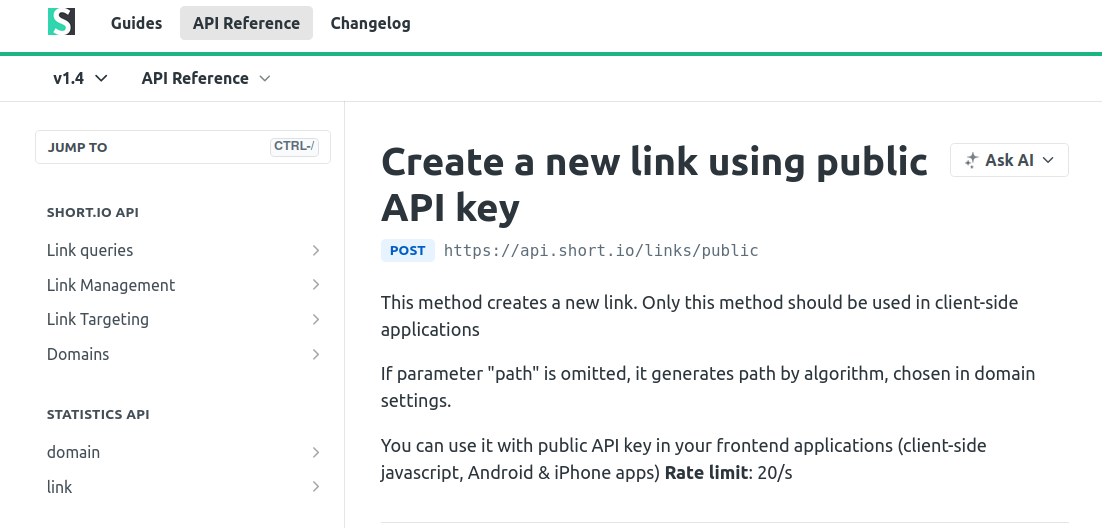
In the Short.io API reference section, you will find Link queries (e.g., Get link info, List links), Link Management (e.g., Create link, Update link, Delete link, Generate QR codes), Link Targeting (e.g., Get/Create link country & region targeting), and Domains (e.g., List domains, Get domain details, Update domain settings). The Statistics API includes domain-level and link-level metrics, such as Domain statistics, Link clicks, and Most popular links endpoints. Commonly used methods include creating a new short link, retrieving link details by ID, listing links for a domain, and fetching link click statistics.
How to test the code
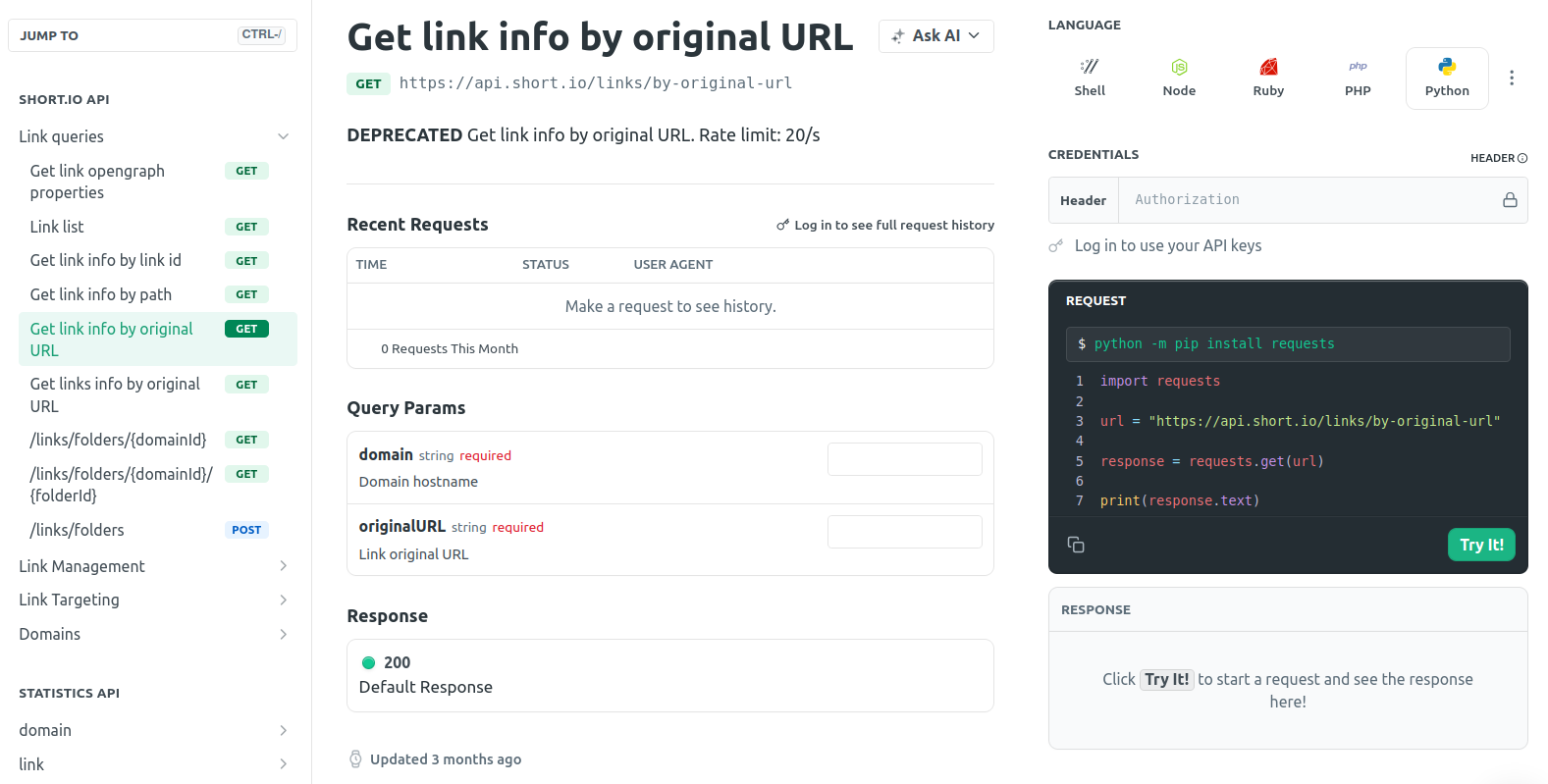
You can test the code directly in your browser. To do this, navigate to the API reference section of our Developers hub and select the needed operation. Next, provide the required data and click the Try it button.
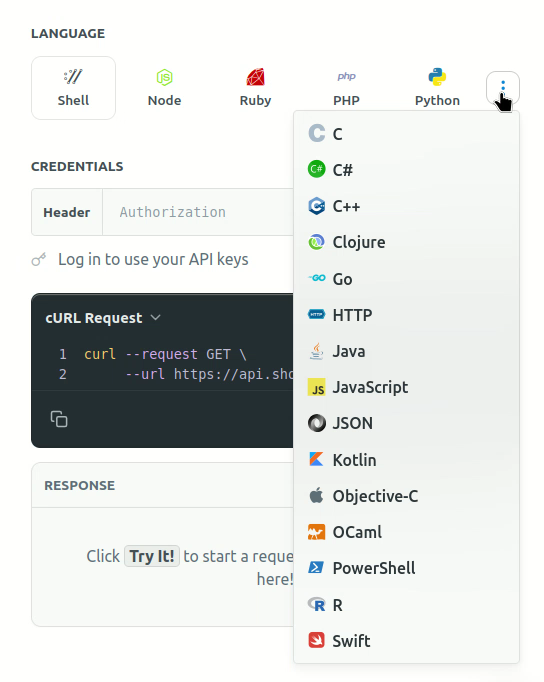
Short.io supports a variety of programming languages to choose from:
API Limits
-
We have 20-50 RPS limit for our API calls to protect Short.io from DoS attack
-
You can create 1000 links per one API call (1 API call per 5 sec)
API keys
To pass the authentication process, you need to send an API key as Authorization header.
How to create an API key
-
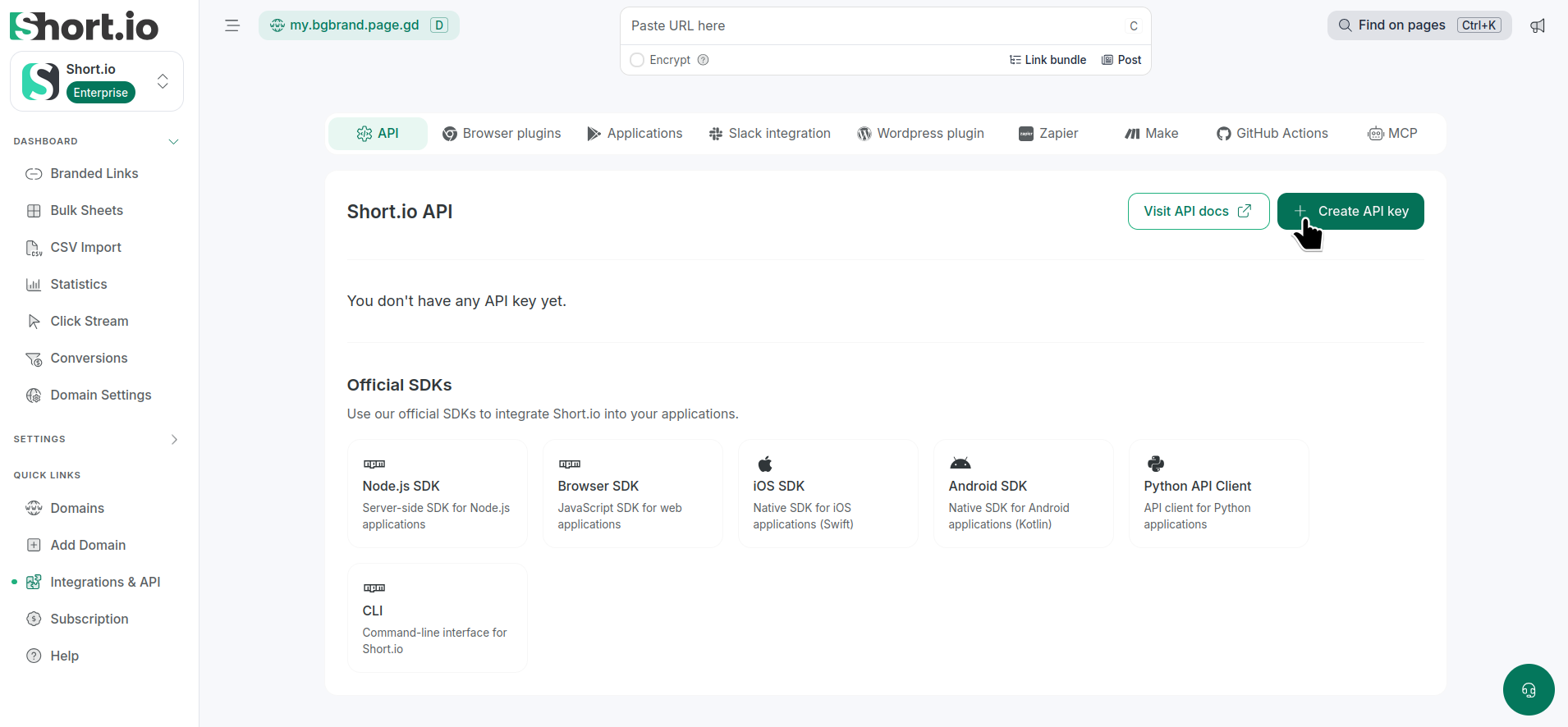
In the Short.io app, navigate to the Integrations & API menu -> API:
-
Click Create API key.
-
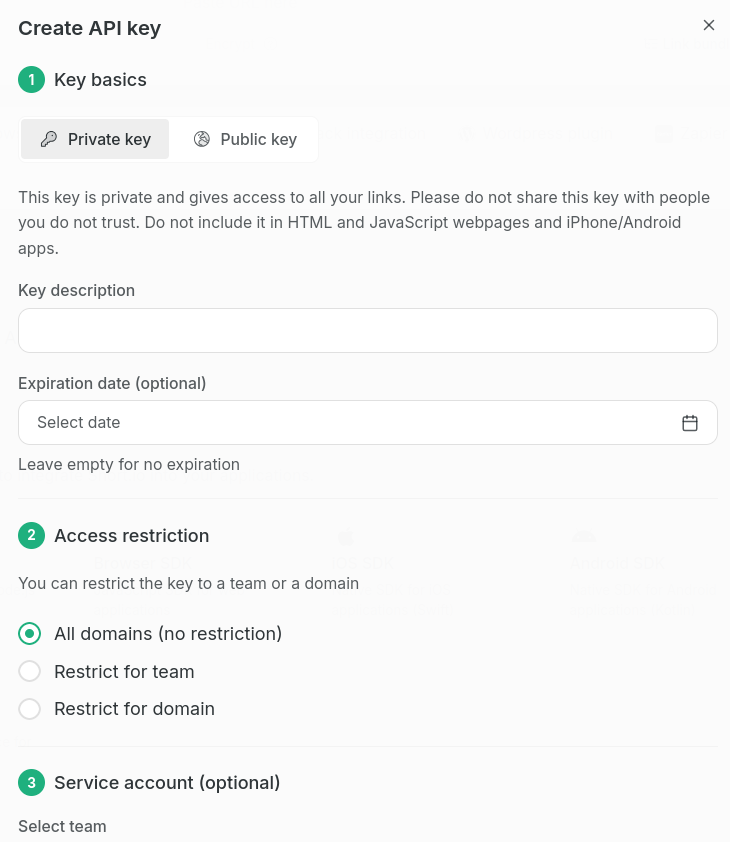
In the next dialog
-
in Key basics section:
-
select the key type - Private or Public.
Important notes-
Private keys provide full access to all your links. Keep them secure and only share them with people you trust. Never expose private keys in client-side code, such as HTML or JavaScript webpages, or in iPhone, Android, or other client applications
-
Public keys can only be used to create links on your domains. They are safe to include in front-end JavaScript code, iPhone, Android, or desktop apps. Please note that if you include a public key in publicly accessible source code, anyone with access to the key will be able to create links on your domains. Only use public keys if this is the behavior you expect
-
-
(optionally) provide Key Description
-
(optionally) set Expiration date or leave empty for no expiration
-
-
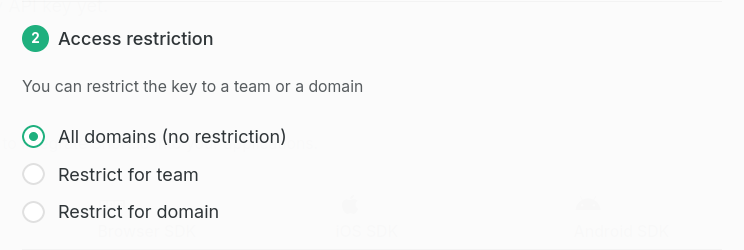
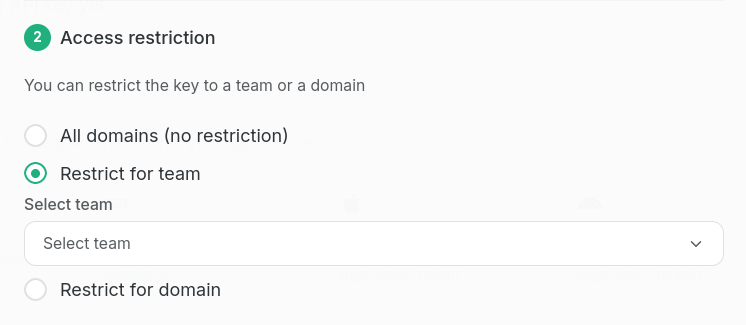
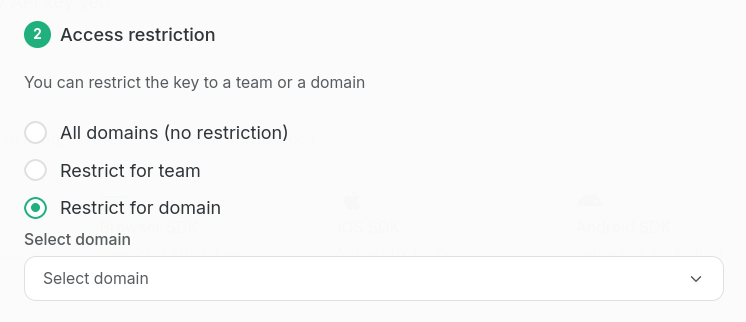
in Access restrictions section:
- select the API key access level - All domains (no restriction), Restrict for team or Restrict for domain
-
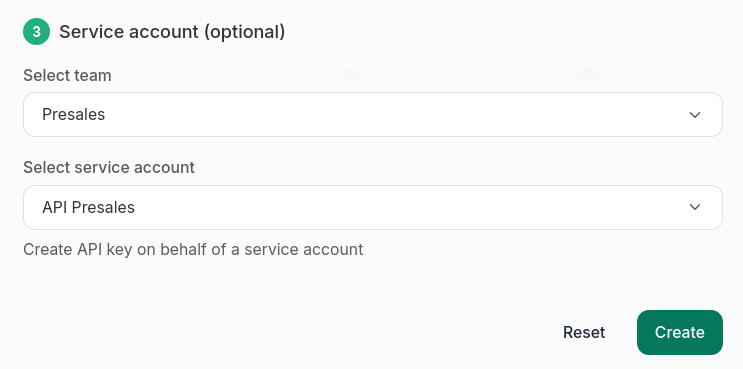
Service account (optional)
- you can optionally select a service account to use for this API key, for example:
-
-
Click Create.
-
In the next dialog you can copy the newly created key and then use it in your requests:
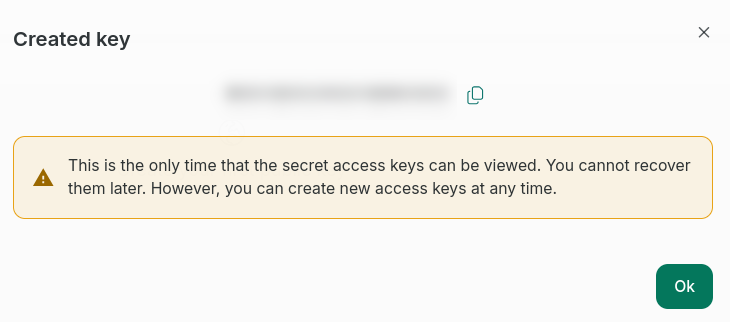
This is the only time you can view your secret access keys. You will not be able to recover them later, but you can create new access keys at any time.
The API key will be displayed under the Public keys or the Secret Keys depending on its type:
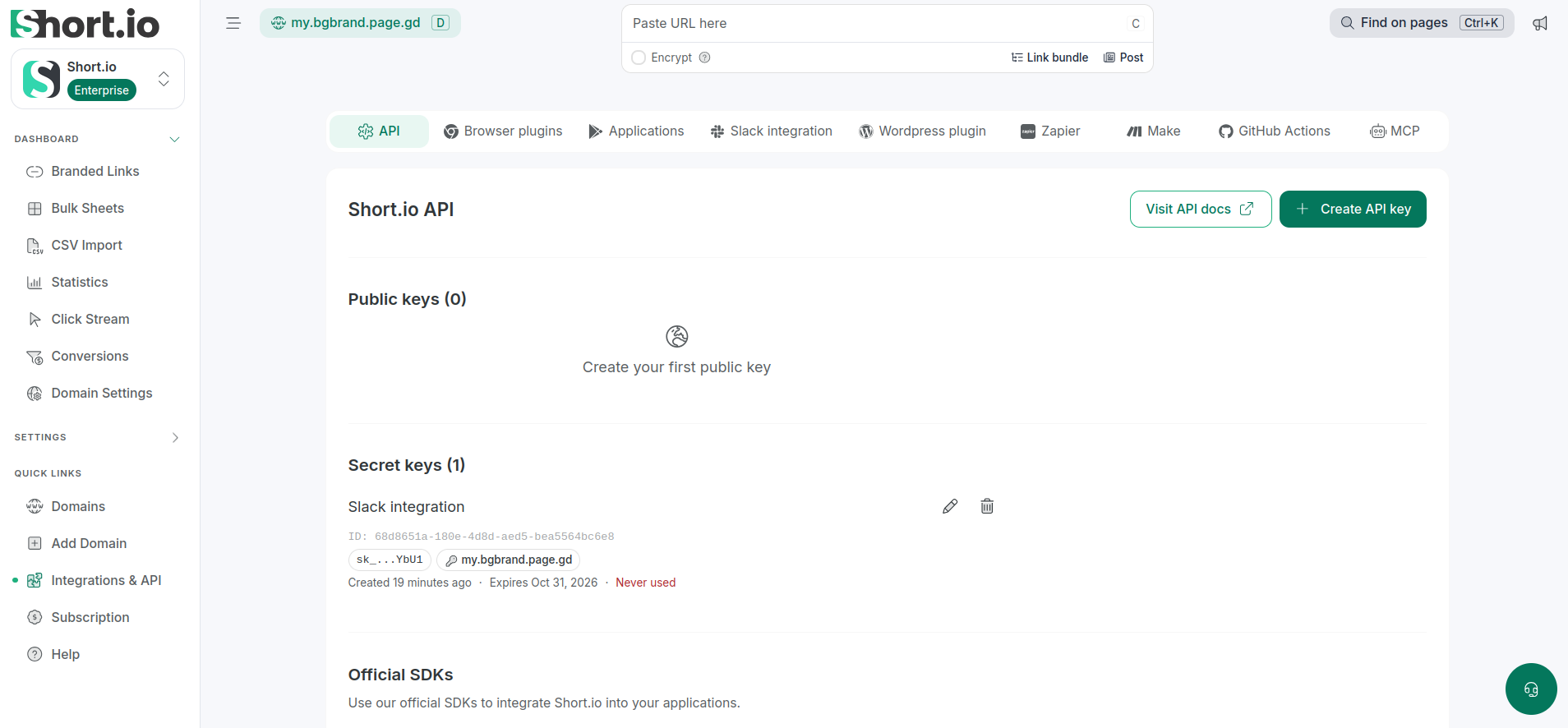
Expired API keys are highlighted in red and keys expiring within 7 days are highlighted in amber. When you attempt to use expired keys, they are immediately rejected.
How to manage API keys
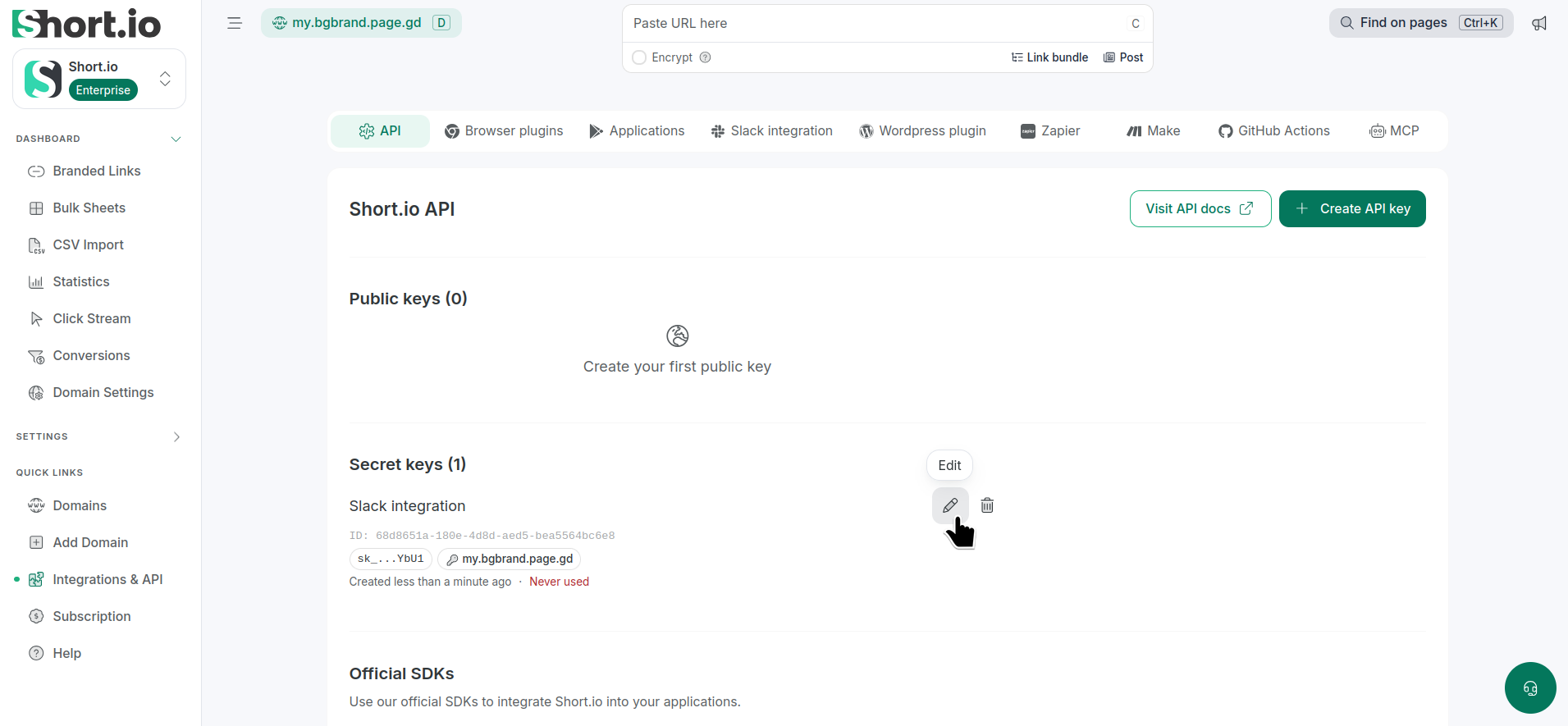
To edit an API key's description/and or expiration date:
-
From the Integrations and API -> API tab, click next to the key to be modified:
-
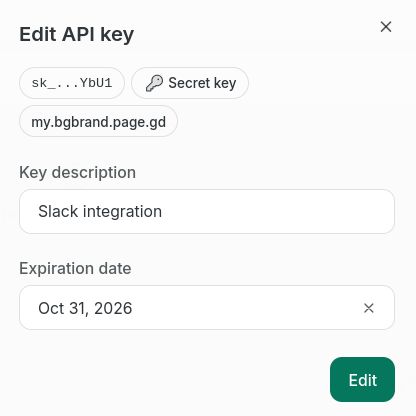
In the next dialog change the needed details:
-
Click Edit to confirm.
The changes will be applied.
To delete a key:
-
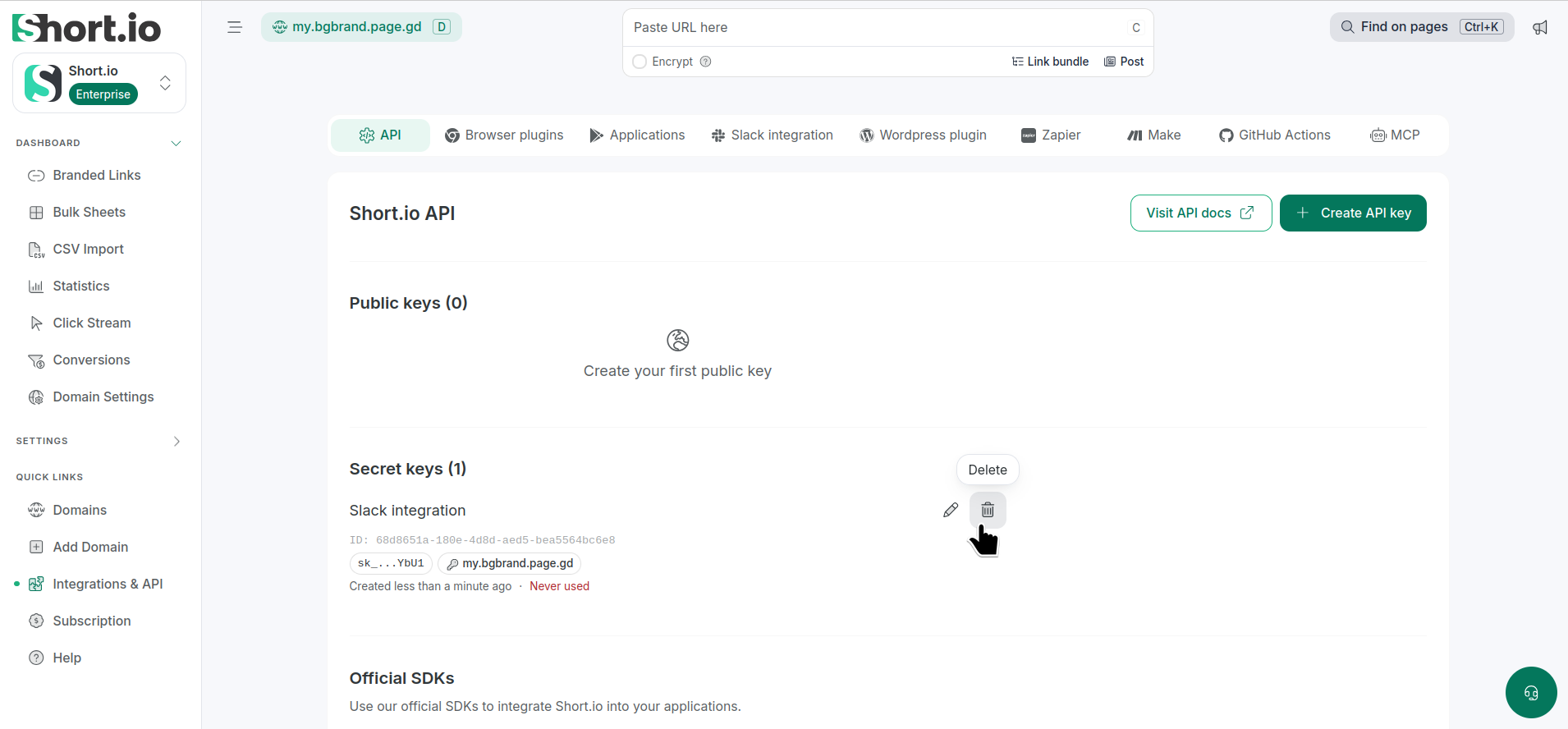
From the Integrations and API -> API tab, click next to the key to be removed:
-
In the next dialog click Delete:
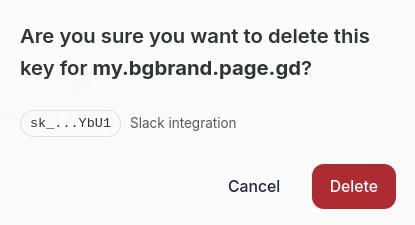
The key will be removed.
API Guides
You can find detailed instructions on how to send API requests in the following link: https://docs.short.io/category/api-guides
Used programming languages: Python, Node.js, and Ruby.
If you have any questions about the Short.io API, contact us directly at [email protected].