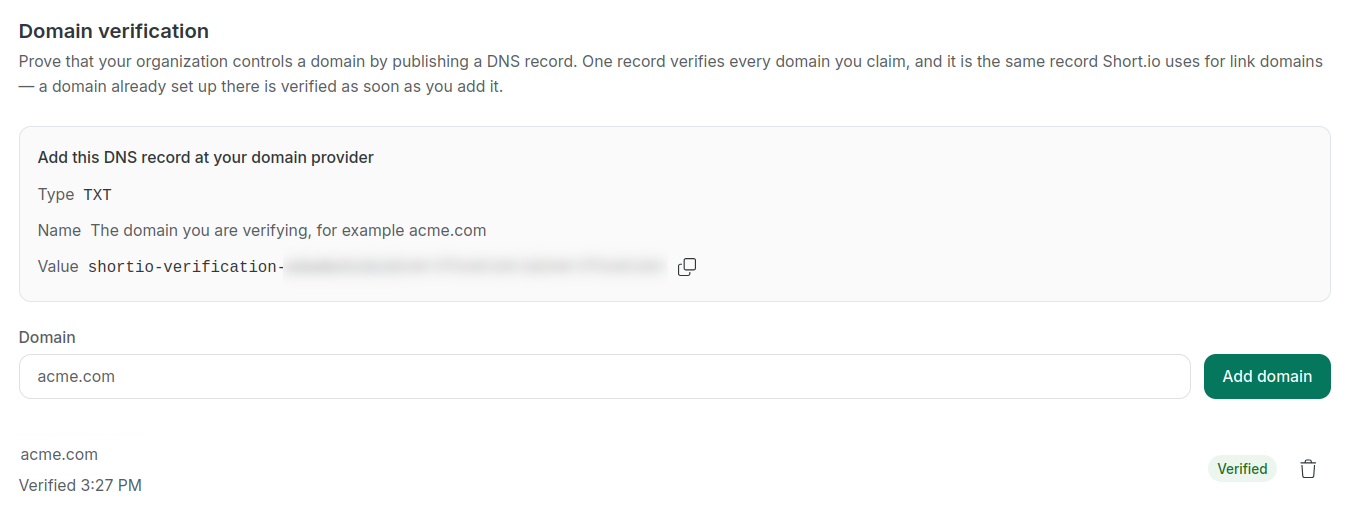
Domain verification by DNS TXT record
Organization admins can verify that their organization controls an email domain by publishing a single DNS TXT record and then adding the domain in the SSO settings.
Once the domain has been verified, the organization can use it as part of its SSO configuration. This allows users whose email addresses belong to the verified domain and are already added to the corporate SAML settings, to be recognized and sign in through the configured SSO setup.
For example, if an organization verifies example.com in its SSO settings, users with @example.com email addresses can be recognized as belonging to that organization when they sign in.
SSO is available on the Enterprise Plan.
Verifying the domain
[Short.io]
-
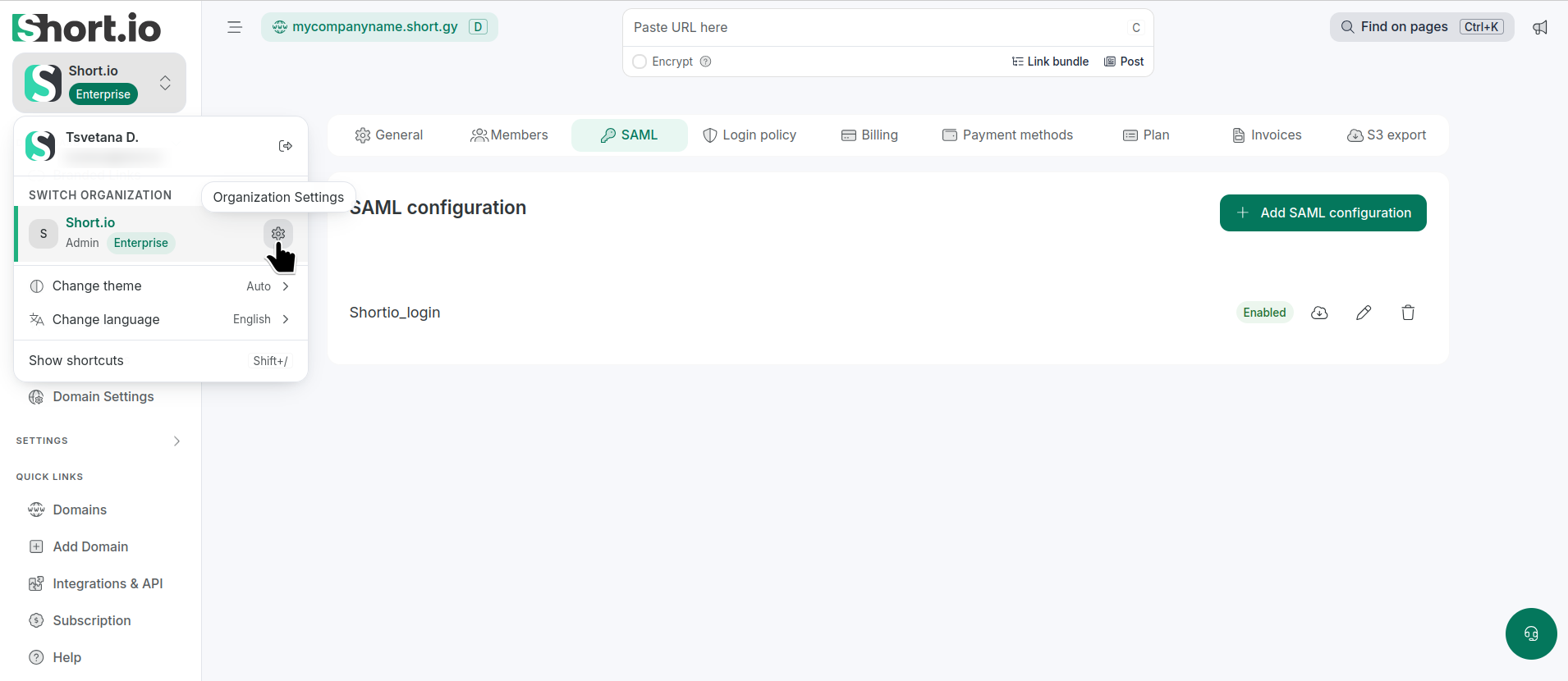
From Short.io's left panel, expand the Organization settings.
-
Click the icon next to the Organization for which you want domain verification:
-
Navigate to the SAML tab.
-
Open the configuration by clicking .
-
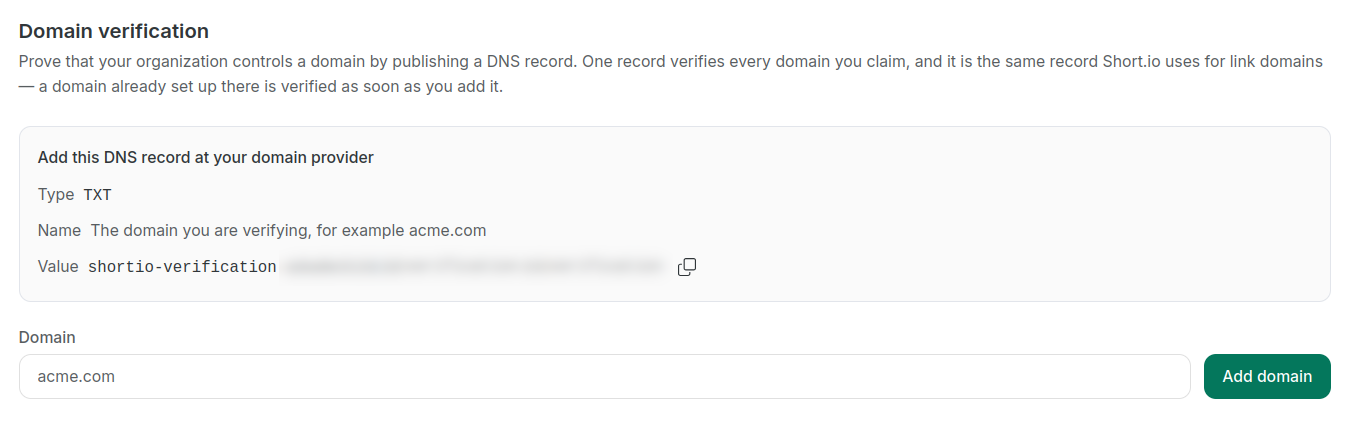
Scroll down to Domain verification:
-
Copy the Value for the TXT record.
[Domain provider]
- Open your domain provider settings, create one TXT record for this domain with the above Value.
[Short.io]
- Enter the domain name and click Add domain.
The domain will be marked as verified: