How to use the Short.io Abuse Portal
The Short.io Acceptable Use Policy in our Terms & Conditions strictly prohibits activities that compromise user safety or system stability. Violating these community rules and guidelines will result in a permanent account ban, domain suspension and links deletion.
To make it easy for users to report illegal activity and for government authorities to request information about suspended domains within their jurisdiction, we have created an Abuse Portal - https://abuse.short.io/.
Submitting abuse reports
You can submit a report if you have encountered anything prohibited on Short.io, including (but not limited to) the following:
-
Spam - links to any unwanted and/or irrelevant content
-
Illegal content - links to websites with illegal information
-
Copyright infringement - links related to the unauthorized use, reproduction, distribution, or public display of material protected by copyright
-
Phishing - links to websites that mislead users, impersonating legitimate organizations (like banks or postal services), trying to steal passwords, credit card numbers, and personal data
-
Scam & Fraud - links to fake online stores, or fake investment & crypto websites with unusual payment methods, offering "Too Good to Be True" discounts or incredible financial returns
-
Malware - links to malware and viruses
-
Abuse materials (& CSAM) - links to any pornographic and harmful content including child and minors exploitation or abuse materials
To submit a report:
-
Open https://abuse.short.io/.
-
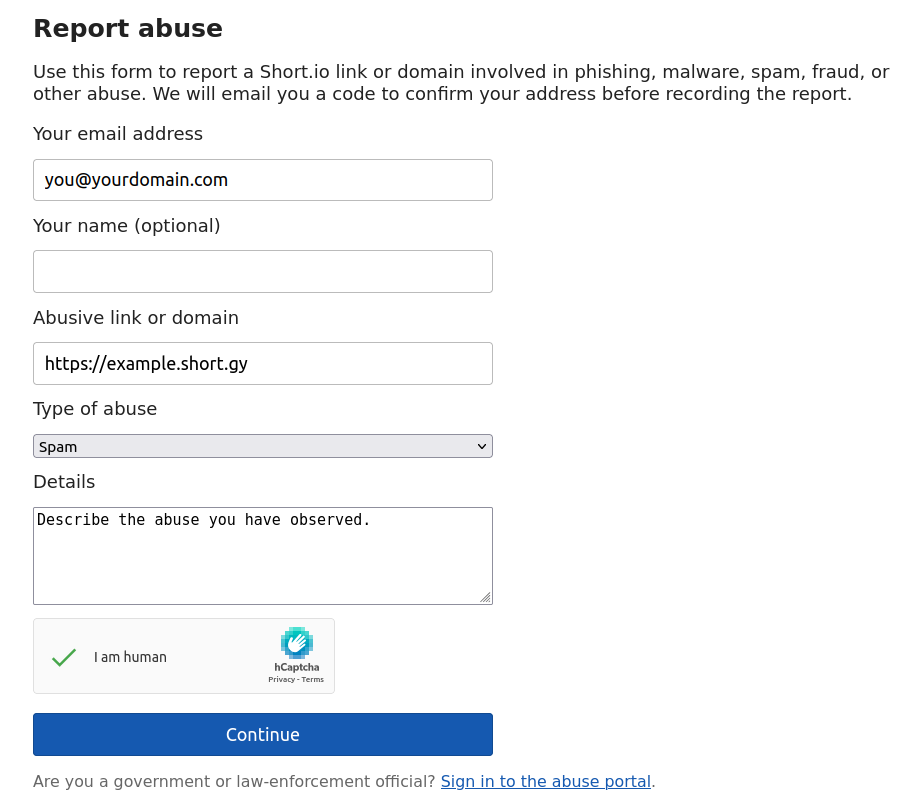
Provide the following information:
-
Your email address
-
Your name (optional)
-
Abusive link or domain
-
Type of abuse (select one from the list) - Phishing, Spam, Scam or Fraud etc.
-
Details - describe the abuse you have observed
-
-
Check the "I am human" CAPTCHA option.
-
Click Continue.
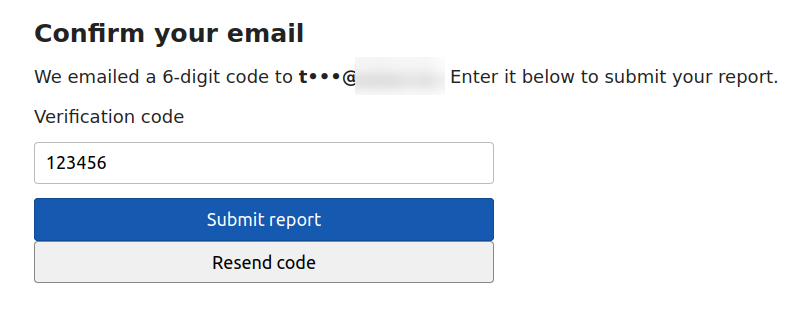
We will email you a code to confirm your address before recording the report.
-
Copy the verification code from your email and enter it:
-
Click Submit report.
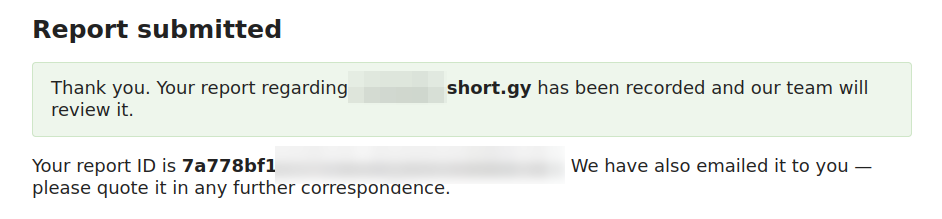
Your report has been submitted. The Short.io team will review it and act accordingly.
Using the Abuse Portal as a government official
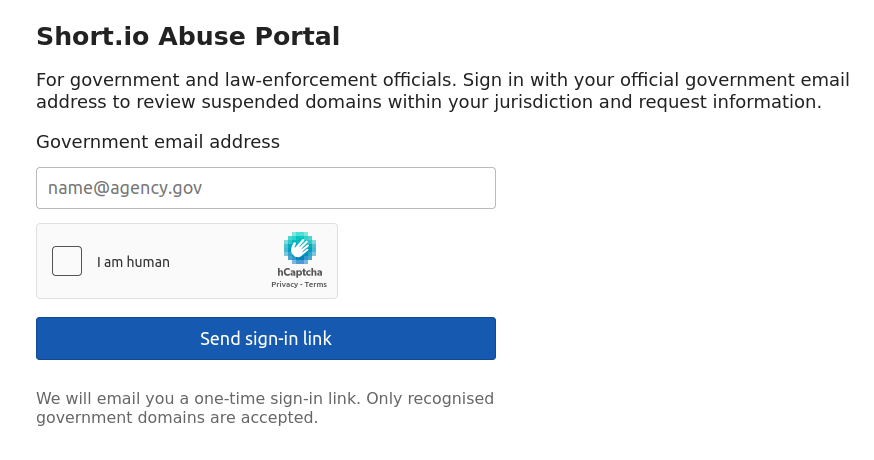
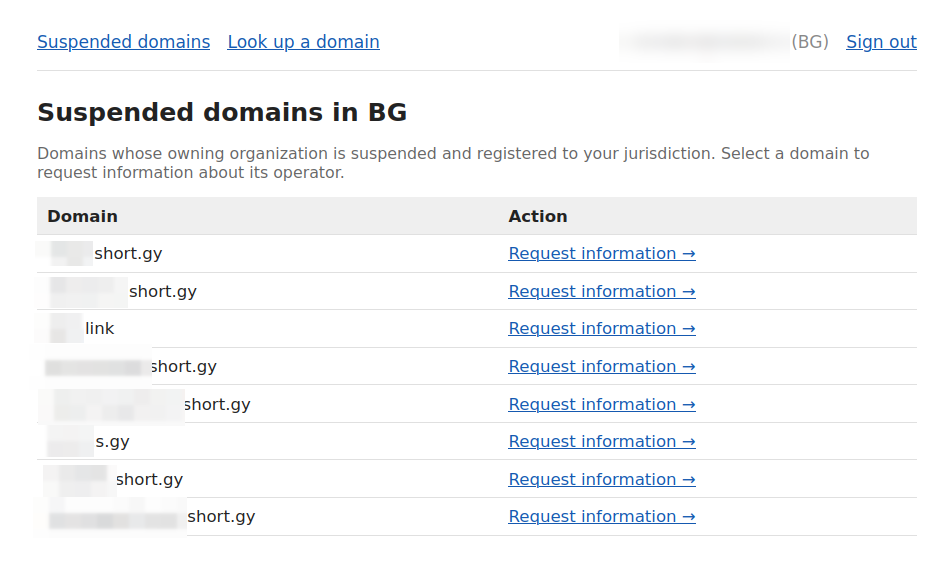
If you are a government or law-enforcement official, you can sign in with your email address to the Abuse Portal. You will be able to see a list of suspended domains within your jurisdiction. Once you have provided the required legal basis, you can request information about the owner of a domain.
Signing in to the portal
-
Enter your official government email address:
-
Check the "I am human" CAPTCHA option.
-
Click Send sign-in link.
If your email is recognized as a government address, we will send you a one-time sign-in link that expires in 30 minutes.
-
Open the email and click the link.
The suspended domains within your jurisdiction are displayed:
Looking up a domain
To check if a domain is suspended, follow these steps:
-
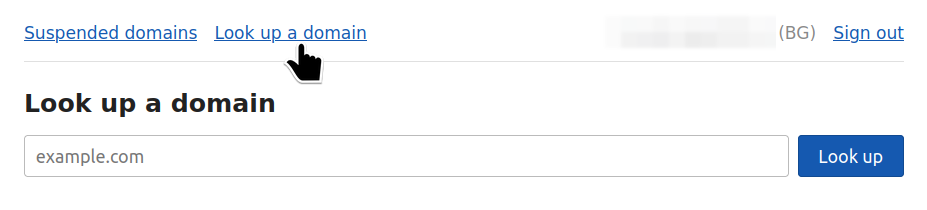
From the Abuse Portal click Look up a domain:
-
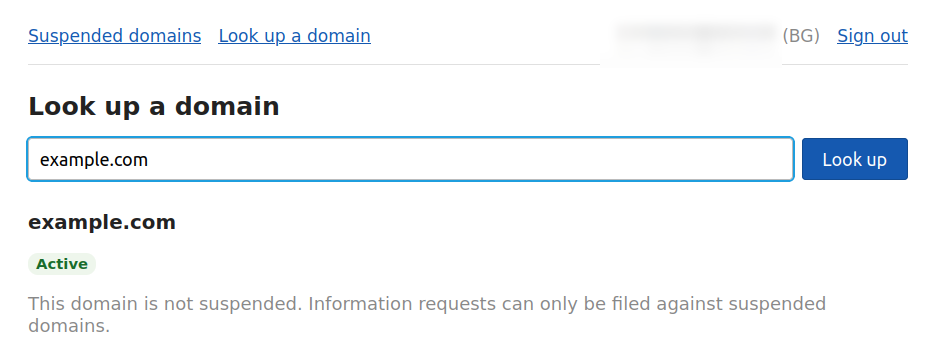
Enter the domain name and click Look up.
Details about the domain are displayed:
Requesting information
You can request information about the owner of a domain as follows:
-
From the Abuse Portal Suspended domains screen click Request information next to the relevant domain name:
-
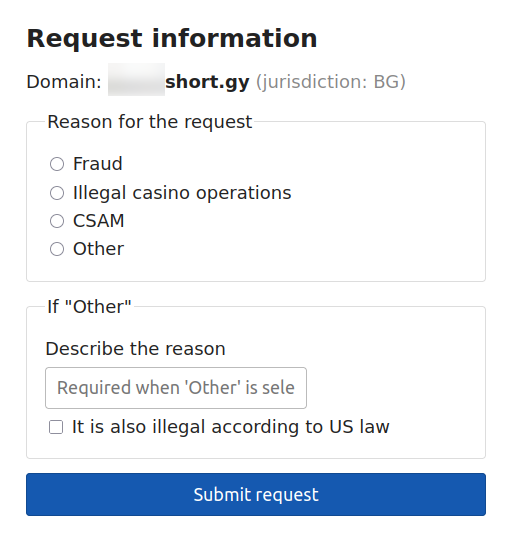
Provide the following details:
-
Reason for the request - choose one from the list
-
If Other is selected, describe the reason
-
Mark the option Is it also illegal according US law if relevant
-
-
Click Submit request.
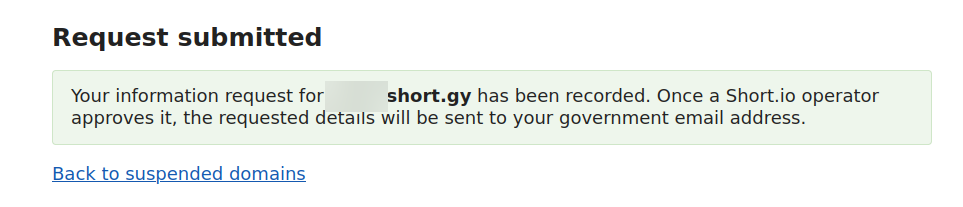
The information request has been recorded and if approved, the details will be emailed to you.